
As the holiday season approaches, nothing disrupts the festive mood faster than malfunctioning Christmas lights—especially when the culprit is a stubborn timer. Whether you're using a sleek digital model or a classic mechanical timer, issues can arise from power fluctuations, incorrect settings, or environmental wear. Understanding the root causes and knowing how to troubleshoot them can save time, money, and frustration. This guide dives into the most common reasons why your Christmas light timer fails and provides actionable solutions tailored to both digital and mechanical types.
Understanding How Christmas Light Timers Work
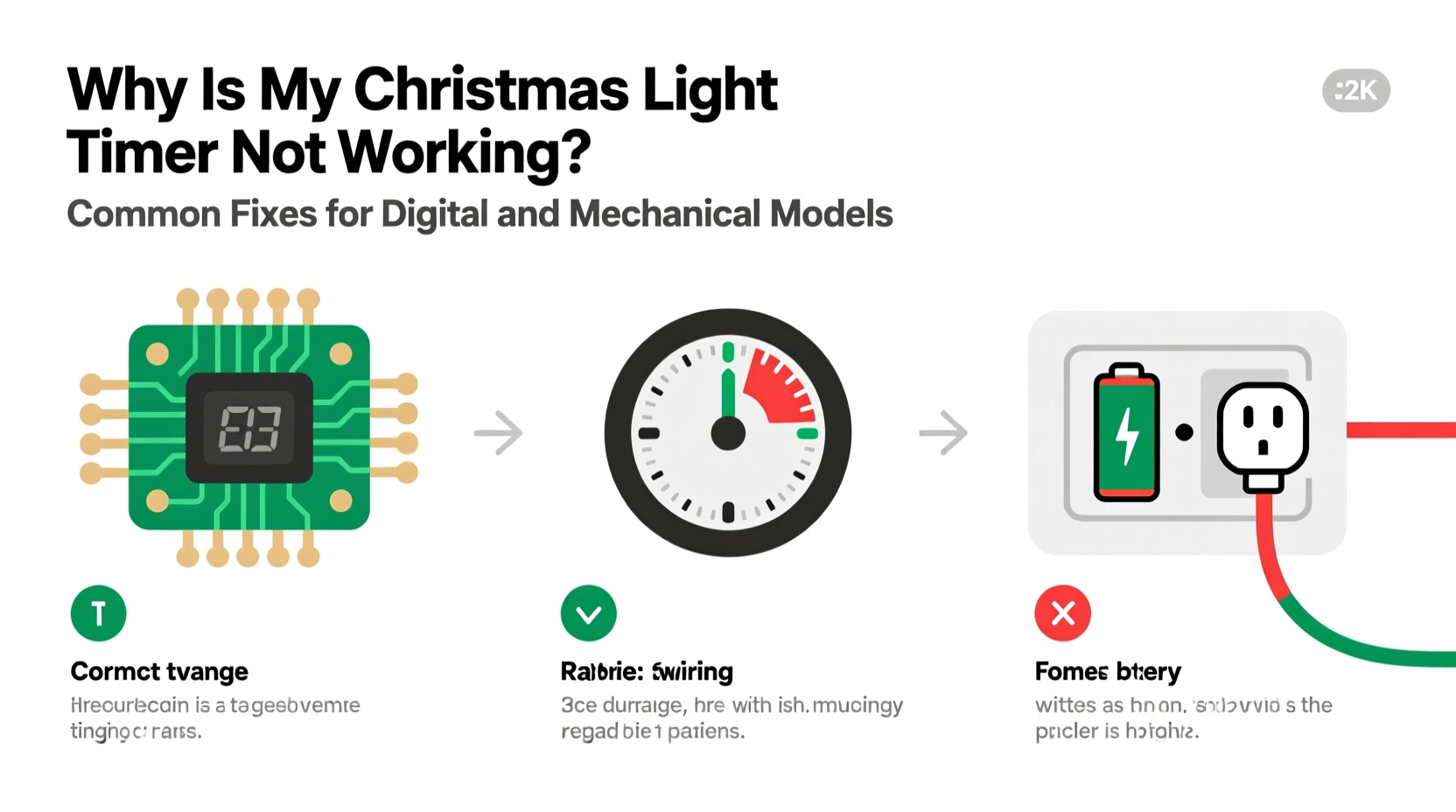
Christmas light timers are designed to automate decoration schedules, turning lights on and off at preset times. Mechanical timers use a rotating dial and spring-loaded mechanism that advances every few minutes, while digital models rely on electronic circuits, internal clocks, and programmed settings.
Despite their differences, both types serve the same purpose: convenience and energy efficiency. However, because they operate differently, the failure symptoms and fixes vary significantly. A mechanical timer might stop due to worn gears or jammed dials, whereas a digital unit could fail from dead batteries, corrupted memory, or exposure to moisture.
Before attempting repairs, always unplug the device. Safety comes first—especially when dealing with outdoor electrical components exposed to weather and seasonal temperature shifts.
Common Causes of Timer Failure
Timers fail for a variety of reasons, some preventable, others due to unavoidable wear. Identifying the cause is the first step toward an effective fix.
- Power interruptions: Sudden outages can reset digital timers or misalign mechanical ones.
- Battery failure (digital models): Many digital timers use backup batteries to retain settings during power loss. A dead battery means lost programming.
- Moisture damage: Outdoor timers exposed to rain, snow, or high humidity may suffer internal corrosion.
- Overloaded circuits: Plugging in too many lights or high-wattage strings can trip internal safety mechanisms.
- Mechanical wear: In older mechanical timers, the internal clock spring weakens over time, causing inaccurate timing or complete stoppage.
- Incorrect settings: Accidental bumps or improper programming can disable automatic functions.
Environmental factors like freezing temperatures or direct sunlight can also degrade plastic housings and internal components. For example, prolonged UV exposure makes casings brittle, increasing the risk of cracks that let in moisture.
“About 30% of reported timer failures we see in holiday repair clinics are actually user error—misprogramming or mismatched load ratings—not hardware defects.” — Mark Reynolds, Electrical Technician & Holiday Lighting Specialist
Troubleshooting Digital Timers: Step-by-Step Guide
Digital Christmas light timers offer precision and programmability but are more sensitive to technical glitches. Follow this sequence to diagnose and resolve issues:
- Unplug the timer and wait 30 seconds. This resets any temporary electrical lockup.
- Check the display screen. If blank, inspect the backup battery compartment (usually a CR2032 coin cell). Replace if corroded or drained.
- Reprogram the timer from scratch. Clear all settings and re-enter the on/off schedule carefully. Refer to the manual for correct button sequences.
- Test with a known-working lamp or small appliance. Plug a table lamp into the timer outlet to verify output functionality independent of the lights.
- Ensure outdoor units are under cover. Even “weather-resistant” timers should be shielded from direct rain or snow accumulation.
- Verify wattage limits. Add up the total wattage of connected lights. Exceeding the timer’s rated capacity (often 1,800–2,000 watts) will trigger overload protection.
If the display flickers or shows garbled characters, the internal circuit board may be damaged. In such cases, replacement is usually more cost-effective than repair.
Fixing Mechanical Timers: Practical Solutions
Though less advanced, mechanical timers are often more durable in harsh conditions—if maintained properly. Their simplicity means fewer electronic components to fail, but mechanical parts can seize or wear out.
Start by manually rotating the timer dial clockwise. You should feel consistent resistance and hear soft clicks every 15 or 30 minutes, depending on the model. If the dial won’t turn, or spins too freely, internal gears are likely broken or disengaged.
To address common mechanical issues:
- Clean dust and debris from around the dial using compressed air. Avoid water or solvents.
- Inspect the trippers (small plastic tabs on the dial) that activate switches. These can become bent or stuck, preventing contact closure.
- Ensure the timer is mounted vertically. Tilting can interfere with the internal spring mechanism.
- Replace the entire unit if the motor no longer advances the dial—even after plugging into a different outlet.
One frequent issue occurs when users set the current time incorrectly. The timer runs, but lights turn on at the wrong hour. Always align the arrow marker with the actual time before setting on/off periods.
Mini Case Study: The Frozen Porch Timer
Sarah in Minneapolis installed a mechanical timer outdoors in late November. By mid-December, her lights stayed on all night. She checked the bulbs and cords—everything worked. After reading online about cold-related failures, she brought the timer inside, let it warm for an hour, and manually reset the dial. The timer resumed normal operation. Later, she moved it under the eaves and used a weatherproof enclosure. Her lights have worked perfectly ever since.
This illustrates how extreme cold can temporarily stiffen lubricants in mechanical timers, halting movement until warmed. A protective housing prevents recurrence.
Do’s and Don’ts: Comparison Table
| Action | Do | Don’t |
|---|---|---|
| Placement | Install under eaves or covered outlets; use GFCI-protected circuits | Leave exposed to direct rain, snow, or standing water |
| Load Management | Calculate total wattage; stay below 80% of max rating | Daisy-chain multiple heavy-duty light strings beyond capacity |
| Programming | Set clock accurately; double-check AM/PM settings | Assume settings saved after power outage without battery backup |
| Maintenance | Store indoors in dry container after season; clean contacts gently | Use abrasive cleaners or submerge in water to clean |
| Troubleshooting | Test with a simple lamp first; isolate problem component | Keep using a smoking, sparking, or hot-to-touch timer |
Preventive Maintenance Checklist
Extend the life of your Christmas light timer with these proactive steps:
- ✅ Remove and store timers indoors after the holiday season.
- ✅ Clean exterior with a dry cloth; avoid moisture near vents or buttons.
- ✅ Inspect cords and plugs for fraying or cracking before reuse.
- ✅ Replace backup batteries annually, even if the timer seemed functional last year.
- ✅ Verify GFCI outlets are working by pressing \"Test\" and \"Reset\" before installation.
- ✅ Label each timer with its location and settings for next year.
- ✅ Use surge protectors for digital models in areas prone to lightning or grid fluctuations.
Storing your timer in a labeled plastic bin with other holiday lighting gear ensures it’s ready—and safe—to use next season.
Frequently Asked Questions
Why does my digital timer reset every night?
This typically happens when the backup battery is missing, dead, or improperly seated. Without battery support, the timer loses memory during brief power blips. Replace the battery and reprogram the schedule. Also, consider using a surge-protected outlet to stabilize input power.
Can I use a mechanical timer indoors for outdoor lights?
No. Indoor-only timers lack weatherproofing and can become hazardous when used outside. Always use an outdoor-rated timer (look for UL listing and “Suitable for Wet Locations”) if placing anywhere exposed to moisture. Even indoor-placed timers controlling outdoor lights must connect through a protected conduit path.
My timer feels warm—is that normal?
Slight warmth is acceptable under load, especially with multiple light strings. However, excessive heat, discoloration, or a burning smell indicates overload or internal fault. Unplug immediately and do not reuse. Replace with a higher-capacity or commercial-grade model if needed.
Conclusion: Keep Your Lights Shining On Time
A non-working Christmas light timer doesn’t mean the end of your display. With basic troubleshooting, most issues—whether in digital or mechanical models—can be resolved quickly. From checking batteries and verifying settings to protecting devices from the elements, small actions make a big difference in reliability and longevity.
The holiday spirit thrives on consistency and charm, and automated lighting helps maintain that magic without daily effort. By applying these fixes and preventive habits, you ensure your home remains bright and welcoming throughout the season.




 浙公网安备
33010002000092号
浙公网安备
33010002000092号 浙B2-20120091-4
Comments
No comments yet. Why don't you start the discussion?