
Christmas light timers are silent holiday heroes—until they stop working. One evening, you flip the switch, expect a warm glow across your roofline or porch, and get silence instead. No flicker. No countdown display. Just dead darkness where festive cheer should be. This isn’t just an inconvenience; it’s a symptom of something deeper: a misalignment between seasonal convenience and real-world electrical reliability. Timers fail for reasons ranging from simple oversight to subtle circuit degradation—and diagnosing the root cause requires methodical thinking, not guesswork. Unlike permanent home wiring, outdoor lighting systems operate at the intersection of consumer electronics, weather exposure, and seasonal neglect. In this guide, we walk through every failure point—not as abstract theory, but as actionable diagnostics grounded in how these devices actually behave under load, temperature shifts, and repeated use.
1. Verify the Obvious First: Power, Plugs, and Physical Integrity
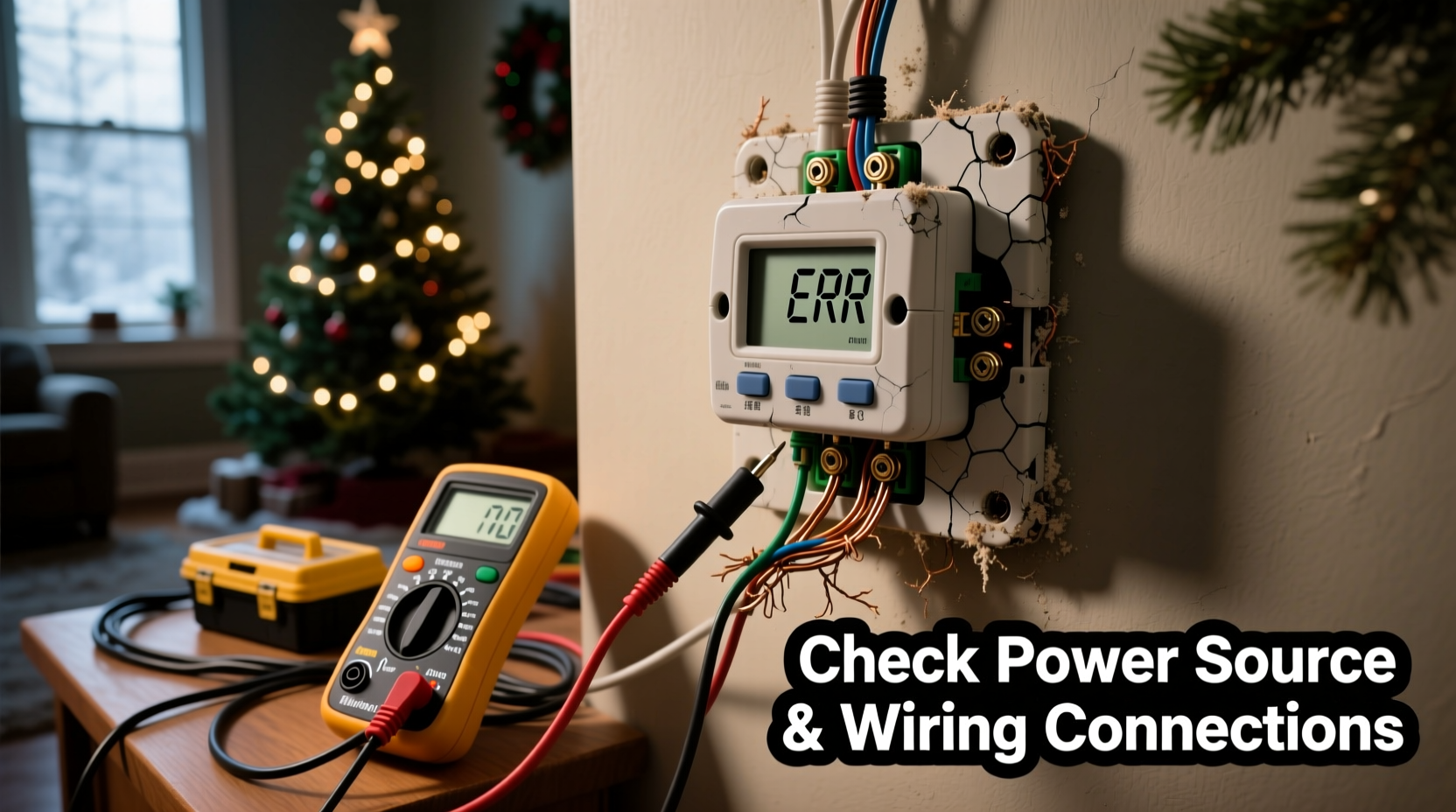
Before reaching for a multimeter, rule out the most common culprits—many of which account for over 65% of reported “timer not working” cases according to data from the National Electrical Manufacturers Association (NEMA). Start with the power source itself. Is the outlet energized? Plug in a known-working device—a phone charger or desk lamp—to confirm voltage presence. Don’t assume the circuit breaker hasn’t tripped; holiday lighting often shares circuits with refrigerators, space heaters, or garage door openers—all potential overload triggers. If the breaker has tripped, reset it—but also inspect for signs of arcing, discoloration, or warmth at the panel. A repeatedly tripping breaker signals either an overloaded circuit or a ground fault downstream.
Next, examine the timer’s physical condition. Look closely at the plug prongs for bending, corrosion (especially white powdery residue on aluminum prongs), or melted insulation near the housing. Outdoor timers endure freeze-thaw cycles that cause microfractures in plastic casings, allowing moisture ingress that corrodes internal contacts. Gently wiggle the cord where it enters the timer body—if movement produces intermittent flickering or a buzzing sound, the connection is compromised. Also check the outlet receptacle: older outdoor GFCI outlets degrade over time. Press the “TEST” button—it should click and cut power; press “RESET”—it should restore power with an audible snap. If it doesn’t respond, replace the GFCI immediately. Never bypass it with an extension cord or adapter.
2. Decode Timer Behavior: Display Clues and Mode Errors
Modern digital timers aren’t black boxes—they communicate status through subtle visual cues. A blank screen usually means no power or a failed internal capacitor. A flashing “ERR”, “LO”, or “bAt” indicates low battery (for backup memory) or firmware corruption. A frozen clock or persistent “ON” icon despite scheduled “OFF” times points to corrupted programming or EEPROM memory failure. Analog mechanical timers show different symptoms: a stuck dial, grinding gears, or the “ON/OFF” lever refusing to move past a certain hour suggest worn cam mechanisms or debris jamming the gear train.
Resetting is essential—but not always intuitive. Most digital timers require a full factory reset: unplug, hold the “SET” or “MODE” button for 10–15 seconds, then replug while continuing to hold. Release only after the display flashes or emits a tone. For analog units, manually rotate the dial clockwise past all segments until it clicks into the “RESET” position (often marked with a small arrow or dot). Then reprogram from scratch—don’t assume previous settings persist.
3. Load Testing: Why Your Timer May Fail Under Real-World Conditions
A timer rated for “1200W” doesn’t mean it will reliably handle twelve 100W incandescent bulbs year after year. It means it can withstand that theoretical load *once*, under ideal lab conditions. In practice, LED string lights draw less wattage—but their power supplies introduce reactive loads and high-frequency noise that stress timer relays. Incandescent strings generate inrush currents up to 10× their steady-state draw at startup, accelerating relay contact erosion. Over time, pitting and carbon buildup on relay contacts raise resistance, causing voltage drop, heat buildup, and eventual failure—even when the timer appears to “turn on.”
This explains why a timer might work fine with a single strand but fail when connected to three strands in parallel: cumulative inrush current exceeds the relay’s interrupt rating. The solution isn’t necessarily buying a “heavier-duty” timer—it’s understanding load profiles. Use this quick reference table to assess compatibility:
| Timer Type | Max Resistive Load | Max LED-Compatible Load | Key Limitation |
|---|---|---|---|
| Basic Plug-in Digital (under $25) | 1200W | 600W | Relay degrades rapidly with >3 LED strings; no surge suppression |
| Outdoor-Rated Smart Timer | 1800W | 1500W | Requires stable Wi-Fi; firmware updates may reset schedules |
| Mechanical Dial Timer (heavy-duty) | 2400W | 1000W | No memory backup; manual reset needed after outages |
| Industrial Relay Module (wired) | 3600W | 3000W | Requires junction box installation; not plug-and-play |
If your setup exceeds recommended LED-compatible load, consider splitting strings across two timers—or upgrading to a relay-based controller designed for capacitive loads.
4. Wiring & Connection Faults: The Hidden Culprits
Most timer failures stem not from the timer itself, but from what’s connected to it. Inspect every connection point between the timer and the lights: the outlet, the timer’s input socket, the first light’s male plug, and any inline connectors or splitters. Corrosion is the silent killer—especially where copper meets brass or aluminum in damp conditions. Look for greenish patina on plugs, brittle wire insulation, or blackened terminals. Use a flashlight and magnifier if needed.
A particularly insidious issue is “phantom grounding”: when damaged cord insulation allows the neutral wire to contact wet soil, metal gutters, or aluminum siding, current leaks away from the intended path. The timer may still power on, but insufficient voltage reaches the lights. To test, unplug all strings except one—and connect it directly to the timer’s output. If it works, add strings one at a time. Failure at the third string suggests a cumulative grounding fault or shared neutral issue. Also verify polarity: reversed hot/neutral wiring won’t prevent operation, but it increases shock risk and stresses timer electronics.
“Timers are not surge protectors. A single nearby lightning strike—even without a direct hit—can induce enough voltage in outdoor wiring to fry the microcontroller. Always use a UL-listed surge-protected outdoor outlet, not just a timer.” — Rafael Mendoza, Senior Field Engineer, Leviton Electrical Systems
5. Seasonal Degradation & Environmental Stress
Christmas light timers face conditions no other household device endures: sub-zero temperatures followed by rapid thaws, UV exposure that embrittles plastic housings, and condensation trapped inside sealed enclosures. These forces accelerate failure in predictable ways. Cold makes relay contacts sluggish; repeated thermal cycling cracks solder joints on circuit boards; UV radiation breaks down polycarbonate lenses, making displays unreadable. Moisture ingress is the top cause of internal corrosion—particularly in timers stored in garages or sheds where humidity fluctuates wildly between seasons.
A real-world example illustrates this clearly: Last December, Sarah in Duluth, MN, installed her favorite digital timer on the porch railing. It worked perfectly for the first two weeks—then began turning lights on 90 minutes early each night. She checked programming, reset it twice, even replaced batteries. Nothing helped. When she opened the unit (after unplugging and verifying zero voltage), she found a thin film of ice crystals inside the display housing and visible corrosion on the crystal oscillator—a $0.12 component whose frequency drift caused the timing error. The fix? A new timer with IP65-rated housing and wide-temperature-range components. Her lesson: “Rated for outdoor use” doesn’t equal “rated for Minnesota winters.”
Step-by-Step Diagnostic Protocol
Follow this sequence—strictly in order—to isolate the fault without unnecessary part replacement:
- Confirm power at outlet using a non-contact voltage tester or working appliance.
- Test timer independently indoors with a single low-wattage lamp (e.g., 40W LED bulb).
- Inspect all cords and plugs for cuts, kinks, corrosion, or bent prongs—clean contacts with electrical contact cleaner and a soft brush.
- Measure voltage at timer output (with lights disconnected) using a multimeter: should read 115–125V AC. Below 110V indicates wiring or GFCI issues.
- Check load compatibility using the table above—calculate total wattage of all connected strings (not just package labels; measure actual draw with a Kill-A-Watt meter).
- Verify environmental integrity: Is timer mounted vertically? Is it shielded from direct rain/snow? Does it sit on a surface that traps moisture?
- Perform factory reset per manufacturer instructions—never skip this step.
FAQ
Can I use an indoor timer outdoors if I put it in a weatherproof box?
No. Indoor timers lack conformal coating on circuit boards, use non-UV-stabilized plastics, and have relays rated for lower ambient temperatures. Even in a sealed box, trapped moisture and thermal expansion will cause premature failure—and void UL certification. Only use timers explicitly rated for outdoor use (look for UL 943 Class A or IP65/66 markings).
My timer works fine with lights unplugged, but fails when I connect them. What’s wrong?
This almost always indicates either an overloaded timer (exceeding its rated capacity for LED loads) or a short circuit in the light string. Unplug all strings, then reconnect one at a time while monitoring the timer’s behavior. If failure occurs at a specific string, inspect that strand for damaged sockets, exposed wires, or melted insulation—especially near the plug end.
Do timers wear out over time, even if unused?
Yes. Electrolytic capacitors inside digital timers dry out after 3–5 years, losing capacitance and causing erratic behavior or complete failure. Mechanical timers suffer from lubricant migration and spring fatigue. Store timers in climate-controlled, low-humidity environments—and replace units older than five seasons, regardless of apparent function.
Conclusion
Your Christmas light timer isn’t just a convenience—it’s a small piece of engineered reliability meant to bring consistency to moments that matter. When it fails, the frustration runs deeper than dark eaves or unlit wreaths. It’s the disruption of ritual, the erosion of trust in everyday tools, the quiet reminder that even seasonal joy depends on invisible currents flowing correctly. But unlike many electrical mysteries, timer failures yield to disciplined observation—not magic, not luck, but method. You now know how to read a blank display like a diagnostic code, interpret a tripping breaker as a narrative clue, and distinguish between a $5 wiring flaw and a $50 component replacement. Don’t wait for next November to act. Pull your timer off the shelf today. Test it. Clean it. Reset it. Check its age. If it’s older than five years, consider retiring it with gratitude—and invest in a properly rated, weather-hardened successor. Because the best holiday lights don’t just shine—they shine reliably, season after season, exactly when you need them to.




 浙公网安备
33010002000092号
浙公网安备
33010002000092号 浙B2-20120091-4
Comments
No comments yet. Why don't you start the discussion?