
There’s nothing more frustrating than confidently swiping or inserting your credit card at a checkout counter, only to hear the terminal beep in rejection. “Chip not read,” it says. You reinsert, wait, try again—still nothing. In today’s world of EMV (Europay, Mastercard, Visa) technology, magnetic stripes are becoming obsolete, and reliance on the small metallic square embedded in your card has never been higher. When that chip fails, so does your ability to pay smoothly. But before you panic or assume your card is dead, understand this: most chip-read failures are temporary and solvable with quick, informed action.
The issue isn’t always with the card itself. Problems can stem from the terminal, environmental conditions, or even how you’re using the device. Knowing exactly what to do—and what not to do—can save time, embarrassment, and potential financial disruption.
Understanding How Credit Card Chips Work
Unlike magnetic stripes that store static data, EMV chips generate a unique, one-time code for each transaction. This dynamic authentication makes them far more secure against fraud. When you insert your card into a chip reader, the terminal communicates directly with the microprocessor embedded in the chip. If any part of this communication chain breaks down, the transaction fails.
Common reasons for failure include:
- Dirt, moisture, or corrosion on the chip surface
- Physical damage to the chip or card circuitry
- Incompatible or malfunctioning payment terminals
- Improper insertion technique (e.g., removing too soon)
- Outdated firmware in the merchant’s terminal
Because the system relies on precise electrical contact between the chip and the reader, even minor disruptions can prevent successful processing.
“EMV technology was designed to reduce fraud, but its sensitivity means cleanliness and correct usage are critical.” — David Lin, Senior Payments Analyst at FinTech Insights Group
Immediate Steps to Take When Your Chip Isn’t Reading
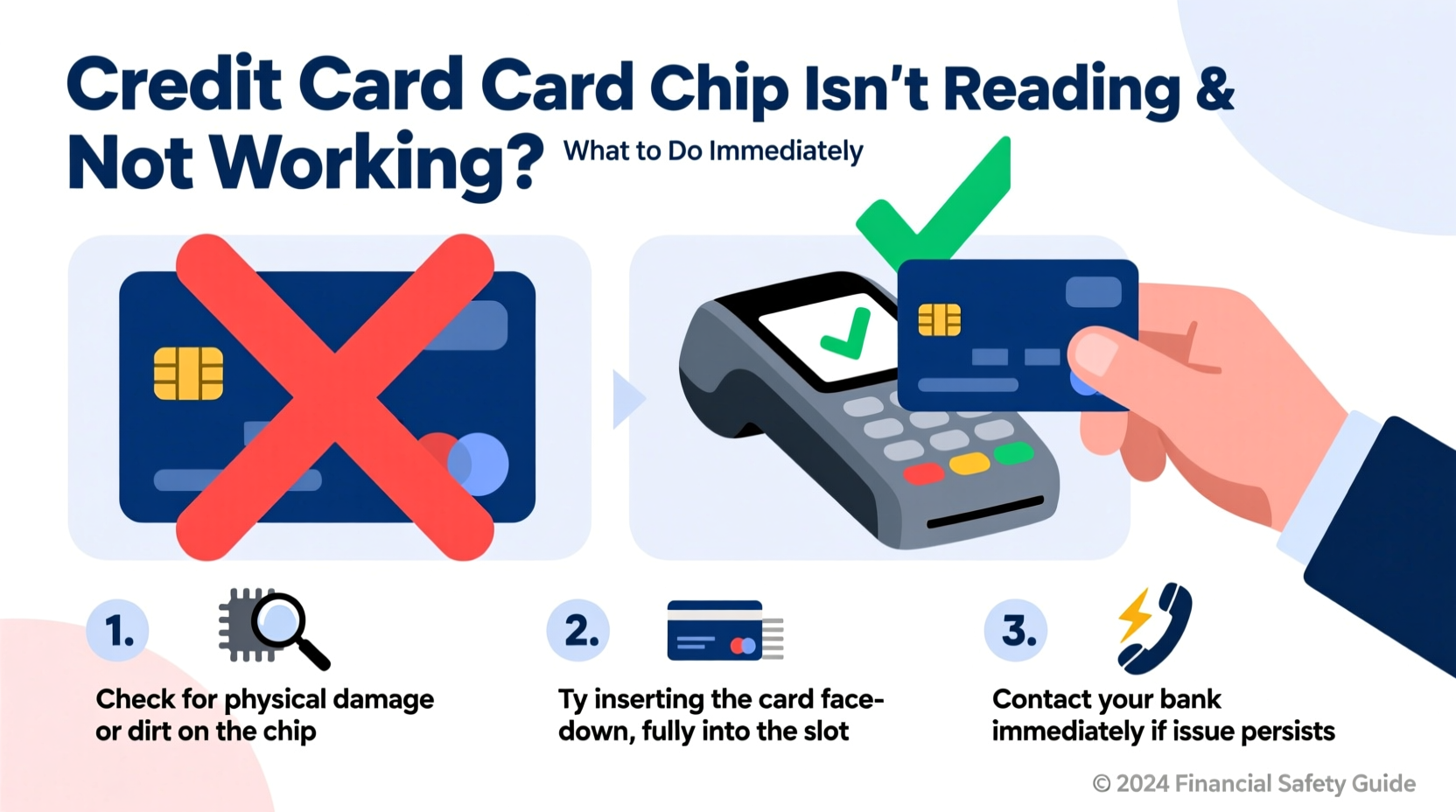
If your credit card chip fails at the point of sale, don’t walk away just yet. Try these actions in order—they resolve over 70% of cases according to industry reports.
Step 1: Clean the Chip Gently
Dust, oil, and grime accumulate on the metal contacts over time. Use a soft, lint-free cloth slightly dampened with isopropyl alcohol (70% or higher). Wipe the chip carefully, then dry thoroughly before retrying. Avoid abrasive materials or household cleaners.
Step 2: Re-Insert Properly and Wait
Many users pull the card out too quickly. Insert the card fully into the terminal, chip-first and face-up. Keep it in place until the terminal prompts you to remove it—often 3–5 seconds. Removing it prematurely interrupts data exchange.
Step 3: Try Another Terminal
The problem may not be your card. Test it at a different machine—a gas pump, another register, or even an ATM. If it works elsewhere, the original terminal is likely faulty or needs rebooting.
Step 4: Use Contactless (Tap-to-Pay) if Available
Most modern credit cards now include NFC (Near Field Communication) for tap-to-pay. If your card has the wave-like symbol and the terminal supports contactless payments, simply tap instead of inserting. This bypasses the chip entirely and often resolves the issue instantly.
Step 5: Fall Back to Swipe (If Permitted)
While less secure, many terminals still allow magnetic stripe fallback after two failed chip attempts. If prompted, swipe the card. Note: some merchants disable swiping entirely, especially large retailers committed to EMV compliance.
Troubleshooting Checklist: What to Do Right Now
When your chip fails, follow this concise checklist to diagnose and resolve the issue efficiently:
- ✅ Clean the chip with a dry or alcohol-dampened cloth
- ✅ Insert fully and leave in until prompted to remove
- ✅ Try a different payment terminal or machine
- ✅ Use tap-to-pay (contactless) as an alternative
- ✅ Attempt a swipe if allowed by the system
- ✅ Check for visible damage (cracks, bent pins, corrosion)
- ✅ Call your issuer if all else fails (see next section)
When to Contact Your Credit Card Issuer
If none of the above steps work across multiple terminals, the card itself may be compromised. It’s time to reach out to your bank or credit card company. Most issuers offer 24/7 customer service for such emergencies.
Call the number on the back of your card and explain the situation clearly. The representative will typically:
- Verify recent transactions to rule out fraud-related blocks
- Check if the card is active and properly activated
- Run diagnostics remotely (if supported by their system)
- Issue a replacement card if hardware failure is suspected
Some banks offer expedited shipping (1–2 business days) for lost, damaged, or non-functional cards. Ask about this option if you rely heavily on the card for daily expenses or travel.
Mini Case Study: Sarah’s Grocery Store Incident
Sarah was at her local grocery store when her card failed three times at checkout. Embarrassed, she switched to cash. At home, she cleaned the chip with a cotton swab and rubbing alcohol. The next day, she tested it at a pharmacy—success. She later learned the grocery terminal hadn’t been serviced in months and was known to have inconsistent chip reading. Her card was fine; the terminal wasn’t. By cleaning her card and choosing better-maintained machines, she avoided unnecessary replacement fees and downtime.
Do’s and Don’ts: Protecting Your Card’s Chip Long-Term
Prevention is the best strategy. Follow these guidelines to extend the life of your card’s chip and avoid future issues.
| Do’s | Don’ts |
|---|---|
| Clean the chip monthly with a dry microfiber cloth | Expose the card to liquids, extreme heat, or direct sunlight |
| Store in a dedicated slot in your wallet (not stacked with other cards) | Let the chip rub against coins, keys, or rough surfaces |
| Use contactless payments when possible to reduce wear | Bend or flex the card—this can crack internal circuits |
| Carry a backup payment method | Attempt DIY repairs like sanding or polishing the chip |
| Report persistent issues promptly to your issuer | Leave a damaged card in rotation—replace it quickly |
“Card longevity depends more on handling than expiration dates. A well-maintained chip card can last five years or more without issues.” — Maria Tran, Consumer Financial Advocate at SecurePay Alliance
Frequently Asked Questions
Can a credit card chip be repaired?
No. The chip is a sealed microprocessor embedded in plastic. If it’s physically damaged—cracked, corroded, or detached—it cannot be repaired. You must request a replacement from your issuer. Attempting to fix it yourself will void any warranty and could expose sensitive data.
Why does my card work sometimes but not others?
Inconsistent performance usually points to partial contact failure. This can happen if the chip is dirty, slightly misaligned during insertion, or if the terminal has worn-out reader pins. It may also indicate early-stage chip degradation. Monitor the pattern—if failures increase, replace the card proactively.
Will my bank charge me for a replacement card?
Most major U.S. banks do not charge for standard replacement cards due to damage or wear. However, expedited delivery may incur a fee ($5–$15). Always check your cardholder agreement or ask customer service before requesting rush shipping.
Conclusion: Act Fast, Stay Prepared
A credit card chip that won’t read doesn’t mean your account is compromised or your card is permanently broken. In most cases, the solution is simple: clean the chip, insert correctly, and test across devices. Understanding the technology behind EMV systems empowers you to troubleshoot confidently and avoid unnecessary stress at checkout.
Long-term, treat your card like the sophisticated piece of tech it is. Store it properly, minimize physical wear, and use contactless options when available. And always have a backup plan—whether it’s a secondary card, mobile wallet, or cash tucked away.




 浙公网安备
33010002000092号
浙公网安备
33010002000092号 浙B2-20120091-4
Comments
No comments yet. Why don't you start the discussion?