
Nothing disrupts a smooth drone flight like unexplained lateral movement. One moment you're capturing a steady aerial shot, and the next, your drone begins drifting sideways—despite no input from the controls. This behavior not only compromises footage quality but can also lead to crashes or loss of control in windy conditions. While it may seem alarming, sideways drift is often a symptom of correctable issues rather than hardware failure. The root causes typically lie in sensor misalignment, environmental interference, or improper calibration. Addressing these early with precise troubleshooting steps can restore stability and confidence in your drone’s performance.
Understanding Why Drones Drift Sideways
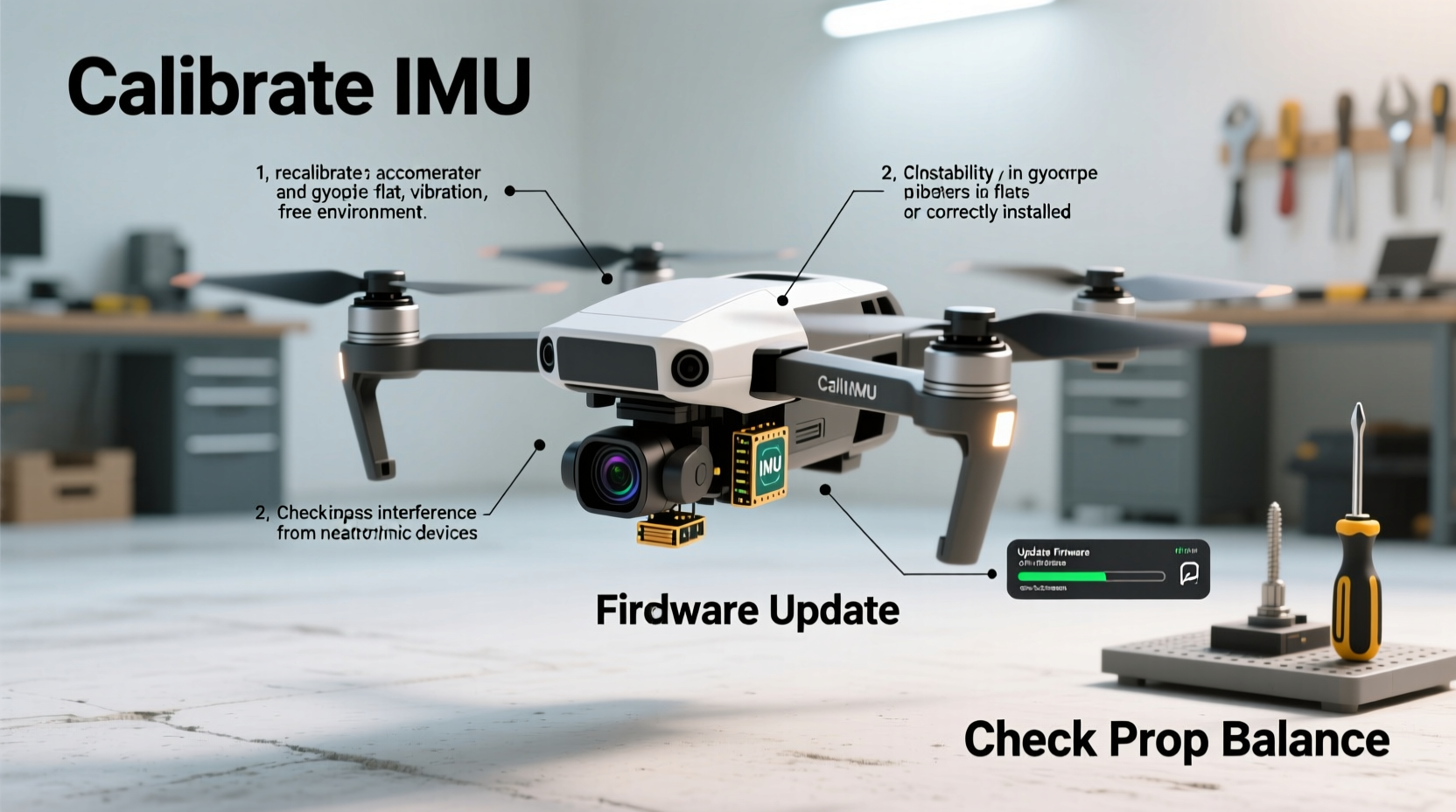
Modern drones rely on multiple sensors to maintain position and orientation during flight. The primary systems involved include the accelerometer, gyroscope, magnetometer (compass), and GPS module. When one or more of these components are out of alignment or receiving inaccurate data, the flight controller may interpret false motion and attempt to \"correct\" it—resulting in unintended lateral movement.
Common contributors to sideways drift include:
- Sensor miscalibration: Accelerometers or gyroscopes that haven’t been properly zeroed can report false tilt or movement.
- Magnetic interference: Nearby metal structures, power lines, or even magnetic phone mounts can distort compass readings.
- GPS signal weakness: In areas with poor satellite reception, drones may struggle to hold position, especially in Position mode.
- IMU instability: The Inertial Measurement Unit may require recalibration after firmware updates or physical shocks.
- Propeller or motor imbalance: Damaged props or uneven motor output can create asymmetric thrust, mimicking drift.
Before assuming hardware damage, it's essential to perform a systematic calibration process. Many cases of perceived drift are resolved through software-level corrections and proper setup.
Step-by-Step Calibration Procedure
When your drone begins drifting sideways, follow this structured sequence of calibration steps. Each stage targets a different component of the flight system, ensuring comprehensive diagnostics and correction.
- Power down and inspect physically: Check for damaged propellers, loose motors, or debris caught in the frame. Even minor asymmetry in blade shape can generate uneven lift.
- Update firmware: Ensure your drone and remote controller are running the latest firmware version. Manufacturers frequently release fixes for known stabilization bugs.
- Compass calibration: Launch your drone’s companion app (e.g., DJI Fly, Autel Explorer) and initiate compass calibration. Follow the on-screen instructions—typically involving rotating the drone horizontally and vertically in specific patterns.
- Accelerometer calibration: Access the sensor calibration menu and select “Accelerometer.” Place the drone on a perfectly level surface and allow the system to sample gravitational forces across all axes. Do not move the drone during this process.
- IMU warm-up: Power on the drone 1–2 minutes before takeoff to let internal sensors stabilize. Cold starts can cause temporary inaccuracies.
- Test flight in low-wind conditions: After calibration, conduct a brief hover test in Atti Mode (without GPS assistance) to observe if drift persists without positional feedback influencing behavior.
Repeat the calibration process if errors occur during any step. Some apps will notify you of failed calibration due to movement or interference—do not proceed until successful completion.
Do’s and Don’ts During Calibration
| Do’s | Don’ts |
|---|---|
| Calibrate on a non-metallic, level surface | Calibrate near cars, rebar, or steel structures |
| Perform compass calibration outdoors, away from buildings | Hold the drone in your hand during calibration |
| Wait for full IMU initialization before flying | Rush through calibration prompts or skip steps |
| Re-calibrate after significant travel (over 30 miles) | Ignore repeated calibration failure warnings |
| Use a tripod for accelerometer calibration if possible | Calibrate indoors with Wi-Fi routers or speakers nearby |
“Proper calibration isn’t just routine maintenance—it’s fundamental to flight safety. A well-calibrated IMU reduces pilot workload and prevents dangerous autonomous corrections.” — Carlos Mendez, UAV Systems Engineer at SkyIntegrity Labs
Troubleshooting Persistent Drift After Calibration
If your drone continues to drift sideways despite completing all standard calibrations, consider deeper diagnostic actions:
- Check GPS health: In your flight app, review satellite count and signal strength. Below 6 satellites, position hold becomes unreliable. Avoid flying in urban canyons or under dense tree cover.
- Inspect propeller condition: Replace any chipped, cracked, or warped blades. Use manufacturer-matched pairs to ensure consistent aerodynamics.
- Verify motor performance: Use the motor test function in your app to spin each motor individually. Listen for irregular noise or hesitation.
- Reset advanced settings: If you’ve adjusted PID tuning or control sensitivity, revert to factory defaults. Custom profiles can destabilize flight dynamics.
- Assess environment: High winds, thermal currents, or electromagnetic fields near airports or cell towers can induce apparent drift.
In some cases, persistent drift indicates a failing sensor board. If recalibration fails repeatedly or error codes appear (e.g., “IMU Error,” “Compass Unreliable”), contact the manufacturer or an authorized service center.
Real-World Example: Resolving Drift in a Suburban Backyard
Mark, a real estate photographer using a DJI Mavic Air 2, began noticing his drone drifting left during static shots of property rooftops. He initially assumed wind was the culprit, but the issue persisted even on calm days. After ruling out propeller damage, he reviewed his pre-flight routine and realized he had been calibrating near his garage—a concrete structure reinforced with steel.
Following best practices, Mark moved the calibration process to an open grass field 50 feet from any buildings. He performed both compass and accelerometer calibration again. Upon returning to his usual shooting location, the drift was eliminated. Further testing revealed that magnetic interference from the garage’s rebar was skewing compass readings by over 15 degrees, causing the flight controller to incorrectly interpret heading and apply corrective yaw that manifested as lateral movement.
This case underscores how environmental factors invisible to the pilot can significantly impact drone stability—and why location matters as much as procedure during calibration.
Essential Pre-Flight Checklist to Prevent Drift
To minimize the risk of unexpected drift, integrate this checklist into your routine before every flight:
- ✅ Inspect all propellers for cracks or warping
- ✅ Confirm firmware is up to date on aircraft and controller
- ✅ Power on drone and wait for full system initialization (no blinking lights)
- ✅ Verify GPS lock and satellite count (6+ recommended)
- ✅ Perform visual inspection of motors and gimbal alignment
- ✅ Calibrate compass if relocating more than 10 miles from last flight
- ✅ Choose a takeoff point free of metal, magnets, or underground utilities
- ✅ Conduct a 30-second hover test immediately after liftoff
Skipping even one item increases the likelihood of unstable flight behavior. Pilots who consistently follow such protocols report fewer incidents of uncommanded movement and greater confidence in automated features like Return-to-Home.
Frequently Asked Questions
Can wind cause my drone to drift sideways?
Yes, sustained winds above 15 mph can push lighter drones off course, especially models under 500g. However, modern drones compensate automatically unless wind exceeds their thrust capacity. If your drone cannot maintain position in light breezes, the issue is likely sensor-related rather than purely environmental.
How often should I calibrate my drone’s sensors?
Compass calibration should be performed whenever you fly in a new geographic area (especially after traveling long distances), or if you receive a compass warning. Accelerometer calibration is less frequent—typically only after a crash, firmware update, or noticeable instability. Over-calibrating can introduce errors, so do so only when necessary.
Is it safe to fly if my drone drifts slightly during hover?
Minor drift within a few inches may be normal in Atti Mode or weak GPS environments. However, consistent movement beyond arm’s length indicates a problem. Flying with unresolved drift increases accident risk, particularly near obstacles. It’s best to resolve the issue on the ground before continuing.
Final Thoughts and Action Plan
Sideways drone drift is a common but solvable issue. Most cases stem from preventable causes like improper calibration, environmental interference, or outdated firmware. By methodically addressing each potential factor—from sensor alignment to propeller integrity—you can restore precision flight control and protect your investment.
Start with the basics: ensure clean, interference-free calibration in a suitable outdoor environment. Validate GPS signal strength, inspect hardware, and confirm software is current. If problems persist, dig deeper into motor performance and flight logs. Remember, consistency in pre-flight preparation is the strongest defense against in-air surprises.




 浙公网安备
33010002000092号
浙公网安备
33010002000092号 浙B2-20120091-4
Comments
No comments yet. Why don't you start the discussion?