
Sleep tracking has become a cornerstone of modern health monitoring, and Fitbit devices are among the most trusted tools for measuring rest quality. However, many users report inconsistencies—such as missing sleep data, inaccurate sleep stages, or failure to detect when they’ve fallen asleep. While Fitbit’s algorithms are sophisticated, they’re not immune to errors caused by device behavior, user habits, or software limitations. Understanding the root causes behind inaccurate sleep tracking can help you optimize your device and gain more reliable insights into your rest patterns.
How Fitbit Sleep Tracking Works
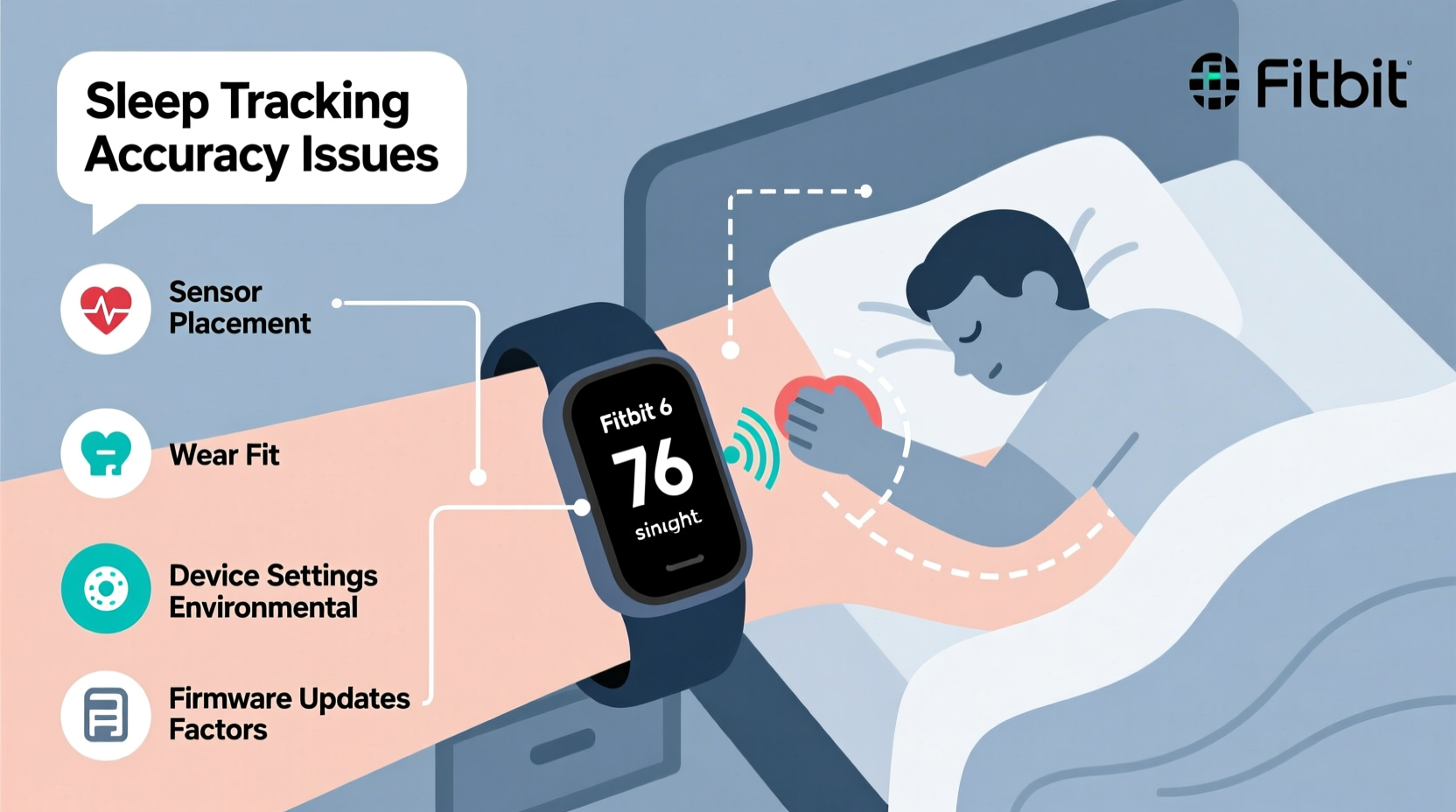
Fitbit uses a combination of sensors and algorithms to estimate your sleep stages and duration. The primary technologies involved include:
- Accelerometer: Detects movement to determine whether you're awake, restless, or still (likely asleep).
- Heart Rate Monitor (PurePulse): Tracks heart rate variability, which changes during different sleep stages (light, deep, REM).
- SpO2 Sensor (on select models): Monitors blood oxygen levels overnight, useful for detecting disturbances like apnea events.
- Smart Algorithms: Analyze sensor data in context with your historical patterns to classify sleep stages.
Despite this advanced setup, accuracy depends heavily on consistent wear, proper calibration, and environmental factors. Even minor deviations—like wearing the band too loosely—can skew results.
Common Reasons Your Fitbit Isn’t Tracking Sleep Accurately
1. Improper Wear or Placement
If the device isn't worn correctly, sensor readings will be inconsistent. A loose band leads to poor contact with the skin, causing erratic heart rate data and missed motion cues. Conversely, wearing it too tightly can restrict blood flow, also distorting heart rate measurements.
This issue is especially common during sleep when people shift positions frequently. If the band rotates or slides up the arm, optical sensors may lose skin contact entirely.
2. Outdated Firmware or App Version
Firmware updates often include improvements to sleep detection algorithms and bug fixes. An outdated device may lack these enhancements, leading to persistent inaccuracies. Similarly, using an old version of the Fitbit app can prevent proper syncing and data interpretation.
3. Manual Sleep Logging Interference
If you manually log sleep through the app while automatic tracking is enabled, discrepancies arise. The system might prioritize one input over the other, or fail to merge entries properly, resulting in duplicated or incomplete records.
4. Battery Drain or Power-Saving Mode
When battery levels drop below a certain threshold, some Fitbit models reduce background activity—including continuous heart rate monitoring—to conserve power. This directly impacts sleep stage detection, particularly deep and REM sleep, which rely on HRV data.
5. Inconsistent Wearing Habits
Some users remove their Fitbit before bed or put it on after falling asleep. Since Fitbit detects sleep onset based on stillness and reduced heart rate variability, removing the device breaks the continuity needed for accurate analysis.
6. Algorithm Limitations and Individual Variability
No consumer wearable matches clinical polysomnography in precision. Fitbit estimates sleep stages using population-based models, which may not reflect individual physiology. People with irregular breathing patterns, low resting heart rates (e.g., athletes), or neurological conditions may see skewed results.
“Consumer sleep trackers provide valuable trend data but should not replace medical diagnosis. They excel at showing long-term patterns rather than pinpointing exact sleep architecture.” — Dr. Lena Patel, Sleep Scientist at Stanford Health
Step-by-Step Guide to Fix Inaccurate Sleep Tracking
Follow this sequence to diagnose and resolve sleep tracking problems:
- Check Device Fit: Ensure the band is snug and positioned correctly on your wrist. It should not spin freely or slide up easily.
- Verify Sleep Mode is Enabled: Confirm that \"Sleep Mode\" or \"Auto-Detect Sleep\" is turned on in the Fitbit app under Settings > Sleep > Sleep Schedule.
- Update Firmware: Open the Fitbit app, go to your device settings, and check for firmware updates. Install any available patches.
- Charge Fully Before Bed: Aim to start each night with at least 50% battery. Low battery triggers power-saving features that disable continuous heart rate monitoring.
- Avoid Manual Logging Conflicts: Disable manual entry if you rely on auto-detection. Or, use only manual logging consistently—don’t mix both methods.
- Sync Daily: Sync your device every morning to ensure data uploads properly and reduces processing delays.
- Review Recent Activity: Check for intense evening workouts or caffeine intake that could delay sleep onset and confuse the algorithm.
- Reset Sleep Data (if needed): In rare cases, corrupted logs can affect future tracking. Delete problematic entries via the app and restart tracking fresh.
Troubleshooting Checklist
✅ Quick Fixes to Try Tonight
- Wear your Fitbit tighter (but not uncomfortably so)
- Ensure the screen faces inward toward your body
- Charge to at least 70% before bedtime
- Turn off Do Not Disturb or Theater Mode (they disable sensors)
- Confirm Auto-Sleep Detection is ON in the app
- Restart your Fitbit device
- Force-sync the app upon waking
Do’s and Don’ts of Fitbit Sleep Tracking
| Do’s | Don’ts |
|---|---|
| Wear your Fitbit snugly on your non-dominant wrist | Wear it loosely or let it rotate during sleep |
| Keep firmware and app updated regularly | Ignore update notifications for weeks |
| Sync your device every morning | Wait several days between syncs |
| Use consistent sleep/wake times to train the algorithm | Go to bed at wildly different times nightly |
| Enable All-Day Stress Management & HR Monitoring | Disable heart rate tracking to save battery |
| Review sleep score trends over weeks, not single nights | Panic over one night of “poor” sleep data |
Real-World Example: Sarah’s Fitbit Fix
Sarah, a 34-year-old teacher, noticed her Fitbit Charge 5 consistently showed only 4 hours of sleep despite feeling rested after 7–8 hours in bed. She often removed the tracker to charge it before sleeping and wore it loosely due to wrist sensitivity.
After reviewing Fitbit support articles, she made three key changes:
- Began charging her device during lunch instead of at bedtime
- Adjusted the band to fit securely without cutting off circulation
- Enabled “Sleep Schedule” reminders to maintain consistent bedtime cues
Within two nights, her sleep logs improved dramatically. The device now recorded full sleep duration and began identifying REM cycles more reliably. Over two weeks, her average sleep consistency increased from 58% to 89%, aligning much better with her actual habits.
Advanced Tips for Better Accuracy
Beyond basic troubleshooting, consider these expert-level adjustments:
- Use Sleep Sensing (on Sense models): If you own a Fitbit Sense, enable Sleep Sensing mode, which leverages additional sensors for deeper analysis.
- Calibrate Heart Rate Manually: Occasionally compare your resting heart rate on Fitbit with a chest strap monitor or manual pulse check to assess reliability.
- Track Nap Detection Settings: Go to App Settings > Sleep > Nap Detection and toggle it on if you nap frequently. Otherwise, short rests may be misclassified as nighttime sleep.
- Limit Alcohol and Late Exercise: Both disrupt normal heart rate patterns during sleep, confusing the algorithm’s ability to distinguish stages.
- Review Weekly Trends: Focus less on nightly fluctuations and more on weekly averages. One-off anomalies are normal; consistent downward trends warrant investigation.
Frequently Asked Questions
Why does my Fitbit say I was awake when I know I was asleep?
This typically happens due to micro-movements (like adjusting blankets or rolling over) that the accelerometer interprets as wakefulness. It can also occur if heart rate remains elevated due to stress, illness, or medication. Try improving band fit and reducing stimulants before bed.
Can I trust my Fitbit’s REM sleep measurement?
Fitbit’s REM estimates are reasonably accurate for population-level trends but vary individually. Studies show moderate correlation with EEG readings, but they’re not diagnostic. Use REM data to spot relative improvements over time—not absolute values.
Does airplane mode affect sleep tracking?
Yes. Airplane mode disables Bluetooth and sometimes heart rate monitoring, preventing data collection. Avoid enabling it overnight unless necessary. Instead, use “Sleep Mode,” which silences alerts without disabling sensors.
Conclusion: Take Control of Your Sleep Data
Inaccurate sleep tracking doesn’t mean your Fitbit is broken—it usually means small adjustments are needed in how you wear, charge, or interact with the device. By addressing fit, updating software, and understanding the technology’s limits, you can significantly improve data reliability. Remember, the goal isn’t perfection on any single night, but building a clear picture of your long-term sleep health.
Start tonight: adjust your band, charge it fully, and let the device do its job uninterrupted. Over time, you’ll gather meaningful insights that empower better rest, smarter habits, and improved well-being.




 浙公网安备
33010002000092号
浙公网安备
33010002000092号 浙B2-20120091-4
Comments
No comments yet. Why don't you start the discussion?