
If your internet runs smoothly all day but grinds to a crawl every evening, you're not imagining things—and you're far from alone. This pattern is one of the most common complaints among home broadband users. The slowdown typically isn't due to a failing router or broken cable; instead, it's often tied to network congestion, usage patterns, and service provider limitations that peak when everyone gets home from work and school.
Understanding the root causes can help you diagnose the issue quickly and take steps to improve performance. Whether you're streaming, gaming, working remotely, or just browsing, consistent speeds matter. This guide breaks down why evening slowdowns happen, how to test for them, and what you can do—right now—to regain control over your connection.
Why Internet Slows Down During Evenings: The Core Causes
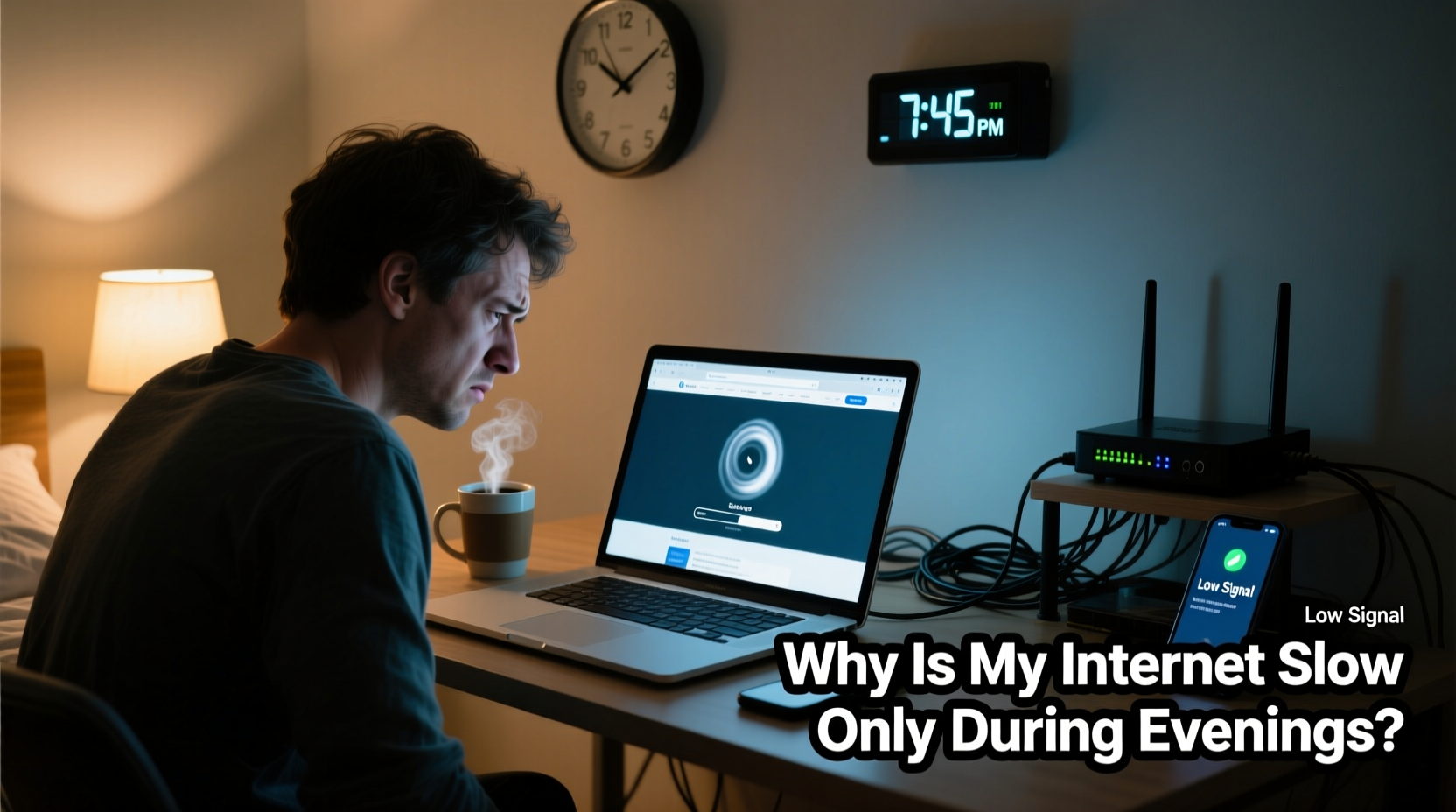
The primary reason internet slows during evenings is **network congestion**. As people return home, they simultaneously turn on smart TVs, game consoles, phones, tablets, and laptops. This surge in demand affects both your local Wi-Fi network and your Internet Service Provider’s (ISP) infrastructure.
Here’s a breakdown of the main contributing factors:
- Local Network Overload: Multiple devices streaming, downloading, or video-calling at once can overwhelm your router, especially if it's outdated or poorly positioned.
- Neighborhood Congestion: Many ISPs use shared bandwidth across neighborhoods. When hundreds of households stream Netflix or play online games between 6 PM and 10 PM, the local node becomes saturated.
- Throttling by ISP: Some providers intentionally reduce speeds during peak hours, either as part of data caps or to manage network load.
- Wi-Fi Interference: Evening hours often coincide with increased use of microwaves, cordless phones, and neighboring networks—all emitting signals that interfere with your Wi-Fi.
- Background Updates: Smart devices often schedule updates in the evening, consuming bandwidth without your knowledge.
“Peak-time slowdowns are less about your equipment and more about shared infrastructure. It's like rush hour for the internet.” — Dr. Lena Patel, Network Engineer at Broadband Insights Group
Quick Diagnosis Checklist: Is Your Evening Slowdown Normal?
Before making changes, confirm the problem is real and identify its source. Use this checklist to isolate the cause in under 15 minutes.
- Test Speed at Different Times: Use a reliable tool like Speedtest.net or Fast.com. Test at noon, 6 PM, and 9 PM. Note download/upload speeds and latency (ping).
- Reboot Your Router: Unplug it for 30 seconds, then restart. Retest speeds afterward to rule out temporary glitches.
- Connect via Ethernet: Plug a computer directly into the modem/router. If speeds improve dramatically, the issue is likely Wi-Fi related.
- Disconnect Other Devices: Temporarily turn off smartphones, tablets, smart TVs, and IoT gadgets. Retest to see if bandwidth improves.
- Check for Background Activity: Look for ongoing downloads, cloud backups, or software updates running silently.
- Scan for Unauthorized Users: Log into your router admin panel and review connected devices. Unknown devices may indicate unauthorized access.
- Contact Your ISP: Ask if there are known outages or throttling policies during peak hours in your area.
Common Culprits and How to Address Them
Not all slowdowns are created equal. The solution depends on where the bottleneck lies. Below is a comparison of typical issues and their remedies.
| Issue | Symptoms | Solution |
|---|---|---|
| Network Congestion (ISP Level) | Slow speeds only during 6–10 PM; affects all devices equally | Contact ISP, consider upgrading plan or switching providers |
| Wi-Fi Interference | Poor signal in certain rooms; fluctuating speeds | Switch to 5 GHz band, reposition router, reduce nearby electronics |
| Outdated Router | Frequent disconnections, limited range, poor handling of multiple devices | Upgrade to Wi-Fi 6 or mesh system |
| Bandwidth-Hogging Devices | One device (e.g., TV, PC) uses excessive data | Use QoS settings to prioritize critical traffic |
| ISP Throttling | Sudden drop after reaching data cap or during specific activities (streaming) | Use a VPN to test, monitor data usage, upgrade unlimited plan |
Real Example: The Johnson Family’s Evening Lag
The Johnsons noticed their internet became unusable every evening. Video calls dropped, YouTube buffered, and their son couldn’t play online games. They tested speeds at 3 PM (90 Mbps) and 8 PM (12 Mbps). After rebooting the router with no change, they connected a laptop via Ethernet—speeds jumped to 78 Mbps.
This pointed to Wi-Fi congestion. Upon checking, they found 14 devices connected, including two smart fridges, security cameras, and a forgotten tablet. They updated their Wi-Fi password, disabled unused devices, and switched their router to the 5 GHz band for streaming devices. Speeds improved to 65 Mbps in the evening—still below ideal, but usable. They then contacted their ISP and upgraded to a higher-tier plan, resolving the issue completely.
Step-by-Step Guide to Regain Evening Speed
Follow this sequence to systematically eliminate the most common causes of evening slowdowns.
- Document Baseline Performance: Run three speed tests over two days—at midday, early evening, and late evening. Record results.
- Restart Networking Equipment: Power cycle modem and router. Wait two minutes before turning back on.
- Inspect Connected Devices: Access your router’s admin page (usually via 192.168.1.1 or similar). List all active devices. Remove unknown ones.
- Optimize Wi-Fi Channels: Use a Wi-Fi analyzer app (like Wi-Fi Analyzer for Android) to find the least crowded channel. Manually set your router to use it.
- Enable Quality of Service (QoS): In your router settings, prioritize devices or applications (e.g., Zoom, gaming console) over background tasks.
- Schedule Updates Off-Peak: Adjust settings on computers, smart TVs, and game consoles to update overnight or during the day.
- Upgrade Hardware if Needed: If your router is more than 3–4 years old, consider replacing it with a modern dual-band or tri-band model.
- Evaluate Your Plan: Compare your current speeds with advertised rates. If consistently below 80% during peak hours, contact your ISP or research alternatives.
When to Consider Switching Providers or Upgrading
If troubleshooting fails, the problem may lie beyond your control. Cable-based ISPs like Comcast, Spectrum, or Cox often oversubscribe neighborhood nodes, leading to unavoidable congestion. Fiber providers (e.g., Google Fiber, AT&T Fiber) usually offer more consistent speeds because fiber networks are less prone to shared bandwidth issues.
Ask yourself:
- Are you on a low-tier plan? Upgrading bandwidth may resolve congestion.
- Is your neighborhood growing rapidly? More homes mean more strain on shared lines.
- Do you have fiber availability? Even if slightly more expensive, fiber delivers symmetrical speeds and better reliability.
In urban and suburban areas, check websites like BroadbandNow or FCC’s Broadband Map to compare available providers and real-world user-reported speeds.
Frequently Asked Questions
Can my neighbors really slow down my internet?
Yes, if you’re on a shared network infrastructure—common with cable internet. ISPs divide bandwidth among homes in a node. When many users stream high-definition content simultaneously, everyone’s speed drops. This doesn’t happen with dedicated connections like fiber.
Does using a VPN help with evening slowdowns?
Not directly—but it can bypass ISP throttling. If your provider slows down video or P2P traffic, a VPN encrypts your data, making it harder to throttle selectively. However, a poor-quality VPN can add latency, so choose a reputable provider with nearby servers.
Should I buy a new router or a mesh system?
If your home is larger than 1,500 sq ft or has dead zones, a mesh Wi-Fi system (like Eero, Netgear Orbi, or TP-Link Deco) is worth the investment. For smaller spaces, a modern dual-band router with beamforming and MU-MIMO support will handle multiple devices efficiently.
Conclusion: Take Control of Your Connection
Evening internet slowdowns are frustrating but rarely unsolvable. By understanding the interplay between your equipment, household habits, and ISP limitations, you can pinpoint the cause and apply targeted fixes. Start with simple diagnostics—speed tests, reboots, and device checks—then move to strategic upgrades if needed.
Don’t accept buffering and lag as inevitable. Millions of users have reclaimed fast, reliable evening internet by taking proactive steps. You can too. Share your experience, ask questions, or tell us how you fixed your slowdown—your insight might help someone else finally enjoy seamless streaming after work.




 浙公网安备
33010002000092号
浙公网安备
33010002000092号 浙B2-20120091-4
Comments
No comments yet. Why don't you start the discussion?