
If your internet crawls every evening just as you're settling in to stream a movie or join a video call, you're not imagining things. Millions of users experience the same frustrating drop in speed after work hours. While network congestion plays a role, many suspect their Internet Service Provider (ISP) is intentionally slowing them down—a practice known as throttling. This article breaks down what's really happening when your connection slows at night, whether your ISP is behind it, and how to take control of your bandwidth.
Understanding Network Congestion: The Usual Suspect
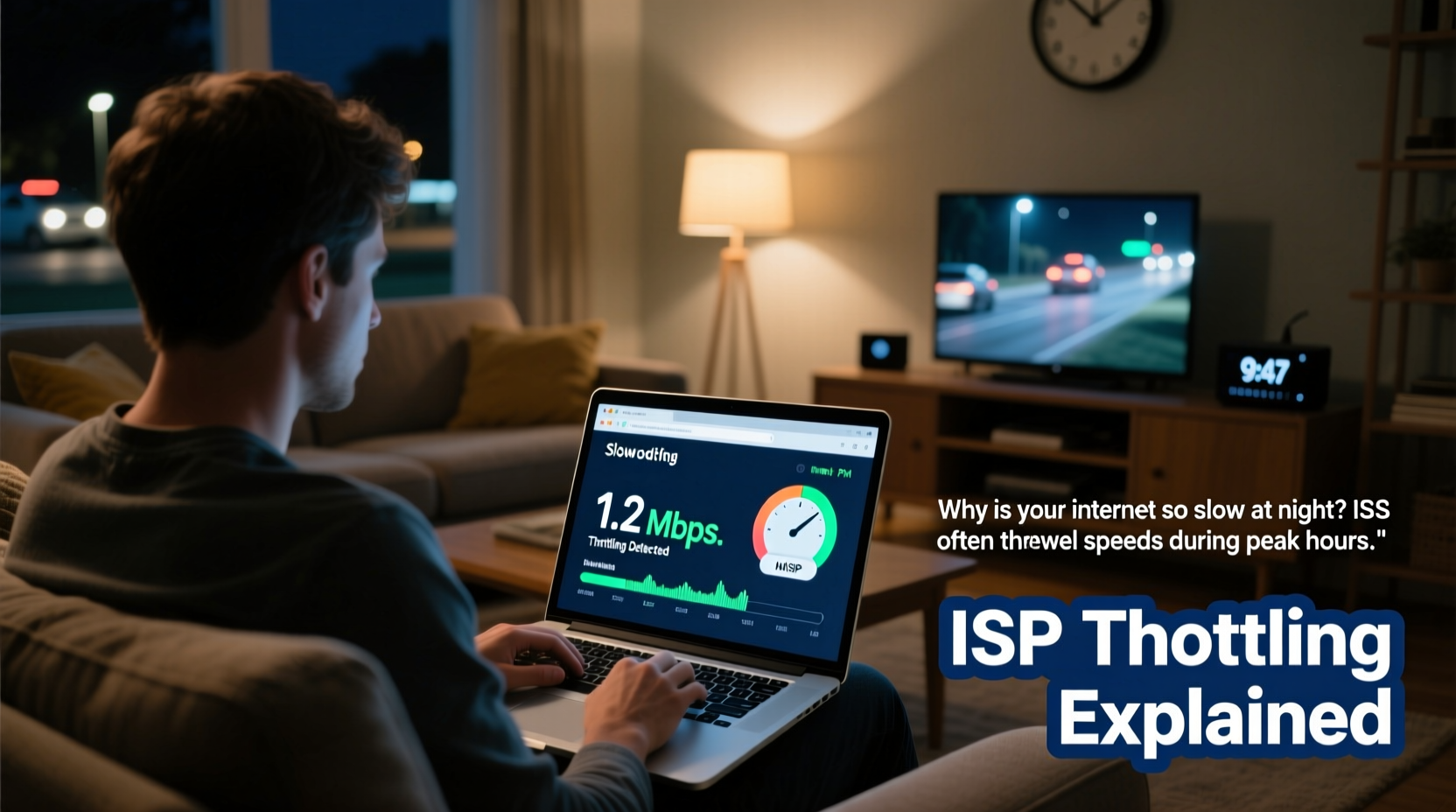
Between 6 PM and 10 PM, households across neighborhoods fire up their routers for streaming, gaming, video calls, and downloads. This surge in simultaneous usage creates network congestion—essentially digital traffic jams on your ISP’s infrastructure. Think of it like rush hour on a highway: more cars (data) trying to use the same road (bandwidth), leading to slower speeds for everyone.
During peak hours, even ISPs with robust networks may struggle to maintain consistent performance. If you live in a densely populated area or rely on older cable technology shared among neighbors, this effect intensifies. However, congestion alone doesn’t always explain drastic slowdowns—especially if your speeds plummet despite having a high-tier plan.
What Is ISP Throttling—and Are They Doing It?
Throttling occurs when an ISP deliberately reduces your internet speed. This can happen for several reasons:
- Traffic management: To prevent network overload during peak usage.
- Data cap enforcement: After you exceed a monthly data allowance.
- Content-based filtering: Slowing specific services like video streaming or peer-to-peer file sharing.
While ISPs often frame throttling as “network optimization,” critics argue it undermines net neutrality—the principle that all online content should be treated equally. In the U.S., the repeal of federal net neutrality rules in 2018 gave ISPs greater leeway to manage traffic selectively, though some states have enacted their own protections.
“ISPs have both the technical capability and financial incentive to throttle high-bandwidth applications, especially when they compete with their own services.” — Dr. Susan Lin, Digital Policy Researcher, MIT Internet Lab
For example, an ISP that owns a streaming platform might deprioritize traffic from competing services like Netflix or YouTube during peak hours. While outright blocking is rare, subtle degradation in quality—buffering, reduced resolution—is harder to detect but equally disruptive.
How to Tell If Your ISP Is Throttling You
Distinguishing between normal congestion and active throttling requires investigation. Here’s how to spot the signs:
Step-by-Step: Detecting Throttling
- Run baseline speed tests: Measure your download/upload speeds during off-peak hours (e.g., mid-morning). Record results over several days.
- Repeat during peak hours: Conduct identical tests between 7–9 PM. A 30%+ drop may indicate congestion; anything beyond 50% warrants suspicion.
- Test with a VPN: Connect to a reliable Virtual Private Network (VPN), then run another speed test. If speeds improve significantly, your ISP may be throttling specific types of traffic—since encrypted VPN data is harder to inspect and prioritize.
- Compare service-specific speeds: Use tools like Netflix Fast.com or YouTube’s built-in stats (press “Stats for nerds” in player settings) to monitor video performance separately from general bandwidth.
- Check for data caps: Log into your ISP account portal and review monthly usage. If slowdowns begin after hitting a threshold (e.g., 1TB), throttling is likely triggered by overage policies.
If your speeds recover instantly with a VPN enabled, that’s strong evidence of selective throttling. Without encryption, your ISP sees which sites you visit and can apply bandwidth limits accordingly.
Real Example: How One Household Uncovered Throttling
The Rivera family in Austin, Texas, paid for a 300 Mbps fiber plan but routinely experienced buffering on Disney+ every night around 7:30 PM. Their kids couldn’t finish homework videos, and Zoom calls froze. Frustrated, Mr. Rivera began logging speeds daily.
He found average speeds dropped from 290 Mbps at noon to under 60 Mbps at 8 PM. After connecting a trusted VPN, his evening speeds jumped back to 270 Mbps. He contacted his ISP, citing the discrepancy. Initially told it was “normal congestion,” he escalated the issue and eventually received a statement admitting temporary “bandwidth shaping” on video platforms during peak demand.
The ISP offered no refund—but did upgrade him to an unlimited priority tier for $10 more per month. The Riveras switched providers instead, choosing a local municipal broadband service with transparent no-throttle policies.
Do’s and Don’ts When Facing Slow Nightly Internet
| Action | Recommended? | Reason |
|---|---|---|
| Use a reputable VPN | ✅ Yes | Encrypts traffic, bypassing content-based throttling |
| Upgrade your plan | ⚠️ Maybe | Higher tiers sometimes get priority routing—but confirm policy first |
| Call your ISP | ✅ Yes | Ask directly about throttling, data caps, and network management |
| Reset your router nightly | ❌ No | Won’t fix ISP-level throttling; only resets local connection |
| Switch DNS to Google or Cloudflare | ✅ Yes | Improves responsiveness but won’t stop throttling |
| File a complaint with regulators | ✅ Yes | FCC (U.S.) or national telecom authority tracks patterns of abuse |
Solutions That Work: Regain Control of Your Connection
You don’t have to accept sluggish nights. Several strategies can mitigate or eliminate throttling effects:
Use a Trusted VPN Service
A premium VPN encrypts all outgoing and incoming data, hiding your activity from your ISP. Since they can’t see what you’re doing online, they can’t selectively throttle YouTube, Zoom, or torrents. Choose a provider with strong privacy policies and fast server networks (e.g., Mullvad, ProtonVPN, or NordVPN).
Monitor Data Usage and Upgrade Wisely
Many ISPs offer “unlimited” plans with fine print: after a certain data threshold, your traffic gets deprioritized during congestion. Look for true unlimited plans without “soft caps” or find providers that publish transparency reports on traffic management.
Municipal broadband services and newer fiber providers (like Google Fiber or AT&T Fiber) are less likely to throttle due to higher capacity and competitive pressure.
Optimize Your Home Network
Even if the ISP is throttling, poor internal setup can make it worse. Ensure you’re not contributing to the problem:
- Update router firmware regularly.
- Place your router centrally, away from obstructions and interference sources (microwaves, cordless phones).
- Use wired Ethernet for critical devices (gaming consoles, desktops).
- Limit background downloads (cloud backups, game updates) to off-peak hours via scheduling features in your OS or router.
Checklist: What to Do When Your Internet Slows at Night
- ✅ Run speed tests at various times to establish a baseline.
- ✅ Check your monthly data usage against your plan limit.
- ✅ Perform a speed test with and without a VPN.
- ✅ Contact your ISP and ask: “Do you engage in throttling, traffic shaping, or bandwidth deprioritization?”
- ✅ Review your contract for clauses related to “reasonable network management” or “congestion control.”
- ✅ Consider switching to a fiber-optic provider or community broadband network.
- ✅ File a complaint with the FCC (U.S.) or your country’s telecom regulator if throttling appears deceptive or unannounced.
Frequently Asked Questions
Can my ISP legally throttle my internet?
In the United States, yes—unless prohibited by state law. Federal net neutrality rules were repealed in 2018, allowing ISPs to manage traffic as long as they disclose it in their terms of service. However, they cannot block legal content outright. Some states, including California and Washington, have passed stronger consumer protections banning discriminatory throttling.
Does throttling only happen at night?
Most commonly, yes—because that’s when network demand peaks. However, throttling can occur anytime you hit a data cap or access a targeted service (e.g., torrenting large files midday). If you’ve exceeded your monthly allowance, slowdowns may persist 24/7 until the billing cycle resets.
Will a better router fix throttling?
No. Router upgrades improve local Wi-Fi performance and device handling, but they cannot override ISP-imposed throttling. Your bottleneck is outside your home network. A better router helps maximize whatever bandwidth your ISP delivers—but won’t increase it if throttling is active.
Take Back Your Bandwidth
Slow internet at night isn’t inevitable. While some degree of congestion is unavoidable in shared networks, persistent throttling erodes the value of your subscription and limits your digital freedom. By testing your connection, using encryption, and holding providers accountable, you can diagnose the root cause and respond effectively.
Transparency is key. Demand clear answers from your ISP. Support local efforts for open-access broadband. And remember: you’re paying for a service. If it doesn’t meet advertised standards consistently, you have every right to switch—or speak up.




 浙公网安备
33010002000092号
浙公网安备
33010002000092号 浙B2-20120091-4
Comments
No comments yet. Why don't you start the discussion?