
If you’ve noticed your internet crawling every evening—videos buffering, downloads stalling, or video calls dropping—you’re not alone. Many users experience a significant drop in internet performance between 7 PM and 11 PM. While it might seem like a mysterious glitch, the causes are often rooted in network congestion, bandwidth throttling, or home setup inefficiencies. Understanding what’s behind the slowdown is the first step toward restoring fast, reliable connectivity when you need it most.
Understanding Peak Hour Internet Congestion
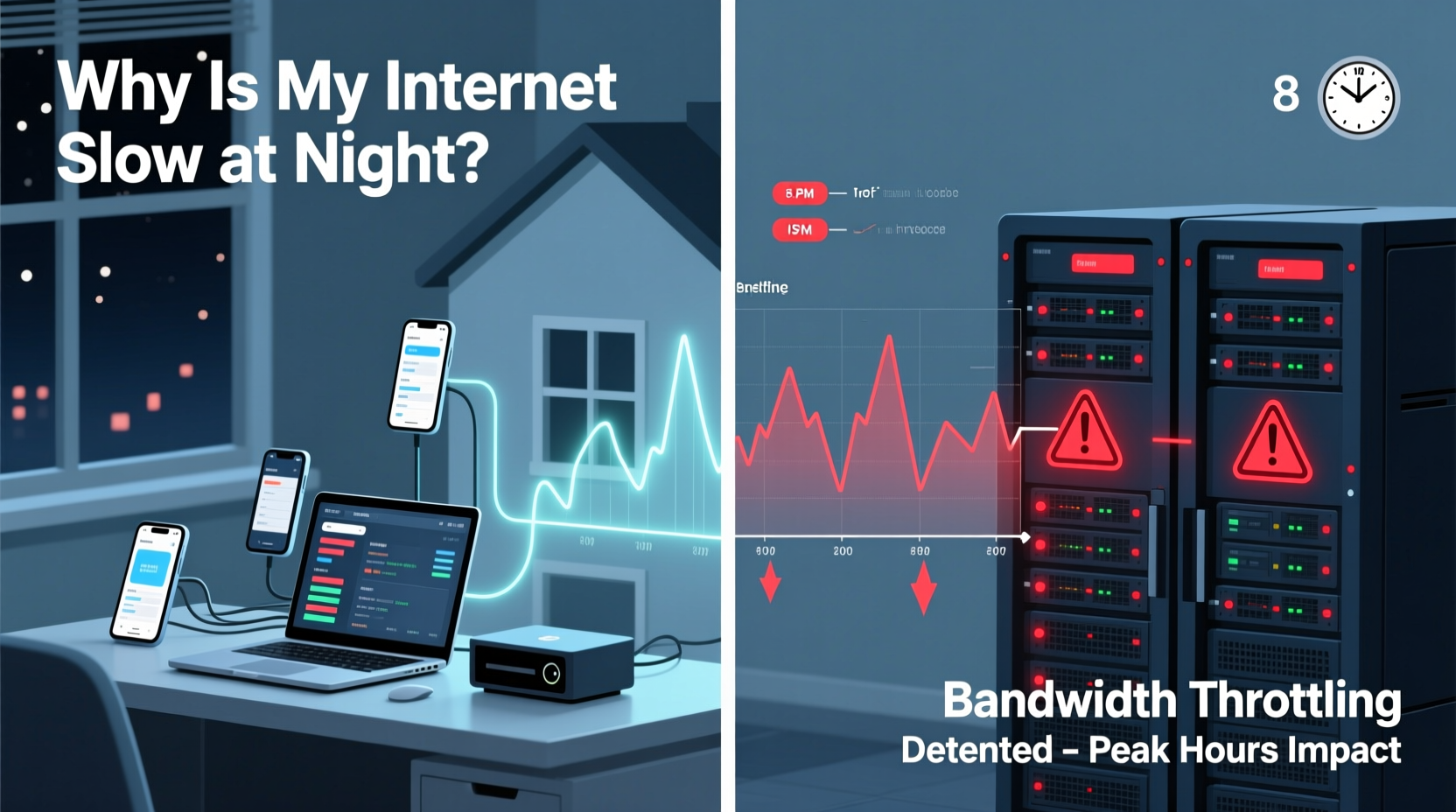
Internet speeds naturally fluctuate throughout the day, with the most noticeable decline occurring during peak usage hours. This typically happens in the evening when families return home, stream movies, play online games, and browse social media simultaneously. Your Internet Service Provider (ISP) manages a shared network infrastructure, meaning bandwidth is distributed among all users in your local area.
Think of your neighborhood’s internet connection like a highway. During off-peak hours, traffic flows smoothly. But between 6 PM and 10 PM, that highway becomes congested. Even if you have a 300 Mbps plan, your actual speed may drop to 50–100 Mbps due to high demand on the shared network node.
This phenomenon, known as \"network congestion,\" is one of the most common reasons for slow nighttime internet. It’s not necessarily throttling—it’s just supply and demand playing out across digital infrastructure.
Is Your ISP Throttling Your Bandwidth?
Bandwidth throttling occurs when an ISP intentionally slows down your internet connection. Unlike congestion, which is passive and results from too many users, throttling is an active decision by the provider to limit data throughput. ISPs may throttle connections for several reasons:
- Data caps: If you exceed your monthly data allowance, your ISP may reduce your speed until the next billing cycle.
- Content-based throttling: Some providers slow down specific services like Netflix, YouTube, or torrenting platforms.
- Network management: To maintain stability during peak times, ISPs may deprioritize heavy users.
In the U.S., net neutrality rules were rolled back in 2018, allowing ISPs greater leeway in managing traffic. While outright blocking is rare, throttling remains a legal and increasingly common practice.
“We’ve seen measurable throttling from major providers on streaming platforms, especially during evenings. It's not always advertised, but speed tests before and after using a VPN often reveal the difference.” — David Chen, Network Analyst at Broadband Insights Group
How to Test for Throttling
To determine if your ISP is actively throttling your connection, follow this simple test:
- Run a speed test using a trusted service like Fast.com or Speedtest.net during peak hours (e.g., 8 PM).
- Note your download and upload speeds.
- Connect to a reputable Virtual Private Network (VPN).
- Run the same speed test again.
- If your speeds improve significantly with the VPN, throttling is likely occurring.
VPNs encrypt your traffic, making it harder for ISPs to identify and throttle specific types of data. A jump from 10 Mbps to 80 Mbps after enabling a VPN is a strong indicator of selective throttling.
Home Network Factors That Worsen Nighttime Slowdowns
While external factors like ISP policies and neighborhood usage play a role, your home network setup can amplify the problem. Several internal issues contribute to poor performance at night:
Wi-Fi Interference and Overcrowding
As more devices come online in the evening—smart TVs, phones, tablets, gaming consoles—your router struggles to manage the load. Older routers, especially those using the 2.4 GHz band, are prone to interference from microwaves, cordless phones, and neighboring Wi-Fi networks.
Modern homes often have multiple access points, baby monitors, and Bluetooth devices competing for signal space. This congestion degrades connection quality, especially in densely populated areas like apartments.
Outdated Equipment
If your router is more than three to four years old, it may not support modern standards like Wi-Fi 6 (802.11ax), MU-MIMO, or beamforming. These technologies improve efficiency in multi-device environments. An outdated modem may also fail to handle higher-speed plans effectively.
Device Limitations
Not all devices are created equal. Older smartphones, laptops, or smart TVs may only support older Wi-Fi standards (like 802.11n), limiting their maximum speed even if your network is capable of more. Additionally, background apps updating at night can consume bandwidth without your knowledge.
Step-by-Step Guide to Diagnose and Fix Slow Night Internet
Follow this structured approach to identify and resolve your nighttime speed issues:
- Baseline Your Speeds: Run speed tests at different times of day (e.g., noon, 8 PM, 2 AM) over a week. Record results to identify patterns.
- Check Data Usage: Log into your ISP account and review your monthly data consumption. If you're near or over your cap, throttling may be triggered.
- Test with a VPN: As outlined earlier, compare speeds with and without a VPN to detect throttling.
- Inspect Connected Devices: Access your router’s admin panel (usually via 192.168.1.1) and see how many devices are connected. Disconnect any unknown or inactive ones.
- Update Firmware: Ensure your router and modem have the latest firmware installed. Manufacturers release updates to fix bugs and improve performance.
- Switch Wi-Fi Bands: If your router supports dual-band, connect high-bandwidth devices (like streaming boxes) to the 5 GHz network, which is faster and less crowded than 2.4 GHz.
- Use Quality of Service (QoS) Settings: Enable QoS in your router settings to prioritize critical traffic (e.g., video calls, gaming) over background tasks.
- Consider a Mesh Network: For larger homes, a mesh Wi-Fi system can eliminate dead zones and distribute load more efficiently.
Do’s and Don’ts: Managing Nighttime Internet Performance
| Do | Don't |
|---|---|
| Run regular speed tests to monitor performance trends | Assume slow speeds are always your ISP’s fault |
| Use wired Ethernet connections for critical devices (PCs, consoles) | Ignore firmware updates for your router |
| Limit automatic backups and cloud syncs to off-peak hours | Leave unused devices connected to Wi-Fi |
| Contact your ISP with concrete speed test data | Panic-buy a new router without diagnosing the real issue |
| Enable parental controls or scheduling to manage device usage | Use outdated security protocols like WEP or weak passwords |
Real Example: How One Family Fixed Their Evening Streaming Issues
The Thompson family in Austin, Texas, struggled nightly with buffering on their two smart TVs. Despite having a 200 Mbps plan, they couldn’t watch shows after 7:30 PM. They suspected throttling but decided to investigate systematically.
First, they ran speed tests and found their download speed dropped from 190 Mbps at noon to 35 Mbps at 8 PM. After connecting a VPN, their evening speed jumped to 160 Mbps—clear evidence of throttling, likely due to heavy streaming usage.
They also discovered 14 devices connected to their Wi-Fi, including old tablets and a neighbor’s laptop (their password was weak). They upgraded to a stronger password, switched to WPA3 encryption, and set up QoS to prioritize the living room TV.
Finally, they contacted their ISP and asked for clarification on data policies. The ISP admitted to “network optimization” during peak hours but offered an unlimited data upgrade for $10/month. With the combination of better security, QoS, and an unlimited plan, their nighttime speeds stabilized above 150 Mbps.
FAQ: Common Questions About Nighttime Internet Slowdowns
Can my ISP legally throttle my internet speed?
Yes, in most countries, ISPs can throttle speeds as long as they disclose it in their terms of service. In the U.S., the FCC no longer enforces strict net neutrality rules, allowing throttling for network management, data caps, or premium tier differentiation. However, they must inform customers about such practices.
Why does my internet get slower at the same time every night?
This consistency points to either neighborhood-wide peak usage or scheduled activities on your network. It could also align with your ISP’s traffic-shaping schedule. Check for automatic backups, software updates, or smart home routines set to run in the evening.
Will upgrading my internet plan fix nighttime slowdowns?
It might help, but it’s not guaranteed. If the bottleneck is network congestion in your area (not your individual plan), even a 1 Gbps plan could suffer during peak hours. Combine a faster plan with a modern router and wired connections for best results.
Action Plan Checklist: Regain Control of Your Night Internet
- ✅ Run speed tests at various times to establish a baseline
- ✅ Check your monthly data usage against your plan’s cap
- ✅ Test speeds with and without a trusted VPN
- ✅ Restart your modem and router weekly
- ✅ Update router firmware and change default login credentials
- ✅ Switch high-bandwidth devices to the 5 GHz Wi-Fi band
- ✅ Enable Quality of Service (QoS) settings on your router
- ✅ Limit background app activity and schedule updates for off-peak hours
- ✅ Contact your ISP with evidence if throttling is suspected
- ✅ Consider upgrading to an unlimited data plan or switching providers
Conclusion: Take Back Your Evenings Online
Slow internet at night doesn’t have to be inevitable. Whether the cause is neighborhood congestion, ISP throttling, or an overloaded home network, solutions exist. By methodically testing, optimizing your setup, and holding providers accountable, you can enjoy smooth streaming, lag-free gaming, and reliable work-from-home sessions—even during peak hours.




 浙公网安备
33010002000092号
浙公网安备
33010002000092号 浙B2-20120091-4
Comments
No comments yet. Why don't you start the discussion?