
If you’ve noticed your iPhone consistently halting its charge at 80%, even when plugged in overnight, you’re not experiencing a malfunction — you’re likely encountering Apple’s intelligent battery management system. This behavior is intentional, designed to extend the lifespan of your device’s lithium-ion battery. While it may seem counterintuitive at first, stopping the charge before reaching 100% can significantly reduce long-term wear on the battery. Understanding this feature, how it works, and whether or when to adjust it is essential for maintaining optimal performance over time.
How Battery Optimization Works on iPhone
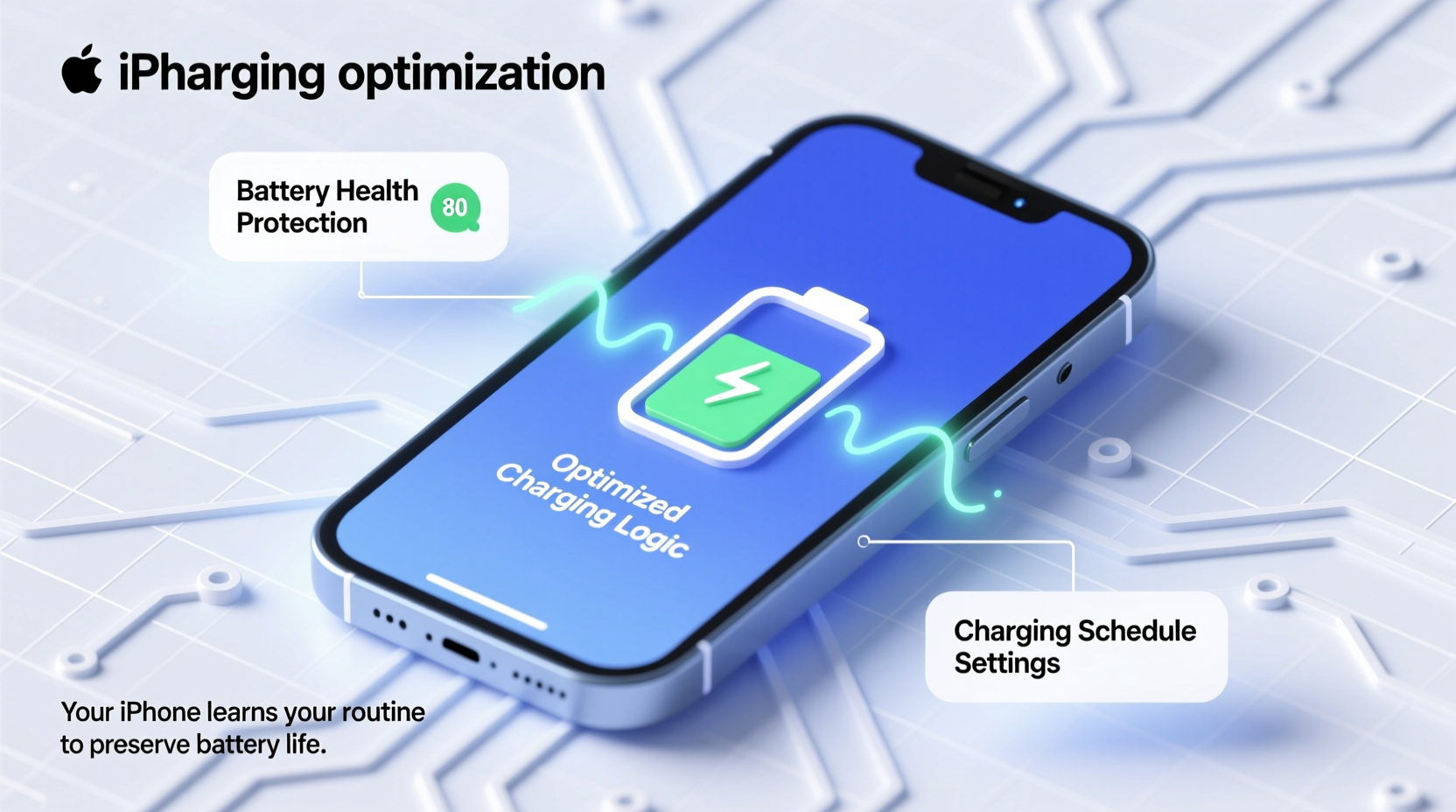
Introduced with iOS 13, Apple’s “Optimized Battery Charging” feature uses on-device machine learning to study your daily charging habits. The system learns when you typically charge your phone — such as during sleep or while at work — and delays charging past 80% until just before you usually unplug it. For example, if you plug in your iPhone at 10 PM and typically unplug it at 7 AM, the phone might charge to 80% by midnight, then pause and resume the final 20% shortly before 7 AM.
This delay reduces the amount of time the battery spends at full capacity, which is one of the most stressful states for lithium-ion batteries. Extended exposure to high voltage levels accelerates chemical aging, leading to reduced capacity and shorter overall battery life.
The Science Behind Lithium-Ion Battery Aging
Lithium-ion batteries, used in all modern iPhones, degrade naturally over time due to chemical reactions inside the cells. Two major factors that accelerate degradation are:
- High charge levels: Keeping a battery at or near 100% for extended periods increases internal stress and promotes electrolyte breakdown.
- Heat exposure: Elevated temperatures — especially when combined with high charge — dramatically speed up capacity loss.
According to research from Battery University, a lithium-ion battery stored at 100% charge and 25°C (77°F) loses about 20% of its capacity in one year. In contrast, the same battery stored at 40–60% charge under the same conditions retains over 96% of its capacity after a year.
“Keeping lithium-ion batteries at full charge for prolonged periods is one of the fastest ways to degrade them. Partial charging is far more sustainable.” — Dr. Isidor Buchmann, Founder of Battery University
Apple’s decision to cap charging at 80% during idle periods directly addresses this issue. By minimizing time spent at peak voltage, the technology helps maintain usable battery capacity longer, reducing the need for replacements or diminished performance.
Where to Find and Adjust Optimization Settings
You can control Optimized Battery Charging through your iPhone’s Settings app. Here’s how to access and modify it:
- Open the Settings app.
- Tap Battery, then select Battery Health & Charging.
- Look for Optimized Battery Charging.
- Toggle it on or off based on your preference.
When enabled, you’ll see a prediction below the toggle indicating when your iPhone expects to finish charging to 100%. For instance: “Charging completes at approximately 7:30 AM.”
If you temporarily need a full charge immediately — say, before an important trip — you can tap Charge Now to bypass the optimization and complete the charge right away.
| Setting | Status | Effect on Charging |
|---|---|---|
| Optimized Battery Charging: On | Active | Pauses at 80% until predicted use time; resumes final charge |
| Optimized Battery Charging: Off | Disabled | Charges continuously to 100% |
| Charge Now (temporary override) | One-time action | Completes charge to 100% immediately |
Real-World Example: Sarah’s Commute Routine
Sarah charges her iPhone every night from 10 PM to 7 AM. She noticed that her battery would often sit at 80% until around 6:30 AM, then jump to 100% just before she unplugged it. Initially concerned, she checked her settings and found Optimized Battery Charging was active.
After reading about the feature, she realized it was working exactly as intended. Over the next six months, her battery health remained stable at 96% capacity, despite daily heavy usage. A colleague who kept his phone plugged in at 100% throughout the night saw his battery drop to 89% in the same period.
Sarah decided to keep the feature enabled, appreciating the long-term benefits despite the initial confusion.
Do’s and Don’ts of iPhone Battery Management
To get the most out of your iPhone’s battery and avoid unnecessary degradation, follow these best practices:
| Do’s | Don’ts |
|---|---|
| Enable Optimized Battery Charging for daily routines | Leave your phone plugged in at 100% for days on end |
| Use original or MFi-certified chargers | Expose your iPhone to extreme heat while charging (e.g., in direct sunlight) |
| Charge between 20% and 80% when possible | Disable battery optimization permanently without understanding the trade-offs |
| Update iOS regularly to benefit from battery improvements | Use fast charging excessively if long-term battery health is a priority |
When You Might Want to Disable Optimization
While Optimized Battery Charging is beneficial for most users, there are scenarios where disabling it makes sense:
- Inconsistent schedules: Frequent travelers or those with rotating shifts may find the predictions inaccurate.
- Emergency preparedness: If you need your phone at 100% first thing in the morning and forget to plan ahead, automatic pausing could leave you short on power.
If you disable the feature, consider adopting manual habits like unplugging at 80–90% or using scheduled charging via Shortcuts to simulate similar protection.
Step-by-Step Guide: Managing Charging for Long-Term Battery Health
Follow this practical sequence to maximize your iPhone’s battery longevity:
- Check current settings: Go to Settings > Battery > Battery Health & Charging and review your optimization status.
- Monitor battery health: Look at “Maximum Capacity” — anything above 90% is excellent, 80–89% is fair, below 80% may warrant service.
- Keep routines consistent: Plug in your phone around the same time each day to help the AI learn your habits.
- Use optimization override when needed: Tap “Charge Now” when you need a full charge immediately.
- Avoid deep discharges: Try not to let your battery drop below 20% regularly.
- Limit exposure to heat: Remove thick cases while charging, avoid charging under pillows or in hot cars.
- Re-evaluate monthly: Check battery health and adjust settings if your lifestyle changes.
Frequently Asked Questions
Why does my iPhone stop at 80% but sometimes reach 100%?
This happens because Optimized Battery Charging learns your routine. If you unplug earlier than usual, it may have already completed the final charge. Alternatively, if your usage pattern changes suddenly (like waking up early), the system adapts and may charge fully in anticipation.
Does stopping at 80% save battery life?
Yes. By reducing the time spent at 100% charge, the battery experiences less electrochemical stress, slowing down capacity fade. Studies show partial charging cycles significantly extend the number of effective charge cycles before degradation becomes noticeable.
Can I manually charge to 100% with optimization enabled?
Absolutely. When Optimized Battery Charging is on, you can tap “Charge Now” in the Battery Health settings to bypass the pause and complete charging to 100% immediately. This override lasts only once; the feature resumes normal operation afterward.
Conclusion: Smarter Charging for a Longer-Lasting iPhone
Your iPhone stopping at 80% isn’t a flaw — it’s a sophisticated safeguard designed to protect your battery over years of use. Apple’s integration of machine learning into battery management reflects a shift toward sustainable device ownership, prioritizing longevity over momentary convenience. By understanding how and why this optimization works, you gain control over your device’s performance trajectory.
Rather than fighting the system, consider embracing it as part of a broader strategy for digital wellness. Small adjustments today — like trusting the 80% pause or scheduling charges thoughtfully — pay off in sustained battery life, fewer replacements, and better long-term value from your device.




 浙公网安备
33010002000092号
浙公网安备
33010002000092号 浙B2-20120091-4
Comments
No comments yet. Why don't you start the discussion?