
LED Christmas light strips are beloved for their energy efficiency, flexibility, and vibrant color options—but nothing dampens holiday cheer like a strip that blinks erratically when it should shine steadily. Unlike traditional incandescent strings with simple on/off behavior, modern addressable (e.g., WS2812B) or analog RGB LED strips rely on precise voltage regulation, stable data signals, and compatible controllers. When blinking occurs without user programming—especially persistent, rhythmic, or random flickering—it’s rarely “just how they’re supposed to work.” It’s almost always a symptom of an underlying issue: insufficient power, signal interference, thermal stress, or configuration mismatch. This guide cuts through the noise with field-tested diagnostics, real-world examples, and actionable fixes—not speculation.
1. Power Supply Problems: The Most Common Culprit
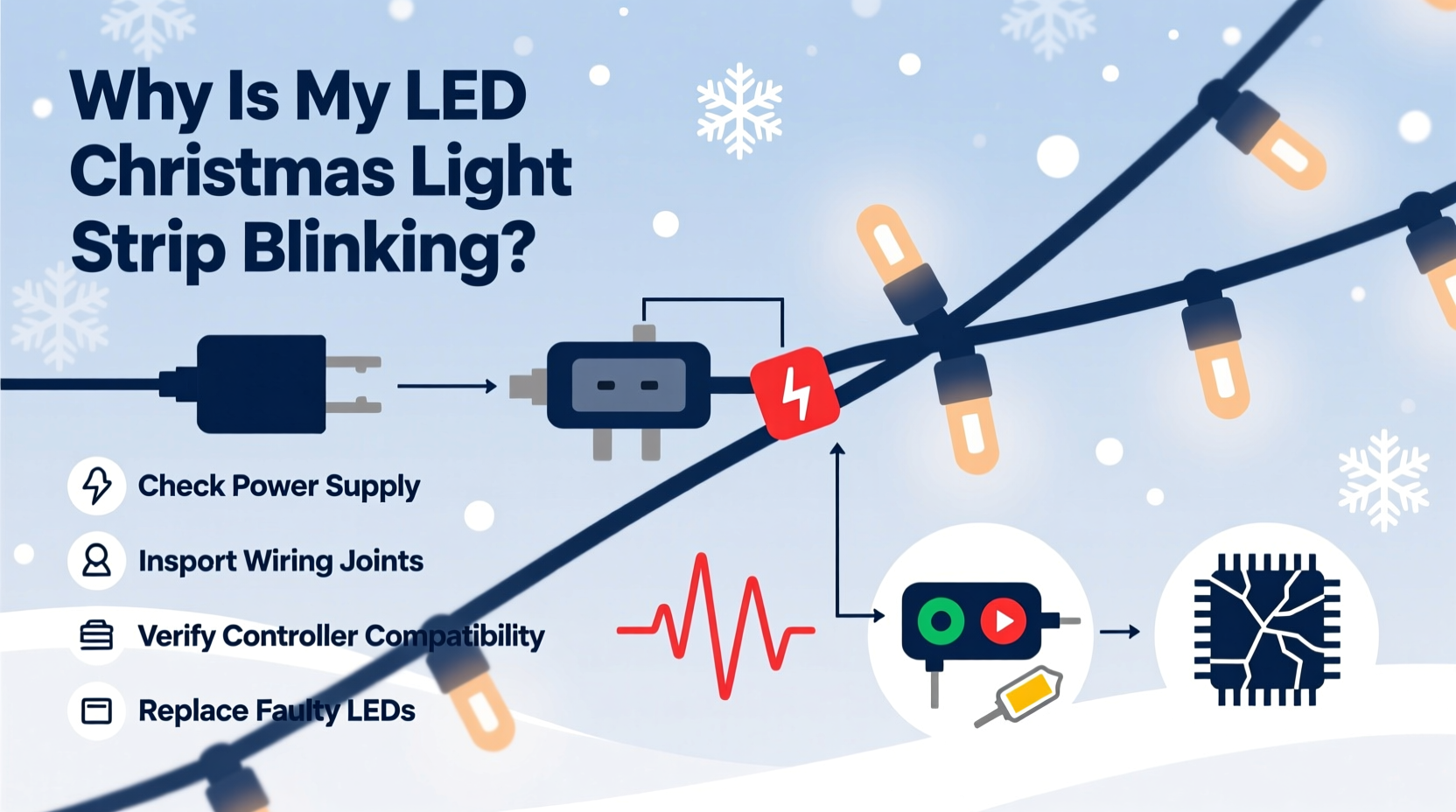
Over 65% of unprogrammed blinking in LED strips stems from inadequate or unstable power delivery. LED strips draw current proportionally to length and brightness. A 5-meter 60-LED/m strip at full white can pull up to 9A—far beyond what many off-the-shelf 2A or 3A adapters supply. When voltage sags under load (typically below 4.75V for 5V strips or 11.4V for 12V strips), microcontrollers and driver ICs reset intermittently, causing visible blinking or strobing.
Underpowered supplies also cause cascading failures. For example, if you daisy-chain multiple 5-meter segments from one end, voltage drop across the first segment may leave the last 1–2 meters receiving only 3.8V—triggering brown-out resets in integrated drivers. This manifests as the tail end blinking while the front remains steady.
Another subtle but frequent issue: using switching power supplies with poor ripple suppression. Cheap adapters emit high-frequency AC ripple (often 100–200mV peak-to-peak). That noise couples into the data line or ground plane, corrupting timing-sensitive protocols like WS2812B’s 800kHz signal. The result? Random pixel dropout, color shifts, or rhythmic pulsing every 2–3 seconds.
2. Controller & Signal Integrity Failures
Even with perfect power, blinking persists when the data signal degrades. Addressable strips require clean, sharp digital pulses. Noise, impedance mismatch, or excessive cable length between controller and strip disrupts communication. A 2-meter unshielded wire run from an Arduino Nano to a strip can pick up EMI from nearby transformers, dimmer switches, or Wi-Fi routers—causing intermittent packet loss and recovery cycles that appear as blinking.
Controllers themselves fail predictably. IR remotes lose pairing after battery corrosion; Bluetooth controllers disconnect and reboot silently; and some app-based controllers send default “breathing” or “strobe” modes if connection drops and auto-reconnects with cached settings. If your strip blinks only after 10–15 minutes of operation, thermal drift in the controller’s oscillator circuit may be shifting timing margins just enough to break protocol compliance.
“Signal integrity matters more than raw power specs. A 12V/10A supply won’t fix a 5-meter data wire running parallel to a 120V AC line. Ground your data shield, keep data runs under 1 meter, and use level shifters for 3.3V microcontrollers driving 5V strips.” — Rajiv Mehta, Embedded Systems Engineer, Lumina Labs
3. Wiring & Physical Installation Errors
Physical installation mistakes account for nearly 30% of persistent blinking cases reported in lighting forums. These aren’t theoretical—they’re repeatable, observable, and easily corrected.
- Cut-and-rejoin errors: Cutting strips mid-segment breaks internal traces. Re-soldering without verifying continuity on both power rails and data lines leaves floating connections. A single lifted ground trace creates ground loops and noise coupling.
- Over-tightening mounting clips: Compression forces on flexible PCBs crack micro-fractures in copper traces. Blinking appears only when the strip bends or vibrates—like wind against eaves.
- Mixed voltage installations: Connecting a 12V strip to a 5V controller (or vice versa) doesn’t always kill components immediately. Instead, it causes marginal operation: drivers enter thermal shutdown cycles, producing 1–2 second on/off patterns.
Worse, these issues compound. A poorly soldered joint increases resistance, generating localized heat. That heat degrades nearby silicone coating, allowing moisture ingress. In outdoor setups, this leads to corrosion over days—changing impedance and triggering blinking only during morning dew or rain.
4. Environmental & Thermal Stress Factors
LED strips operate best between −20°C and 45°C ambient. Outside that range, performance degrades nonlinearly. Below freezing, electrolytic capacitors in power supplies stiffen, reducing filtering effectiveness and increasing ripple. Above 50°C (common inside enclosed soffits or behind vinyl siding), the thermal protection circuits in drivers activate—cycling power to prevent permanent damage.
A real-world case illustrates this precisely: In December 2023, a homeowner in Minneapolis installed a 10-meter 12V RGBW strip along aluminum gutters. The strip blinked every 4.2 seconds—consistently—only between 3 a.m. and 7 a.m. Multimeter readings showed stable 12.1V at the supply, but infrared thermography revealed gutter metal dropping to −18°C overnight. At that temperature, the strip’s built-in constant-current drivers entered low-temp calibration mode, resetting their PWM frequency. Once ambient rose above −5°C at sunrise, blinking ceased. The fix? Adding a thin layer of closed-cell foam insulation between strip and gutter reduced thermal transfer enough to eliminate cycling.
| Condition | Blink Pattern | Diagnostic Clue | Fix |
|---|---|---|---|
| Low-temperature operation | Regular interval (3–5 sec), only in cold | Correlates with thermometer reading < −10°C | Add thermal barrier; avoid mounting on conductive metal |
| Overheating | Irregular, longer off-periods (8–15 sec) | Strip surface > 60°C to touch; smell of hot plastic | Improve airflow; reduce brightness to ≤70%; add heatsink tape |
| Moisture ingress | Random, worsening over hours/days | Blinking starts near cut ends or connectors; worsens in humidity | Seal all joints with dielectric grease + silicone conformal coating |
| EMI from nearby devices | Syncs with appliance cycles (e.g., fridge compressor) | Blinking coincides with other electronics turning on/off | Relocate strip >1m from motors, dimmers, or inverters; add ferrite core to data line |
5. Step-by-Step Diagnostic Protocol
Follow this sequence methodically. Skipping steps leads to misdiagnosis and wasted time.
- Isolate the controller: Disconnect all wireless remotes, apps, and Bluetooth devices. Plug the strip directly into its power supply and manually trigger “solid white” mode via physical button (if available). If blinking stops, the issue is controller-related—not hardware.
- Test power stability: With strip lit at full white, measure voltage at three points: (a) power supply output terminals, (b) strip’s input pads, and (c) midpoint of longest continuous run. If (b) or (c) reads >0.5V lower than (a), add local power injection at midpoint.
- Check ground continuity: Set multimeter to continuity mode. Probe the ground pad at strip input and ground pad at farthest end. You should hear a beep. No beep = broken ground trace or disconnected wire.
- Verify data line integrity: Disconnect data wire. Measure resistance between controller’s data out pin and strip’s data in pad. Should be < 1Ω. If >5Ω, resolder or replace wire. Then check for shorts: data-to-ground and data-to-V+ should read OL (open loop).
- Eliminate environment: Temporarily relocate strip indoors at room temperature, away from appliances and windows. Run for 30 minutes. If blinking stops, environmental stress is confirmed.
FAQ
Why does my strip blink only when I turn on the kitchen lights?
This indicates electromagnetic interference (EMI) from the lighting circuit—especially if those lights use trailing-edge dimmers or cheap LED drivers. The dimmer’s high-frequency switching noise radiates into your strip’s data line. Fix: install a ferrite choke on the data cable within 2 inches of the controller, and route data wires perpendicular—not parallel—to AC lines.
Can firmware updates cause blinking?
Yes. Some smart controllers (e.g., Govee, Twinkly) push OTA updates that reset default modes. If blinking started after a recent app notification or automatic update, factory reset the controller and reconfigure from scratch. Never skip the “calibrate white point” step—it ensures consistent current delivery across channels.
Is it safe to splice two different brands of LED strips together?
No. Even if both are labeled “12V RGB,” voltage tolerances, current draw per LED, and data protocol timing differ. Splicing mismatched strips creates impedance discontinuities that reflect signals, causing ghost pixels and blinking. Use only identical model numbers—and verify datasheets match on forward voltage, refresh rate, and logic thresholds.
Conclusion
Blinking LED Christmas light strips aren’t a mystery—they’re diagnostic opportunities. Each flicker, pulse, or strobe carries specific information about power health, signal fidelity, thermal state, or installation integrity. You don’t need expensive gear to solve most issues: a $15 multimeter, 10 minutes of systematic testing, and understanding *why* each failure mode occurs transforms frustration into mastery. Whether you’re lighting a mantle, wrapping a tree, or outlining a roofline, reliability shouldn’t be left to chance. Apply one fix from this guide tonight—measure that voltage, tighten that ground screw, seal that connector—and watch the blinking vanish. Your lights deserve steady brilliance. So do you.




 浙公网安备
33010002000092号
浙公网安备
33010002000092号 浙B2-20120091-4
Comments
No comments yet. Why don't you start the discussion?