
LED Christmas light strips have become a staple for holiday decorating due to their energy efficiency, long lifespan, and vibrant colors. But when they start flashing unexpectedly—especially outside of programmed modes—it can be frustrating and confusing. Unlike traditional incandescent lights, LED strips operate on low voltage and rely on precise electrical signals, making them more sensitive to power fluctuations and connection problems. The good news is that most causes of unwanted flashing are diagnosable and fixable with basic tools and knowledge. This guide breaks down the most common reasons your LED Christmas light strip might be flickering or pulsing and provides practical solutions to restore steady, reliable lighting.
Understanding How LED Light Strips Work
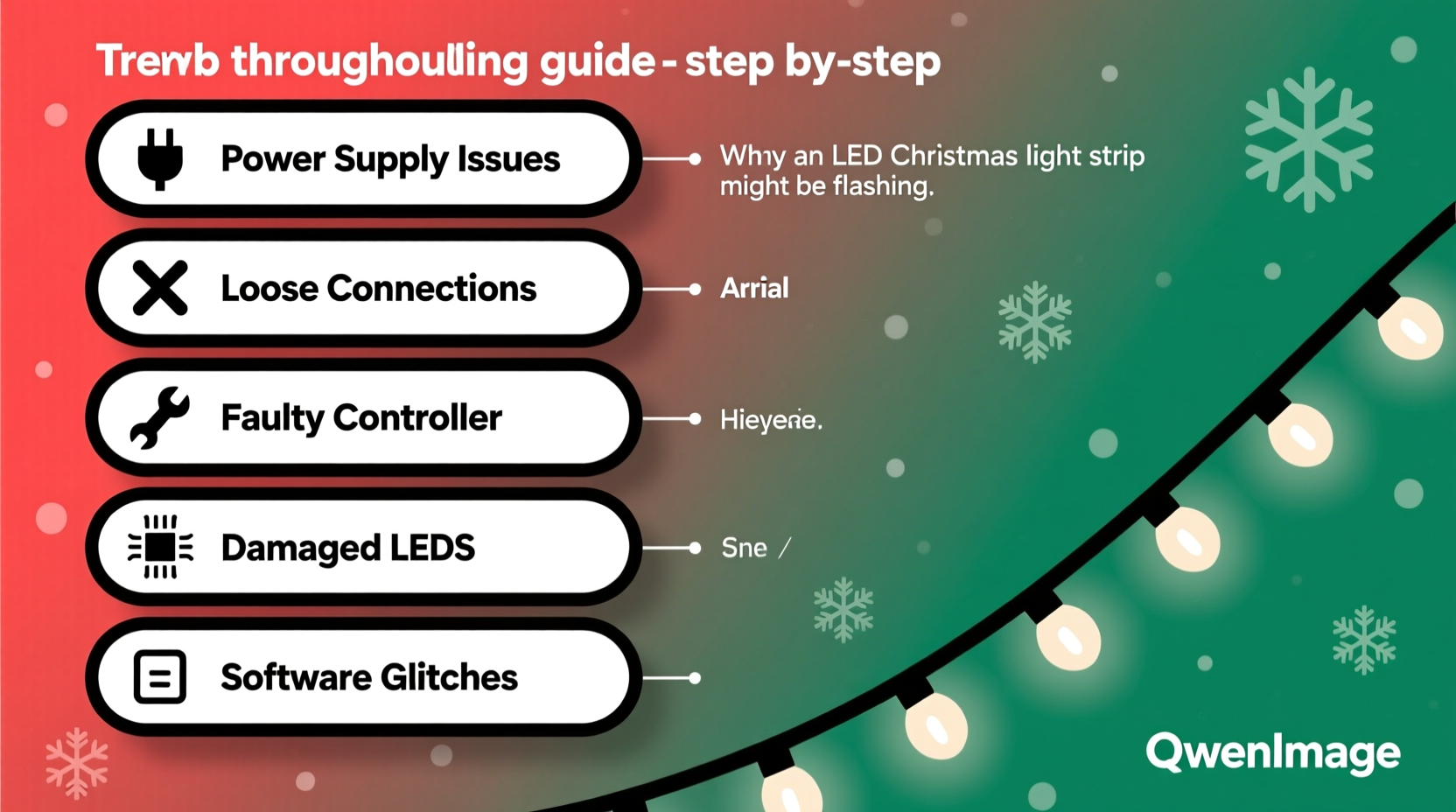
Before diving into troubleshooting, it helps to understand the basic mechanics behind LED light strips. Unlike older bulb-based strings, LED strips consist of multiple light-emitting diodes mounted on a flexible circuit board. They run on direct current (DC), typically 12V or 24V, supplied by a transformer or power adapter that converts household alternating current (AC) to the required DC level. Many modern strips also include built-in controllers for color changes, dimming, or dynamic effects like fading and chasing.
The stability of an LED strip depends heavily on consistent voltage delivery. Even minor disruptions—such as loose connections, underpowered adapters, or incompatible dimmers—can cause visible flickering or flashing. Additionally, some LED strips are designed to flash in certain modes, so the first step in troubleshooting is determining whether the behavior is intentional or a symptom of a malfunction.
“Most LED flickering stems from power supply issues rather than defective LEDs themselves.” — Carlos Mendez, Electrical Systems Technician with 15 years in residential lighting
Common Causes of Flashing and How to Diagnose Them
Flashing in LED Christmas light strips isn’t random. Each pattern—rapid blinking, slow pulsing, intermittent flicker—can point to a specific underlying issue. Identifying the type of flashing helps narrow down the root cause.
1. Power Supply Problems
An undersized, failing, or mismatched power adapter is the leading cause of LED instability. If the adapter cannot deliver enough current (measured in amperes or amps), the strip may draw too much power, causing voltage drops and erratic behavior.
- Symptom: Lights at the end of the strip dim or flicker while those near the power source remain bright.
- Diagnosis: Check the label on both the LED strip and power adapter. Ensure the adapter’s output voltage matches the strip’s requirement and that its amperage rating meets or exceeds the strip’s total draw.
2. Loose or Corroded Connections
Even a slightly loose wire at the connector or splice point can interrupt current flow, causing intermittent flashing. Moisture exposure or frequent handling increases the risk of corrosion, especially in outdoor installations.
- Symptom: Flickering occurs only when the strip is moved or touched.
- Diagnosis: Inspect all connectors, solder joints, and splices. Look for discoloration, frayed wires, or physical gaps between contacts.
3. Overloaded Circuit or Daisy-Chained Strips
Many users connect multiple LED strips end-to-end (daisy-chaining), but exceeding the maximum recommended length leads to voltage drop and instability. Most standard 12V strips should not exceed 16 feet (5 meters) without additional power injection.
- Symptom: Only one segment flashes, or the entire chain pulses rhythmically.
- Diagnosis: Disconnect extra segments and test each individually. If flashing stops, the original setup was overloaded.
4. Incompatible Dimmer or Controller
If your LED strip is connected to a wall dimmer or third-party controller, compatibility issues can induce unintended flashing. Traditional dimmers designed for incandescent bulbs often don’t work well with low-wattage LEDs.
- Symptom: Lights flash when dimmed or cycle through colors randomly.
- Diagnosis: Bypass the dimmer temporarily by connecting the strip directly to the power source. If flashing stops, the controller is likely the culprit.
5. Environmental Interference
In rare cases, electromagnetic interference (EMI) from nearby appliances, Wi-Fi routers, or power lines can disrupt signal-based LED strips, particularly addressable types like WS2812B (NeoPixels).
- Symptom: Random pixel flickering or color glitches in smart LED strips.
- Diagnosis: Relocate the strip away from large electronics or use shielded cables for data lines.
Step-by-Step Troubleshooting Guide
Follow this systematic approach to identify and resolve the cause of your flashing LED Christmas light strip. Start from the power source and move outward.
- Unplug the strip and disconnect all extensions or accessories.
- Inspect the power adapter: Verify voltage and amperage match the strip’s specifications. Replace if damaged or underpowered.
- Check all connectors: Re-seat each plug firmly. Use a small screwdriver to tighten terminal screws if applicable.
- Test with a known-good power source: Borrow a compatible adapter to rule out power supply failure.
- Divide and test: If using multiple strips, test each section separately to isolate the faulty segment.
- Bypass controllers: Connect the strip directly to the adapter to determine if the flashing persists.
- Look for physical damage: Examine the strip for cuts, kinks, or water ingress, especially in outdoor setups.
- Use power injection for long runs: For strips longer than 16 feet, connect additional power at the midpoint or end to maintain voltage stability.
Troubleshooting Checklist
- ✅ Confirm power adapter matches LED voltage and amperage
- ✅ Inspect all connectors for tightness and corrosion
- ✅ Test with a different, compatible power supply
- ✅ Disconnect all daisy-chained segments
- ✅ Bypass any dimmer or remote control unit
- ✅ Examine strip for visible damage or moisture
- ✅ Reduce strip length if over 5 meters (16 ft)
- ✅ Inject power at multiple points for long installations
Do’s and Don’ts: What to Avoid When Fixing LED Strips
| Do | Don’t |
|---|---|
| Use a power supply rated for at least 20% more amperage than required | Use household extension cords meant for AC devices |
| Seal outdoor connections with waterproof heat-shrink tubing | Daisy-chain more than two standard-length strips without power injection |
| Cut strips only at designated cut points (marked with scissors icon) | Splice wires without soldering or proper connectors |
| Use a multimeter to verify voltage at both ends of the strip | Plug LED strips into outlets controlled by incompatible dimmer switches |
Real Example: A Homeowner’s Holiday Fix
Sarah from Portland installed 32 feet of RGB LED strip under her eaves for Christmas. After powering up, she noticed the far end pulsed faintly while the front glowed steadily. She initially assumed the strip was defective. Following a methodical process, she disconnected all segments and tested each 16-foot piece independently—both worked perfectly. When reconnected in series, the flashing returned. Using a multimeter, she found the voltage dropped from 12.1V at the start to just 9.8V at the end. The solution? She added a second power feed at the midpoint using a Y-splitter cable. The lights immediately stabilized, and her display ran flawlessly for the rest of the season.
This case illustrates how voltage drop—not faulty LEDs—is often the real issue in long runs. Sarah saved money by avoiding unnecessary replacements and gained confidence in handling future installations.
Frequently Asked Questions
Why do my LED lights flash even when turned off?
This is commonly caused by \"ghost voltage\" or induced current from nearby live wires, especially when using illuminated switches or electronic timers. The small trickle of electricity can charge the LED driver enough to cause brief flashes. The fix is to install a bypass resistor or snubber across the circuit, or replace the switch with a mechanical toggle that fully breaks the circuit.
Can overheating cause LED strips to flash?
Yes. While less common, excessive heat buildup—especially in enclosed spaces or tightly coiled strips—can trigger thermal protection circuits in some drivers, causing temporary shutdowns and restarts that appear as flashing. Ensure proper ventilation and avoid installing strips in insulated or confined areas.
Are all flashing LED strips fixable?
Most are, but if the internal circuitry is physically damaged (e.g., from water, crushing, or voltage surge), repair may not be feasible. In such cases, replacing the affected segment is safer and more cost-effective than attempting complex fixes.
Expert Tips for Long-Term Stability
Prevention is key to avoiding recurring issues. Once you’ve resolved the flashing, take steps to ensure lasting performance.
- Label your adapters: Keep power supplies clearly marked with their output specs to prevent mismatches during storage and reuse.
- Use inline fuses: Install a low-amp fuse on the positive line to protect against short circuits.
- Store properly: Coil strips loosely and store in a dry, temperature-stable environment. Avoid folding or creasing.
- Invest in quality components: Cheap adapters and no-name strips are more prone to failure. Stick with reputable brands for critical displays.
“Consistency in voltage and clean connections make all the difference. A five-minute inspection before installation can prevent hours of frustration later.” — Lena Park, Smart Lighting Consultant and DIY Educator
Conclusion: Restore Your Glow with Confidence
Flashing LED Christmas light strips are more than just a nuisance—they disrupt the festive mood and raise concerns about safety and durability. But in nearly every case, the problem has a logical explanation and a straightforward fix. From verifying power supply compatibility to inspecting connections and managing voltage drop, the solutions are within reach of any homeowner. By applying the steps and insights outlined here, you can diagnose the issue accurately, implement lasting repairs, and enjoy a smooth, flicker-free holiday display.




 浙公网安备
33010002000092号
浙公网安备
33010002000092号 浙B2-20120091-4
Comments
No comments yet. Why don't you start the discussion?