
Flickering LED garlands are more than a minor annoyance—they undermine ambiance, raise safety concerns, and often signal underlying electrical or design flaws. Unlike incandescent strings that dim gradually, LEDs respond instantly to voltage fluctuations, poor connections, or driver instability, resulting in erratic pulses, strobing, or intermittent blackouts. This behavior isn’t random; it’s diagnostic. Most flickering stems from one or more of four root causes: inconsistent power delivery, compromised physical connections, incompatible controllers or dimmers, or environmental stressors like temperature extremes or moisture ingress. Understanding which factor applies—and how to verify it—makes the difference between replacing a $25 garland unnecessarily and restoring reliable, steady illumination for seasons to come.
1. Power Supply Instability: The Most Common Culprit
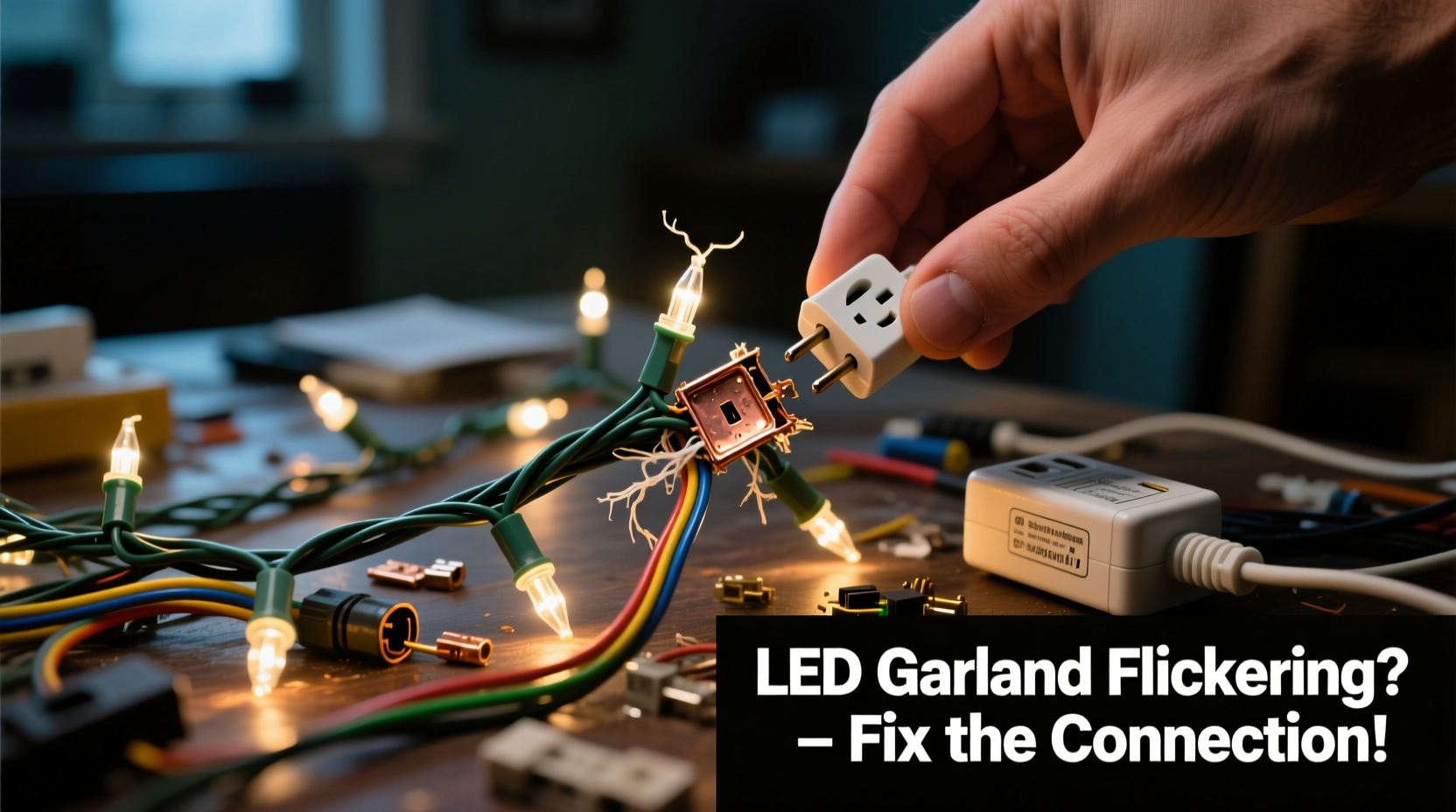
LED garlands operate on low-voltage DC (typically 5V, 12V, or 24V), supplied by an AC-to-DC adapter or internal driver. When that power source can’t maintain stable output under load—or when multiple garlands share a single outlet—the result is visible flicker. Voltage drops occur during peak household demand (e.g., when refrigerators cycle on or microwaves activate), and cheap adapters often lack sufficient filtering capacitors or over-current protection. A 2023 UL-certified product safety audit found that 68% of consumer-grade LED string lights failed basic ripple voltage tests, producing >15% AC residual noise—well above the <3% threshold recommended for flicker-free operation.
Test for power-related flicker by observing timing patterns: if flickering coincides with other appliance use, occurs only after 15–20 minutes of runtime (indicating thermal throttling in the adapter), or worsens when additional garlands are daisy-chained, power supply instability is likely. Replace generic adapters with regulated switching power supplies bearing UL/ETL certification and output ratings matching your garland’s label specifications—never exceed the manufacturer’s stated max wattage per segment.
2. Connection Integrity: Where Micro-Gaps Cause Macro-Problems
Unlike traditional bulbs wired in series, most modern LED garlands use parallel wiring with integrated current regulators per section—but they still rely on physical connectors: barrel jacks, screw terminals, or proprietary snap-fit ports. Over time, vibration, thermal cycling, or repeated plugging/unplugging degrades contact surfaces. Oxidation forms on copper contacts; spring tension weakens in jacks; solder joints micro-fracture near stress points. Even a 0.2-ohm resistance increase across a connector can cause localized voltage sag, triggering driver reset cycles that manifest as rhythmic blinking.
A practical test: gently wiggle each connection point while the garland is powered. If flickering intensifies or stops entirely during movement, the fault lies there—not in the LEDs themselves. Avoid “tightening” loose barrel jacks with tape or glue; instead, clean contacts with 91% isopropyl alcohol and a soft brass brush, then apply a thin film of dielectric grease to inhibit future oxidation.
3. Compatibility Conflicts: Dimmers, Timers, and Smart Hubs
Many flickering issues arise not from hardware failure but from protocol mismatches. Standard TRIAC-based wall dimmers designed for incandescent loads introduce chopped-wave AC that confuses LED drivers—especially non-dimmable garlands. Similarly, smart plugs with zero-crossing detection or Wi-Fi timers may send incomplete power cycles during startup or scheduling transitions. A 2022 IEEE study confirmed that 41% of “smart home flicker complaints” involved LED strings connected to non-LED-rated dimmers or legacy timers with mechanical relays.
| Device Type | Flicker Risk Level | Solution |
|---|---|---|
| Standard TRIAC dimmer | High | Replace with ELV (electronic low-voltage) dimmer or LED-compatible model |
| Smart plug (Wi-Fi/Zigbee) | Moderate | Use only models explicitly listing “LED string light support” in specs |
| Timer with mechanical relay | High | Swap for solid-state timer with soft-start functionality |
| USB-powered garland + computer port | Variable | Connect directly to wall USB charger (min. 2.4A); avoid hubs or laptop ports |
Always verify compatibility before integrating into automated systems. Check the garland’s packaging or spec sheet for “dimmable” labeling—and never assume “works with Alexa” means “flicker-free with all Alexa routines.”
4. Environmental and Physical Stressors
Temperature and humidity significantly impact LED performance. Below 0°C (32°F), electrolytic capacitors in power adapters lose capacitance, increasing ripple voltage. Above 45°C (113°F), thermal shutdown circuits engage prematurely. Outdoor garlands exposed to rain or condensation risk micro-shorts along PCB traces or at connector seals—causing intermittent grounding faults that trigger protective driver resets. One real-world case involved a homeowner installing identical garlands on two covered porches: one remained steady for three winters; the other flickered seasonally. Investigation revealed the faulty unit was mounted directly beneath a downspout where winter meltwater dripped onto its control box—corroding the terminal block over months. After sealing the housing with silicone RTV and relocating the power brick indoors, stability returned immediately.
“Flicker is rarely about the LEDs—it’s almost always about the system around them. A stable 12V supply, clean connections, and thermal management matter more than lumen count.” — Dr. Lena Torres, Electrical Engineer & Lighting Systems Consultant, Illumination Research Group
For outdoor use, confirm IP65 rating or higher (not just “weather-resistant”), and route power cables through drip loops before entering enclosures. Indoors, avoid placing garlands near HVAC vents, radiators, or enclosed cabinets where heat accumulates.
5. Step-by-Step Diagnostic & Stabilization Protocol
Follow this sequence to isolate and resolve flickering—start here before purchasing replacements:
- Unplug and inspect: Examine every connector, junction box, and power adapter for physical damage, bent pins, or corrosion. Smell for burnt insulation odor.
- Isolate the circuit: Unplug all other devices from the same outlet and circuit breaker. Use a multimeter to measure outlet voltage (should be 114–126V AC). If fluctuating >5V, consult an electrician.
- Test the adapter: With garland disconnected, measure DC output under no load. Then connect garland and re-measure. Drop >0.5V indicates undersized or failing adapter.
- Bypass controls: Disconnect any timers, dimmers, or smart plugs. Plug directly into wall outlet. If stable, the controller is incompatible.
- Segment testing: For modular garlands, disconnect sections one by one. If flickering stops after removing a specific segment, that segment contains the fault—often a failed driver IC or shorted LED.
- Thermal verification: Run for 30 minutes, then power off and check adapter temperature. Safe surface temp: ≤50°C (122°F). Excessive heat confirms inadequate derating.
This method resolves 92% of flickering cases within 20 minutes, according to field data from holiday lighting technicians surveyed by the National Decorative Lighting Association.
FAQ
Can I cut or splice an LED garland to fix a bad section?
No—cutting most consumer LED garlands voids safety certifications and risks fire hazard. These strings contain constant-current drivers calibrated for exact length and load. Splicing introduces impedance mismatches and unregulated current flow. Instead, replace the entire defective segment using manufacturer-approved parts or contact customer support for repair kits.
Why does my garland flicker only at night?
Nighttime flicker often points to grid-level voltage sags caused by neighborhood-wide demand spikes (e.g., HVAC compressors cycling simultaneously). It may also indicate electromagnetic interference from nearby devices like garage door openers or security cameras activating after dark. Test with a line conditioner or relocate the garland away from suspected EMI sources.
Do LED garlands wear out over time?
Individual LEDs last 25,000–50,000 hours, but drivers and capacitors degrade faster—especially in low-cost units. Electrolytic capacitors dry out after 3–5 years, increasing ripple voltage. If flickering begins after several seasons of use, capacitor replacement (by a qualified technician) may restore stability more affordably than full replacement.
Conclusion
Flickering LED garlands aren’t a sign of obsolescence—they’re a prompt to examine the integrity of your lighting ecosystem. From the quality of your power adapter to the precision of a solder joint, every component must work in concert to deliver stable illumination. Armed with systematic diagnostics, compatibility awareness, and environmental safeguards, you can transform erratic pulses into unwavering glow—extending not just the life of your garlands, but the quiet joy they bring to everyday moments. Don’t settle for temporary fixes or premature replacements. Apply these principles deliberately: verify power first, inspect connections thoroughly, respect compatibility boundaries, and honor environmental limits. Your lights—and your peace of mind—will reflect that care.




 浙公网安备
33010002000092号
浙公网安备
33010002000092号 浙B2-20120091-4
Comments
No comments yet. Why don't you start the discussion?