
As the holiday season rolls in, few things are more frustrating than stepping outside to a dark yard—your meticulously hung Christmas lights silent and unresponsive. You check the outlets, the bulbs, and then realize: the timer isn’t kicking on. Outdoor light timers are essential for automated, energy-efficient displays, but they’re also exposed to weather, power surges, and mechanical wear. When they fail, it can throw off your entire holiday lighting plan.
The good news? Most timer malfunctions have simple explanations and even simpler solutions. From tripped breakers to moisture damage, this guide breaks down the most common reasons your outdoor Christmas light timer isn’t working—and how to fix them quickly, safely, and without calling an electrician.
Common Causes of Timer Failure
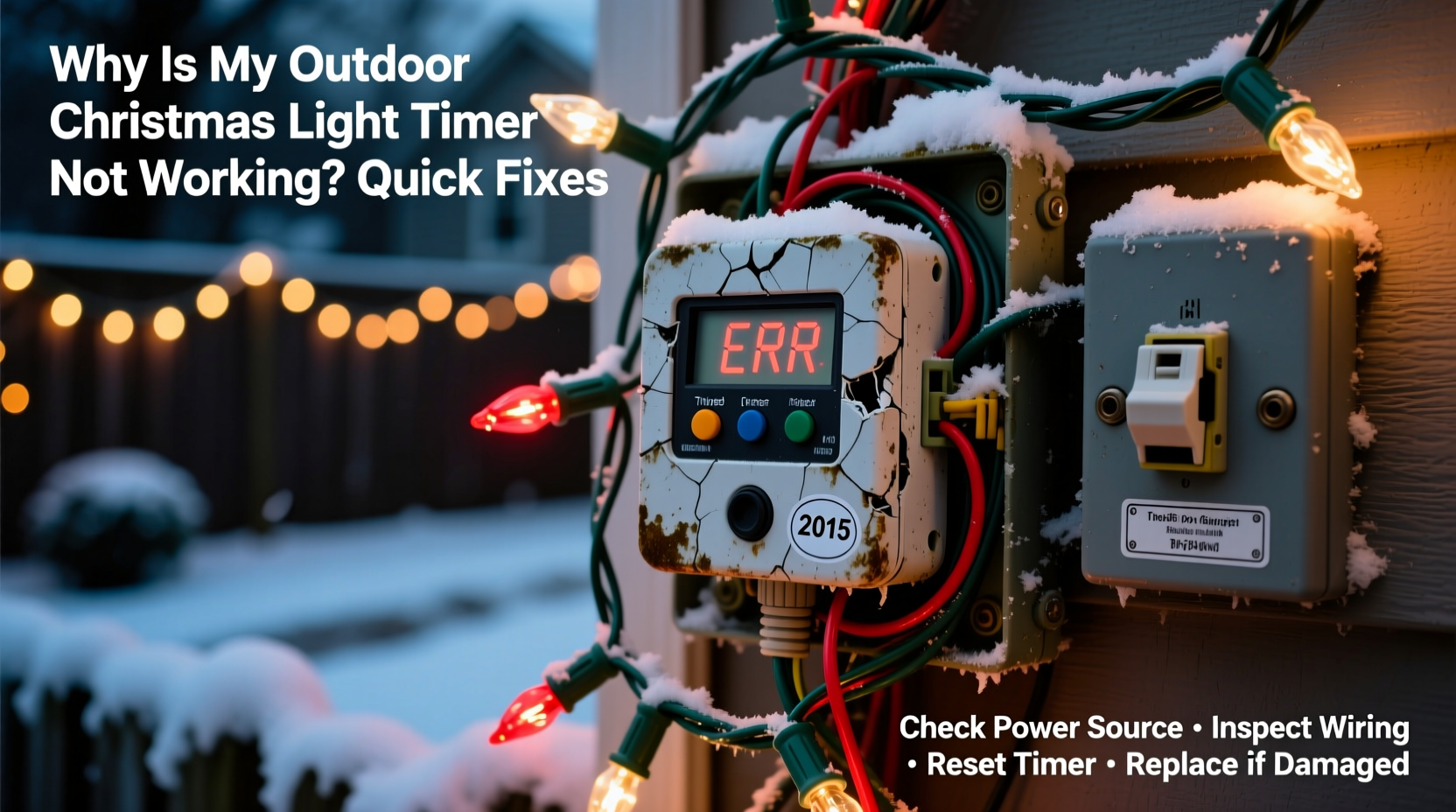
Before reaching for tools or replacements, it’s important to understand what might be going wrong. Outdoor timers face unique challenges compared to indoor models. They’re subjected to temperature swings, rain, snow, pests, and voltage fluctuations. Identifying the root cause saves time and prevents repeated failures.
- Power supply issues: The outlet may be dead, the circuit breaker tripped, or the GFCI (Ground Fault Circuit Interrupter) triggered.
- Timer settings misconfigured: Digital timers may have incorrect time, date, or program schedules. Mechanical dials can slip or become misaligned.
- Moisture or corrosion: Water ingress into the timer housing can short circuits or corrode internal components.
- Damaged cords or connections: Cracked insulation, rodent bites, or loose prongs prevent proper electrical flow.
- Overloaded circuits: Plugging too many strings into one timer can exceed its wattage rating, causing failure.
- Aging or defective units: Timers degrade over time, especially if left outdoors year-round.
Each of these causes requires a different diagnostic approach. Start broad—check the basics—before moving to detailed inspections.
Step-by-Step Troubleshooting Guide
Follow this logical sequence to isolate and resolve the issue efficiently. This process applies to both mechanical and digital outdoor timers, including plug-in models and hardwired versions.
- Verify power at the source: Plug a known-working device (like a lamp or phone charger) into the same outlet. If it doesn’t power on, the problem lies with the outlet or circuit—not the timer.
- Check the circuit breaker or fuse box: Head to your home’s electrical panel. Look for any tripped switches (they’ll be in the middle position). Flip them fully off, then back on. Reset GFCI outlets if present—they often trip due to moisture exposure.
- Inspect the timer display: Does a digital model show numbers? A blank screen usually means no power or internal failure. A flickering display may indicate low voltage or moisture damage.
- Test the timer manually: Switch to “on” or “test” mode. If lights come on, the automatic function is faulty. If not, the timer may be broken or overloaded.
- Examine the cord and plug: Look for cracks, fraying, chew marks, or bent prongs. Even minor damage can interrupt current flow.
- Check for moisture inside the timer: Open the casing only if designed for user access. Look for condensation, rust, or white residue (signs of corrosion).
- Review programming: For digital timers, ensure the clock is set correctly. Confirm that the “auto” mode is enabled and that on/off times match your schedule.
- Reduce load temporarily: Unplug all but one string of lights. If the timer works, you’ve exceeded its wattage capacity.
If none of these steps restore function, the timer likely needs replacement. But don’t rush to buy a new one yet—some fixes are easier than expected.
Quick Fixes You Can Try Today
Many timer problems can be resolved in under 15 minutes with basic tools and caution. Here are five field-tested fixes that work in real-world conditions.
1. Reset the GFCI Outlet
Outdoor outlets are required to be GFCI-protected. These outlets shut off during electrical imbalances—common after rain or snow. Press the “Reset” button on the outlet. If it clicks and stays in, power should return. If it trips again immediately, there’s a short circuit downstream—possibly in the timer or light string.
2. Dry Out a Moisture-Locked Timer
If the timer was exposed to rain or condensation, internal moisture may be preventing operation. Unplug it and bring it indoors. Leave it in a warm, dry place for 24 hours. Do not use a hairdryer—excessive heat can melt plastic or damage circuitry. After drying, test again.
3. Realign a Mechanical Dial
Older rotary timers use a clock motor to rotate a dial with pins representing on/off times. Over time, the dial can slip or the spring unwind. Manually adjust the dial to the correct time and reposition the pins. Ensure the override switch (if present) isn’t stuck in “off.”
4. Bypass the Timer Temporarily
To confirm whether the timer or the lights are at fault, plug the light string directly into the outlet. If they turn on, the timer is the culprit. If not, the issue is with the lights or their connection.
5. Replace the Internal Battery (Digital Models)
Some digital timers use a small backup battery (usually CR2032) to maintain time during power outages. If the clock resets every time power drops, this battery may be dead. Open the battery compartment and replace it. Then reprogram the time and schedule.
“Timers fail most often due to environmental stress, not design flaws. A $20 unit left unprotected in a Minnesota winter won’t last two seasons.” — Mark Reynolds, Residential Electrician & Holiday Lighting Specialist
Prevention Checklist: Avoid Future Failures
Once you’ve restored your timer, take steps to prevent recurrence. A little maintenance goes a long way in extending the life of outdoor electrical gear.
- ✅ Store timers indoors when not in use (e.g., summer months)
- ✅ Use a surge protector rated for outdoor use
- ✅ Never exceed the timer’s maximum wattage (typically 1,800–2,400 watts)
- ✅ Elevate the timer off the ground using a stand or wall mount
- ✅ Cover with a waterproof outlet box or drip loop cord management
- ✅ Test GFCI outlets monthly
- ✅ Label circuits clearly in your breaker box for quick troubleshooting
Do’s and Don’ts of Outdoor Timer Use
| Do | Don’t |
|---|---|
| Use timers specifically rated for outdoor use | Use indoor-only timers outside, even under cover |
| Install a drip loop before plugging in (cord dips below entry point) | Leave cords straight up from outlet—water can run down into plugs |
| Check manufacturer wattage limits and stay under them | Daisy-chain multiple high-wattage light strings on one timer |
| Replace cracked or brittle cords immediately | Tape over damaged insulation—this is a fire hazard |
| Program staggered on/off times to reduce startup surge | Set all lights to turn on simultaneously—this strains the circuit |
Real-World Example: The Frozen Porch Timer
In December 2023, Sarah from Wisconsin set up her front yard display using a digital timer she’d used the previous year. On opening night, nothing turned on. She checked the breaker—fine. The outlet—working. She brought the timer inside, dried it by a radiator, and noticed the display flickered but wouldn’t hold time. After replacing the backup battery, she reprogrammed it and tested it indoors—it worked. But when she placed it back outside, it failed again within hours.
The issue? Temperature. The timer was mounted flush against a cold brick wall, and freezing nighttime temps caused condensation inside the unit each evening. The solution: she moved the timer to a covered porch, elevated it on a plastic shelf, and added a vented weatherproof box. The display ran flawlessly for the rest of the season.
Sarah’s experience highlights a key point: even functional equipment can fail under environmental stress. Location matters as much as wiring.
When to Replace vs. Repair
Not every timer can be saved. Knowing when to walk away from repairs prevents wasted effort and potential hazards.
Replace the timer if you observe any of the following:
- Burn marks or melted plastic on the casing or plug
- Visible corrosion on internal contacts
- Frequent tripping even with minimal load
- No response after full reset and battery replacement
- Unusual buzzing or overheating during use
Modern digital timers cost $15–$30 and offer features like app control, sunrise/sunset tracking, and overload protection. Investing in a quality unit with a UL certification and weatherproof rating (IP44 or higher) reduces future headaches.
FAQ: Common Timer Questions Answered
Can I use an indoor timer outdoors if it’s under a covered area?
No. Indoor timers lack moisture resistance and UV protection. Even under eaves, humidity, rain splash, and temperature swings can damage internal components. Always use an outdoor-rated timer.
Why do my lights turn on at the wrong time?
This usually means the timer’s clock is incorrect. Digital models may lose time during power outages if the backup battery is weak. Manually reset the time and verify daylight saving settings. For mechanical timers, the clock motor may be slowing due to age or cold.
Is it safe to plug multiple timers into one outlet?
Only if the total load does not exceed the outlet’s capacity (typically 15 amps or 1,800 watts). Use a heavy-duty outdoor power strip with individual surge protection for each timer. Avoid daisy-chaining extension cords.
Conclusion: Keep Your Lights Bright and Timed Right
A non-working outdoor Christmas light timer doesn’t mean your holiday display is doomed. Most issues stem from simple, fixable causes—power interruptions, moisture, incorrect settings, or worn components. By methodically checking each possibility, you can restore function quickly and safely.
More importantly, take this moment to upgrade your setup. Use weatherproof enclosures, respect wattage limits, and store timers properly between seasons. A little prevention ensures years of reliable, automated holiday lighting.




 浙公网安备
33010002000092号
浙公网安备
33010002000092号 浙B2-20120091-4
Comments
No comments yet. Why don't you start the discussion?