
Daylight should be the ideal condition for smartphone photography—plenty of light, vibrant colors, and crisp detail. Yet many users find themselves frustrated when their phone captures soft, out-of-focus, or hazy images even under bright skies. This contradiction defies logic: more light typically means better image quality. But modern smartphone cameras are complex systems where hardware, software, and user behavior intersect. When any one element fails, the result can be consistently blurry photos—even in perfect lighting.
The good news is that most causes of daylight blurriness are fixable without replacing your device. Whether it’s a smudged lens, autofocus confusion, or misconfigured settings, understanding the root issue unlocks the solution. This guide breaks down the most common reasons behind blurry daylight photos and delivers practical, tested fixes you can apply immediately.
Common Causes of Blurry Photos in Daylight
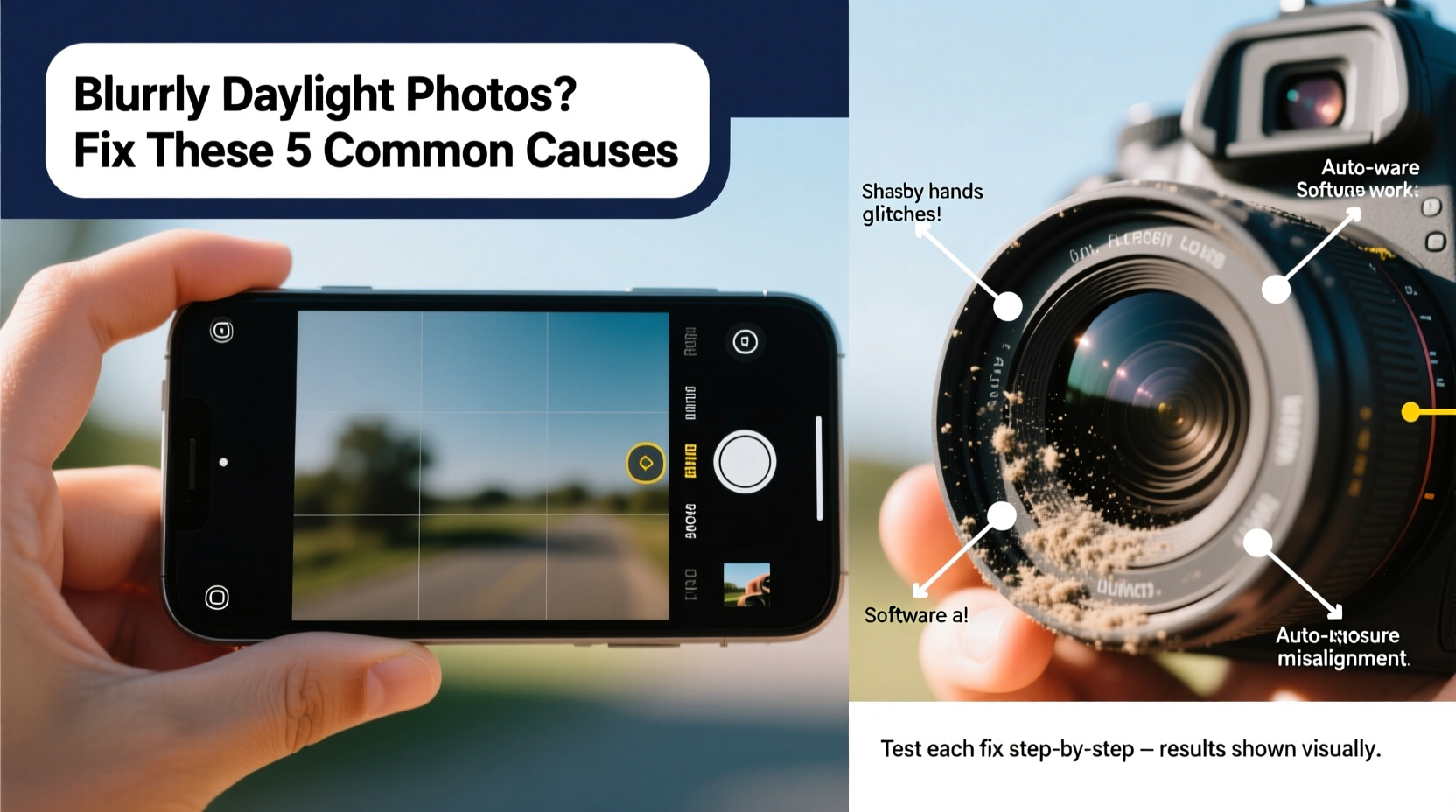
Smartphone cameras use a combination of optics, sensors, and computational processing to create images. A flaw in any component can degrade photo quality. In daylight, the problem is rarely insufficient light. Instead, issues often stem from interference, misalignment, or incorrect settings.
- Lens obstruction: Dust, fingerprints, or a poorly fitted case can blur incoming light before it reaches the sensor.
- Autofocus failure: The camera may struggle to lock focus due to low contrast, rapid movement, or software bugs.
- Dirty or damaged lens coating: Scratches or degraded anti-reflective coatings cause glare and softness.
- Motion blur from hand shake: Even slight movement during exposure can blur images, especially in HDR or low-light simulation modes.
- Software or app glitches: Camera apps may default to incorrect modes (e.g., macro instead of standard) or fail to process images properly.
- Digital zoom abuse: Enlarging the image digitally reduces resolution and introduces blur.
Step-by-Step Fixes That Work
Follow this structured troubleshooting sequence to identify and resolve the cause of your blurry daylight photos. Start with the simplest checks and progress to advanced solutions.
- Clean the lens thoroughly. Use a clean microfiber cloth to remove oil, dust, and debris. Avoid paper towels or clothing, which can scratch the lens. For stubborn grime, lightly dampen the cloth with distilled water.
- Check for physical obstructions. Ensure your case isn’t covering the lens or causing reflections. Remove the case and test without it.
- Tap to focus manually. On your screen, tap the main subject to force the camera to refocus. Hold for a second to enable focus lock if available.
- Disable digital zoom. Zooming in beyond 1x degrades image quality. Move closer physically instead.
- Turn off HDR temporarily. While HDR improves dynamic range, it can introduce ghosting or softness in moving scenes. Test with HDR off.
- Restart the camera app or phone. Background processes can interfere with image processing. A restart clears temporary glitches.
- Test with a third-party camera app. Apps like Open Camera or ProCam offer manual control and can bypass built-in software bugs.
- Reset camera settings. Navigate to Settings > Camera > Reset or similar, depending on your device, to restore defaults.
- Update your operating system and camera app. Manufacturers frequently release patches for known focusing issues.
- Inspect for hardware damage. If none of the above works, examine the lens for scratches or internal misalignment—common after drops.
Do’s and Don’ts: Best Practices for Sharp Daylight Photos
| Do’s | Don’ts |
|---|---|
| Hold the phone steady with both hands | Shoot while walking or in motion |
| Use natural light to your advantage—position subjects facing the sun | Backlight subjects without fill flash or reflectors |
| Tap to focus and expose on key elements | Rely solely on automatic mode without verification |
| Keep lenses clean and protected | Store phone face-down on dusty surfaces |
| Use tripod or stable surface for long exposures | Zoom digitally beyond 2x |
Real-World Example: Fixing a Consistently Blurry iPhone
Sarah, a travel blogger using an iPhone 13, noticed her daytime landscape shots lacked detail despite sunny conditions. She initially blamed aging hardware. After testing multiple apps and cleaning the lens, she discovered her silicone case had a raised rim that slightly covered the lens module. This caused diffused light and edge softness. Removing the case restored clarity instantly. Further testing revealed that enabling “Night Mode” automatically in shaded daylight also delayed shutter speed, introducing motion blur. By disabling Night Mode manually and using the native camera app’s AE/AF lock, Sarah achieved consistently sharp results across environments.
This case illustrates how subtle physical and software factors combine to degrade image quality—even when lighting seems optimal.
Expert Insight: What Camera Engineers Say
“Most daylight blur complaints we see in support logs trace back to user-interaction issues—dirty lenses, unintended zoom, or motion during capture. Modern sensors are capable of excellent resolution, but they rely on clean optical paths and stable input.” — Raj Patel, Senior Mobile Imaging Engineer at a leading smartphone OEM
Patel emphasizes that computational photography has shifted focus from pure optics to system-wide coordination. “Even with perfect lighting, if the autofocus algorithm receives conflicting data—like from a smudged lens—it may settle on a suboptimal focal plane. User awareness is half the battle.”
Comprehensive Checklist for Crisp Photos
- ✅ Clean all lenses (main, ultra-wide, telephoto) with microfiber
- ✅ Remove phone case to check for lens obstruction
- ✅ Tap screen to manually focus on subject
- ✅ Disable digital zoom; use optical zoom only
- ✅ Turn off HDR or Night Mode for fast-moving scenes
- ✅ Hold phone steady for at least 1 second after capture
- ✅ Update phone OS and camera app to latest version
- ✅ Test with a third-party camera app to isolate software issues
- ✅ Restart phone if camera behaves erratically
- ✅ Inspect for visible lens damage or internal fogging
Frequently Asked Questions
Why are my photos blurry even though the sun is out?
Ample light doesn’t guarantee sharpness. Blurriness in daylight is usually caused by lens dirt, autofocus errors, motion blur, or digital zoom. The camera sensor may receive enough light, but optical or processing flaws prevent crisp detail. Always verify lens cleanliness and focus accuracy first.
Can a scratched camera lens cause blurry photos?
Yes. Minor scratches may not affect images significantly due to depth of field, but deep or central scratches scatter light and reduce contrast, leading to softness. Anti-reflective coatings are especially vulnerable. If a scratch is visible when viewing the lens head-on, it likely impacts image quality. Consider professional lens replacement for severe damage.
Does using HDR make photos blurry?
HDR (High Dynamic Range) combines multiple exposures to balance shadows and highlights. If there’s movement between frames—either from subject motion or hand shake—the final image can show ghosting or blurring. In static scenes, HDR enhances quality. For action shots or handheld use in daylight, disable HDR or use auto-HDR selectively.
When Hardware Repair Is Necessary
If all software and user-side fixes fail, the issue may be hardware-related. Common signs include:
- Consistent soft focus across all lenses and apps
- Visible internal debris or condensation inside the lens module
- Autofocus hunting (constant in-and-out focusing) even on high-contrast subjects
- Physical misalignment of lens elements
In such cases, professional service is required. Most manufacturers offer out-of-warranty repairs for camera modules at fixed rates. Third-party repair shops can also replace lenses, though quality varies. Before proceeding, confirm the issue isn’t software-related by performing a factory reset (after backing up data).
“Some users assume their phone is ‘worn out’ when it’s just a dirty lens or outdated firmware. Always rule out simple fixes before opting for hardware repair.” — Lena Torres, Mobile Technician at Urban Tech Repair
Conclusion: Take Control of Your Phone’s Photo Quality
Blurry daylight photos don’t have to be inevitable. With a methodical approach, most issues can be diagnosed and resolved in minutes. Start with basic hygiene—clean the lens, remove obstructions, and stabilize your grip. Then fine-tune settings: disable unnecessary features, update software, and master manual focus. When needed, leverage alternative apps or professional help. The technology in your pocket is capable of stunning imagery; clarity begins with attention to detail.




 浙公网安备
33010002000092号
浙公网安备
33010002000092号 浙B2-20120091-4
Comments
No comments yet. Why don't you start the discussion?