
If you've ever plugged in your phone expecting a quick top-up only to find it crawling toward 50% after an hour, you're not alone. Slow charging has become one of the most common frustrations among smartphone users. While occasional delays might seem harmless, consistently sluggish charging often points to deeper issues—some preventable, others fixable with simple changes. The good news? Most causes are within your control. From worn cables to background app overload, multiple factors influence how efficiently your phone draws power. Understanding them empowers you to take action and reclaim faster, more reliable charging.
Understanding How Phone Charging Works
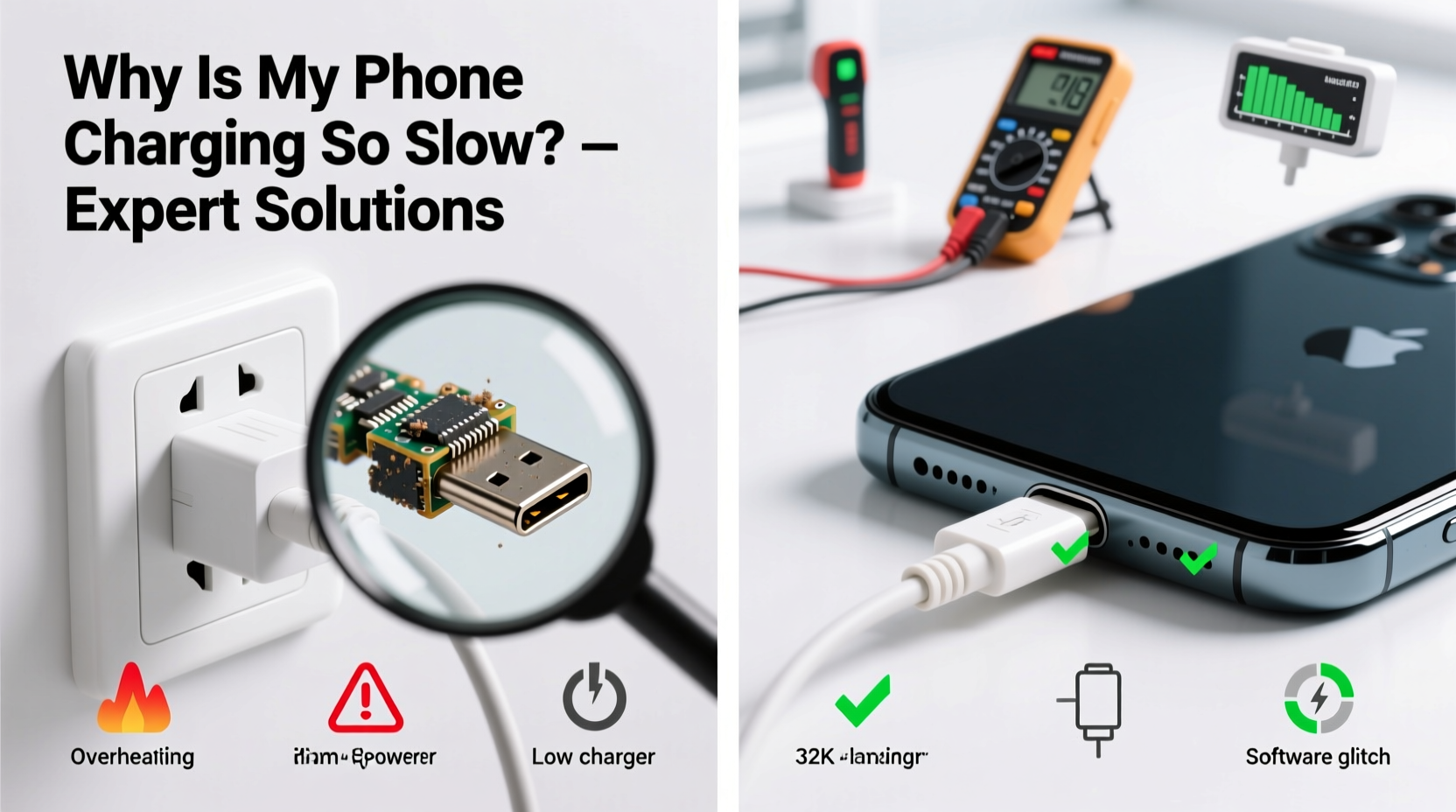
Modern smartphones use lithium-ion or lithium-polymer batteries that charge in phases: trickle, constant current, and constant voltage. Initially, when battery levels are very low (below 20%), the phone charges quickly using a high current. As it approaches full capacity (above 80%), the rate slows to protect battery health. This natural tapering explains why going from 10% to 50% feels fast, but the last 20% takes longer. However, if even the early phase feels slow, something else is interfering.
Fast charging technologies like Qualcomm Quick Charge, USB Power Delivery (USB-PD), or proprietary systems from Samsung and Apple rely on negotiated voltage and amperage between the charger, cable, and device. If any part of this chain fails to communicate properly—or uses incompatible components—the phone defaults to standard 5W or 10W charging, drastically reducing speed.
“Most slow-charging cases stem from mismatched hardware or degraded components. It’s rarely the phone itself failing—it’s the ecosystem around it.” — Dr. Rajiv Mehta, Electrical Engineer & Mobile Device Power Systems Specialist
Common Causes of Slow Charging
Several factors can degrade your phone's ability to charge efficiently. Some are environmental, others mechanical or software-related. Identifying the root cause is essential before attempting solutions.
Faulty or Low-Quality Cables and Chargers
The most frequent culprit? A damaged or non-certified charging cable. Over time, cables suffer internal wire breaks, especially near connectors. Even minor fraying can disrupt data signaling needed for fast charging negotiation. Similarly, using off-brand or counterfeit chargers often means subpar circuitry that can’t deliver stable voltage.
Damaged Charging Port
Dust, lint, and pocket debris accumulate in the charging port over months. On iPhones, this often blocks the small contact pins; on Android devices, it interferes with USB-C alignment. A clogged port prevents secure connection, leading to intermittent charging or reduced speeds.
Background App Activity
Charging while actively using your phone—especially running GPS, gaming, or streaming video—forces the battery to supply power while simultaneously receiving it. This creates inefficiency. The net gain may be minimal, making it seem like the phone isn’t charging at all.
Battery Degradation
Lithium-ion batteries degrade over time. After 300–500 full charge cycles, most lose 15–20% of their original capacity. As internal resistance increases, the battery becomes less efficient at accepting charge, particularly during fast-charging phases. iOS and Android both include battery health features to monitor this decline.
Environmental Factors
Extreme temperatures severely impact charging performance. Charging below 0°C (32°F) or above 35°C (95°F) triggers thermal throttling. Phones automatically reduce input power to avoid damage. Leaving a phone on a hot car dashboard or charging under a pillow traps heat and forces slowdowns.
Troubleshooting Checklist: What to Do When Your Phone Charges Slowly
Before replacing parts or visiting a repair shop, follow this systematic checklist to isolate and resolve the issue:
- Inspect the charging cable – Look for bends, frays, or loose connections. Try wiggling the connector near the plug—if charging cuts out, the cable is likely damaged.
- Test with a different charger – Use a known working, high-wattage charger (e.g., 18W or higher) to rule out power supply issues.
- Clean the charging port – Power off the phone. Use a dry toothbrush or plastic pick to gently remove lint. Avoid metal tools that could short circuits.
- Restart your phone – Software glitches can interfere with power management. A reboot resets these processes.
- Charge without usage – Turn off the screen or enable Airplane Mode during charging to eliminate background drain.
- Check battery health – On iPhone: Settings > Battery > Battery Health. On Android: Dial
*#*#4636#*#*or use apps like AccuBattery. Replace if health is below 80%. - Update software – OS updates often include power management fixes and charging optimizations.
- Try a wireless charger (if supported) – If wired charging remains slow but wireless works fine, the issue may be USB port-specific.
Hardware Comparison: What Makes Fast Charging Possible?
Not all chargers and cables are created equal. Compatibility matters. Below is a comparison of common charging standards and their capabilities:
| Standard | Max Power | Typical Devices | Requires Special Cable? |
|---|---|---|---|
| USB-A (Standard) | 7.5W (5V/1.5A) | Older phones, basic chargers | No |
| USB-C (Standard) | 15W (5V/3A) | Most modern Android phones | Yes (USB-C to USB-C) |
| Quick Charge 3.0/4+ | 18W–27W | Samsung, LG, older Pixel | Yes (QC-compatible) |
| USB Power Delivery (PD) | Up to 100W | iPhones (18W+), newer Android, MacBooks | Yes (E-Marked cable required) |
| Proprietary (e.g., SuperVOOC, Warp Charge) | 30W–150W | OnePlus, Oppo, Xiaomi | Yes (brand-specific) |
Using a USB-A cable with a modern phone limits you to slower speeds, even if the phone supports faster standards. Upgrading to a USB-C PD charger and certified cable can cut charging time in half.
Real-World Example: Fixing a Slow-Charging iPhone
Consider Sarah, a freelance designer who noticed her iPhone 13 was taking nearly three hours to charge fully—double its usual time. She used the same white Apple cable she’d had for two years. After trying a new cable from a third-party brand with no improvement, she checked her charging port and found visible lint buildup. Using a wooden toothpick, she carefully cleaned the port. Still slow. Then she tested with Apple’s official 20W USB-C charger and a certified USB-C to Lightning cable. The phone immediately showed “Fast Charging” in the battery widget, reaching 50% in 30 minutes.
The root cause? Her old USB-A charger maxed out at 12W, and the third-party cable didn’t support power delivery. Once she upgraded the entire charging stack, performance returned to normal. This case highlights how multiple weak links can compound into frustrating slowdowns.
Step-by-Step Guide to Restore Fast Charging
Follow this sequence to diagnose and fix slow charging effectively:
- Power down the device – Ensures safety during inspection and cleaning.
- Examine the cable and charger – Check for physical damage. Try a different, high-quality setup.
- Clean the charging port – Use a soft brush or plastic tool. Remove debris gently.
- Boot into safe mode (Android) – Hold power button > long-press “Power Off” > tap “Safe Mode.” If charging improves, a third-party app is interfering.
- Enable Airplane Mode – Eliminates network and app drain during charging tests.
- Monitor temperature – Feel the back of the phone. If warm, let it cool before continuing.
- Check charging speed – Use a battery app (like Ampere for Android) to see actual input (mA). Below 1000mA indicates a problem.
- Replace components if needed – Invest in a certified fast charger and cable. Consider battery replacement if health is poor.
Preventive Measures for Long-Term Charging Efficiency
Maintaining fast charging over time requires consistent habits:
- Rotate cables – Don’t rely on one cable. Alternate to prevent wear.
- Avoid cheap accessories – Knockoff chargers may damage ports or batteries over time.
- Unplug once charged – Prolonged charging doesn’t harm modern phones much, but heat buildup from overnight charging accelerates battery aging.
- Use partial charges – Keep battery between 20% and 80% when possible. Deep discharges strain the cell.
- Store in moderate temperatures – Never leave your phone in direct sunlight or freezing conditions while charging.
“Battery longevity isn’t just about capacity—it’s about how well it accepts charge. Proper charging habits preserve both.” — Li Wen, Battery Research Scientist at GreenCell Labs
Frequently Asked Questions
Can a phone case slow down charging?
Thick or poorly designed cases can trap heat during charging, triggering thermal throttling. Wireless charging is especially sensitive—metallic cases or those with magnets (unless MagSafe-compliant) can block signals or reduce efficiency. Remove the case if charging feels unusually slow.
Why does my phone charge fast at first, then slow down dramatically?
This is normal behavior. After reaching ~80%, phones switch to trickle charging to protect battery lifespan. However, if the initial phase is also slow, check your charger, cable, or battery health.
Does turning off the phone make it charge faster?
Yes. With zero background activity, all incoming power goes directly to the battery. You’ll typically see a 20–30% increase in charging speed compared to charging while using the device.
Conclusion: Take Control of Your Charging Experience
Slow charging isn’t inevitable. More often than not, it’s the result of overlooked details—a frayed cable, a dusty port, or outdated accessories. By understanding the technology behind fast charging and applying practical fixes, you can restore optimal performance without costly repairs. Start with the basics: inspect your gear, clean your port, and upgrade to certified components. Monitor your battery health and adjust habits to extend its life. These small steps add up to significant improvements in daily usability.




 浙公网安备
33010002000092号
浙公网安备
33010002000092号 浙B2-20120091-4
Comments
No comments yet. Why don't you start the discussion?