
It seems counterintuitive: you're standing in freezing temperatures, gloves on, breath visible in the air — yet your phone warns of overheating. You didn’t leave it in the sun or play graphics-heavy games. So why is your smartphone acting like it’s in a sauna? This phenomenon baffles many users, but it's rooted in real physics and battery chemistry. Understanding why phones overheat in cold conditions—and what to do about it—is essential for preserving battery life, performance, and long-term reliability.
Modern smartphones are engineered for optimal operation within a narrow temperature range, typically between 0°C and 35°C (32°F to 95°F). Outside this zone, especially in extreme cold, internal components react unpredictably. The lithium-ion batteries at the heart of every smartphone are particularly sensitive. When exposed to low ambient temperatures, their chemical reactions slow down, reducing efficiency. In response, the phone may increase power draw or activate thermal management systems, inadvertently causing heat buildup. This creates a paradox: cold surroundings trigger internal overheating alerts.
The Science Behind Cold-Weather Overheating
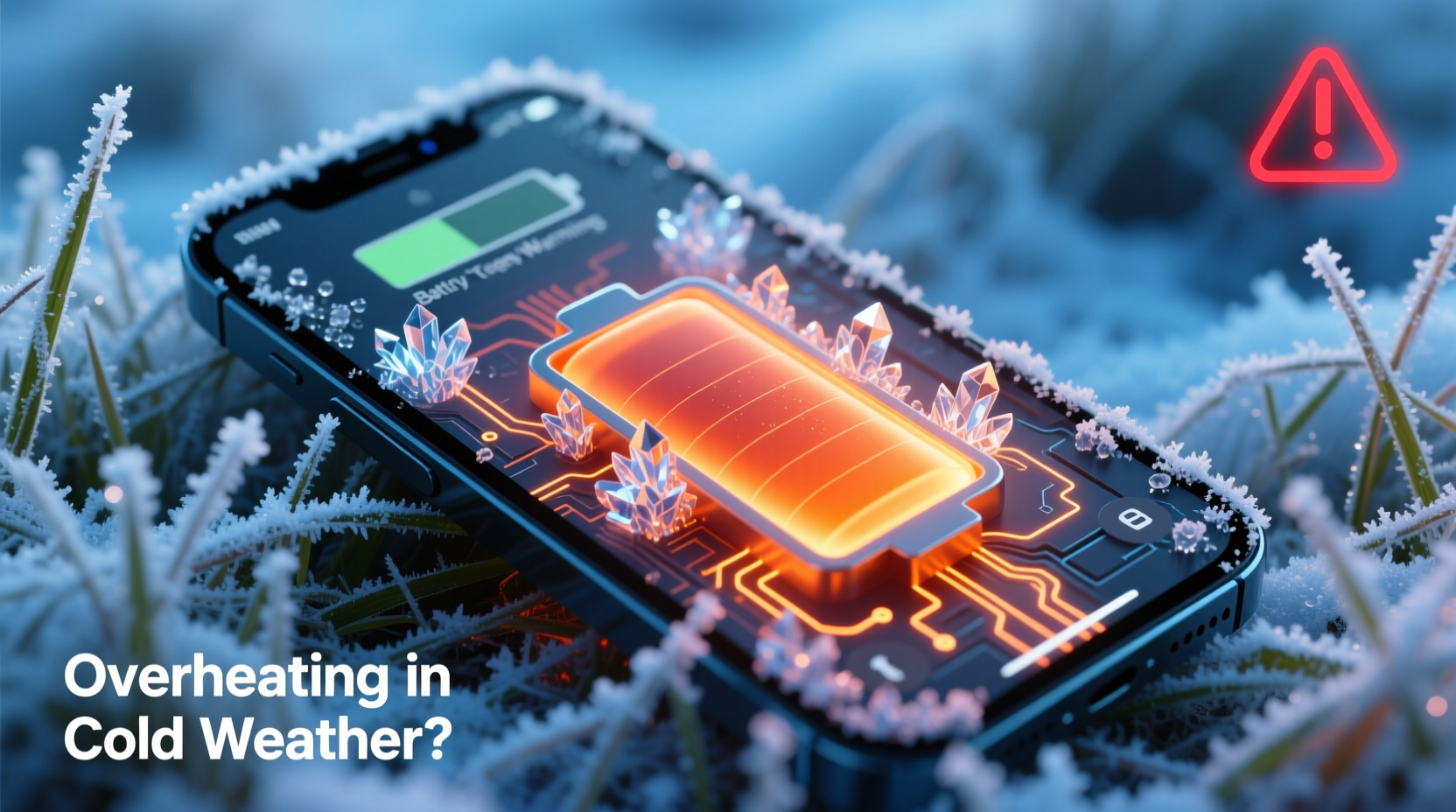
Lithium-ion batteries rely on ion movement between electrodes to generate electricity. In cold environments, these ions move more sluggishly. The electrolyte solution thickens, resistance increases, and voltage drops. To compensate, the phone's power management system may boost current to maintain performance—especially when using GPS, camera, or cellular data in snowy or remote areas. This extra effort generates heat.
Additionally, the phone’s processor may ramp up activity if apps struggle due to delayed signal transmission or reduced battery output. For example, trying to load a map in subzero temperatures forces the CPU to work harder, increasing thermal output. Meanwhile, the cold exterior masks internal heat, so the device can’t dissipate warmth efficiently. Trapped heat triggers thermal sensors, leading to an “overheating” warning—even though the outside feels icy.
“Temperature extremes in either direction stress lithium-ion cells. Cold doesn't just reduce capacity—it destabilizes voltage regulation, which can lead to unexpected heating events.” — Dr. Lena Torres, Battery Systems Engineer at Nordic Electronics Lab
Common Scenarios That Trigger Overheating in Cold Weather
Not all cold-weather overheating is the same. Certain activities and environmental factors amplify the risk:
- Using navigation while skiing or hiking: GPS, screen brightness, and cellular connectivity run continuously, demanding high power from a compromised battery.
- Carrying the phone in an outer coat pocket: Windproof layers trap body heat and block airflow, creating a microclimate where internal heat accumulates.
- Switching rapidly between cold outdoors and warm indoors: Condensation forms inside the device, potentially short-circuiting components and increasing electrical resistance.
- Running fitness tracking apps in winter sports: Accelerometers, heart rate monitors, and Bluetooth all contribute to elevated energy use.
Step-by-Step Guide to Prevent and Fix Overheating in Cold Conditions
When your phone displays an overheating alert during winter use, follow this structured approach to cool it down safely and prevent recurrence.
- Power down temporarily: Turn off the device completely. This stops active processes and allows internal temperatures to stabilize without additional heat generation.
- Remove protective cases: Especially insulated or thick cases that trap heat. Let the phone breathe in a stable environment.
- Move to a moderate indoor area: Do not place it near radiators, heaters, or direct sunlight. Sudden warming causes condensation.
- Wait for acclimatization: Allow 15–30 minutes for the phone to reach room temperature before turning it back on.
- Restart and monitor: After restart, check battery health and close any background apps consuming excessive resources.
- Limit intensive functions: Disable GPS, reduce screen brightness, and turn off haptic feedback until back in a safe temperature zone.
- Store properly when not in use: Keep the phone in an inner jacket pocket close to your body to maintain mild warmth without overheating.
Do’s and Don’ts When Handling an Overheating Phone in Winter
| Do’s | Don’ts |
|---|---|
| Keep the phone in an inner pocket to maintain steady temperature | Leave the phone in a car overnight during freezing weather |
| Use airplane mode when signal is weak to prevent radio strain | Charge the phone while it’s still cold or showing overheating warnings |
| Enable battery saver mode to reduce CPU load | Expose the device directly to heat sources like hand warmers or hair dryers |
| Carry hand warmers separately, not touching the phone | Ignore repeated overheating alerts—this can damage the battery permanently |
| Use rugged but breathable cases designed for outdoor use | Operate camera or AR apps for extended periods in subzero temps |
Real Example: A Skier’s Smartphone Failure at Breckenridge
Daniel, an avid backcountry skier, experienced unexplained phone shutdowns during a trip to Breckenridge, Colorado. His iPhone displayed an overheating message at -12°C (10°F), despite being unused for over an hour. He had stored it in his snow pants’ outer pocket, wrapped in a thin neoprene sleeve. Upon inspection, he realized the combination of wind chill, moisture, and residual heat from earlier GPS use created thermal imbalance. The battery dropped below functional voltage, prompting the system to throttle performance and generate excess heat trying to recalibrate.
After consulting a technician, Daniel learned that even passive usage—like location services running in the background—was enough to trigger instability. He now stores his phone in a fleece-lined chest pocket, uses Low Power Mode proactively, and carries a portable battery pack inside his jacket. Since making these changes, he’s had no further overheating incidents, even during multi-day expeditions.
Long-Term Prevention Strategies
Preventing cold-induced overheating isn’t just about immediate fixes—it requires consistent habits and smart gear choices.
- Invest in cold-rated accessories: Some manufacturers produce rugged cases with thermal regulation features. Look for models tested down to -20°C (-4°F).
- Monitor battery health monthly: On iOS, go to Settings > Battery > Battery Health. On Android, use built-in diagnostics or third-party tools like AccuBattery. Replace the battery if maximum capacity falls below 80%.
- Update software regularly: OS updates often include improved thermal management algorithms and power efficiency tweaks.
- Avoid full discharges in winter: Keep charge levels above 50% when venturing into cold environments. Lithium-ion batteries degrade faster when deeply discharged in low temperatures.
- Use external battery packs wisely: Store power banks close to your body to keep them warm. A cold power bank delivers less effective charge and stresses your phone’s charging circuit.
Frequently Asked Questions
Can cold weather permanently damage my phone?
Yes. Repeated exposure to extreme cold can cause irreversible battery degradation, screen delamination, and condensation-related corrosion. While occasional exposure is usually recoverable, frequent or prolonged use below -10°C (14°F) increases long-term failure risk.
Why does my phone shut down suddenly in the cold?
Lithium-ion batteries experience temporary voltage drop in cold temperatures. The phone misreads this as complete discharge and shuts down to protect itself. Once warmed, it may power back on with remaining charge. This is not a defect but a safety mechanism.
Is it safe to warm my phone with my hands?
Gently, yes. Holding the phone in gloved hands provides mild, gradual warming. However, avoid rapid heating methods like placing it near fire, heaters, or under pillows. Rapid expansion of materials can damage seals and internal components.
Checklist: Winter-Proof Your Smartphone
- ✅ Check battery health before winter season
- ✅ Use a case that insulates without trapping heat
- ✅ Enable Low Power Mode during outdoor activities
- ✅ Download offline content to reduce live data use
- ✅ Carry the phone in an inner clothing layer
- ✅ Avoid charging until fully acclimated to room temperature
- ✅ Keep firmware updated for optimized thermal control
- ✅ Carry a backup power source stored close to your body
Conclusion: Protect Your Device Before the Next Cold Snap
Your smartphone is a powerful tool, but it’s only as reliable as the conditions you subject it to. Overheating in cold weather isn’t a glitch—it’s a predictable outcome of physics clashing with modern technology. By understanding how temperature affects battery chemistry and system performance, you can take meaningful steps to safeguard your device. Whether you're commuting through a polar vortex or chasing powder on a mountain peak, proper handling ensures your phone stays functional, responsive, and durable.




 浙公网安备
33010002000092号
浙公网安备
33010002000092号 浙B2-20120091-4
Comments
No comments yet. Why don't you start the discussion?