
It’s a familiar scene: you plug in your phone, only to notice it quickly growing hot—sometimes too hot to touch. While some warmth during charging is normal, excessive heat can damage your battery, slow performance, or even pose safety risks. Overheating isn’t just uncomfortable; it’s a red flag that something in your charging ecosystem needs attention. From faulty cables to environmental factors, multiple elements can push your phone beyond its thermal limits. Understanding the root causes and knowing how to respond can extend your device’s lifespan and keep you safe.
How Phone Charging Generates Heat
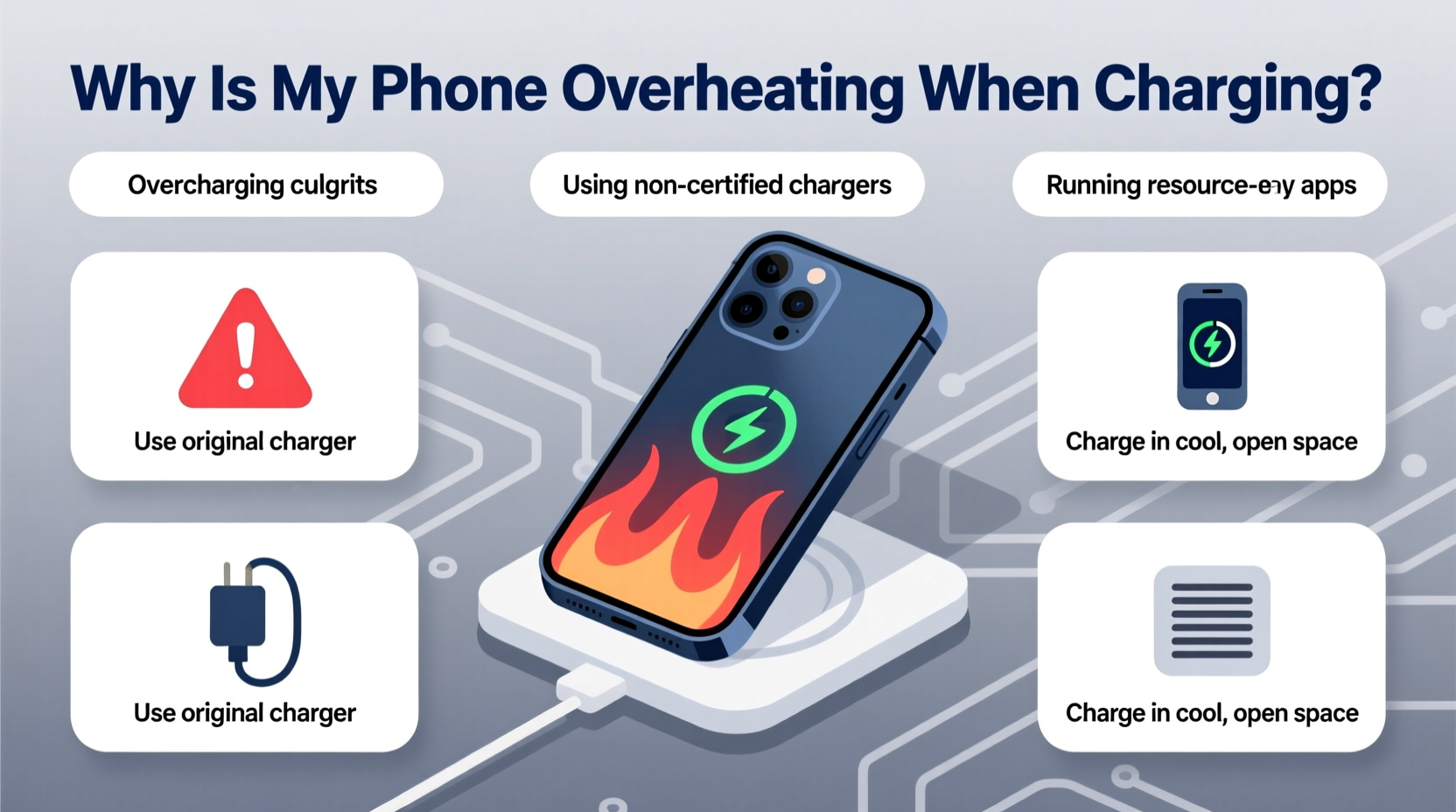
When your phone charges, electrical energy flows from the power source into the battery, converting into stored chemical energy. This process naturally produces heat due to resistance in the circuitry and inefficiencies in energy conversion. Modern smartphones use lithium-ion batteries, which are sensitive to temperature extremes. Ideally, they operate between 32°F (0°C) and 95°F (35°C). Charging outside this range—or under suboptimal conditions—increases internal resistance, accelerating heat buildup.
Fast charging technologies, while convenient, amplify this effect. Delivering higher voltage or current in a shorter time increases thermal output. Manufacturers design safeguards—like throttling charge speed when temperatures rise—but these aren’t foolproof. If your phone consistently overheats during charging, it’s likely battling preventable stressors.
Common Causes of Phone Overheating During Charging
Overheating rarely stems from a single factor. More often, it's the result of overlapping issues. Identifying the most frequent culprits helps isolate the problem and apply targeted solutions.
1. Poor-Quality or Damaged Chargers and Cables
Inexpensive or counterfeit chargers often lack proper voltage regulation and overcurrent protection. These can deliver unstable power, forcing the phone’s internal components to work harder—and hotter. Frayed or bent cables increase resistance, generating excess heat at connection points.
2. Using the Phone While Charging
Running apps, streaming video, or playing games while plugged in forces the processor and screen to draw additional power. This dual load—charging + active usage—creates a thermal spike. GPS navigation or augmented reality apps are especially taxing.
3. Environmental Factors
Charging in direct sunlight, on a car dashboard, or near radiators raises ambient temperature. Even indoor environments above 77°F (25°C) can impair cooling. Phones left under pillows or buried in couch cushions trap heat with no escape route.
4. Battery Degradation
Lithium-ion batteries degrade over time, typically after 300–500 full charge cycles. As capacity diminishes, internal resistance increases, making the battery less efficient and more prone to heating. Swollen or aged batteries may struggle to regulate temperature safely.
5. Background Apps and System Processes
Apps syncing data, updating in the background, or using location services can spike CPU usage without user awareness. Malware or poorly optimized software may also run hidden processes that generate heat.
6. Wireless Charging Inefficiency
Wireless charging is inherently less efficient than wired methods, losing energy as electromagnetic radiation and heat. Misaligned coils or charging through thick cases further reduce efficiency, increasing thermal output.
“Thermal stress is one of the top contributors to premature battery failure. A consistently hot phone can lose up to 20% of its battery capacity within a year.” — Dr. Lena Torres, Battery Technology Researcher, MIT Energy Initiative
Step-by-Step Guide to Diagnose and Fix Overheating
Follow this systematic approach to identify and resolve the cause of overheating. Most fixes require no technical expertise and can be completed in under an hour.
- Power down and inspect the charger. Unplug all accessories. Check for frayed wires, bent connectors, or loose prongs. Replace any damaged hardware immediately.
- Use only manufacturer-approved or certified third-party chargers. Look for USB-IF certification or MFi (Made for iPhone) labels. Avoid generic chargers from unknown brands.
- Charge in a cool, shaded area. Move away from windows, heaters, or enclosed spaces. Ideal room temperature is between 68°F and 77°F (20–25°C).
- Remove the case during charging. Especially if it’s made of silicone, leather, or thick plastic. These materials insulate heat instead of dissipating it.
- Turn off the phone or enable Airplane Mode. This halts background activity, reduces CPU load, and minimizes heat generation.
- Check for rogue apps. Go to Settings > Battery Usage and identify apps consuming disproportionate power. Force-stop or uninstall suspicious ones.
- Update your operating system. Software updates often include thermal management improvements and bug fixes related to battery performance.
- Test with a different cable and adapter. Borrow a known-good setup to rule out hardware faults. If the phone stays cool, the original charger was likely the issue.
- Avoid wireless charging temporarily. Switch to wired charging to see if temperatures normalize. If so, consider upgrading to a high-efficiency Qi-certified pad with built-in cooling.
- Monitor battery health. On iPhones, go to Settings > Battery > Battery Health. On Android, use diagnostic codes (e.g.,
*#*#4636#*#*) or manufacturer tools like Samsung Members. If maximum capacity is below 80%, consider a battery replacement.
Do’s and Don’ts: Charging Best Practices
| Do’s | Don’ts |
|---|---|
| Use OEM or certified charging accessories | Use cheap, unbranded chargers |
| Charge in a well-ventilated area | Charge under pillows or blankets |
| Remove protective cases while charging | Leave phone in direct sunlight while charging |
| Enable airplane mode for faster, cooler charging | Play graphics-intensive games while charging |
| Keep software updated | Ignore persistent overheating warnings |
| Replace swollen or degraded batteries promptly | Continue using a phone that shuts down due to heat |
Real-World Example: Sarah’s Overheating iPhone
Sarah, a graphic designer in Austin, noticed her iPhone 13 grew uncomfortably hot every evening when she charged it at her desk. The device would sometimes shut down unexpectedly mid-charge. Initially, she assumed it was normal. But after reading about battery degradation, she decided to investigate.
She followed the diagnostic steps: first replacing her third-party charger with Apple’s original adapter, then removing her silicone case. No change. Next, she checked battery health and found capacity had dropped to 76%. She also discovered a design app running continuous syncs in the background. After uninstalling the app and scheduling charging for earlier in the day—away from afternoon sun—the phone stayed significantly cooler. She booked a battery replacement at an Apple Store and now avoids charging past 80% unless necessary. Her phone hasn’t overheated since.
Sarah’s experience highlights how multiple small issues—a weak battery, poor environment, and background app—can combine into a serious problem. Addressing each layer restored safe operation.
Preventive Checklist for Long-Term Safety
- ✅ Use only certified charging equipment
- ✅ Keep the phone uncovered during charging
- ✅ Charge in a cool, dry place away from direct heat
- ✅ Limit phone use while charging, especially gaming or video calls
- ✅ Update OS and apps regularly
- ✅ Monitor battery health every 3–6 months
- ✅ Replace damaged cables or adapters immediately
- ✅ Enable optimized charging features (e.g., iOS “Optimized Battery Charging”)
- ✅ Avoid overnight charging on beds or sofas
- ✅ Consider a cooling fan stand for frequent fast charging
Frequently Asked Questions
Is it dangerous if my phone gets hot while charging?
Mild warmth is normal, but excessive heat—enough to cause discomfort or trigger warning messages—can damage internal components and reduce battery lifespan. In rare cases, extreme overheating may lead to swelling, leakage, or fire. If your phone frequently becomes too hot to hold, stop charging and investigate the cause.
Can fast charging make my phone overheat?
Yes. Fast charging increases current flow, which generates more heat. However, modern phones regulate this by slowing the charge once the battery reaches 50–80%. To minimize risk, avoid fast charging in warm environments or while using demanding apps.
Should I replace my phone if it overheats while charging?
Not necessarily. Overheating is usually fixable with better chargers, improved habits, or a battery replacement. Only consider replacing the device if the battery is swollen, the phone shuts down repeatedly, or repairs are cost-prohibitive.
Conclusion: Take Control of Your Phone’s Temperature
Phone overheating during charging is a widespread but solvable issue. By understanding the interplay between hardware, environment, and usage patterns, you can take meaningful steps to protect your device. The key is vigilance—responding early to warning signs before irreversible damage occurs. Simple changes like switching chargers, removing cases, or adjusting when and where you charge can make a dramatic difference.
Your smartphone is designed to last years, not months. Treat it with care, respect its thermal limits, and it will remain reliable and safe. Don’t wait for a shutdown or swelling battery to act. Start today: inspect your charger, check your battery health, and optimize your charging routine.




 浙公网安备
33010002000092号
浙公网安备
33010002000092号 浙B2-20120091-4
Comments
No comments yet. Why don't you start the discussion?