
It’s a common experience: you plug in your phone, only to notice it quickly warming up—sometimes uncomfortably so. While some heat during charging is normal, excessive warmth can raise concerns about safety, battery life, and long-term device health. But what’s actually happening? And more importantly, which causes are rooted in fact, and which are just widely believed myths?
With misinformation spreading easily online—from claims that using your phone while charging causes fires to fears about overnight charging—understanding the truth behind phone overheating is essential. This article separates myth from reality, explains the science behind heat generation, and provides actionable steps to keep your device running cool and safe.
The Science of Heat: Why Phones Warm Up During Charging
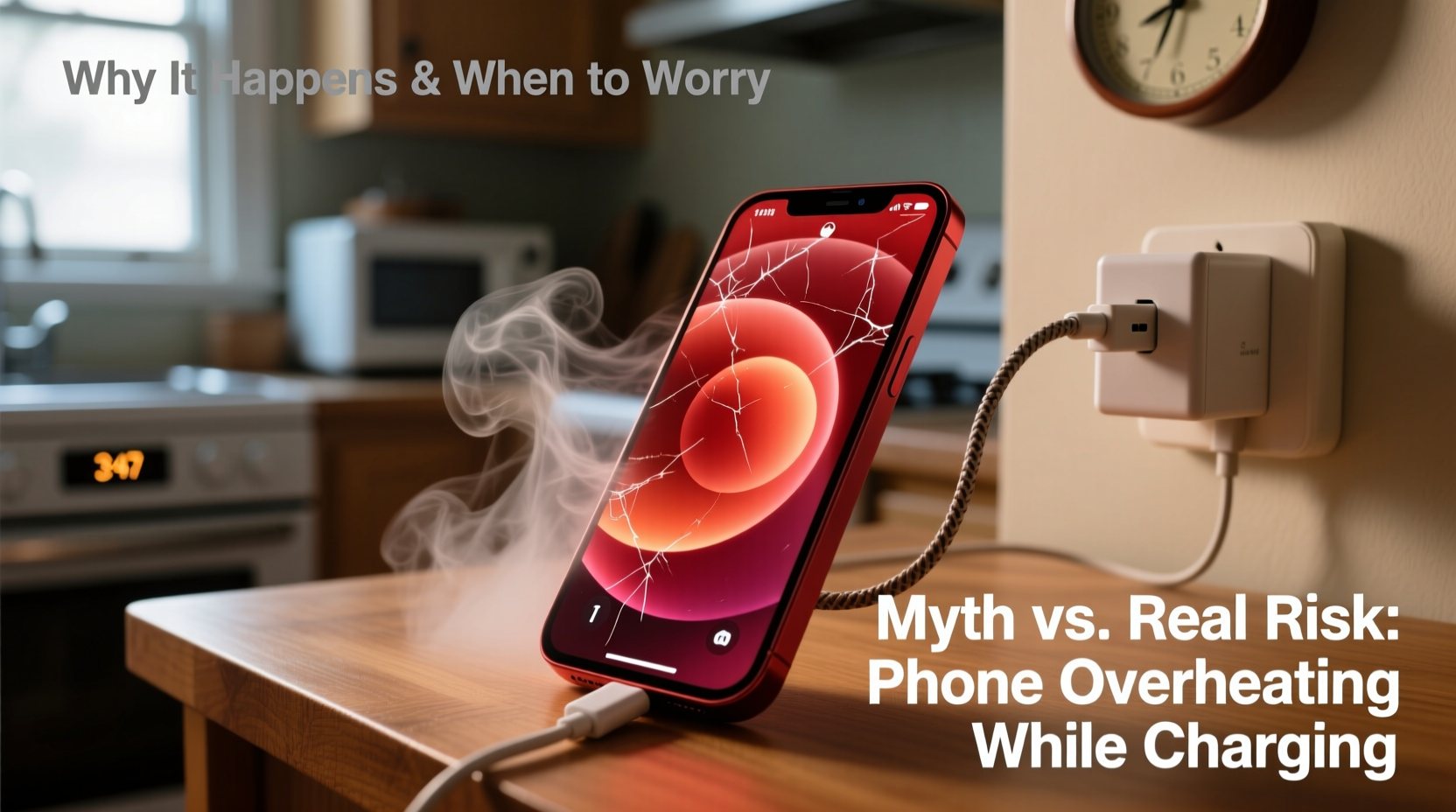
When a phone charges, electrical energy flows into the battery, where it's stored as chemical energy. This process isn’t 100% efficient. Some energy is lost as heat due to resistance in the charging circuit, battery chemistry, and power conversion. A small temperature rise—typically 5–10°C above ambient—is expected and harmless.
However, when temperatures exceed this range, especially reaching levels where the phone becomes too hot to hold comfortably (above 40°C), there may be underlying issues. Modern smartphones include thermal sensors and software safeguards that throttle performance or stop charging if internal temperatures become unsafe. But relying on these protections repeatedly isn't ideal for long-term battery health.
Several factors contribute to increased heat:
- Inefficient power conversion: Wall chargers convert AC to DC power; lower-quality adapters do this inefficiently, generating excess heat.
- Fast charging technology: Higher wattage increases current flow, accelerating both charging speed and heat production.
- Battery age and condition: Older batteries have higher internal resistance, making them more prone to heating.
- Background activity: Apps running in the background increase processor load, adding to thermal output even during charging.
Common Myths About Phone Overheating Debunked
Misconceptions about phone charging are widespread. Many stem from outdated advice or misunderstandings of how modern devices work. Let’s examine some of the most persistent myths.
Myth 1: Using Your Phone While Charging Causes It to Explode
This fear originated from rare incidents involving faulty batteries or counterfeit chargers. In reality, using your phone while charging does not inherently cause explosions. However, intensive use—like gaming or video streaming—increases CPU load and heat buildup, compounding the thermal stress from charging. The risk comes not from usage itself, but from poor thermal management under high demand.
Myth 2: Overnight Charging Ruins the Battery and Increases Fire Risk
Modern smartphones use lithium-ion or lithium-polymer batteries with built-in charge controllers. Once the battery reaches 100%, charging stops automatically. Trickle charging maintains full capacity without overcharging. While prolonged time at 100% can slightly accelerate battery aging, fire risk from standard overnight charging with certified equipment is negligible.
Myth 3: Only Cheap Chargers Cause Overheating
While low-quality chargers are a known hazard, even genuine OEM chargers can contribute to heating under certain conditions—especially when paired with damaged cables or used in hot environments. The issue isn’t always the brand, but compatibility, wear, and environmental factors.
Myth 4: Closing Apps Reduces Overheating Instantly
Many users believe force-closing apps will immediately cool down a hot phone. On iOS and Android, apps are typically suspended when not in active use. Force-quitting doesn’t reduce CPU or battery load significantly unless an app is actively malfunctioning or stuck in a loop. Real cooling requires reducing overall system strain, not just closing background tabs.
“Thermal issues in phones are rarely due to one single factor. It’s usually a combination of hardware, environment, and usage patterns.” — Dr. Lena Park, Mobile Device Engineer at TechSafe Labs
Real Risks Behind Phone Overheating
While myths exaggerate dangers, real risks do exist. Ignoring consistent overheating can lead to tangible consequences for both safety and device longevity.
Battery Degradation
Lithium-based batteries degrade faster at elevated temperatures. According to studies by Battery University, continuous exposure to temperatures above 35°C can permanently reduce battery capacity within weeks. For example, a battery kept at 40°C may lose up to 25% of its capacity in a year, compared to just 4% at 25°C.
Performance Throttling
To protect components, phones reduce processor speed when overheated. This leads to lag, slower app loading, and reduced responsiveness—especially noticeable during gaming or multitasking.
Safety Hazards
In extreme cases—usually involving damaged batteries, non-compliant chargers, or obstructed ventilation—overheating can lead to swelling, leakage, or in very rare instances, combustion. These situations are uncommon but underscore the importance of using reliable accessories and monitoring device behavior.
Component Stress
Prolonged heat affects more than just the battery. Camera sensors, display layers, and internal adhesives can deteriorate faster under thermal stress, leading to premature failure.
Do’s and Don’ts: Managing Heat During Charging
| Do’s | Don’ts |
|---|---|
| Use manufacturer-recommended or certified chargers (e.g., MFi for Apple, USB-IF certified) | Use frayed, bent, or third-party cables without certification |
| Charge in a cool, dry, well-ventilated area | Leave your phone charging under pillows, blankets, or direct sunlight |
| Remove bulky cases during fast charging | Play graphics-intensive games while fast charging |
| Enable adaptive charging features (available on Samsung, Google, and Apple devices) | Ignore repeated overheating warnings from your device |
| Update your phone’s OS regularly for thermal management improvements | Keep charging past 100% unnecessarily, especially in hot environments |
A Real-World Example: The Case of the Swelling iPhone
Jamal, a 29-year-old graphic designer, noticed his iPhone 13 getting unusually hot during wireless charging. He charged it every night on a third-party magnetic pad he bought online for $12. After two months, the screen started lifting slightly at one corner. A repair technician diagnosed a swollen battery caused by chronic overheating.
Analysis revealed the charger was delivering inconsistent voltage and lacked proper thermal regulation. Although the phone had software safeguards, nightly exposure to elevated temperatures (above 42°C) degraded the battery’s electrolyte and triggered gas buildup—a known precursor to swelling.
After replacing the battery and switching to an Apple-certified MagSafe charger, Jamal monitored his phone’s temperature using a diagnostic app. He now removes his silicone case during charging and avoids using the phone for navigation while plugged in. His battery health has stabilized, and peak charging temperatures dropped by nearly 8°C.
This case illustrates how seemingly minor choices—like using a non-compliant accessory—can compound into serious hardware issues over time.
Step-by-Step Guide to Prevent Charging-Related Overheating
- Inspect your charging setup: Check your charger and cable for damage, certification labels, and manufacturer authenticity.
- Choose the right environment: Charge your phone in a room with moderate temperature (18–24°C) and avoid enclosed spaces like drawers or under bedding.
- Remove protective cases: Especially those made of silicone, leather, or thick rubber, which trap heat.
- Limit usage during charging: Avoid gaming, video calls, or GPS navigation while connected, particularly with fast or wireless charging.
- Switch to slow charging when possible: Use a 5W or 10W charger overnight instead of 30W+ fast chargers to minimize heat generation.
- Monitor battery health: On iPhones, go to Settings > Battery > Battery Health. On Android, use apps like AccuBattery to track capacity and charging patterns.
- Enable smart charging features: Turn on “Optimized Battery Charging” (iOS) or “Adaptive Charging” (Android) to delay full charge until you typically unplug.
- Replace aging batteries: If your battery holds less than 80% of its original capacity, consider a professional replacement.
Frequently Asked Questions
Is it dangerous if my phone gets hot while charging?
Mild warmth is normal, but if the phone is too hot to touch comfortably, shuts down unexpectedly, shows warning messages, or exhibits physical changes like warping, it poses a potential safety risk. Unplug it immediately and assess your charging equipment.
Can wireless charging cause more heat than wired?
Yes. Wireless charging is inherently less efficient due to electromagnetic induction losses, often generating 5–10°C more heat than wired charging. High-speed wireless chargers exacerbate this. For minimal heat, use slow wireless charging or switch to a quality wired setup.
Does turning off the phone while charging prevent overheating?
Yes. Powering down eliminates background processes and screen usage, significantly reducing heat. It’s the most effective way to ensure cool, efficient charging—especially useful when fast charging or topping up a deeply depleted battery.
Checklist: How to Keep Your Phone Cool While Charging
- ✅ Use certified chargers and cables
- ✅ Charge in a cool, open space
- ✅ Remove insulating phone cases
- ✅ Avoid heavy usage during charging
- ✅ Prefer wired over wireless charging when possible
- ✅ Enable adaptive/optimized charging settings
- ✅ Monitor battery health monthly
- ✅ Replace damaged or aged batteries promptly
- ✅ Keep software updated for improved thermal management
- ✅ Avoid charging in vehicles during hot weather
“The best defense against overheating is awareness. Pay attention to how your phone feels, behaves, and charges. Small habits make a big difference in longevity.” — Carlos Mendez, Senior Technician at MobileCare Pro
Conclusion: Stay Informed, Stay Safe
Phone overheating during charging is a mix of physics, design limitations, and user habits. While modern devices are engineered with multiple safety layers, they’re not immune to degradation or risk—especially when subjected to poor practices over time.
Understanding the difference between myths and real threats empowers you to make smarter decisions. You don’t need to fear overnight charging or banish all third-party accessories, but you should prioritize quality, monitor device behavior, and respond proactively to warning signs.
Your smartphone is a significant investment. Treating it with care—especially during one of its most vulnerable states, charging—ensures better performance, longer battery life, and peace of mind. Start applying these insights today to protect your device from unnecessary heat stress.




 浙公网安备
33010002000092号
浙公网安备
33010002000092号 浙B2-20120091-4
Comments
No comments yet. Why don't you start the discussion?