
It’s a common scene: you plug in your phone, only to find it growing uncomfortably hot within minutes. The screen feels like it’s radiating heat, the battery drains faster than expected, or worse—the device shuts down unexpectedly. While this can be alarming, phone overheating during charging is more common than most users realize. In many cases, the cause isn’t a failing device but a combination of environmental factors, usage habits, and hardware choices. Understanding why this happens—and knowing how to respond—can save you from unnecessary stress, costly repairs, or even permanent battery degradation.
Modern smartphones are packed with powerful processors, high-capacity batteries, and fast-charging capabilities, all of which generate heat. When charging, energy conversion from AC to DC power produces thermal output. Add poor ventilation, background app activity, or substandard accessories, and that heat can quickly accumulate. The good news? Most overheating issues can be addressed with simple, immediate steps—many of which don’t require technical expertise or replacement parts.
What Causes Your Phone to Overheat While Charging?
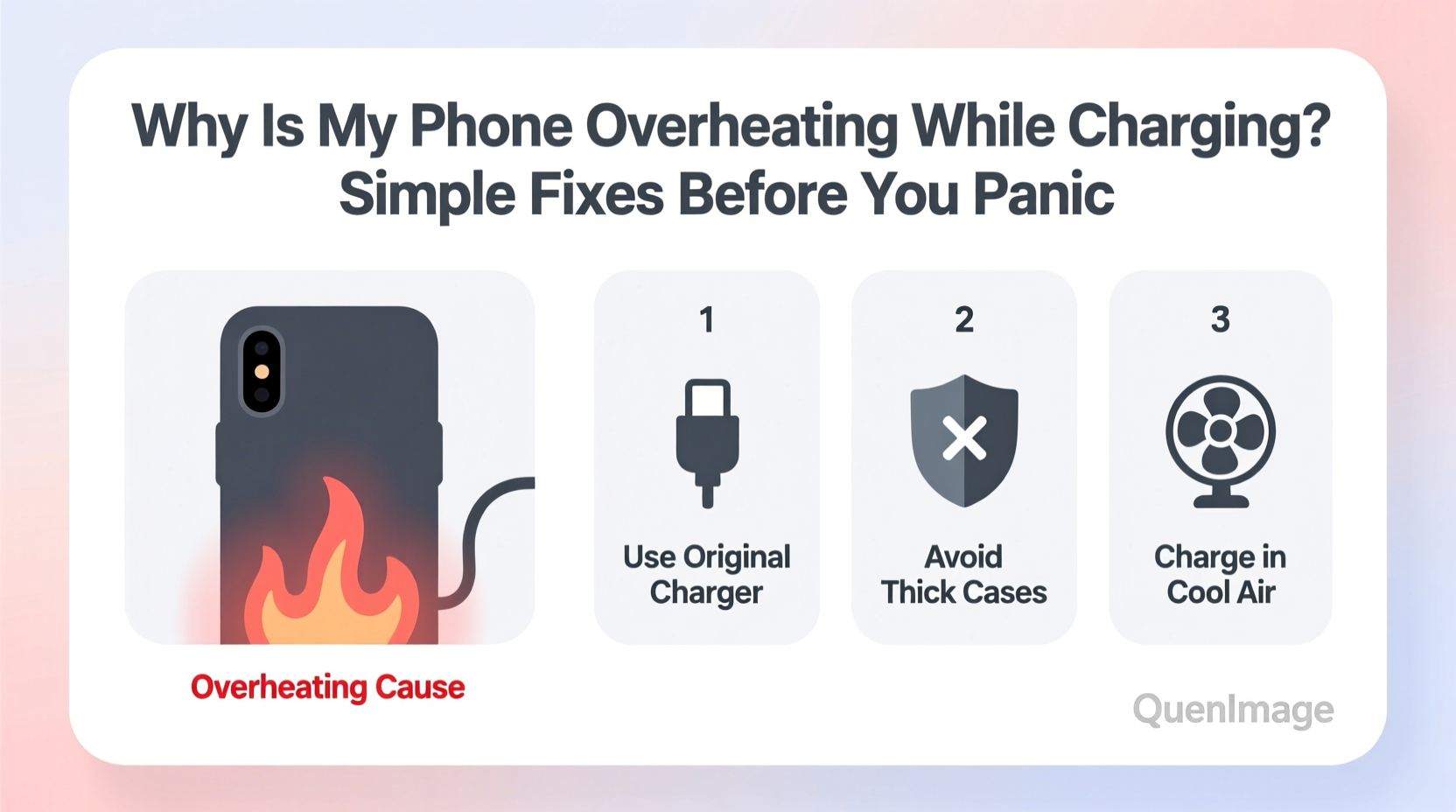
Heat generation during charging is normal to an extent. However, excessive heat indicates inefficiencies or risks in the charging process. Several key factors contribute:
- Inefficient power conversion: Chargers convert wall outlet electricity into a form your phone can use. Lower-quality chargers do this inefficiently, producing excess heat not just in the charger but also in the phone.
- Poor ventilation: Placing your phone under a pillow, on a bed, or inside a thick case traps heat. Without airflow, temperatures rise rapidly.
- Fast charging without adequate cooling: While convenient, fast charging increases electrical current, accelerating heat production. If the phone lacks proper thermal management, overheating follows.
- Background app activity: Streaming video, gaming, or running GPS navigation while charging forces the processor and battery to work harder, compounding heat buildup.
- Damaged or non-certified cables and chargers: Frayed wires, counterfeit adapters, or incompatible voltage outputs disrupt stable charging and increase resistance, generating heat.
- Battery degradation: As lithium-ion batteries age, their internal resistance increases, making them less efficient and more prone to heating.
“Over 60% of smartphone overheating cases during charging stem from user environment and accessory quality—not hardware failure.” — Dr. Lin Zhao, Mobile Device Thermal Engineer at Nexus Labs
Immediate Fixes You Can Try Right Now
If your phone is hot to the touch while charging, act quickly to prevent long-term damage. Here’s what to do—step by step.
- Unplug immediately if excessively hot. If the phone is too hot to hold, stop charging and let it cool for at least 20–30 minutes before resuming.
- Remove the case. Especially if it’s silicone, leather, or a rugged design, take it off. These materials insulate heat rather than dissipate it.
- Turn off the phone or enable Airplane Mode. This stops background processes, reduces CPU load, and minimizes heat generation.
- Move to a cooler environment. Avoid direct sunlight, hot cars, or humid rooms. Charge on a hard, cool surface like a wooden table or stone countertop.
- Use the original charger and cable. Third-party accessories may claim compatibility but often lack proper voltage regulation and safety features.
- Clean the charging port. Dust, lint, or debris can create poor connections, increasing resistance and heat. Use a dry toothbrush or compressed air gently.
Do’s and Don’ts: Charging Habits That Make a Difference
Your daily charging routine plays a major role in thermal management. Small adjustments can prevent recurring overheating.
| Do’s | Don’ts |
|---|---|
| Charge on a flat, hard surface for better airflow | Charge under pillows, blankets, or cushions |
| Use manufacturer-recommended or MFi-certified (for iPhone) accessories | Use damaged, frayed, or unbranded chargers |
| Keep the phone updated—OS updates often include thermal optimizations | Ignore software update notifications |
| Limit screen-on time while charging (e.g., avoid watching videos) | Play graphics-intensive games while plugged in |
| Enable optimized charging features (iOS) or adaptive charging (Android) | Leave the phone charging overnight regularly |
A Real-World Example: How Sarah Fixed Her Overheating Phone
Sarah, a freelance photographer in Austin, noticed her iPhone 13 was shutting down during charging sessions. She’d plug it in at night, only to wake up to a cold, dead phone. At first, she assumed the battery was failing. After replacing the battery at an Apple Store—with no improvement—she reached out to a mobile technician.
The technician asked about her charging setup. Sarah admitted she charged her phone under her bedsheet while editing photos on-screen. She used a third-party wireless charger bought from an online marketplace and kept the phone in a heavy-duty OtterBox.
The fix? She removed the case, switched to the original Apple charger, stopped using the phone while charging, and placed it on a nightstand instead of the bed. Within two days, the overheating stopped completely. The issue wasn’t faulty hardware—it was a perfect storm of poor ventilation, inefficient charging, and multitasking.
This case illustrates how easily user behavior contributes to thermal problems—and how straightforward the solutions can be.
When to Worry: Signs of Serious Problems
While most overheating is manageable, certain symptoms suggest deeper issues requiring professional attention:
- Swollen battery: If the back of your phone is bulging or the screen lifts slightly, stop using it immediately. A swollen lithium-ion battery is a fire hazard.
- Frequent shutdowns during charging: If your phone consistently powers off when warm, internal sensors may be detecting unsafe temperatures.
- Charger or cable gets hot: A warm charger is normal, but one that’s too hot to touch likely has internal faults or incorrect voltage output.
- Slow charging despite new accessories: If your phone takes hours to charge even with a known-good charger, internal circuitry or battery health may be compromised.
If any of these apply, visit an authorized service center. Continuing to use a malfunctioning device increases the risk of permanent damage or safety incidents.
Preventive Checklist: Keep Your Phone Cool Long-Term
Make these practices part of your routine to minimize future overheating:
- ✅ Use OEM or certified charging accessories
- ✅ Remove case during charging
- ✅ Avoid using the phone while charging
- ✅ Charge in a well-ventilated, room-temperature area
- ✅ Clean the charging port monthly
- ✅ Update your phone’s operating system regularly
- ✅ Enable battery optimization features
- ✅ Replace frayed cables or damaged chargers immediately
Frequently Asked Questions
Is it safe to use my phone while charging?
Light use like texting or browsing is generally safe, but avoid intensive tasks such as gaming, video recording, or GPS navigation while charging. These activities increase both CPU and battery load, raising internal temperatures significantly.
Can wireless charging cause more heat than wired?
Yes. Wireless charging is inherently less efficient due to electromagnetic induction, converting some energy into heat. This effect worsens if the phone or charger is covered, misaligned, or using a low-quality pad. For minimal heat, opt for wired charging when possible, especially for overnight sessions.
Does fast charging damage my battery over time?
Occasional fast charging is fine, but frequent use accelerates battery wear due to increased heat and stress. Modern phones mitigate this with smart charging algorithms, but to maximize longevity, use fast charging only when necessary and rely on standard charging otherwise.
Conclusion: Stay Calm, Act Smart
Phone overheating during charging is rarely a sign of imminent disaster. More often, it’s a signal that your device needs better care, cleaner accessories, or improved charging conditions. By understanding the causes and applying practical fixes—like removing the case, switching to certified chargers, and avoiding usage during charging—you regain control and extend your phone’s lifespan.
Heat is the silent enemy of electronics. It degrades batteries, slows performance, and shortens device life. But with mindful habits, you can keep your phone running cool, safe, and efficient for years. Don’t wait for warning signs. Start today by auditing your charging setup and making one small change. Your phone will thank you.




 浙公网安备
33010002000092号
浙公网安备
33010002000092号 浙B2-20120091-4
Comments
No comments yet. Why don't you start the discussion?