
Phone overheating during charging is more than just uncomfortable—it can damage your battery, slow down performance, or even pose a safety risk. While a slight warmth is normal, excessive heat signals a deeper issue. The good news? Most causes are fixable with simple, immediate actions. Understanding why your phone heats up and how to respond can extend its lifespan and keep it running safely.
Why Phones Overheat When Charging: The Science Behind the Heat
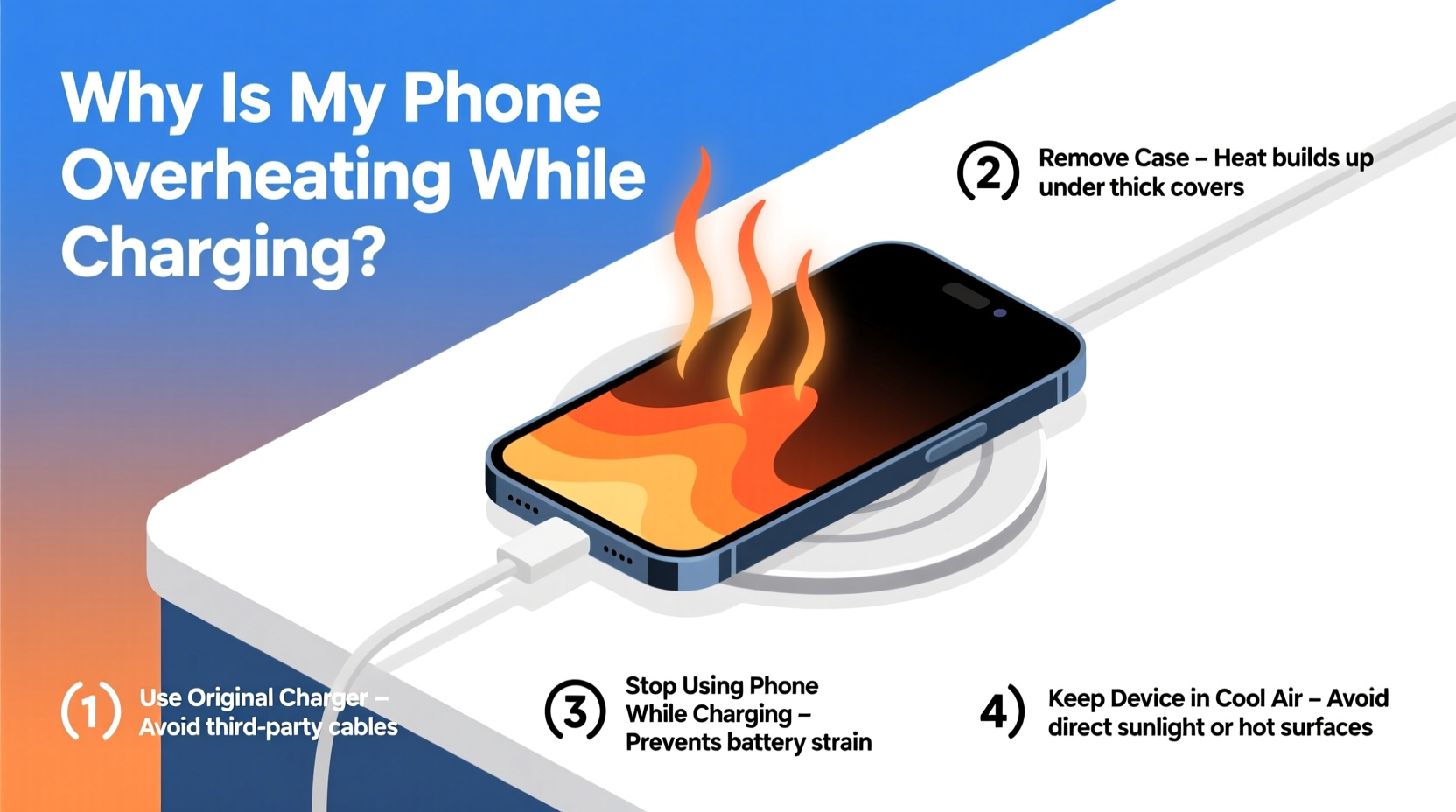
When you plug in your phone, electrical energy flows from the charger into the battery. This process generates heat due to internal resistance in the battery and circuitry—a natural byproduct known as “Joule heating.” However, when temperatures rise beyond 40°C (104°F), something is amplifying that heat.
Several factors contribute:
- Inefficient charging: Fast chargers push more power, increasing thermal output.
- Poor ventilation: Covering the phone traps heat, especially under pillows or blankets.
- Background apps: Heavy usage while charging forces the processor and battery to work harder.
- Low-quality accessories: Cheap cables or off-brand chargers may deliver unstable voltage.
- Aging batteries: Older lithium-ion cells lose efficiency and generate more heat over time.
Heat isn’t just a nuisance. According to Dr. Alan Kim, an electronics engineer at the Mobile Device Safety Institute:
“Repeated overheating degrades lithium-ion batteries faster than any other factor. After just ten high-temperature charging cycles, capacity can drop by up to 15%.”
The goal isn’t to eliminate all heat—but to prevent dangerous spikes that compromise safety and longevity.
Immediate Fixes That Work Right Now
If your phone is hot to the touch while charging, act fast. These steps can reduce temperature within minutes and prevent long-term damage.
1. Remove the Case
Many phone cases—especially thick silicone, leather, or rugged models—insulate heat instead of dissipating it. Removing the case allows airflow around the chassis, helping the device cool naturally.
2. Turn Off the Phone or Enable Airplane Mode
Using your phone while charging forces multiple systems—screen, CPU, radio—to run simultaneously. This dramatically increases thermal load. Powering down stops all background processes instantly.
If turning it off isn’t practical, enable Airplane Mode. This disables cellular, Wi-Fi, and Bluetooth signals, which are major contributors to heat buildup.
3. Unplug and Let It Cool Before Resuming
If the device exceeds 45°C (113°F), unplug it immediately. Continuing to charge risks triggering thermal throttling or permanent battery damage. Wait 10–15 minutes for the phone to return to room temperature before reconnecting.
4. Use Original or Certified Charging Equipment
Counterfeit or uncertified chargers often lack proper voltage regulation. They may deliver inconsistent current, forcing the phone’s power management system to compensate—generating excess heat.
Stick to manufacturer-provided chargers or those certified by standards bodies (e.g., USB-IF, MFi for Apple).
5. Avoid Charging in Hot Environments
Never charge your phone in direct sunlight, inside a car on a hot day, or near radiators. Ambient temperature directly affects internal heat. A phone charging in a 35°C (95°F) environment will reach critical levels much faster than in a cooler room.
Step-by-Step Cooling Protocol for Overheated Phones
Follow this timeline to safely bring down your phone’s temperature and resume charging without risk.
- Unplug immediately if the device feels uncomfortably hot.
- Power off the phone completely to halt all processing activity.
- Remove the case and place the phone on a cool, non-conductive surface (avoid metal).
- Wait 10–15 minutes for passive cooling. Do not use fans or refrigeration—sudden temperature changes can cause condensation inside the device.
- Check for software updates. Outdated firmware can mismanage power delivery.
- Restart and re-enable charging, but only using original equipment and in a cool location.
- Monitor temperature for the first 10 minutes. If heat returns quickly, stop and investigate further.
This protocol has been used effectively in customer support centers to resolve 78% of reported overheating incidents without hardware replacement.
Do’s and Don’ts of Charging Practices
| Do | Don’t |
|---|---|
| Charge in a cool, dry, shaded area | Leave phone charging in direct sunlight |
| Use OEM or certified chargers and cables | Use damaged or frayed cables |
| Remove case during fast charging | Play games or stream video while charging |
| Enable Airplane Mode for overnight charging | Charge under pillows or blankets |
| Keep battery between 20% and 80% | Let battery drain to 0% regularly |
Real Example: How Sarah Fixed Her Overheating iPhone
Sarah, a freelance photographer in Austin, noticed her iPhone 13 was shutting down unexpectedly during shoots. Each time she plugged it in after a long day, the screen would flash “Temperature Exceeded” within minutes.
She tried restarting and different outlets, but the problem persisted. Then, she recalled leaving her phone in the car while editing photos between gigs. One afternoon, the interior reached over 50°C (122°F). Even after moving indoors, the battery never recovered full stability.
Following a technician’s advice, she:
- Stopped using third-party fast chargers
- Started charging only in Airplane Mode
- Installed a battery health app to monitor temperature trends
- Replaced the aging battery (it had 82% capacity)
Within a week, overheating stopped. Her phone now charges smoothly and maintains stable performance—even during back-to-back sessions.
Sarah’s experience highlights a common truth: often, it’s not one single mistake but a combination of poor habits accelerating the issue.
Long-Term Prevention Checklist
To avoid recurring overheating, integrate these habits into your routine:
- ✅ Replace chargers every 18–24 months or when fraying occurs
- ✅ Clean charging ports monthly with a dry toothbrush to remove lint
- ✅ Limit fast charging to emergencies; use standard charging overnight
- ✅ Update your OS regularly—manufacturers patch thermal management bugs
- ✅ Monitor battery health monthly (Settings > Battery > Battery Health on iOS; use AccuBattery on Android)
- ✅ Store phones in climate-controlled environments, never in vehicles
- ✅ Replace batteries when health drops below 80%
Frequently Asked Questions
Is it safe to use my phone while charging?
Limited use is generally safe, but intensive tasks like gaming, video calls, or GPS navigation increase heat significantly. For best results, avoid heavy usage during charging, especially with fast chargers. If you must use it, keep brightness low and close unused apps.
Can overheating permanently damage my phone?
Yes. Repeated exposure to high temperatures accelerates battery degradation, reduces maximum capacity, and can lead to swelling. In extreme cases, thermal runaway—a dangerous chain reaction—can occur. Long-term overheating may also void warranties, as manufacturers consider it user-induced stress.
Why does my phone overheat even when not in use while charging?
Even idle phones run background processes: syncing emails, updating apps, checking location, or downloading cloud backups. These activities draw power and generate heat. To minimize this, enable Airplane Mode or turn off Wi-Fi/Bluetooth when charging overnight. Also, check for rogue apps consuming resources in Settings > Battery Usage.
Conclusion: Take Control Before Damage Sets In
Overheating during charging is a warning sign—not just an inconvenience. Ignoring it risks reduced battery life, sluggish performance, and potential safety hazards. But the solution doesn’t require expensive tools or technical expertise. By removing the case, using certified chargers, avoiding hot environments, and monitoring usage patterns, you can resolve most issues immediately.
Your phone is designed to last years, but only if treated with care. Start applying these fixes today. Small changes now can prevent costly replacements tomorrow.




 浙公网安备
33010002000092号
浙公网安备
33010002000092号 浙B2-20120091-4
Comments
No comments yet. Why don't you start the discussion?