
If you've noticed your phone screen flickering when stepping into direct sunlight—only to return to normal indoors—you're not alone. This issue affects users across brands like Apple, Samsung, Google Pixel, and others. While it may seem minor at first, persistent flickering can strain your eyes, disrupt usability, and raise concerns about long-term screen health. The root cause isn't always hardware failure or a manufacturing defect; often, it's tied to adaptive display systems reacting to extreme lighting conditions. Understanding the science behind this behavior—and knowing which fixes work—can save you time, money, and frustration.
What Causes Screen Flickering in Bright Sunlight?
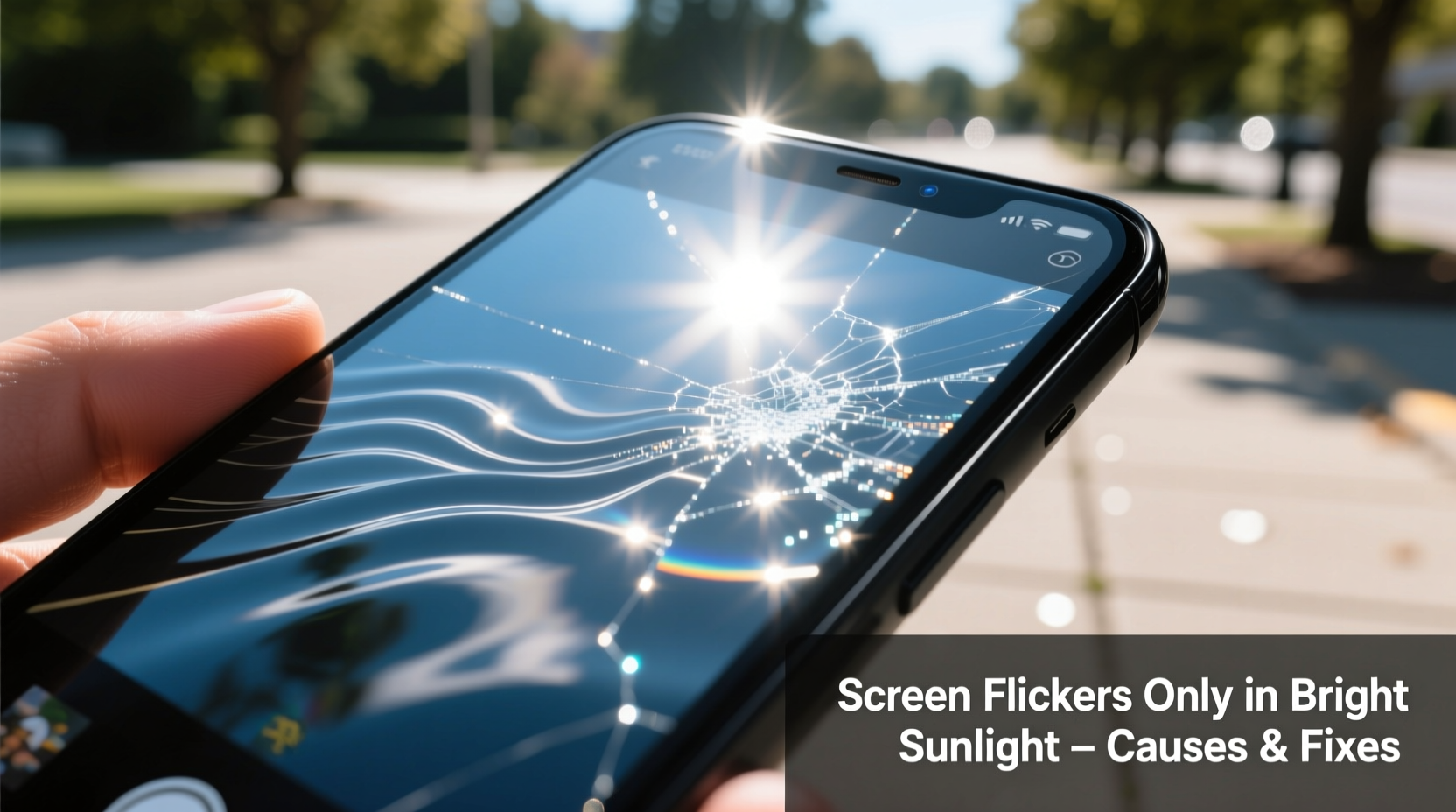
Modern smartphones use advanced display technologies such as OLED, AMOLED, and high-dynamic-range LCDs. These screens are designed to automatically adjust brightness based on ambient light levels using a built-in ambient light sensor. When exposed to intense sunlight, several interrelated factors can trigger flickering:
- Auto-brightness instability: Rapid fluctuations in detected light levels (e.g., moving between shade and sun) can confuse the brightness algorithm, causing inconsistent backlight modulation.
- Pulse-width modulation (PWM) at low brightness: Many OLED screens dim by rapidly turning pixels on and off—a process called PWM. In very bright environments, even if the screen appears bright, the underlying PWM frequency may become perceptible under certain lighting angles, creating a shimmering or flicker effect.
- Sensor interference: Direct sunlight can overwhelm the ambient light sensor, leading to erratic readings and unstable screen output.
- Software bugs: Operating system updates or app conflicts sometimes interfere with display drivers, especially during dynamic lighting transitions.
According to Dr. Lena Torres, a display engineer at the Mobile Device Research Lab in Zurich, “High-intensity UV and infrared components in sunlight can temporarily saturate optical sensors. Even well-designed systems may struggle to maintain consistent feedback loops under those extremes.”
“Sunlight doesn’t just increase brightness—it introduces rapid contrast shifts and spectral noise that challenge every component in the display chain.” — Dr. Lena Torres, Display Systems Engineer
How Adaptive Brightness Works—and Where It Fails
Your phone’s adaptive brightness system relies on two key components: the ambient light sensor and software algorithms. Together, they aim to deliver optimal visibility while conserving battery. But under harsh sunlight, this system faces unique challenges.
In normal conditions, the sensor measures incoming light intensity and sends data to the OS, which adjusts screen luminance accordingly. However, sunlight can create sudden spikes in illumination—up to 100,000 lux, compared to indoor lighting at around 500 lux. At these levels, the sensor may oscillate between maximum detection thresholds, causing the screen brightness to fluctuate rapidly.
Additionally, some phones use AI-driven brightness prediction models that learn from user behavior. If you frequently override auto-brightness settings outdoors, the model may become conflicted, resulting in unstable adjustments.
Step-by-Step Guide to Diagnose and Fix the Issue
Before assuming hardware damage, follow this systematic approach to identify and resolve the problem:
- Test in controlled sunlight conditions. Step outside during midday and observe whether the flicker occurs consistently or only when transitioning between light zones. Note if it happens immediately upon exposure or after a delay.
- Disable auto-brightness. Go to Settings > Display > Brightness and turn off the auto-brightness toggle. Manually set brightness to maximum and check if flickering stops.
- Check for software updates. Navigate to Settings > Software Update (or System > System Update) and install any pending patches. Manufacturers often release fixes for display anomalies.
- Boot into Safe Mode (Android). This disables third-party apps that might interfere with display processes. On most devices, press and hold the power button, then long-press \"Power off\" until \"Safe Mode\" appears. If the flicker disappears in Safe Mode, an app is likely responsible.
- Reset display calibration (if available). Some Samsung and OnePlus models offer a \"Display Calibration\" option under Accessibility or Developer Options. Resetting this can realign sensor responsiveness.
- Clean the proximity/light sensor area. Use a soft, dry cloth to wipe the top bezel near the front camera. Dust, grease, or screen protector overhang can scatter sunlight and distort sensor input.
- Inspect for physical damage. Look closely at the screen for micro-cracks, pressure marks, or discoloration near the edges—signs of internal stress that could affect pixel response under thermal expansion (common in hot, sunny environments).
Do’s and Don’ts When Dealing With Sunlight-Induced Flicker
| Do | Don’t |
|---|---|
| Use manual brightness control outdoors | Rely solely on auto-brightness in full sun |
| Keep the screen clean and free of smudges | Apply thick film screen protectors that cover sensors |
| Update your OS regularly | Ignore repeated flickering after updates |
| Enable Dark Mode to reduce glare and eye strain | Stare at the flickering screen for prolonged periods |
| Seek professional repair if issue persists post-troubleshooting | Attempt DIY screen replacements without expertise |
Real-World Example: A Photographer’s Outdoor Workflow Challenge
James Rivera, a freelance landscape photographer based in Arizona, began experiencing screen flicker on his Samsung Galaxy S23 Ultra during outdoor shoots. He described the issue: “Every time I stepped out of the car into direct sun, the screen would start pulsing like a strobe, making it impossible to review photos.” Initially suspecting hardware failure, he visited a service center, but diagnostics showed no faults.
After researching online, James disabled auto-brightness and switched to a third-party app that locked screen luminance at 100%. The flickering stopped instantly. He later discovered that a recently installed battery-saving app was overriding system display settings, causing conflict under high-light conditions. Removing the app resolved the issue permanently.
This case illustrates how environmental triggers combined with software interference can mimic hardware problems—yet remain fully solvable through methodical diagnosis.
When It Might Be Hardware: Warning Signs
While most sunlight-related flickering stems from software or sensor issues, certain symptoms suggest deeper hardware concerns:
- Flickering continues even indoors after disabling auto-brightness
- Visible lines, color bleeding, or dead pixels accompany the flicker
- The screen behaves erratically when tilted at specific angles in sunlight
- Flicker occurs only on one side of the display
- Device has previously suffered water or impact damage
OLED panels are sensitive to moisture and heat. Prolonged exposure to sunlight increases internal temperature, potentially exacerbating pre-existing micro-fractures or delamination in aged screens. If your phone is over two years old or has had prior screen repairs, thermal expansion under sunlight could temporarily destabilize connections.
Long-Term Prevention Strategies
Preventing recurrence involves a mix of usage habits, settings optimization, and protective choices:
- Use a matte screen protector: Glossy protectors reflect sunlight intensely, increasing glare and perceived flicker. Matte films diffuse light and improve readability.
- Enable High Brightness Mode (HBM): Most flagship phones activate HBM automatically in sunlight, boosting peak brightness up to 1,500–2,000 nits. Ensure this feature isn’t disabled via developer settings.
- Avoid aggressive battery savers: Some power-saving modes cap screen performance or alter refresh rates, which can interact poorly with brightness controls.
- Calibrate touch and display settings monthly: Especially if you frequently switch between dark and bright environments, recalibrating helps maintain sensor accuracy.
Checklist: Stop Phone Screen Flickering in Sunlight
- ☐ Disable auto-brightness when outdoors
- ☐ Set screen brightness manually to maximum
- ☐ Clean the front sensor area with a microfiber cloth
- ☐ Check for and install OS updates
- ☐ Boot into Safe Mode to rule out app interference
- ☐ Remove obstructive screen protectors near the sensor
- ☐ Test screen in different sunlight intensities
- ☐ Contact manufacturer support if issue persists
FAQ: Common Questions About Sunlight-Induced Screen Flicker
Can bright sunlight permanently damage my phone screen?
Yes, prolonged exposure can contribute to long-term degradation. OLED materials degrade faster under high brightness and heat. While brief outdoor use is safe, consistently using your phone in direct sun for hours may shorten display lifespan and accelerate burn-in.
Does turning on Night Mode or Blue Light Filter help with flickering?
Not directly. These features adjust color temperature but don’t affect brightness modulation or PWM behavior. However, warmer tones may reduce visual discomfort caused by flicker, making it less noticeable.
Why does my phone flicker in sunlight but my friend’s doesn’t?
Differences in display technology, software version, sensor calibration, and screen protector type all play a role. Newer models often have improved ambient light sensors and higher peak brightness, reducing susceptibility. Firmware variations—even within the same brand—can also lead to divergent behaviors.
Conclusion: Take Control of Your Display Experience
Screen flickering in bright sunlight is more common than many users realize, but it’s rarely a hopeless issue. By understanding the interplay between ambient light sensors, adaptive brightness logic, and display technology, you can diagnose and resolve the problem effectively. Most cases stem from correctable software or configuration issues—not irreversible hardware failure. Implementing simple changes like disabling auto-brightness outdoors, keeping your system updated, and maintaining clean sensors can restore smooth, reliable screen performance.
Your phone is designed to function in diverse environments, but it still needs smart handling to perform at its best. Don’t ignore early warning signs. Address flickering promptly to protect your viewing comfort and extend your device’s longevity. If basic troubleshooting fails, consult authorized service centers before the condition worsens.




 浙公网安备
33010002000092号
浙公网安备
33010002000092号 浙B2-20120091-4
Comments
No comments yet. Why don't you start the discussion?