
It’s a familiar frustration: your phone shows full bars near the front door but drops to one bar—or no service at all—when you step into the basement, bedroom, or garage. You're not imagining it. Signal dead zones are real, and they affect millions of users daily. The reasons range from building materials to geographic positioning, but more importantly, practical solutions exist. Understanding the causes and knowing which signal boosters deliver real results can transform your connectivity experience at home or in the workplace.
Why Signals Fade Inside Buildings
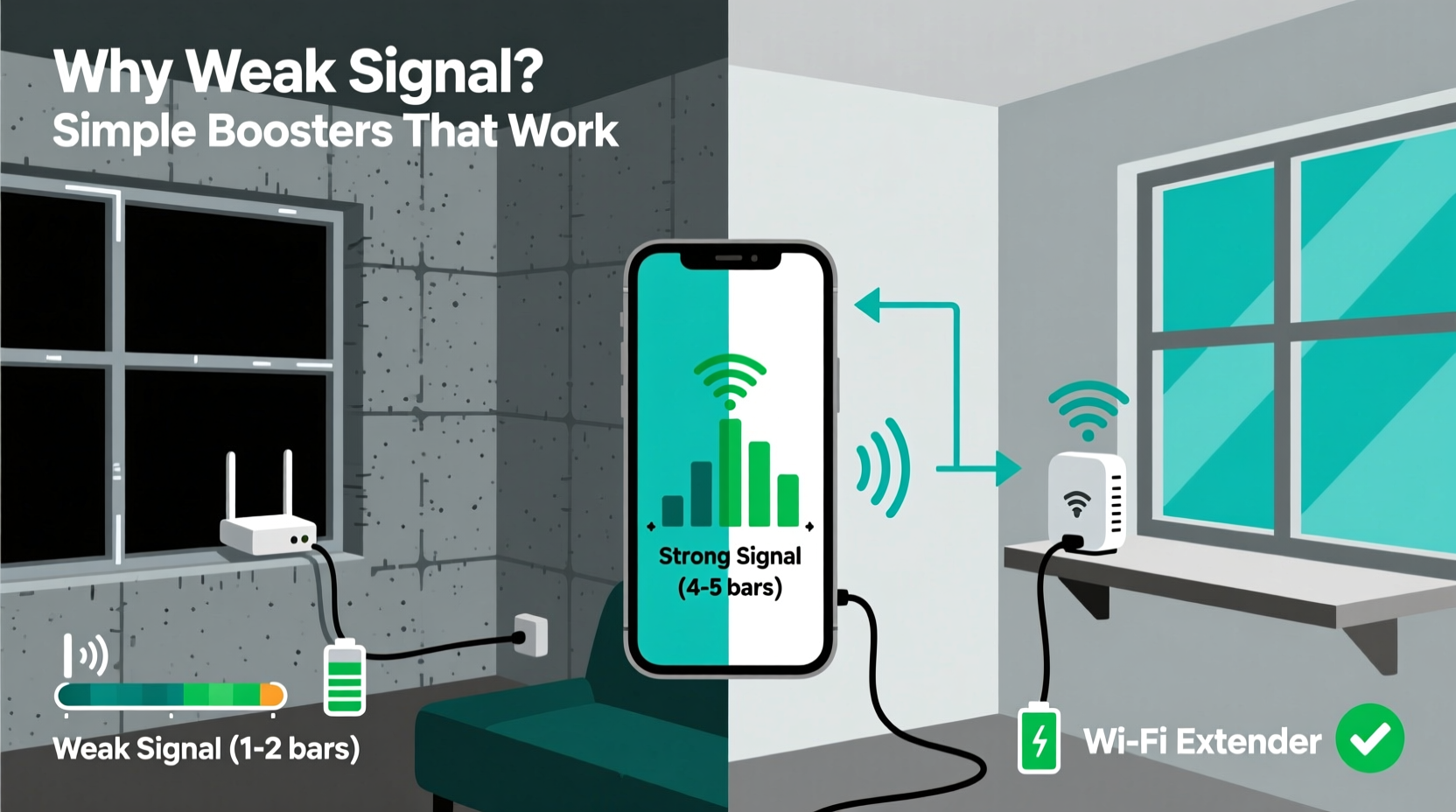
Your mobile phone relies on radiofrequency (RF) signals transmitted from cell towers miles away. These signals travel through the air, but they weaken significantly when encountering physical barriers. While modern networks are robust, indoor environments often create unexpected obstacles.
Common culprits include:
- Thick concrete or brick walls: Especially in basements or older buildings, these materials absorb and block RF waves.
- Energy-efficient windows: Metal oxide coatings used for insulation reflect cell signals like mirrors.
- Metal framing and roofing: Steel beams in commercial or industrial buildings act as Faraday cages, trapping signals outside.
- Dense insulation: Foil-backed insulation, commonly used in attics and exterior walls, interferes with signal penetration.
- Distance from the nearest tower: Rural or suburban homes may simply be too far from a tower for consistent coverage.
The issue isn’t always poor carrier performance—it’s physics. Radio waves at cellular frequencies (typically 700 MHz to 2.5 GHz) struggle with dense materials. Lower frequencies travel farther and penetrate better, but even they falter in challenging environments.
How Signal Boosters Work: The Science Behind the Fix
A cell phone signal booster (also called a repeater) doesn’t generate its own signal. Instead, it captures an existing outdoor signal, amplifies it, and rebroadcasts it indoors. This three-part system consists of:
- Outdoor antenna: Mounted where signal is strongest (e.g., rooftop or side of building), it pulls in the weak external signal.
- Amplifier unit: Processes and strengthens the captured signal, filtering out noise.
- Indoor antenna: Distributes the boosted signal throughout the desired area.
Think of it as a relay system: the outdoor antenna listens for faint whispers from the tower; the amplifier turns those whispers into clear speech; and the indoor antenna broadcasts that clarity across your space.
“Signal boosters are among the most reliable solutions for persistent indoor coverage issues, especially in areas with marginal but usable outside signal.” — Dr. Alan Reyes, Wireless Communications Engineer
Crucially, boosters must comply with FCC regulations in the U.S. and similar standards elsewhere. Reputable models automatically reduce power if interference is detected, ensuring they don’t overload the network.
Top Simple Boosters That Actually Work
Not all boosters deliver equal performance. Some overpromise and underdeliver, particularly cheap models sold online. The following options are tested, FCC-approved, and known for reliability across residential and small office settings.
| Booster Model | Coverage Area | Carrier Compatibility | Installation Difficulty | Price Range |
|---|---|---|---|---|
| WeBoost Home Room | Up to 1,500 sq ft | All major U.S. carriers | Easy (DIY) | $300–$400 |
| sureCall Flare 3.0 | Up to 2,000 sq ft | All carriers, including VoLTE | Moderate | $400–$500 |
| HiBoost Home 10K | Up to 10,000 sq ft | All networks (EU & UK focused) | Advanced | $600–$800 |
| zWave Cellular Mini | Up to 800 sq ft | Select carriers (budget option) | Very Easy | $150–$200 |
The WeBoost Home Room is ideal for apartments or single-story homes. It includes a compact outdoor antenna and requires minimal setup. For larger homes, the sureCall Flare 3.0 offers stronger amplification and better handling of multiple devices. HiBoost caters to European users with expansive properties, while zWave provides an entry-level solution for minor signal dips.
Real-World Example: Fixing Basement Coverage
Consider Sarah, a remote worker living in a two-story suburban home. Her office is in the basement, where her phone consistently lost signal during video calls. She tested multiple spots near windows and confirmed that signal improved outdoors. After installing the WeBoost Home Room—with the outdoor antenna mounted on her garage roof and the indoor antenna placed on a shelf in the basement—her signal stabilized at 4–5 bars. Calls became seamless, and Wi-Fi calling was no longer necessary.
This case illustrates a key point: success depends on proper placement. The outdoor antenna must have line-of-sight or near-line-of-sight to the nearest tower. Indoor antennas should be positioned centrally and elevated, avoiding metal surfaces.
Step-by-Step Guide to Installing a Signal Booster
Installing a basic booster is manageable for most homeowners. Follow this sequence for optimal results:
- Assess current signal strength: Use your phone’s field test mode (e.g., *3001#12345#* on iPhone) to measure signal in dBm. Anything above -90 dBm is usable for boosting.
- Choose a location for the outdoor antenna: Aim for the roof, attic, or exterior wall with the clearest view of the sky. Avoid obstructions like trees or neighboring buildings.
- Mount the outdoor antenna securely: Use included brackets and ensure it points toward the nearest cell tower (use apps like OpenSignal to locate towers).
- Run the coaxial cable indoors: Keep cable runs as short as possible to minimize signal loss. Seal entry points to prevent moisture.
- Install the amplifier unit: Place it in a dry, ventilated area—often a closet or utility room.
- Mount the indoor antenna: Position it centrally in the target coverage area, ideally 6–10 feet above the floor.
- Power on and test: Allow 1–2 minutes for the system to initialize. Check signal strength on multiple devices.
If performance is weak, reposition the outdoor antenna or consider upgrading to a directional (yagi) model for long-distance signal capture.
Alternative Solutions When Boosters Aren’t Enough
Signal boosters require at least a faint outdoor signal to function. If none exists, alternatives include:
- Wi-Fi Calling: Enable this feature in your phone settings. As long as you have stable internet, calls and texts route through Wi-Fi instead of cellular networks.
- Femtocells (MicroCells): Devices like AT&T MicroCell or Verizon LTE Network Extender create a private mini-tower using your broadband connection. They’re free or low-cost but limited to specific carriers and user counts.
- Switching carriers: Some networks have better coverage in certain areas. Check coverage maps and ask neighbors about their experiences.
Wi-Fi calling is often the fastest fix. Modern smartphones support HD voice over Wi-Fi, making call quality excellent. However, it won’t help if your internet goes down, so it’s best paired with a backup plan.
Do’s and Don’ts of Signal Improvement
| Do | Don't |
|---|---|
| Test signal strength before buying a booster | Buy unbranded, non-FCC-approved boosters |
| Use directional antennas in rural areas | Install boosters near large metal objects |
| Enable Wi-Fi calling as a supplement | Expect boosters to work with zero outdoor signal |
| Keep cables short and undamaged | Overlook carrier-specific femtocell options |
Frequently Asked Questions
Can a signal booster work without any outside signal?
No. Boosters amplify existing signals—they cannot create a signal from nothing. You need at least -100 dBm of outdoor signal for most systems to function. If no signal exists, consider a femtocell or rely on Wi-Fi calling.
Are signal boosters legal?
Yes, as long as they are FCC-certified (in the U.S.) or approved by your national regulator. Non-compliant boosters can interfere with carrier networks and may result in fines. Always purchase from authorized dealers.
Will a booster improve data speeds as well as call quality?
Absolutely. Since boosters enhance the overall signal strength, both voice and data performance improve. Users often report faster LTE/5G speeds and more stable connections for streaming or video conferencing.
Final Checklist Before Buying a Booster
- ✅ Confirm there’s usable outdoor signal (at least -100 dBm)
- ✅ Verify compatibility with your carrier and phone (especially 5G/LTE bands)
- ✅ Measure the square footage you need to cover
- ✅ Ensure you can mount an outdoor antenna safely
- ✅ Check return policy in case installation doesn’t resolve the issue
Conclusion: Take Control of Your Connectivity
Weak phone signal in certain rooms isn’t something you have to accept. Whether it’s due to thick walls, poor tower proximity, or energy-efficient construction, the right solution can restore reliable service. Signal boosters offer a proven, permanent fix for many households. By choosing a reputable model, installing it correctly, and understanding its limitations, you can eliminate dropped calls and buffering delays.
Start by testing your current signal, then match your needs to a booster that fits your space and budget. Combine it with Wi-Fi calling for maximum redundancy. In today’s connected world, staying in touch shouldn’t depend on which room you’re standing in.




 浙公网安备
33010002000092号
浙公网安备
33010002000092号 浙B2-20120091-4
Comments
No comments yet. Why don't you start the discussion?