
Portable chargers are essential lifelines in our mobile-first world. Whether you're commuting, traveling, or simply away from an outlet, a dead phone without backup power can be more than inconvenient—it can disrupt work, travel plans, or safety. When your portable charger fails to deliver, it’s easy to assume it's broken beyond repair. But in most cases, the issue is fixable with simple troubleshooting steps. Understanding common causes and knowing what to check first can save time, money, and frustration.
This guide breaks down the most frequent reasons a portable charger stops working, walks through proven solutions, and helps you determine whether it’s time for a replacement—or just a reset.
Common Reasons Your Portable Charger Isn’t Working
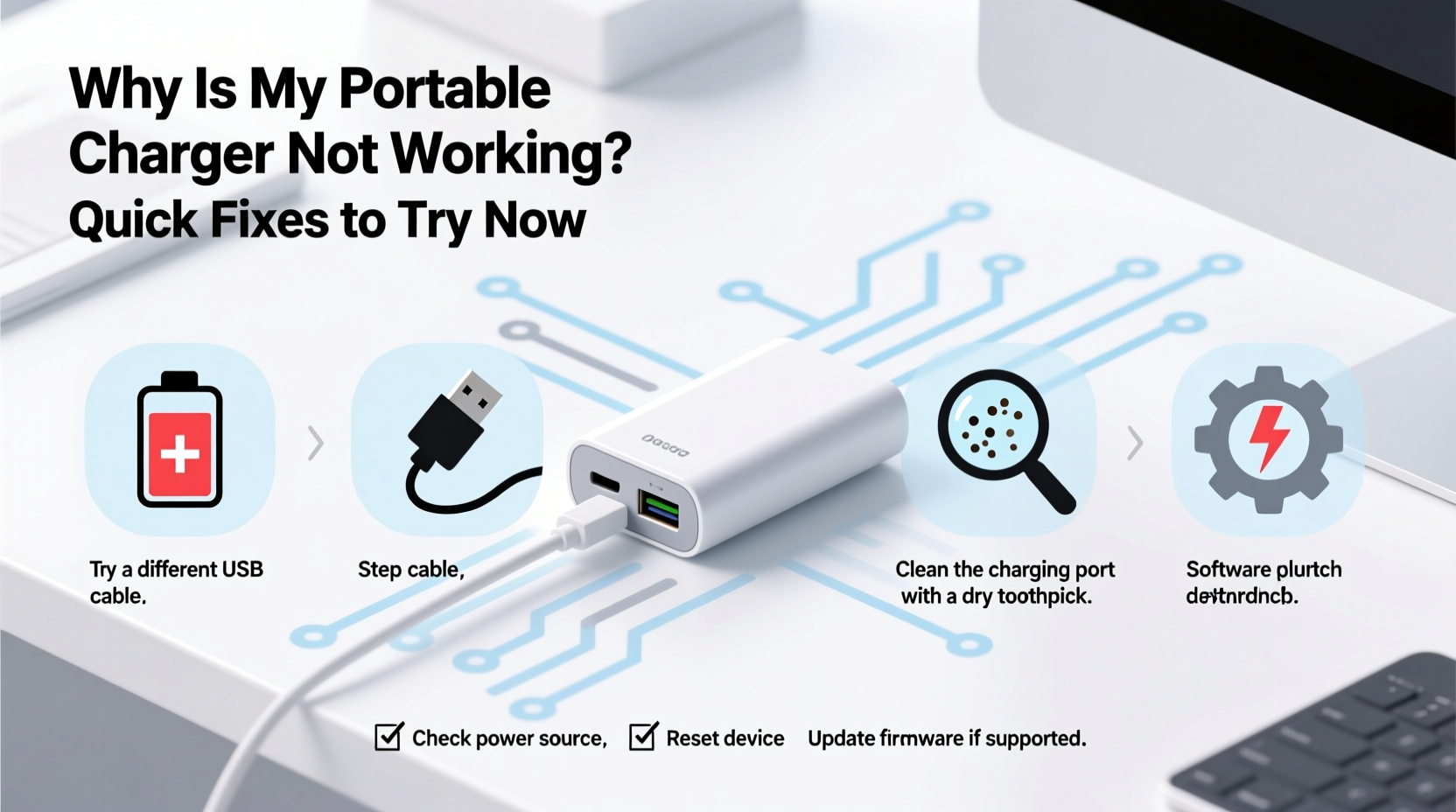
A malfunctioning portable charger doesn’t always mean the device has failed permanently. Many issues stem from user error, wear and tear, or easily correctable problems. Here are the most common culprits:
- No charge retention: The battery won’t hold a charge or drains immediately after unplugging.
- Not powering devices: The charger turns on but doesn’t transfer power to your phone or tablet.
- Won’t turn on at all: No LED indicators light up when the power button is pressed.
- Charging very slowly: Output is significantly below expected speed, even with compatible cables.
- Overheating during use: Excessive heat may trigger automatic shutdowns or damage internal components.
These symptoms often point to specific underlying issues—some as simple as a dirty port or outdated cable, others related to internal circuitry or battery degradation.
Step-by-Step Troubleshooting Guide
Follow this logical sequence to diagnose and potentially resolve your portable charger issue quickly.
- Check the power source: Plug the charger into a known-working wall outlet using its original charging cable and adapter. Avoid USB hubs or low-power laptop ports, which may not supply enough current.
- Inspect the charging cable: Try a different cable, preferably one rated for fast charging and known to work with your devices. Frayed wires or bent connectors can interrupt charging.
- Look for LED feedback: Press the power button. Do any lights illuminate? If not, the battery may be completely drained or the circuit board could be faulty.
- Wait and retry: If no lights appear, connect the charger to power for at least 30 minutes—even if it seems dead. Some units require a “recovery charge” before turning on.
- Clean the ports: Use a dry toothbrush or compressed air to gently remove lint, dust, or debris from both input (micro-USB/USB-C) and output ports.
- Test output performance: Once charged, connect your phone using a reliable cable. Monitor whether the phone registers charging and at what speed.
- Try multiple devices: Rule out compatibility issues by testing the charger with another phone, tablet, or Bluetooth earbuds case.
If the unit still fails after these steps, consider deeper diagnostics like battery health or firmware resets (if supported).
Do’s and Don’ts of Portable Charger Maintenance
Preventive care plays a major role in how long your power bank lasts. Below is a comparison of recommended practices versus harmful habits that shorten lifespan.
| Do’s | Don’ts |
|---|---|
| Charge your power bank every 3–4 months if unused | Leave it fully discharged for months at a time |
| Store in a cool, dry place away from sunlight | Keep it in hot cars or humid bathrooms |
| Use manufacturer-recommended cables and adapters | Use damaged or off-brand charging accessories |
| Turn it off when not in use to prevent drain | Leave connected devices plugged in indefinitely |
| Reboot occasionally by fully discharging and recharging | Expose it to water, drops, or extreme pressure |
Following best practices extends functional life and reduces unexpected failures. Lithium-ion batteries, commonly used in power banks, degrade faster under stress—especially heat, deep discharge, and overcharging.
“Many users don’t realize that letting a power bank sit at 0% for weeks can permanently damage the battery chemistry. A monthly top-up preserves longevity.” — Dr. Alan Reyes, Battery Technology Researcher, MIT Energy Initiative
Quick Fixes You Can Try Right Now
Sometimes, a few immediate actions can revive a seemingly dead portable charger. These aren’t permanent repairs but practical interventions worth attempting before replacement.
- Reset the protection circuit: Most modern power banks include built-in safety chips that shut down during short circuits, overheating, or voltage spikes. Unplug everything, wait 10 minutes, then plug into a wall outlet using the original cable.
- Warm it slightly (only if cold-stored): If the charger was kept in a cold environment (e.g., garage in winter), bring it indoors for several hours. Cold temperatures temporarily reduce battery output.
- Use a higher-output wall adapter: Some older or high-capacity power banks need more than 5V/1A to initiate charging. Try a 2A or fast-charging wall plug.
- Reverse-charge test: Connect your phone to the power bank while the phone is powered on. Some units only activate output when they detect a load.
- Check for physical damage: Inspect casing for cracks, bulges, or leaking fluid. Swelling indicates battery failure—stop using immediately for safety.
Mini Case Study: Reviving a ‘Dead’ Power Bank
Jessica, a freelance photographer based in Denver, relied on her 20,000mAh power bank during weekend shoots. One morning, she found it unresponsive—no lights, no charging. She assumed it had died after two years of heavy use. Instead of replacing it immediately, she followed basic troubleshooting:
She cleaned the USB-C port with a toothpick, tried a new cable, and left it plugged into a wall outlet overnight. By morning, the LEDs blinked slowly, indicating a recovery charge was taking hold. After a full 8-hour charge, the unit powered back to normal operation. Jessica realized she’d last charged it six months prior and had stored it in her car during winter. The combination of cold exposure and deep discharge caused the lockout. Since then, she keeps it indoors and charges it monthly.
Her experience highlights how environmental factors and storage habits impact performance—and how patience and simple steps can yield results.
Frequently Asked Questions
Why does my portable charger turn on but not charge my phone?
This usually points to either a faulty cable, incompatible voltage output, or a defective output circuit. First, swap the cable. Then verify that your phone supports the power bank’s output standard (e.g., USB-PD, QC3.0). If other devices charge fine, the issue may lie with your phone’s charging port or software.
Can I overcharge my portable charger?
Most modern power banks have overcharge protection that cuts off current once the battery reaches 100%. However, leaving it plugged in for days unnecessarily stresses internal components and generates excess heat. Unplug it once fully charged to prolong lifespan.
How long should a portable charger last before needing replacement?
A well-maintained power bank typically lasts 300–500 charge cycles, which translates to about 2–3 years of regular use. Signs it’s time to replace include reduced capacity (charges only once instead of three times), frequent shutdowns, swelling, or inconsistent performance despite troubleshooting.
When It’s Time to Replace Your Power Bank
Despite best efforts, all portable chargers eventually reach end-of-life. Knowing when to retire yours prevents inconvenience and safety risks. Replace your power bank if:
- The battery swells or distorts the casing.
- It emits a burning smell or excessive heat during use.
- It fails to charge even after extended plugging and cable changes.
- LED indicators blink erratically or show incorrect levels consistently.
- It has been exposed to water or physical trauma.
Continuing to use a compromised unit increases fire risk due to unstable lithium-ion cells. Dispose of old power banks responsibly at electronic recycling centers—never in household trash.
Final Checklist: What to Do When Your Portable Charger Fails
Before giving up on your device, run through this concise checklist:
- ✅ Test with a different charging cable and wall adapter.
- ✅ Clean input/output ports with dry tools.
- ✅ Plug into a wall outlet (not computer) for at least 30 minutes.
- ✅ Press and hold the power button for 10–15 seconds to reset.
- ✅ Try charging a different device to isolate the problem.
- ✅ Check for visible damage, heat, or swelling.
- ✅ Store at partial charge (50–80%) if planning long-term storage.
Completing these steps systematically eliminates guesswork and gives your charger the best chance of recovery.
Conclusion: Take Control of Your Charging Experience
Your portable charger is more than a convenience—it’s a critical tool for staying connected. When it stops working, the solution is often simpler than expected. From cleaning ports and swapping cables to understanding battery behavior, small actions make a big difference. Most issues aren’t permanent; they’re signals to reassess usage and maintenance habits.
By applying the fixes outlined here, you can extend the life of your current power bank and avoid repeat problems in the future. And if replacement becomes necessary, you’ll do so with confidence, knowing exactly what features and safety standards to look for in your next model.




 浙公网安备
33010002000092号
浙公网安备
33010002000092号 浙B2-20120091-4
Comments
No comments yet. Why don't you start the discussion?