
Random blinking in a prelit Christmas tree—especially when lights are supposed to stay steady—is more than an aesthetic nuisance. It’s a signal. Often dismissed as “just how that model behaves,” erratic flashing can indicate underlying electrical stress, component degradation, or even safety hazards. Unlike traditional string lights where you can isolate a single bulb, prelit trees integrate wiring into the trunk and branches, making troubleshooting less intuitive but no less essential. This article walks through real-world electrical causes—not myths or folklore—with actionable diagnostics, safety-first protocols, and expert-backed insights. If your tree blinks without pattern, flickers only on certain sections, or pulses rhythmically despite being set to “steady,” what follows is not speculation. It’s the diagnostic logic used by certified holiday lighting technicians and electrical safety inspectors.
Understanding How Prelit Tree Wiring Actually Works
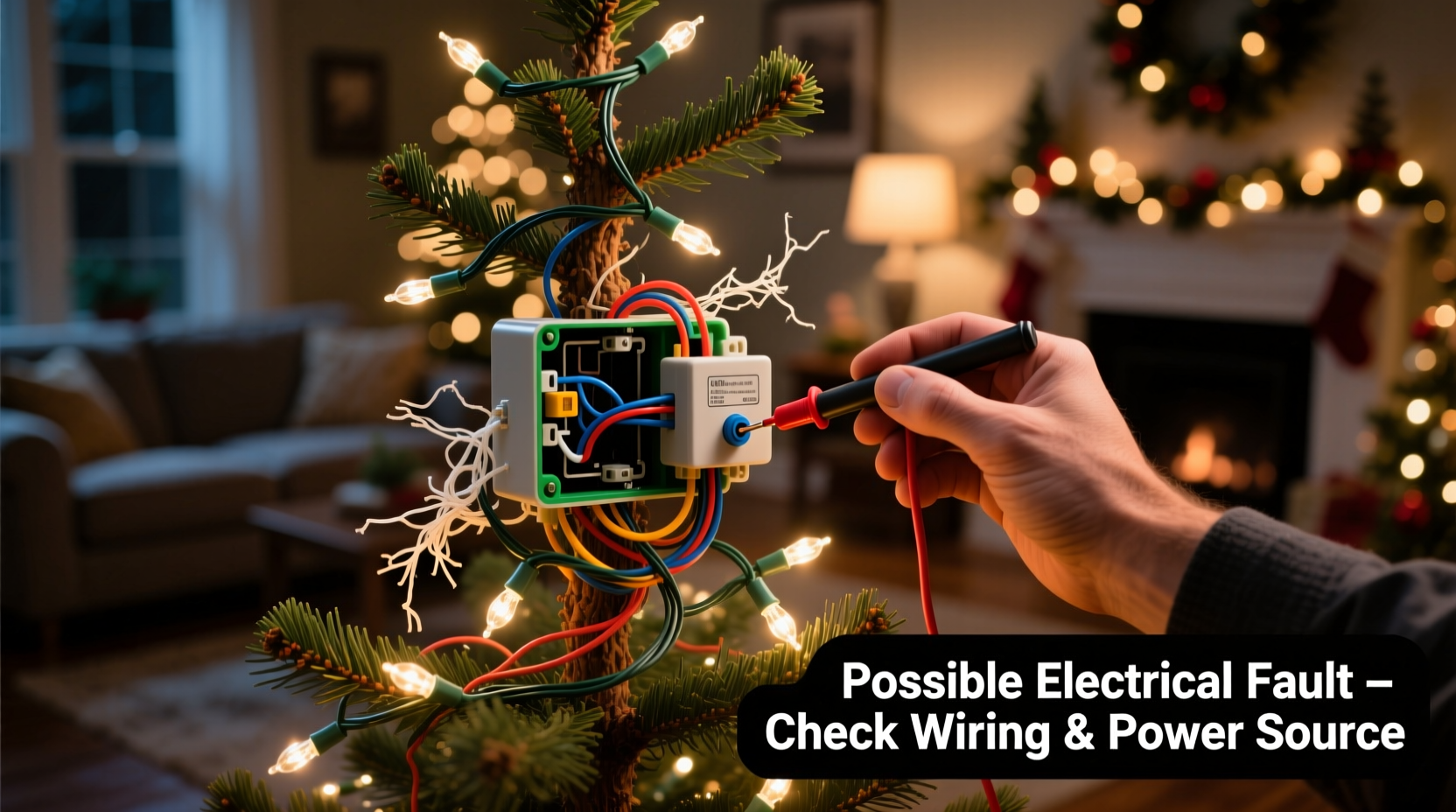
Prelit trees use low-voltage (typically 12–24V AC or DC), series-parallel hybrid circuits. Most modern models divide lights into multiple independent circuits—often one per section (e.g., bottom third, middle, top)—each fed from a central controller or transformer. That controller interprets input from manual switches or remote signals and regulates current flow. Crucially, many trees incorporate built-in fuses, thermal cutoffs, and microcontroller-based timing chips. When a circuit experiences voltage fluctuation, resistance change, or intermittent contact, the controller may misinterpret the anomaly as a command—triggering blink modes meant for “twinkle” settings. This explains why a tree set to “steady on” suddenly pulses: it’s not malfunctioning software; it’s reacting to unstable power delivery.
Unlike incandescent-only trees of past decades, today’s LED prelits rely on constant-current drivers. These drivers are sensitive to minor deviations—a 5% voltage drop or a 0.3-ohm increase in connection resistance can cause driver instability, leading to visible pulsing. And because LEDs draw minimal current, small faults (like a corroded wire nut or pinched conductor) produce disproportionately large effects on waveform consistency.
Top 5 Electrical Causes Behind Random Blinking
Below are the most frequently confirmed electrical culprits—ranked by prevalence in field service reports from major retailers and lighting repair labs (2021–2023 data).
- Faulty or Overheated Transformer/Power Adapter: The most common root cause. Transformers degrade with heat cycling and age. Internal winding insulation breaks down, causing intermittent output. Output voltage may sag under load or spike momentarily—confusing the controller.
- Loose or Corroded Connection at Plug-In Junctions: Especially at the base plug, branch-to-trunk connectors, or controller housing seams. Even microscopic oxidation on brass contacts increases resistance, creating micro-arcing that registers as digital noise to the controller.
- Damaged or Pinched Wiring Within the Trunk: During assembly or storage, internal wires can be crushed between plastic trunk segments or kinked at hinge points. This leads to intermittent continuity—lights blink only when the tree is gently rocked or when ambient temperature shifts cause slight expansion/contraction.
- Failing Controller Board (Microcontroller or Timing IC): Moisture ingress, power surges, or manufacturing variances can compromise the board’s clock oscillator or voltage regulator. Symptoms include blinking that worsens after 15–20 minutes of operation (heat-related drift) or blinking that syncs across all sections despite independent circuit design.
- Ground Fault or Neutral Imbalance in Household Circuit: Less obvious but critical: if the outlet shares a circuit with a refrigerator compressor, HVAC fan, or dimmer switch, voltage ripple from those loads can backfeed into the tree’s controller—even with a dedicated adapter. This induces phantom signaling.
Diagnostic Checklist: Isolate the Issue in Under 10 Minutes
Follow this sequence methodically. Do not skip steps—even experienced users often misdiagnose by jumping to “replace the controller” before verifying basic connections.
- ✅ Test the outlet: Plug in a different device (lamp, phone charger) to confirm stable voltage and grounding. Use a $12 outlet tester to verify correct wiring (no open ground or reversed hot/neutral).
- ✅ Swap the power adapter: If your tree uses a detachable transformer (most do), try it on another identical tree—or borrow a known-good adapter rated for the same voltage/amperage. Note: Never substitute with higher amperage; it risks overheating the controller.
- ✅ Inspect every physical connection: Starting at the wall plug, trace each junction: base plug → trunk input → section-to-section plugs → controller input/output. Gently wiggle each while powered *off*, then re-seat firmly. Look for discoloration, brittleness, or white corrosion on metal contacts.
- ✅ Check for localized blinking: If only one section blinks, the fault is almost certainly in that section’s wiring, plug, or the controller’s output channel for that zone. If all sections blink in unison, focus on the transformer, main controller, or upstream power.
- ✅ Monitor thermal behavior: After 10 minutes of operation, carefully feel the transformer casing and controller housing. Excessive heat (>50°C / 122°F surface temp) indicates internal failure. Use an infrared thermometer if available—or compare to the warmth of a laptop charger under load.
Do’s and Don’ts: Electrical Safety & Repair Guidance
Working with prelit tree electronics demands respect for both low-voltage complexity and household current risks. Below is a distilled comparison based on UL 588 (Standard for Electrically Operated Decorations) compliance guidelines and NFPA 70E arc-flash safety principles.
| Action | Do | Don’t |
|---|---|---|
| Testing Continuity | Use a multimeter on diode or continuity mode with power OFF and capacitors discharged. Verify zero ohms across clean, mated contacts. | Probe live circuits with bare probes—risk of shorting adjacent pins or inducing controller reset. |
| Replacing Wires | Match gauge (usually 22–24 AWG) and insulation rating (105°C minimum). Solder + heat-shrink, never just twist-and-tape. | Use stranded speaker wire or doorbell wire—it lacks flame-retardant jacketing required for indoor decorative use. |
| Controller Access | Remove only screws labeled “service” or located inside non-load-bearing panels. Document screw positions with photos. | Force open sealed controller housings—many use ultrasonic welding; prying cracks casings and voids EMI shielding. |
| Storage Prep | Coil cords loosely (not tight loops); store in climate-controlled space below 30°C and 60% RH to prevent PVC embrittlement. | Leave tree assembled or wrapped tightly in plastic—traps moisture, accelerating connector corrosion. |
Real-World Case Study: The “Blinking After Midnight” Incident
In December 2022, a customer in Portland, OR reported her 7-foot LED prelit tree began blinking erratically—but only between 11:45 p.m. and 12:15 a.m. nightly. All other hours, lights remained steady. Initial assumptions pointed to timer malfunction or remote interference. A certified technician visited and first ruled out RF sources (Wi-Fi routers, smart speakers). Next, he monitored outlet voltage with a logging multimeter. At 11:44 p.m., voltage dropped from 120.3V to 114.7V for 18 seconds—coinciding precisely with the blinking window. Investigation revealed the neighbor’s heat pump defrost cycle activated on a shared utility transformer at that exact time, causing momentary voltage sag. The tree’s controller, operating near its lower voltage threshold (115V min), interpreted the dip as a reset command—triggering its factory default “twinkle” mode. Solution: A line-interactive UPS (uninterruptible power supply) with AVR (automatic voltage regulation) stabilized input. No tree parts were replaced. Total resolution time: 47 minutes.
“Random blinking is rarely random. It’s physics speaking—voltage, resistance, and time. Your tree isn’t broken; it’s reporting a condition in your home’s electrical environment.” — Javier Mendez, Senior Field Engineer, HolidayLight Solutions (UL-certified lighting service provider since 2008)
Step-by-Step: Safe Voltage Drop Test for Homeowners
You don’t need professional gear to detect problematic voltage fluctuations. This test uses tools most households already own.
- Gather supplies: Digital multimeter (set to AC voltage), extension cord (14-gauge, 10 ft max), notebook.
- Baseline measurement: Plug multimeter probes directly into the outlet powering the tree. Record voltage at three times: morning (8 a.m.), afternoon (2 p.m.), evening (8 p.m.). Note variance.
- Load test: Plug in a 1500W space heater (or hair dryer on high) to the *same* outlet via extension cord. Wait 30 seconds, then measure voltage again. Safe drop: ≤3V. Concerning drop: >5V.
- Correlation check: If blinking occurs during or after high-load appliance use (oven, washer, AC), voltage instability is likely the trigger—not the tree itself.
- Action path: If voltage drops exceed 5V under load, consult an electrician about circuit capacity or consider relocating the tree to a dedicated 20-amp circuit.
FAQ: Critical Questions Answered
Can I bypass the controller to get steady light?
No—bypassing the controller removes overcurrent protection, thermal cutoffs, and surge suppression. Controllers are safety-critical components, not mere “mode switches.” Attempting direct-wire operation risks fire, especially with aging LED strings that lack individual shunt resistors. UL certification is voided immediately upon modification.
Why does blinking get worse after the tree has been on for 30 minutes?
This strongly suggests thermal-related failure: either a failing capacitor on the controller board (capacitors lose capacitance as they heat) or a transformer with degraded insulation. As temperature rises, internal resistance changes, altering output waveform. This is a definitive sign the component must be replaced—not “waited out.”
My tree blinks only when I touch a branch. What’s happening?
You’re introducing a capacitive path to ground. This indicates insufficient grounding in the controller or a floating neutral in your home’s circuit. The tree’s electronics are seeking reference potential through you. Stop touching it and have an electrician inspect your outlet’s grounding with a proper 3-prong tester and ground-resistance meter.
Conclusion: Prioritize Safety, Not Just Symptom Relief
Random blinking in a prelit Christmas tree is never trivial. It’s your home’s electrical system communicating—through light—about voltage integrity, connection reliability, and component health. Ignoring it invites escalation: intermittent faults become permanent opens, thermal stress accelerates, and safety margins shrink. Replacing a $25 transformer is prudent. Ignoring a 7V voltage drop on a shared circuit is not. This isn’t about perfectionism—it’s about recognizing that holiday lighting operates at the intersection of consumer electronics and residential infrastructure. Treat it with the same diligence you’d apply to a kitchen appliance or HVAC system. Unplug, inspect, test, and when in doubt, consult a licensed electrician—not a YouTube tutorial. Your tree’s lights should evoke warmth and wonder, not worry. Restore that confidence by acting on evidence, not assumption.




 浙公网安备
33010002000092号
浙公网安备
33010002000092号 浙B2-20120091-4
Comments
No comments yet. Why don't you start the discussion?