
Resin 3D printing offers exceptional detail and surface quality, but few frustrations rival watching a print fail after hours of progress. When your model detaches, warps, or fractures midway through the process, it’s not just wasted time—it’s wasted material, energy, and momentum. The good news: most mid-print failures are predictable and preventable. Understanding the root causes—ranging from mechanical misalignment to chemical instability—can transform your printing success rate. This guide breaks down the most common reasons for failed resin prints and delivers actionable solutions.
Mechanical Issues: Build Plate and Z-Axis Alignment
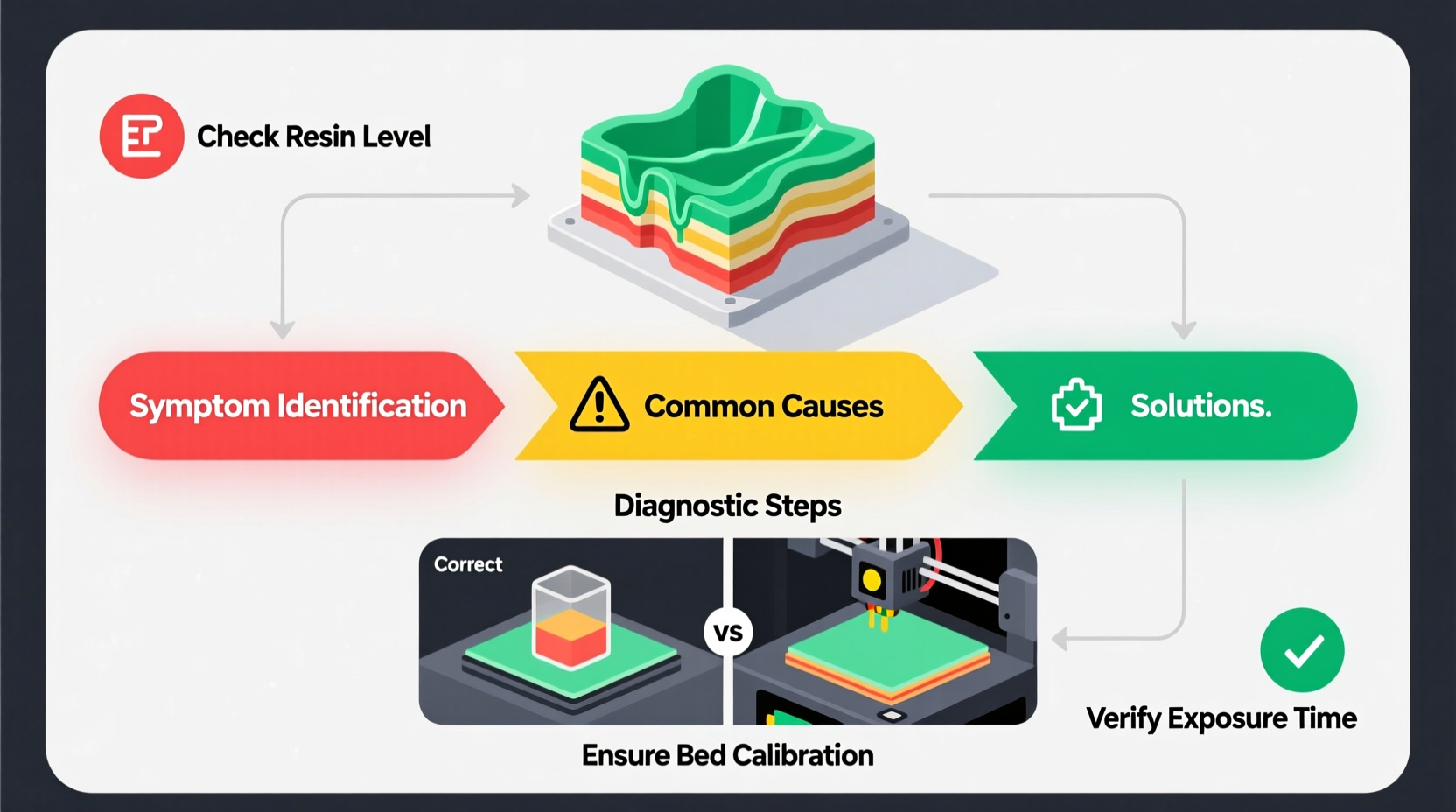
One of the primary culprits behind a print failing halfway is improper build plate leveling or Z-axis instability. If the build plate isn’t perfectly parallel to the resin vat, layers will adhere inconsistently. Early layers may stick too aggressively, while later ones face increasing resistance as stress accumulates. Over time, this leads to layer separation or complete detachment.
Even minor deviations in alignment can compound over hundreds of layers. A misaligned build plate might cause one corner of the model to lift slightly on each peel cycle. After dozens of lifts, that small gap becomes a full delamination.
Additionally, inspect the Z-axis rod and lead screw for debris or binding. A sticky gantry can cause inconsistent lift heights, leading to under-cured or overly stressed layers. Lubricate the rod periodically with PTFE-based grease, and ensure the coupling between motor and screw is tight.
Resin Properties and Environmental Factors
Not all resins behave the same. Low-quality or expired resin loses reactivity over time, resulting in poor interlayer adhesion. Even high-quality resins are sensitive to environmental conditions. Temperature fluctuations below 18°C or above 28°C can drastically affect viscosity and cure depth. Cold resin flows poorly and cures slower; hot resin may cure too quickly, creating internal stress.
Humidity also plays a role. Moisture contamination in resin leads to cloudiness and incomplete polymerization. Always store resin bottles sealed and upright in a cool, dark cabinet. Avoid leaving resin in the vat for more than 48 hours unpoured, as ambient moisture can seep in during idle periods.
“Consistency in temperature and resin freshness accounts for nearly 60% of successful long-duration prints.” — Dr. Lena Torres, Materials Scientist at Formlabs
Common Resin-Related Failure Signs
- Print lifts off after Layer 100+ → Likely poor adhesion due to aged or contaminated resin
- Model appears soft or gummy post-print → Incomplete curing from low exposure settings or cold environment
- Cracking along support structures → High internal stress from rapid curing or excessive bottom layers
Peel Force and Support Structure Strategy
The peel process—where the cured layer separates from the FEP film—is inherently stressful. Each upward movement pulls against the model’s base. As the print grows taller, the cumulative surface area in contact with the vat increases, amplifying peel forces. Without proper support distribution, these forces exceed the tensile strength of the resin, causing failure.
Supports must balance stability with minimal stress. Too few supports, and the model flexes excessively. Too many—or poorly placed ones—and you risk over-adhesion or stress concentration points. Use angled supports (45°–60°) to distribute load evenly, and place them at critical junctions: thin protrusions, overhangs, and large flat surfaces.
Step-by-Step: Optimizing Support Placement
- Import your model into slicing software (e.g., Chitubox, Lychee, PrusaSlicer).
- Auto-generate supports using conservative density (start with 1–2 supports per cm²).
- Manually adjust supports: reinforce corners and weak areas; remove supports from smooth vertical faces.
- Ensure support tips contact the build plate firmly but aren't overly thick (0.6–0.8mm diameter ideal).
- Check that no support connects to the model at a single tiny point, which creates a stress riser.
- Simulate the peel force in software if available, adjusting until stress zones are minimized.
Vat and FEP Film Condition
The integrity of your resin vat, particularly the FEP or PEI film at the bottom, directly affects print reliability. Scratches, wrinkles, or clouding compromise light transmission and create uneven curing. A warped film can cause partial adhesion, where only parts of a layer cure properly.
FEP films degrade over time. Most last 10–20 prints depending on usage intensity. Signs of wear include persistent sticking, hazing, or visible micro-tears. Replace the film proactively rather than waiting for total failure.
| Film Condition | Impact on Print | Action Required |
|---|---|---|
| New, taut, clear | Optimal light transmission, even peel | None – ideal state |
| Minor scratches | Slight adhesion variation | Monitor; clean gently |
| Wrinkled or loose | Inconsistent layer exposure, warping | Re-tension or replace |
| Cloudy or yellowed | Reduced UV penetration, under-curing | Replace immediately |
| Tears or punctures | Resin leakage, catastrophic failure | Stop printing; replace |
Cleaning the FEP film after each print with 90%+ isopropyl alcohol prevents residue buildup. Never use abrasive cloths. A lint-free microfiber pad is safest.
Exposure Settings and Calibration
Incorrect exposure times are a silent killer of resin prints. Under-exposed layers lack strength; over-exposed layers generate excessive heat and stress. Both scenarios often result in mid-print collapse.
Every resin has unique requirements. Manufacturer guidelines are a starting point, but real-world performance depends on your printer’s light source intensity, which diminishes over time. An LED array older than six months may require 10–20% longer exposure than when new.
Mini Case Study: The 7-Hour Print That Failed at 5 Hours
A user attempted a detailed bust (approx. 18cm tall) using third-party gray resin. The first 120 layers printed cleanly. Around layer 130, slight wobbling was observed. By layer 150, the entire model detached. Investigation revealed:
- FEP film had minor wrinkling near the edge
- Bottom exposure set to 8 seconds (manufacturer recommendation)
- No recent Ecto Cure test performed
After replacing the FEP film and running a cure depth test, optimal bottom exposure was found to be 11 seconds. The same model was reprinted successfully with adjusted settings and improved supports. The key insight: default settings assumed peak LED output, which no longer matched reality.
To calibrate accurately:
- Print an Ecto Cure or RERF (Resin Exposure Testing) matrix.
- Test multiple exposure values (e.g., 6–14 seconds in 1-second increments).
- Measure which setting achieves 95% adhesion without over-curing.
- Adjust both “Bottom Layer” and “Normal Layer” times accordingly.
Checklist: Prevent Mid-Print Failures
- Build plate leveled and tightened
- Z-axis rod clean and lubricated
- FEP film intact, taut, and clean
- Resin stirred thoroughly (not shaken)
- Resin temperature between 22–26°C
- Supports optimized for height and geometry
- Exposure settings validated via recent test
- Vat free of debris and uncured resin clumps
- Chamber free of vibrations (printer on stable surface)
Frequently Asked Questions
Why does my print fail only after several hours?
Long prints accumulate small inconsistencies—peel stress, thermal expansion, and layer adhesion variability. What seems stable early on can reach a breaking point after hundreds of cycles. This is especially true if supports or exposure settings are marginally inadequate.
Can room temperature really affect resin printing?
Absolutely. Resin viscosity and photoreactivity are temperature-dependent. Below 20°C, many resins become too viscous to self-level between layers. Above 30°C, premature curing can occur. Maintain a stable environment between 22–26°C for best results.
Should I stir or shake the resin bottle?
Always stir slowly with a metal or silicone rod. Shaking introduces bubbles that take hours to dissipate and can cause voids in prints. Stir for at least 2–3 minutes, scraping the bottom and sides of the container.
Conclusion: Turning Failures Into Learning Opportunities
Mid-print failures are rarely due to a single flaw. They’re usually the result of compounding factors—an imperfectly aligned plate, aging resin, suboptimal supports, and outdated exposure settings acting in concert. By systematically addressing each potential issue, you gain control over the process and dramatically improve success rates.
Don’t view a failed print as wasted effort. Treat it as diagnostic data. Examine where it broke, consider the timing, and refer back to this guide. With consistent attention to calibration, maintenance, and material handling, your resin printer can deliver reliable, high-quality results—no matter how complex the model.




 浙公网安备
33010002000092号
浙公网安备
33010002000092号 浙B2-20120091-4
Comments
No comments yet. Why don't you start the discussion?