
Resin 3D printing offers exceptional detail and smooth surface finishes, making it a favorite among hobbyists and professionals alike. Yet, one of the most common frustrations users face is ending up with a sticky, tacky print after removal from the build plate. This stickiness indicates incomplete curing — a problem that compromises not only the appearance but also the strength and usability of the final part. Understanding why this happens and how to fix it requires more than guesswork; it demands a clear grasp of resin chemistry, printer performance, and post-processing techniques.
Sticky prints are not inevitable. They stem from identifiable causes, many of which can be corrected with adjustments to exposure settings, equipment maintenance, or workflow habits. Whether you're using an entry-level Elegoo Mars or a high-end Anycubic Photon, the principles of proper curing remain consistent. Let’s explore the root causes of sticky resin prints and how to resolve them effectively.
Understanding Resin Curing: The Science Behind the Stickiness
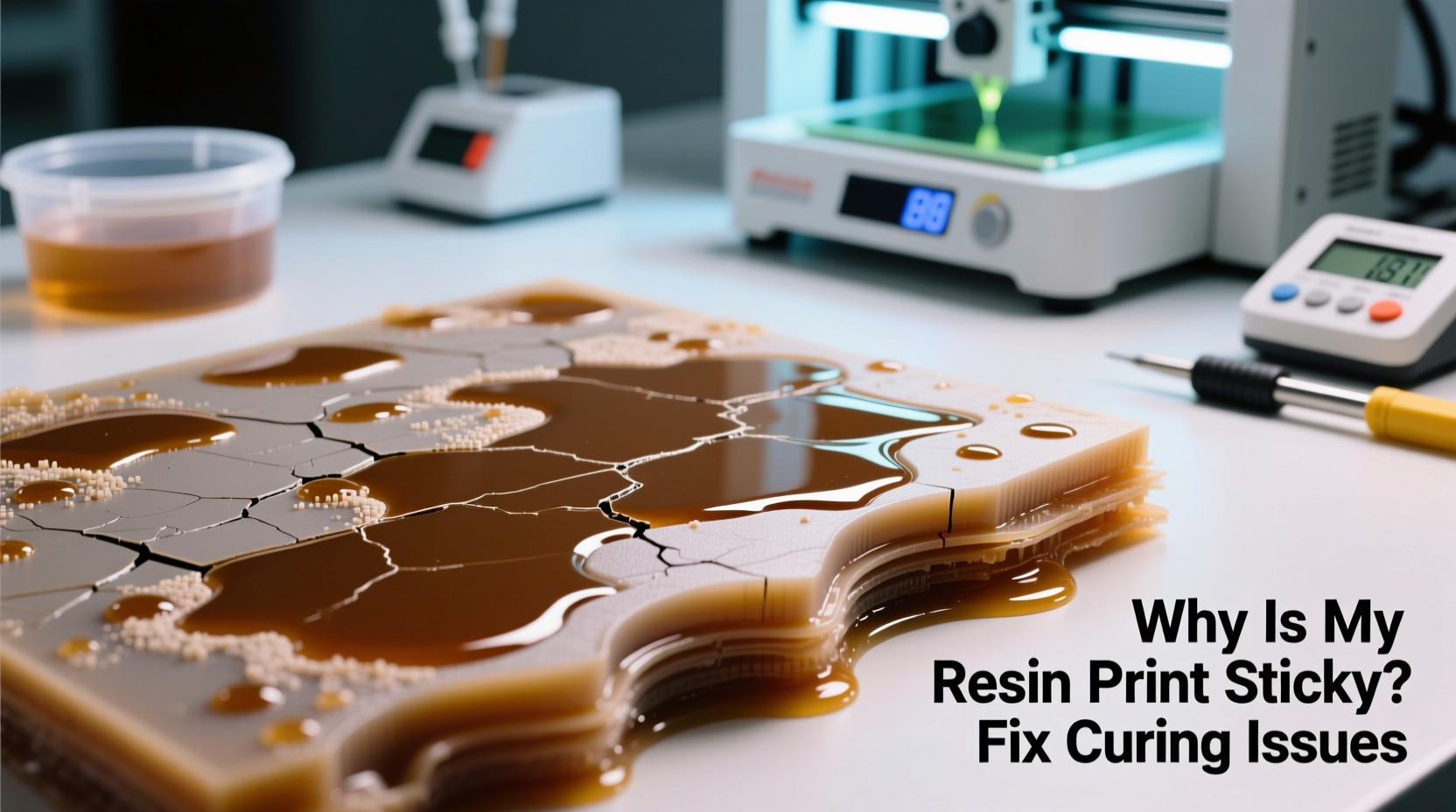
Resin 3D printing relies on photopolymerization — a chemical reaction triggered when liquid resin is exposed to specific wavelengths of ultraviolet (UV) light. During printing, the UV light source selectively hardens thin layers of resin, building the object layer by layer. After printing, a secondary curing process under strong UV light completes the polymerization, transforming the soft, partially cured model into a rigid, durable part.
When prints remain sticky, it means the polymerization process was interrupted or insufficient. Uncured monomers and oligomers remain trapped in the material, creating a gummy surface. These unreacted components can also leach out over time, leading to warping, odor, and degradation. The issue often starts during the initial print phase but becomes evident only after washing and curing.
“Proper curing isn’t just about time under UV light — it’s about energy delivery, oxygen inhibition, and resin formulation.” — Dr. Lena Torres, Materials Scientist at Formlabs
The amount of energy delivered to each layer (measured in millijoules per square centimeter, mJ/cm²) depends on both exposure time and light intensity. If either is too low, layers don’t cure fully. But even with correct exposure, external factors like aging components or environmental conditions can undermine the process.
Common Causes of Sticky Resin Prints
Several interrelated factors contribute to incomplete curing. Identifying the primary culprit in your setup is essential for targeted correction.
1. Insufficient Exposure Time
If individual layers aren't exposed to UV light long enough, they won’t cure completely. This leads to weak interlayer adhesion and a soft, sticky finish. Underexposure is especially common when using resins different from those recommended for your printer.
2. Degraded or Weak Light Source
Over time, the UV LEDs in resin printers degrade. After several hundred hours of use, their output diminishes significantly, reducing effective curing power. A printer that once produced solid prints may suddenly yield sticky results due to diminished light intensity.
3. Outdated or Incompatible Resin
Not all resins react the same way to the same wavelength of UV light. Standard 405nm resins may not cure properly under older 385nm systems, and vice versa. Additionally, expired or improperly stored resin loses reactivity, resulting in poor polymerization.
4. Oxygen Inhibition During Post-Curing
Oxygen in the air inhibits the curing reaction on the surface of the resin. Even after adequate UV exposure, the outermost layer may remain uncured because oxygen molecules prevent full cross-linking. This is why freshly cured prints sometimes feel tacky despite appearing solid.
5. Inadequate Post-Curing Duration or Intensity
Many users assume that once a print is washed, it's ready. But washing removes uncured resin — it doesn’t complete curing. Without sufficient post-curing under strong UV light, internal and surface layers remain chemically unstable.
Step-by-Step Guide to Fixing Sticky Resin Prints
Resolving sticky prints involves diagnosing the cause and applying corrective measures systematically. Follow this timeline-based approach to identify and eliminate the issue.
- Inspect Your Printer’s Light Output: Use a UV radiometer to measure the actual intensity of your printer’s light. Compare it to the manufacturer’s specifications. If output is below 80% of original, consider replacing the LCD or LED array.
- Verify Exposure Settings: Check your slicing software (e.g., Chitubox, Lychee) for correct layer exposure times. Increase exposure in 10–20% increments and test with a calibration matrix.
- Check Resin Age and Storage: Confirm the resin is within its expiration date and has been stored upright in a cool, dark place. Shake thoroughly before use if separated.
- Wash Thoroughly with Isopropyl Alcohol (IPA): Rinse the print immediately after printing using 90%+ IPA. Agitate gently for 2–3 minutes per side. Dirty or diluted IPA reduces cleaning efficiency.
- Post-Cure with Adequate UV Dose: Expose the print to a dedicated UV curing station for 5–15 minutes per side, rotating for even coverage. For tough resins (e.g., engineering-grade), extend to 20–30 minutes.
- Address Surface Tackiness with a Final Cure Method: If the surface remains slightly sticky, apply a thin coat of cyanoacrylate (super glue) or perform a brief second wash followed by additional curing.
This sequence ensures that every stage — from printing to finishing — contributes to full polymerization.
Troubleshooting Checklist: Eliminate Sticky Print Causes
- ✅ Calibrate Z-offset and ensure first layer adhesion without squashing
- ✅ Confirm resin compatibility with your printer’s UV wavelength
- ✅ Replace old or cloudy FEP film on the resin vat
- ✅ Clean the LCD screen and protective film regularly
- ✅ Use fresh, high-purity IPA (90–99%) for washing
- ✅ Rotate prints during post-curing for uniform exposure
- ✅ Monitor ambient temperature — ideal range is 20–26°C (68–79°F)
- ✅ Avoid curing near windows where sunlight interferes with controlled UV exposure
Do’s and Don’ts of Resin Curing
| Do’s | Don’ts |
|---|---|
| Use a UV curing box with reflective interior for even exposure | Leave prints in direct sunlight for extended periods (causes yellowing and brittleness) |
| Shake resin bottles well before pouring into the vat | Use expired or contaminated resin |
| Perform regular maintenance on your printer’s optical components | Assume all resins have the same curing requirements |
| Wear nitrile gloves during handling to avoid skin contact | Touch uncured prints with bare hands (skin oils inhibit curing) |
| Test new resins with small calibration prints first | Skip post-curing to save time |
Real Example: From Sticky Failures to Flawless Prints
Mark, a product designer in Portland, struggled for weeks with consistently tacky prints despite following standard procedures. His miniatures would warp slightly after printing, and surfaces remained sticky even after 10-minute UV cures. He initially blamed the resin brand, switching suppliers twice with no improvement.
After reviewing his workflow, he discovered two key issues: his printer’s LCD screen had developed micro-clouding from repeated IPA vapor exposure, reducing UV transmission, and he was using IPA diluted from repeated reuse. Once he replaced the protective film, cleaned the LCD, and switched to fresh 99% IPA, his wash quality improved dramatically. He then upgraded to a UV curing station with a timer and reflective chamber, increasing post-cure time to 12 minutes per side.
The result? Crisp, non-tacky prints with excellent dimensional accuracy. Mark now performs monthly maintenance checks and keeps a log of resin batches and exposure settings, allowing him to reproduce success consistently.
Advanced Tips for Optimal Curing
Beyond basic fixes, advanced users can leverage additional techniques to enhance cure quality.
- Use Oxygen-Blocking Curing Methods: Apply a thin layer of silicone oil or use a nitrogen-rich environment during curing to minimize oxygen inhibition. Some professional setups use inert gas chambers for maximum surface hardness.
- Employ Multi-Wavelength Curing: Certain resins benefit from dual-wavelength exposure — starting with 405nm for depth and finishing with 365nm for surface cross-linking.
- Post-Cure in Stages: Begin with a short initial cure to stabilize the print, then allow it to rest for 10 minutes before completing the final cure. This reduces internal stress and minimizes cracking.
- Monitor Ambient Humidity: High humidity can interfere with curing and increase surface tackiness. Store resin and cure prints in environments below 60% RH when possible.
Frequently Asked Questions
Can I fix a sticky print after it’s already cured?
Yes, in many cases. Re-wash the print with fresh IPA to remove residual uncured resin, then return it to the UV chamber for an additional 5–10 minutes per side. Rotating the print ensures all surfaces receive adequate exposure. For persistent stickiness, a light application of super glue can seal the surface.
Why does my print feel fine at first but get sticky later?
This delayed tackiness occurs when internal uncured resin migrates to the surface over time. It usually indicates inadequate post-curing. Fully cross-linked prints should remain stable for months. Ensure your post-cure duration matches the resin’s requirements — thicker parts need longer exposure.
Is it safe to handle sticky resin prints?
No. Uncured resin is irritating to skin and potentially harmful if absorbed. Always wear nitrile gloves and work in a ventilated area. Dispose of contaminated wipes and gloves as hazardous waste according to local regulations.
Conclusion: Achieving Reliable, Non-Sticky Resin Prints
A sticky resin print is a solvable problem, not a dead end. By understanding the interplay between exposure, materials, and environment, you can consistently produce clean, durable, and fully cured models. The key lies in treating resin printing as a complete process — one that extends beyond the final layer peel to include washing, curing, and verification.
Maintain your equipment, respect the chemistry of your materials, and refine your workflow with data-driven adjustments. Over time, what once seemed like random failures will become predictable and preventable. With the right knowledge and habits, every print can emerge sharp, solid, and ready for use.




 浙公网安备
33010002000092号
浙公网安备
33010002000092号 浙B2-20120091-4
Comments
No comments yet. Why don't you start the discussion?