
Smart bulbs offer convenience, ambiance control, and energy efficiency—but when they start shifting colors without instruction, it can be unsettling, confusing, or even disruptive. You're not imagining things: if your smart bulb cycles through hues unexpectedly, there’s a technical cause behind it. The good news? Most of these issues are diagnosable and fixable with the right approach.
This article breaks down the most common reasons your smart bulb changes colors autonomously, from app glitches and automation errors to firmware bugs and network interference. More importantly, you’ll learn how to troubleshoot each scenario, stabilize your lighting environment, and regain full control over your smart home setup.
Common Causes of Unprompted Color Changes
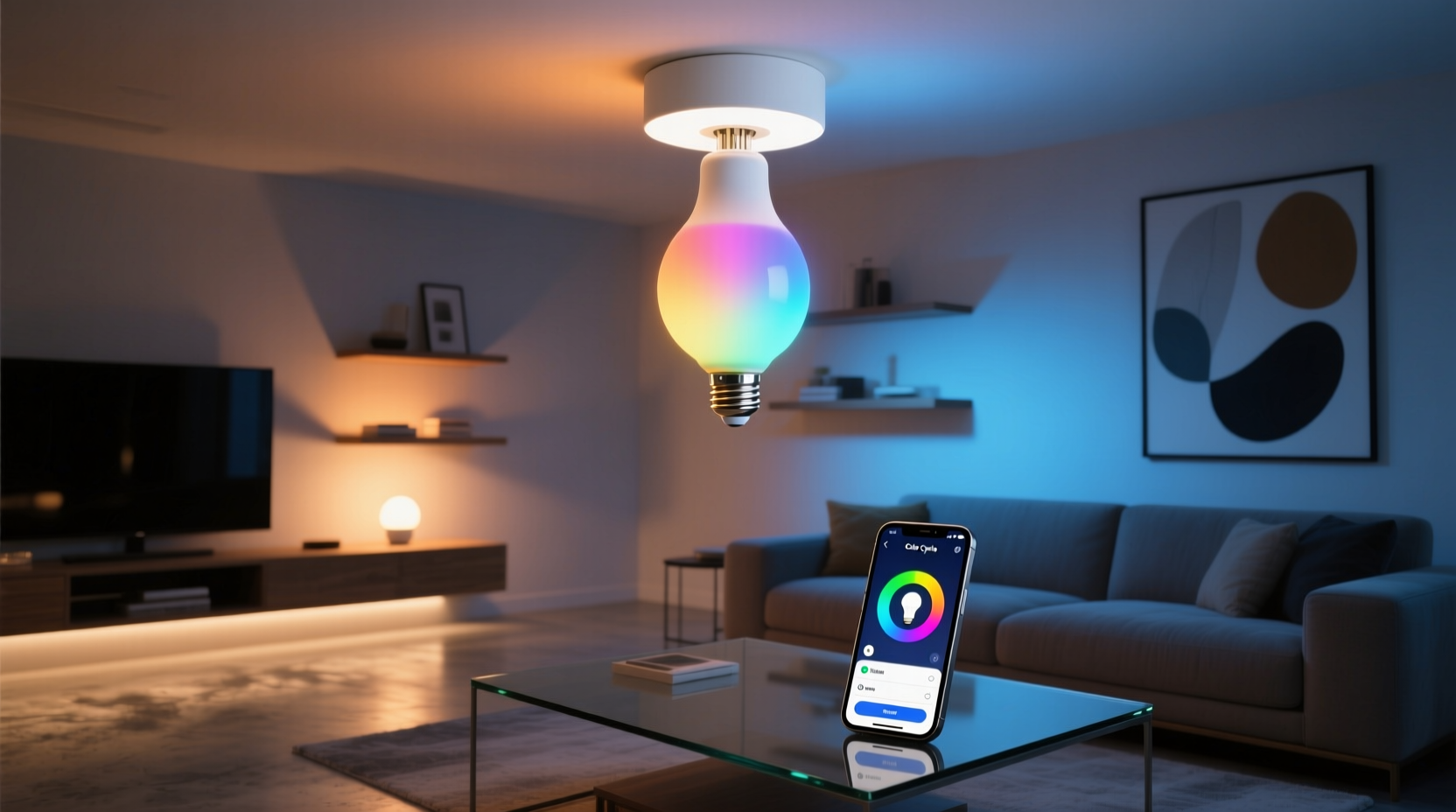
Smart bulbs don’t act randomly—every color shift has a trigger, even if it’s invisible to the user. Understanding the root causes is the first step toward resolution. Here are the primary culprits:
- Automations and routines set in apps like Google Home, Alexa, or Philips Hue may execute at specific times or under certain conditions.
- Third-party app integrations (e.g., Spotify sync, sunrise/sunset tracking) can override manual settings.
- Firmware bugs or outdated software may cause erratic behavior during updates or after power cycles.
- Wi-Fi or Bluetooth interference from other devices can send corrupted signals.
- Physical remote or wall switch input—some bulbs respond to rapid toggling or paired remotes you might not be aware of.
- Group syncing issues where one bulb's command affects others unintentionally.
Each of these factors interacts differently depending on your bulb brand—whether it’s Philips Hue, LIFX, TP-Link Kasa, or Wyze. Identifying which applies to your case requires methodical investigation.
Step-by-Step Diagnosis and Fix
To stop unwanted color transitions, follow this structured troubleshooting process. It isolates variables systematically, helping you pinpoint whether the issue lies in software, network, or configuration.
- Disable all automations temporarily. In your smart home app (e.g., SmartThings, Home Assistant), turn off every routine involving lights. Observe the bulb for 24 hours.
- Reboot the bulb and hub (if applicable). Power-cycle the bulb by turning it off at the switch for 10 seconds, then back on. For Zigbee/Z-Wave systems, restart the bridge or hub as well.
- Check for firmware updates. Open your bulb’s companion app and verify that the latest firmware version is installed. Outdated firmware often contains known bugs affecting color stability.
- Inspect connected apps and permissions. Look under “Connected Services” in your app settings. Disable any music sync, weather-based lighting, or scene-sharing features you didn’t authorize.
- Test in isolation. Remove the bulb from any light groups and control it individually using only the official app. See if the behavior persists.
- Reset the bulb to factory settings. This clears corrupted configurations. Refer to the manufacturer’s reset instructions—usually involves rapid on/off cycles.
- Reconnect the bulb to Wi-Fi or hub. After resetting, go through setup again, ensuring strong signal strength during pairing.
If the problem disappears after disabling automations, you’ve likely found the source. If it continues post-reset, consider deeper network or hardware issues.
Network Interference and Signal Conflicts
Many users overlook how much wireless congestion impacts smart bulbs. These devices operate on shared frequency bands—Wi-Fi (2.4 GHz), Bluetooth, or mesh protocols like Zigbee—and nearby interference can corrupt data packets.
For example, microwave ovens, cordless phones, baby monitors, and even neighboring Wi-Fi networks can generate noise that disrupts communication between your hub and bulb. When a command packet gets garbled, the bulb may interpret it as an unintended color instruction.
Zigbee bulbs are particularly sensitive to routing issues in mesh networks. A weak link between nodes can result in delayed or malformed commands, leading to flickering or spontaneous color shifts.
| Signal Type | Common Interferers | Mitigation Strategy |
|---|---|---|
| Wi-Fi (2.4 GHz) | Microwaves, Bluetooth devices, dense apartment networks | Use Wi-Fi analyzer apps; switch channels or upgrade to dual-band hubs |
| Bluetooth | Headphones, speakers, smartphones | Keep bulb within 30 ft line-of-sight; reduce device density |
| Zigbee | Poor node placement, USB 3.0 ports, metal enclosures | Relocate hub; add repeaters; avoid placing near electronics |
Improving signal integrity often resolves ghost-like behaviors. Position your hub centrally, away from large metal objects, and ensure firmware supports modern interference mitigation techniques.
“Over half the ‘malfunctioning’ smart bulbs we see are actually responding to corrupted signals caused by poor RF environments.” — Rajiv Mehta, IoT Network Engineer at Connected Home Labs
Mini Case Study: The Midnight Rainbow Incident
Sarah, a homeowner in Portland, noticed her bedroom smart bulb cycled through rainbow colors every night around 2:17 AM. She’d wake up to purple or green lighting, despite never setting such scenes. Frustrated, she assumed the bulb was defective and considered returning it.
After reviewing her Google Home app, she discovered an old \"Sunrise Simulation\" routine she’d forgotten about—one tied to seasonal daylight changes. The automation was mistakenly configured to run daily instead of just during winter months. Worse, a recent update had altered its default duration, causing it to transition through full-spectrum hues rather than warm tones.
She disabled the routine, created a new one with fixed parameters, and excluded blue-rich colors after 8 PM. The random color shifts stopped immediately. What seemed like a hardware glitch turned out to be a silent software logic error amplified by poor interface design.
Sarah’s experience underscores a broader truth: smart home tools evolve silently. Updates change behavior, and legacy automations can resurface with unintended consequences.
Prevention Checklist
Once you’ve resolved the immediate issue, use this checklist to prevent recurrence and maintain stable smart lighting performance:
- ✅ Audit all automations quarterly for relevance and timing accuracy
- ✅ Enable firmware auto-updates or manually check monthly
- ✅ Label your bulbs clearly in the app (e.g., “Bedroom Main,” “Desk Lamp”) to avoid misconfiguration
- ✅ Limit third-party app access—revoke permissions for services you no longer use
- ✅ Use dedicated 2.4 GHz SSID for IoT devices if your router supports band separation
- ✅ Physically label switches controlling smart bulbs to prevent accidental toggling
- ✅ Keep at least one traditional bulb per room for backup during outages or resets
Frequently Asked Questions
Can someone else control my smart bulb remotely?
Only if they have access to your Wi-Fi network or linked account. Always use strong, unique passwords and enable two-factor authentication on your smart home platform. Also review connected devices regularly and remove unknown entries.
Why does my bulb change color when I turn it on?
This typically happens because the bulb recalls its last state before power-off. Some models default to white or a preset scene unless explicitly told otherwise. Check your app settings for “Power Loss Recovery” or “Default On State” options to set a preferred color or brightness.
Do smart bulbs wear out faster if they change colors frequently?
No—color changes are managed electronically via RGB LEDs and don’t impact lifespan. However, excessive heat buildup from enclosed fixtures or constant high-brightness usage can shorten longevity. Ensure proper ventilation and avoid max brightness for extended periods.
Final Thoughts: Regain Control With Confidence
Unprompted color shifts in smart bulbs are rarely signs of hardware failure. More often, they reveal hidden layers of automation, outdated firmware, or environmental interference that go unnoticed until they disrupt daily life. By applying systematic diagnostics—starting with automation audits and progressing to network optimization—you can eliminate erratic behavior and restore reliability.
The beauty of smart lighting lies in its precision and personalization. But with great control comes the responsibility to manage complexity. Regular maintenance, clear naming conventions, and awareness of connected services empower you to enjoy dynamic lighting without surprises.
Don’t let mysterious color changes undermine your trust in smart technology. Investigate, isolate, and implement—then savor the peace of mind that comes from a truly responsive, predictable home environment.




 浙公网安备
33010002000092号
浙公网安备
33010002000092号 浙B2-20120091-4
Comments
No comments yet. Why don't you start the discussion?