
Flickering smart bulbs are more than just a nuisance—they can disrupt your home’s ambiance, interfere with automation routines, and, in some cases, hint at underlying electrical problems. While occasional flicker might stem from simple software glitches or Wi-Fi interference, persistent or widespread flickering demands attention. Understanding the root causes helps you distinguish between a quick fix and a potential hazard hiding behind the walls.
Smart lighting systems offer convenience, energy savings, and advanced control. But their complexity—relying on wireless communication, firmware, and precise power delivery—also introduces new points of failure. When a smart bulb flickers, it's not always the bulb at fault. The issue could lie in your network, dimmer compatibility, electrical load, or even outdated home wiring. This article breaks down the most common reasons for flickering, how to diagnose them, and when to take action before a minor annoyance becomes a serious safety risk.
Common Causes of Smart Bulb Flickering
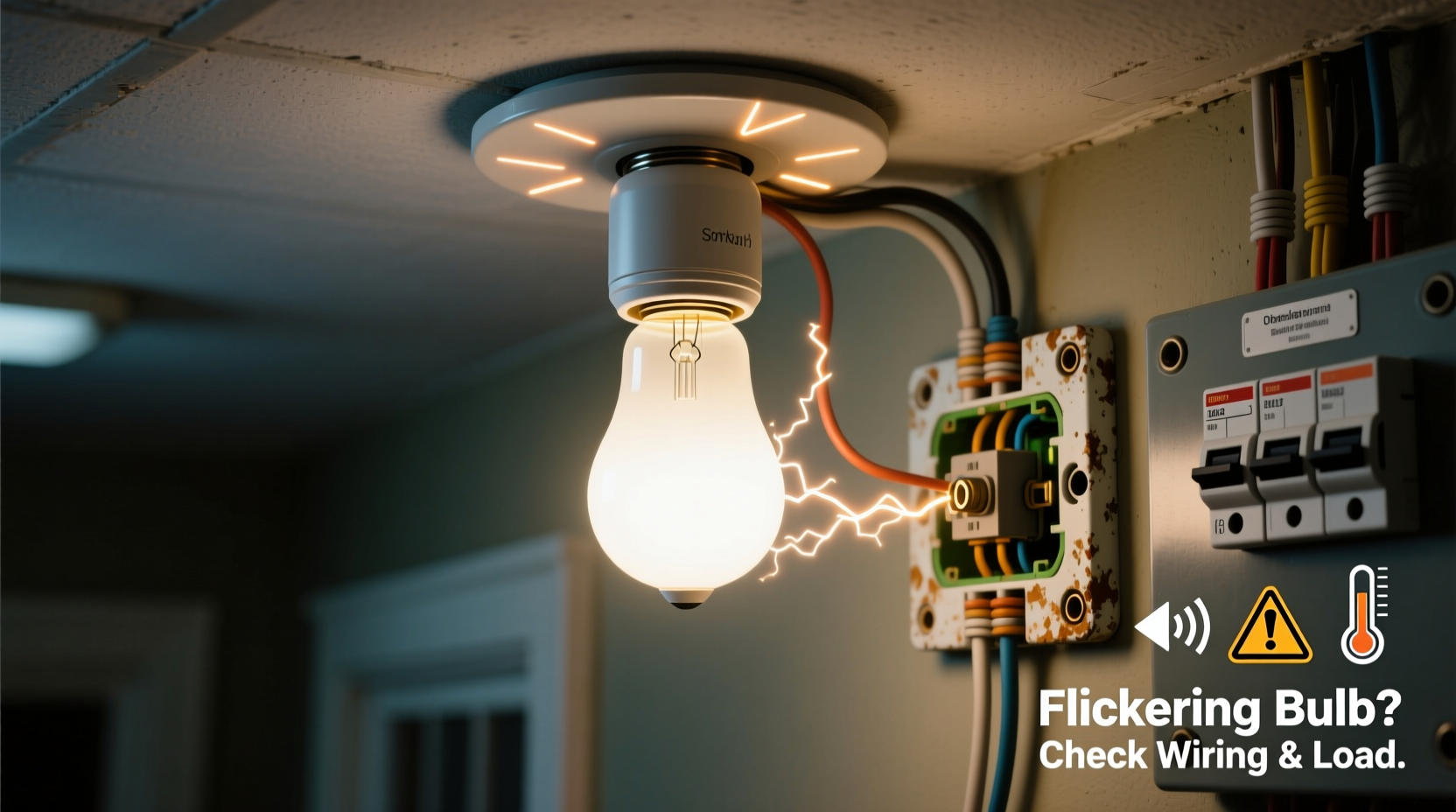
Not all flickering is created equal. Some patterns occur only during specific actions, like turning the light on or adjusting brightness, while others happen randomly throughout the day. Identifying the timing and behavior of the flicker can point directly to the source.
- Wi-Fi or Network Interference: Smart bulbs rely on stable wireless connections. If your router is overloaded, too distant, or operating on a congested channel, signal drops can cause erratic behavior, including flickering.
- Incompatible Dimmer Switches: Traditional dimmers reduce voltage using phase-cutting methods (like leading-edge or trailing-edge). Many smart bulbs aren’t designed to work with these and may flicker when dimmed—even when set to full brightness due to residual current flow.
- Firmware Bugs: Outdated or corrupted firmware can lead to inconsistent operation. Manufacturers regularly release updates to fix bugs affecting stability and performance.
- Loose Bulb or Fixture Connection: A poor physical connection between the bulb and socket interrupts power flow, causing intermittent flickering. This is especially common in older fixtures or if the bulb wasn’t fully screwed in.
- Power Supply Fluctuations: Voltage sags or surges from large appliances (like air conditioners or refrigerators) starting up can momentarily affect sensitive electronics in smart bulbs.
- Overloaded Circuits: Running too many high-draw devices on the same circuit can cause voltage drops, impacting connected smart lighting.
When Flickering Points to Electrical Problems
While most flickering stems from non-hazardous causes, certain patterns should raise concern. Widespread or synchronized flickering across multiple lights—especially when tied to appliance use—can indicate dangerous conditions in your home’s electrical system.
One red flag is flickering that coincides with major appliances turning on. If your lights dim briefly when the HVAC kicks in, it may be normal. But pronounced flickering, buzzing outlets, or warm switch plates suggest loose wiring, undersized circuits, or failing connections at the breaker panel.
“Persistent, whole-house flickering isn't just inconvenient—it's a warning sign. Loose neutral wires or deteriorating connections generate heat and are a leading cause of electrical fires.” — James Ralston, Licensed Master Electrician
A faulty neutral connection is particularly dangerous. In modern homes, the neutral wire completes the circuit and carries unbalanced current back to the panel. If this wire becomes loose or corroded, voltage can fluctuate unpredictably across circuits, damaging electronics and creating fire hazards. Unlike isolated bulb issues, neutral problems often affect multiple rooms and worsen over time.
Danger Signs That Require Immediate Attention
- Flickering affects multiple fixtures simultaneously
- Accompanied by buzzing, sizzling, or burning smells near switches or outlets
- Switches or outlets feel warm to the touch
- Circuit breaker trips frequently
- Flickering increases in intensity or frequency over time
Troubleshooting Checklist: Step-by-Step Diagnosis
Before calling an electrician, rule out simpler causes with this systematic approach.
- Inspect the bulb and socket: Turn off power, remove the bulb, and check for darkening, corrosion, or bent contacts. Reinstall firmly.
- Test in another fixture: Move the bulb to a known working socket. If it flickers there, the bulb is likely faulty.
- Check for dimmer compatibility: Verify your dimmer switch is listed as compatible with your smart bulb brand. Consider replacing old dimmers with smart switches or LED-compatible models.
- Restart your network: Power cycle your router and hub (e.g., Philips Hue Bridge, Amazon Echo). Wait two minutes before restoring power.
- Update firmware: Open your smart lighting app and check for available updates for both bulbs and hub.
- Isolate appliance effects: Turn off large appliances one by one to see if flickering stops when a specific device is off.
- Test on a different circuit: Plug a lamp with the same bulb into an outlet on another circuit to see if the behavior changes.
- Observe pattern consistency: Note whether flickering occurs at random, during dimming, at night, or during peak usage hours.
Comparing Common Causes: Do’s and Don’ts
| Issue | Do | Don't |
|---|---|---|
| Wi-Fi interference | Reposition router, use 2.4 GHz band, add a Wi-Fi extender | Use 5 GHz exclusively (most smart bulbs don’t support it) |
| Incompatible dimmer | Replace with smart switch or LED-compatible dimmer | Assume all dimmers work with smart bulbs |
| Loose connection | Turn off power and reseat bulb; inspect socket | Force a bulb into a damaged socket |
| Firmware issues | Check app for updates monthly | Ignore update notifications |
| Electrical fluctuations | Monitor with a plug-in voltage meter; consult electrician | Continue using if outlets buzz or smell burnt |
Real-World Example: A Case of Hidden Wiring Failure
Sarah, a homeowner in Portland, noticed her kitchen smart bulbs flickered every time she turned on the dishwasher. At first, she assumed it was a glitch. After resetting the Hue bridge and updating firmware without success, she replaced the bulbs—all with the same result. The flickering persisted only in the kitchen, never in other rooms.
She called an electrician who discovered the neutral wire in the kitchen circuit junction box was loosely connected and slightly charred from arcing. The dishwasher’s startup surge caused voltage instability, which affected the sensitive drivers inside the smart bulbs. The electrician repaired the connection, upgraded the circuit protection, and recommended installing arc-fault breakers. Sarah avoided a potential fire—and learned that smart bulbs can act as early-warning sensors for electrical faults.
This case illustrates how smart devices, despite being digital, remain vulnerable to analog electrical flaws. Their sensitivity makes them excellent indicators of problems that might go unnoticed with traditional incandescent bulbs.
Preventive Maintenance Tips
Keeping smart bulbs functioning reliably involves more than just swapping them out when they fail. Proactive care extends lifespan and reduces troubleshooting headaches.
- Label circuits clearly: Know which lights are on which breakers. This helps isolate issues quickly.
- Schedule annual electrical inspections: Especially in homes over 15 years old, have a licensed electrician check connections, grounding, and panel integrity.
- Use surge protectors: Plug hubs and controllers into surge-protected outlets to prevent damage from voltage spikes.
- Avoid mixing bulb types: Using different brands or wattages on the same dimmer can cause uneven current draw and flickering.
- Keep firmware updated: Enable automatic updates if available, or set calendar reminders to check monthly.
Frequently Asked Questions
Can a flickering smart bulb be dangerous?
Yes—if the flickering is caused by electrical faults like loose wiring, overheating, or voltage instability. While the bulb itself rarely catches fire, the underlying issue can pose a serious fire risk. Always investigate persistent or widespread flickering.
Why do my smart bulbs flicker at night?
This often relates to background automation or scheduled scenes (e.g., “Sunset Mode”) triggering slight brightness adjustments. However, if no schedules exist, it could indicate low-level power fluctuations more noticeable when ambient light is low, or Wi-Fi congestion during evening usage peaks.
Should I replace my dimmer switches for smart bulbs?
Yes, in most cases. Traditional dimmers are incompatible with the electronic drivers in smart LEDs. Replace them with either smart switches (which control power digitally) or dimmers specifically rated for LED and smart bulb loads. Check manufacturer compatibility lists before purchasing.
Final Thoughts: Listen to What Your Lights Are Telling You
Your smart bulbs are more than just remote-controlled lights—they’re part of a responsive ecosystem that interacts with your home’s electrical health. When they flicker, they’re sending a signal. Sometimes it’s a minor hiccup in your Wi-Fi; other times, it’s a cry for help from an aging electrical system.
The key is not to ignore the symptom. By methodically eliminating common causes and recognizing the signs of deeper trouble, you protect not only your investment in smart technology but also the safety of your home and family. Most flickering issues are solvable with basic troubleshooting. But when the pattern suggests instability in your electrical supply, don’t hesitate to bring in a professional. Electricity is unforgiving—early intervention prevents disasters.




 浙公网安备
33010002000092号
浙公网安备
33010002000092号 浙B2-20120091-4
Comments
No comments yet. Why don't you start the discussion?