
Smart bulbs promise convenience, ambiance control, and energy efficiency—until they start flickering unexpectedly. Flickering isn’t just annoying; it can indicate deeper issues with your Wi-Fi network, device compatibility, or electrical setup. While occasional glitches happen, persistent flickering suggests a fixable problem. Understanding the root causes—from firmware bugs to incompatible dimmer switches—empowers you to restore reliable performance. This guide breaks down the most common reasons behind smart bulb flickering and delivers actionable, tested solutions.
Understanding Smart Bulb Flickering: Not All Glitches Are Equal
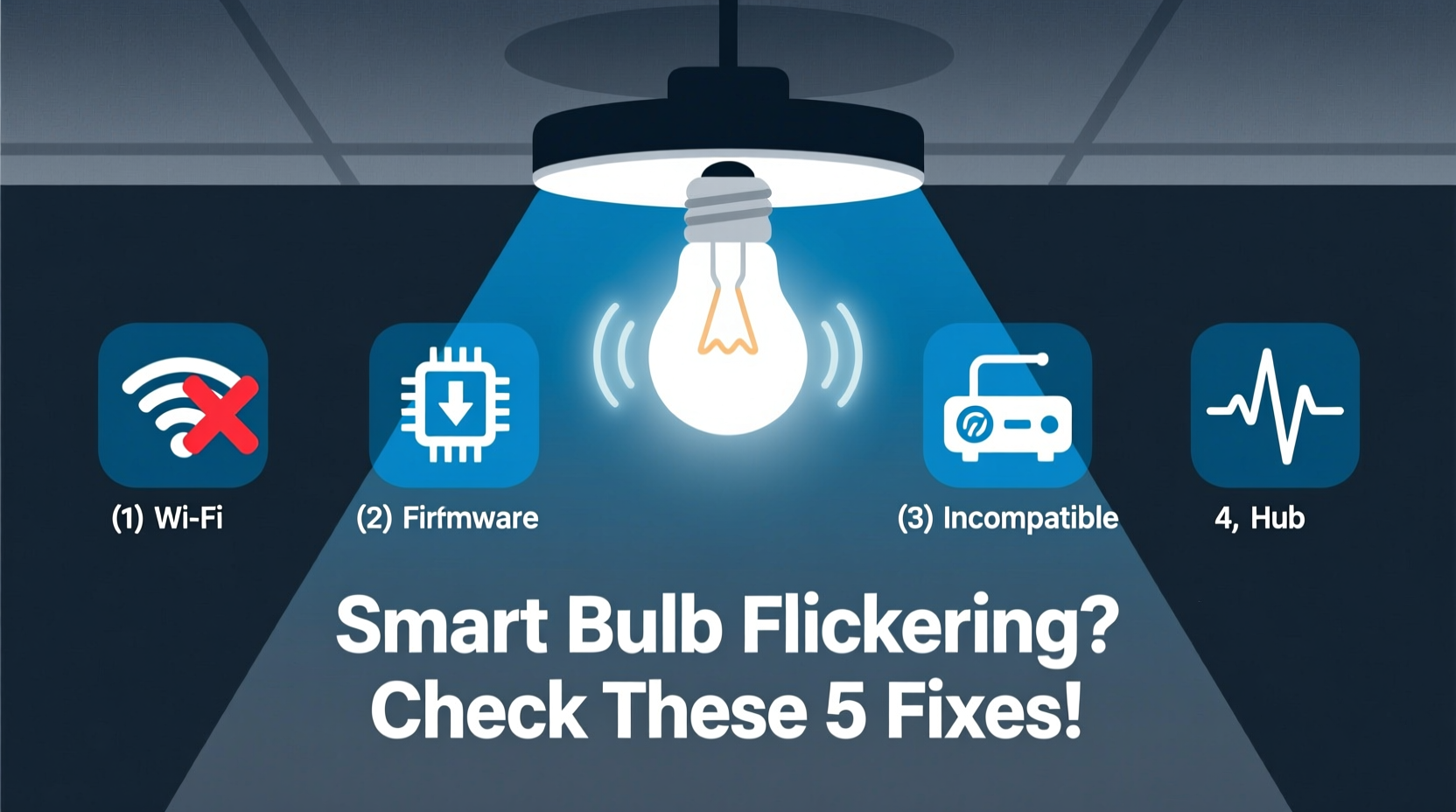
Flickering in smart bulbs manifests in different ways: rapid blinking, pulsing during standby, or inconsistent brightness when controlled via app or voice. Unlike traditional bulbs, which may flicker due to voltage fluctuations alone, smart bulbs rely on constant communication with your home network. Any disruption in signal strength, power delivery, or command interpretation can result in erratic behavior.
The complexity of smart lighting systems means flickering rarely stems from a single cause. It’s often the symptom of overlapping factors—such as outdated firmware combined with a weak Wi-Fi signal or an incompatible wall switch. Diagnosing the issue requires isolating variables methodically rather than guessing.
Common Causes of Smart Bulb Flickering
Before applying fixes, pinpoint what’s causing the instability. Below are the primary culprits behind smart bulb flickering:
- Weak Wi-Fi Signal: Smart bulbs require stable 2.4 GHz connectivity. If located far from the router or behind thick walls, signal drops can interrupt commands and cause flickering.
- Incompatible Dimmer Switches: Traditional leading-edge dimmers don’t work well with LED-based smart bulbs. They can cause low-level current leakage, making bulbs glow or flicker even when “off.”
- Firmware Bugs: Outdated or buggy firmware can lead to erratic behavior. Manufacturers regularly release updates to patch communication errors.
- Power Supply Issues: Voltage fluctuations or poor wiring in older fixtures may disrupt the internal driver circuitry of smart bulbs.
- Device Overload on Network: Too many connected devices can congest your network, delaying or dropping signals to smart bulbs.
- App or Hub Conflicts: Multiple apps sending conflicting commands—or a malfunctioning hub—can trigger unintended light changes.
- Physical Interference: Metal lampshades, enclosed fixtures, or proximity to microwaves/routers can interfere with wireless signals.
“Over 60% of smart bulb complaints we see stem from incompatible dimmers or marginal Wi-Fi coverage—not faulty hardware.” — Raj Patel, IoT Support Lead at HomeTech Solutions
Step-by-Step Guide to Fix Flickering Smart Bulbs
Follow this structured troubleshooting process to eliminate flickering systematically. Start with the simplest checks and progress to more involved fixes.
- Verify Power Source and Fixture
Unscrew the bulb and test it in a different lamp or socket. If flickering stops, the original fixture may have loose wiring or insufficient ventilation. Ensure the fixture is rated for enclosed use if applicable. - Check Wi-Fi Signal Strength
Use a Wi-Fi analyzer app (like NetSpot or Wi-Fi Analyzer) to measure signal strength where the bulb is installed. A signal below -70 dBm is considered weak. Move the router closer, remove obstructions, or install a Wi-Fi extender. - Confirm 2.4 GHz Band Usage
Most smart bulbs only support 2.4 GHz networks. If your router broadcasts a combined 5 GHz/2.4 GHz SSID, separate them in router settings so you can connect the bulb explicitly to the 2.4 GHz band. - Update Firmware
Open your smart lighting app (e.g., Philips Hue, LIFX, or Kasa). Navigate to device settings and check for firmware updates. Apply any available patches—even minor version upgrades often resolve stability bugs. - Reset the Bulb
Perform a factory reset per manufacturer instructions. For most brands, this involves turning the bulb on/off in a specific pattern (e.g., power cycle five times within 5 seconds). After resetting, re-pair the bulb to your network. - Inspect Wall Switch Type
If the bulb is controlled by a physical switch, ensure it’s not a trailing-edge or leading-edge dimmer unless explicitly compatible with smart LEDs. Replace with a standard toggle switch if needed. - Reduce Network Congestion
Disconnect unused devices from your network. Consider setting up a guest network for guests’ phones and tablets to free bandwidth for IoT devices. - Use a Dedicated Hub (if supported)
Hubs like Philips Hue Bridge or Samsung SmartThings reduce reliance on Wi-Fi by using Zigbee or Z-Wave protocols. These mesh networks offer more stable connections for smart lighting.
Compatibility Checklist: Ensuring Your Setup Works Together
Misalignment between components is a frequent source of flickering. Use this checklist before installing or troubleshooting smart bulbs:
| Component | Do’s | Don’ts |
|---|---|---|
| Wi-Fi Router | Supports 2.4 GHz band, WPA2 security, QoS enabled | Using outdated firmware or dual-band merged SSID |
| Wall Switch | Standard ON/OFF switch or smart switch certified for LEDs | Old dimmer switch not designed for low-wattage LEDs |
| Fixture Type | Ventilated, non-enclosed (unless bulb is rated for it) | Tightly sealed enclosures that trap heat |
| Smart Home Ecosystem | Bulb listed as compatible with your voice assistant/hub | Assuming all “Works with Alexa” bulbs integrate seamlessly |
| Electrical Circuit | Stable voltage, no shared circuits with large appliances | Shared with refrigerators, AC units, or washing machines |
Real-World Example: Resolving Persistent Flickering in a Living Room Setup
Mark, a homeowner in Portland, installed four LIFX bulbs in his living room ceiling fixture. Within days, he noticed flickering whenever his microwave ran. The bulbs also occasionally turned on by themselves at night.
Initial troubleshooting ruled out firmware issues—all bulbs were up to date. Signal strength was strong (-58 dBm), but further investigation revealed the microwave and router operated on overlapping 2.4 GHz channels. Using a Wi-Fi scanner, Mark changed his router’s channel from 6 to 1, minimizing interference.
The random activations pointed to another issue: his old dimmer switch allowed small amounts of current to leak through, tricking the bulbs into thinking they were receiving a “turn on” signal. He replaced the dimmer with a standard toggle switch. After both changes, the flickering stopped completely.
This case illustrates how multiple subtle factors—RF interference and legacy hardware—can combine to create frustrating symptoms. Isolating each variable led to a permanent fix.
When Hardware May Be the Problem
While software and network issues are common, hardware defects do occur. Signs that point to a failing bulb include:
- Flickering persists across multiple sockets and networks
- Bulb fails to respond to reset procedures
- Visible discoloration or burning smell near the base
- Intermittent connectivity despite strong Wi-Fi
If one bulb behaves abnormally while others in the same system function correctly, the issue is likely isolated to that unit. Contact the manufacturer for warranty replacement—most reputable brands offer 2–3 year coverage.
FAQ: Common Questions About Smart Bulb Flickering
Can voltage fluctuations damage my smart bulb?
Yes. Frequent surges or brownouts stress the internal driver electronics. Use surge protectors or whole-home voltage regulators if you live in an area with unstable power. Smart bulbs are more sensitive than incandescent ones due to their complex circuitry.
Why does my smart bulb flicker only at night?
This often happens when background network traffic increases—streaming devices, downloads, or neighbor networks interfering. It can also be linked to temperature changes affecting enclosed fixtures. Try scheduling a nightly reboot of your router to clear congestion.
Is it safe to leave a flickering smart bulb installed?
Prolonged flickering isn’t inherently dangerous, but it can shorten the bulb’s lifespan and increase fire risk if caused by arcing in faulty wiring. If flickering is accompanied by buzzing, smoke, or heat, disconnect the fixture immediately and consult an electrician.
Final Recommendations for Long-Term Stability
Preventing future flickering starts with proactive maintenance. Schedule monthly checks of your smart bulb firmware and quarterly reviews of your Wi-Fi performance. Label each bulb in your app with its location to simplify diagnostics. Avoid mixing brands unless using a universal hub that supports multi-platform integration.
Consider investing in a mesh Wi-Fi system (like Google Nest Wi-Fi or Eero) if you have a larger home. These systems provide seamless coverage and prioritize IoT devices, reducing latency and packet loss that contribute to flickering.
“The best smart lighting setups aren’t just about cool colors—they’re built on reliability. Stability begins with compatibility, not features.” — Lena Torres, Senior IoT Engineer at Connected Living Labs
Conclusion
Flickering smart bulbs are more than a nuisance—they’re a signal that something in your ecosystem needs attention. Whether it’s a mismatched dimmer switch, weak Wi-Fi, or outdated firmware, the solutions are within reach. By following a structured approach, checking compatibility, and understanding how your devices interact, you can achieve smooth, flicker-free lighting. Don’t accept glitches as normal. Take control of your smart home environment today and enjoy the full benefits of intelligent, responsive lighting.




 浙公网安备
33010002000092号
浙公网安备
33010002000092号 浙B2-20120091-4
Comments
No comments yet. Why don't you start the discussion?