
Smart refrigerators have evolved from simple cooling appliances into intelligent hubs equipped with cameras, Wi-Fi connectivity, and mobile app integration. One of the most useful features—remote viewing of fridge contents via an internal camera—can quickly become frustrating when images appear blurry or unusable. A fuzzy feed defeats the purpose of checking groceries while shopping or managing expiration dates remotely. Understanding the root causes of poor image quality and knowing how to fix them can restore clarity and functionality to your smart fridge’s camera system.
Blurriness isn’t always a hardware failure. In many cases, it results from environmental factors, software glitches, or improper setup. This guide explores the common reasons behind a blurry smart fridge camera and provides actionable solutions to enhance image sharpness and reliability.
Common Causes of Blurry Smart Fridge Camera Images
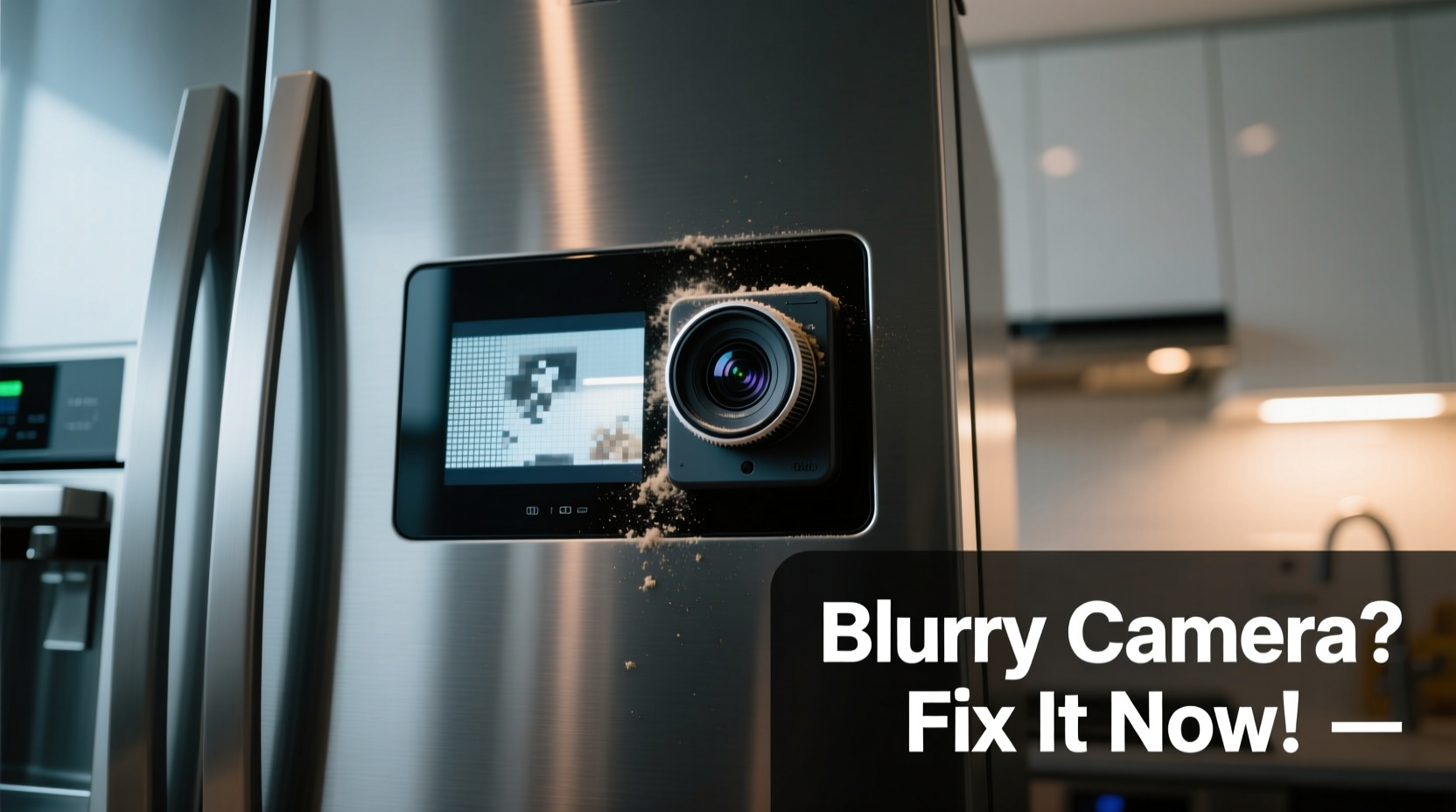
A smart fridge camera may produce low-quality images due to a combination of mechanical, environmental, and digital issues. Identifying the underlying cause is the first step toward resolution.
- Fogging or condensation on the lens: Temperature fluctuations inside the fridge often lead to moisture buildup on the camera housing or lens, especially after frequent door openings.
- Dust, grease, or smudges on the lens: Over time, airborne particles and splashes from stored foods can coat the lens, reducing clarity.
- Poor lighting conditions: Most built-in cameras rely on ambient light or small LED illuminators. If these are blocked or malfunctioning, images will be dark and grainy.
- Low-resolution camera hardware: Some models come with outdated or budget-tier cameras that simply lack the pixel density for crisp imaging.
- Software bugs or firmware issues: Outdated firmware or corrupted image-processing algorithms can degrade output quality.
- Obstructions in the field of view: Items placed too close to the camera or misaligned shelves can block or distort the shot.
- Wi-Fi interference or compression artifacts: When images are streamed over a weak network, they may be heavily compressed, resulting in pixelation or blurriness.
Step-by-Step Guide to Improve Smart Fridge Camera Image Quality
Follow this systematic approach to diagnose and resolve image quality problems with your smart fridge camera.
- Power down and inspect the camera physically. Open the fridge door and locate the camera—usually mounted on the ceiling or rear wall. Look for visible dirt, fog, or obstructions.
- Clean the lens gently. Use a soft, lint-free microfiber cloth slightly dampened with distilled water. Avoid abrasive cleaners or paper towels that could scratch the surface.
- Check for condensation. If moisture is present, leave the fridge door open for 15–20 minutes to allow evaporation. Consider adjusting humidity settings if your model supports them.
- Test the internal lighting. Ensure the fridge lights turn on when the door opens. If not, replace bulbs or contact support—poor illumination directly affects camera performance.
- Reposition obstructing items. Move tall containers or shelves away from the camera’s line of sight. Aim for an unobstructed panoramic view of major storage zones.
- Restart the fridge’s system. Unplug the refrigerator for 2–3 minutes (or use the reset function in settings) to refresh the operating system and camera module.
- Update firmware. Access the fridge’s settings menu or companion app to verify if a firmware update is available. Manufacturers often release patches to improve camera algorithms.
- Optimize Wi-Fi signal strength. Place your router closer to the kitchen or install a mesh extender. A stable 5GHz connection reduces image compression during transmission.
- Adjust camera angle if possible. Some models allow manual tilting. Align the lens to capture shelves evenly without glare from metal surfaces.
- Test image quality through the app. After each change, take a new snapshot via the mobile app to assess improvement.
Do’s and Don’ts for Maintaining Clear Camera Performance
| Do | Don’t |
|---|---|
| Wipe the lens monthly with a microfiber cloth | Use harsh chemicals like ammonia or bleach near the camera |
| Keep the area around the camera clear of tall bottles or boxes | Block the internal LED lights with oversized containers |
| Ensure firmware is updated quarterly | Ignore error messages related to camera disconnection |
| Monitor image quality after adding new food items | Store hot or steaming food immediately—this increases condensation risk |
| Use the app’s “capture new image” feature regularly to test clarity | Assume cloud processing errors—first verify local conditions |
Real-World Example: Resolving Persistent Blurriness in a Samsung Family Hub
Sarah, a homeowner in Portland, noticed her Samsung Family Hub fridge camera had become increasingly blurry over three weeks. Initially, she assumed the camera was failing and considered service calls. Instead, she methodically followed troubleshooting steps. First, she wiped the lens—no improvement. Then she checked lighting: one of the two internal LEDs was burnt out, casting uneven shadows. She replaced the bulb using a guide from Samsung’s support site. Next, she realized a large milk jug was positioned directly in front of the camera, distorting depth perception. After reorganizing shelves and triggering a firmware update (version UX-7.2.1, which included camera optimization), image clarity improved dramatically. The final test—a nighttime grocery check via her phone—showed crisp, well-lit visuals of yogurt containers and fruit bowls. Sarah saved hundreds by avoiding unnecessary repairs through careful diagnostics.
Expert Insight: What Engineers Say About Smart Appliance Imaging
“Camera clarity in smart fridges depends as much on user environment as on hardware specs. Even high-resolution sensors fail under poor lighting or fogged lenses. Regular maintenance and proper placement are non-negotiable for consistent performance.” — Dr. Rajiv Mehta, Senior Embedded Systems Engineer at LG Electronics R&D
This insight underscores that consumer behavior plays a critical role in technology performance. Unlike smartphones, smart fridge cameras operate in challenging environments—cold, humid, and frequently disturbed by movement. Their design prioritizes durability over optical excellence, making proactive care essential.
Checklist: Quick Fixes for Immediate Improvement
Use this checklist whenever you notice declining image quality:
- ☐ Inspect the lens for smudges or moisture
- ☐ Clean the lens with a dry microfiber cloth
- ☐ Verify internal lights are functioning
- ☐ Remove objects blocking the camera’s view
- ☐ Restart the fridge’s control system
- ☐ Check for pending firmware updates
- ☐ Test Wi-Fi signal strength near the appliance
- ☐ Capture a new image via the app to evaluate results
- ☐ Adjust shelf layout to minimize reflective surfaces
- ☐ Schedule monthly visual inspections
When Hardware Limitations Are the Real Issue
Despite best efforts, some smart fridges ship with subpar camera systems. Models released between 2018 and 2020, particularly entry-level variants, often feature 1-megapixel cameras with fixed focus and limited dynamic range. These cannot match modern smartphone standards. For users stuck with such hardware, options are limited but not nonexistent.
Consider supplementing your built-in camera with a third-party solution. Small, battery-powered smart cameras designed for indoor security (like the Arlo Go or Wyze Cam) can be mounted inside the fridge using magnetic bases or adhesive mounts. Set them to motion-activated capture and store clips locally or in encrypted cloud storage. While this bypasses native integration, it offers higher resolution and better low-light performance. Just ensure the device is rated for cold environments and doesn’t emit excessive heat.
Frequently Asked Questions
Can I manually focus my smart fridge camera?
In most cases, no. Built-in fridge cameras typically have fixed-focus lenses optimized for mid-range distances (about 12–18 inches). Manual focusing is not supported through apps or physical controls. However, adjusting the camera angle or repositioning shelves can simulate better focus by aligning subjects within the optimal focal plane.
Why does my camera work fine sometimes but blur at other times?
Intermittent blurriness is usually tied to temperature changes. When warm air enters the fridge upon opening, it condenses on colder surfaces—including the camera lens. As the moisture evaporates, clarity returns. To minimize this cycle, avoid leaving the door open for extended periods and let hot leftovers cool before storing them.
Does Wi-Fi speed really affect image quality?
Yes. While the initial image is captured locally, it must be compressed and transmitted to your smartphone via your home network. On slow or congested networks (especially 2.4GHz bands with interference), compression levels increase, leading to loss of detail and pixelation. A strong 5GHz connection with at least 10 Mbps upload speed ensures minimal degradation.
Conclusion: Take Control of Your Smart Fridge Experience
A blurry smart fridge camera doesn’t have to be a permanent flaw. With routine care, strategic adjustments, and awareness of technical limitations, most image quality issues can be resolved or mitigated. The convenience of checking your groceries remotely is worth preserving—and often only requires minor interventions. From cleaning the lens to updating firmware and optimizing your kitchen’s Wi-Fi coverage, every step contributes to a clearer, more reliable visual feed.
Don’t accept poor performance as inevitable. Apply these insights today to regain confidence in your smart appliance. Whether you’re meal planning, avoiding duplicate purchases, or simply curious about what’s inside, a sharp, accurate camera makes all the difference.




 浙公网安备
33010002000092号
浙公网安备
33010002000092号 浙B2-20120091-4
Comments
No comments yet. Why don't you start the discussion?