
Smart fridges have transformed the way we store food, offering Wi-Fi connectivity, internal cameras, voice assistants, and advanced cooling systems. But when a new or unexpected noise starts echoing from your kitchen, it's natural to wonder: Is this normal? Or is something seriously wrong?
Unlike traditional refrigerators, smart fridges integrate complex electronics and adaptive cooling technologies that can produce unfamiliar sounds. While many of these noises are harmless, others may signal developing issues that require professional attention. Understanding the difference between routine operation and potential failure can save you time, money, and prevent food spoilage.
Common Noises and What They Mean
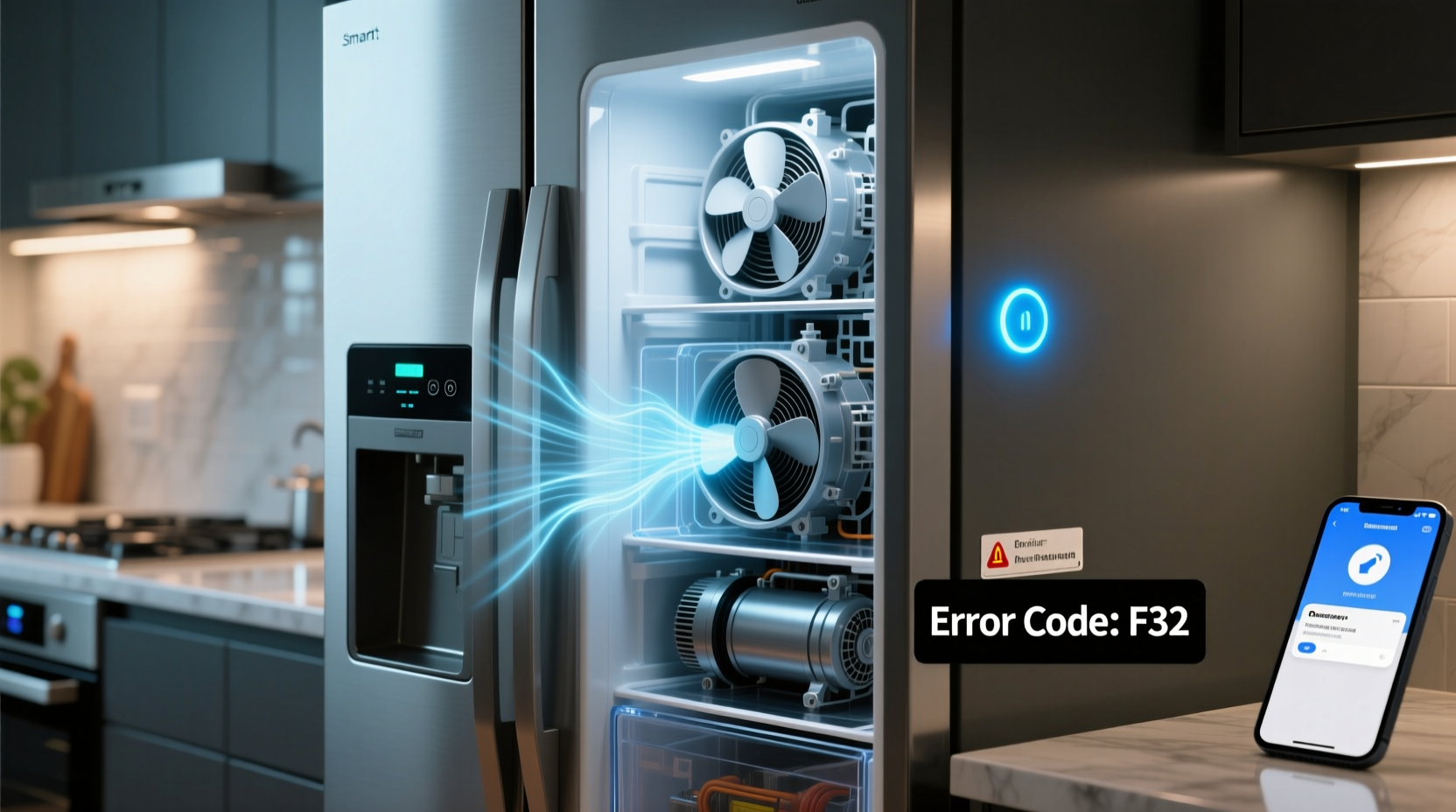
Not all fridge noises are cause for alarm. In fact, modern appliances generate a range of sounds as part of their standard operation. The key is identifying which ones are expected and which might indicate a problem.
- Humming or low buzzing: This is typically the compressor or circulation fan running. It’s normal and should remain at a consistent volume.
- Dripping or gurgling: Often heard during or after the defrost cycle. Refrigerant moving through coils or melting ice creates liquid flow sounds—common in frost-free models.
- Clicking: A brief click may occur when the thermostat activates or deactivates components like the compressor or relay switch. One or two clicks per cycle are normal.
- Whirring or grinding: May come from the evaporator or condenser fan if dust has accumulated or a motor is wearing out.
- Knocking or banging: Can happen when plastic components expand or contract with temperature changes. If rhythmic, it could point to water hammer in connected water lines (especially in fridges with dispensers).
- Beeping or chimes: These are alerts—often tied to open doors, temperature fluctuations, or system diagnostics—not mechanical faults.
When Noise Signals a Real Problem
Some sounds are more than just quirks—they’re early warnings. Recognizing problematic noises before they escalate can prevent costly repairs or full replacement.
A loud grinding noise, especially one that increases over time, often points to a failing compressor or worn-out fan motor. Similarly, persistent knocking that isn’t tied to thermal expansion may suggest refrigerant issues or loose internal piping. If the fridge struggles to cool despite continuous operation, these sounds become urgent red flags.
One homeowner reported a “metallic scraping” sound every few minutes. After ruling out external causes, a technician discovered the evaporator fan blade was warped and striking the housing. Left unchecked, it would have damaged the cooling coil.
“Strange noises are often the first symptom of mechanical wear. Address them early—before efficiency drops or component failure occurs.” — Raj Patel, Appliance Engineer & HVAC Specialist
Noise Severity Assessment Table
| Noise Type | Likely Cause | Urgency Level | Action Required |
|---|---|---|---|
| Steady hum | Normal compressor operation | Low | Monitor; no action needed |
| Occasional drip/gurgle | Defrost cycle or refrigerant flow | Low | None unless accompanied by poor cooling |
| Intermittent clicking | Thermostat or relay cycling | Low | Observe frequency; concern if constant |
| Grinding/whining | Fan motor or compressor strain | High | Power off and schedule service |
| Persistent knocking | Loose parts or water hammer | Moderate | Check leveling, water line pressure |
| Loud buzzing + heat | Condenser coil blockage or overload | High | Clean coils; call support if unresolved |
| Repetitive beeping | Door left open, alert triggered | Moderate | Check door seal and close firmly |
Troubleshooting Steps Before Calling Support
Before scheduling a service call, perform a systematic check. Many issues can be resolved without professional help, saving time and diagnostic fees.
- Verify the unit is level. Use a bubble level on the top shelf. An unbalanced fridge vibrates excessively and may produce knocking sounds. Adjust the front legs until stable.
- Clear airflow around the unit. Ensure at least 2–3 inches of space behind and above the fridge. Blocked vents force fans to work harder, increasing noise.
- Inspect and clean condenser coils. Located at the back or beneath the front grille, dusty coils reduce efficiency and cause overheating. Unplug the fridge and vacuum gently with a brush attachment.
- Listen for location-specific sounds. Open the freezer—does the noise stop? If yes, the evaporator fan may be the source. Check for ice buildup or obstructions.
- Review recent changes. Did you move the fridge? Install a new water line? Introduce a new appliance nearby? Physical shifts or plumbing adjustments can introduce vibration or water hammer.
- Check door seals. A compromised gasket causes the compressor to run longer cycles, increasing audible operation. Clean with mild soap and inspect for cracks or warping.
- Reset the system. Unplug the fridge for 5–10 minutes to reboot its control board. Some smart models experience software glitches that affect fan speed or sensor feedback.
Mini Case Study: The Ice Maker That Wouldn’t Quit
Sarah in Denver noticed a rhythmic “clunk… clunk… clunk” every 90 seconds from her Samsung Family Hub fridge. She initially assumed it was normal, but the sound persisted day and night, even when the ice bin was full.
After checking leveling and cleaning coils, she disabled the ice maker via the touchscreen. The noise stopped immediately. Further inspection revealed the ice mold ejection arm was stuck, causing repeated failed harvest attempts. A quick reset didn’t fix it, so she contacted Samsung support. Within 48 hours, a technician replaced the ice maker assembly under warranty.
This case highlights how integrated systems in smart fridges can create misleading symptoms. What sounded like a compressor issue turned out to be a faulty sub-component generating repetitive mechanical noise.
When to Call Support: Clear Red Flags
You don’t need to wait for total breakdown to seek help. Certain conditions demand prompt professional evaluation.
- The fridge isn’t cooling properly, even after recalibration or resetting.
- Noises are getting louder or more frequent over days or weeks.
- You smell burning plastic or overheating electronics. Turn off the unit immediately and disconnect power.
- The display shows error codes (e.g., “EC,” “5E,” “OF ON”) that won’t clear after reboot.
- Water is leaking inside or outside the unit, especially near electrical components.
- The compressor runs continuously without cycling off, suggesting thermostat or refrigerant issues.
If your smart fridge is under warranty, contact the manufacturer directly rather than a third-party repair service. Unauthorized repairs can void coverage. For older units, consider the cost of repair versus replacement—especially if the compressor is failing.
Support Checklist: What to Have Ready
- Model and serial number (usually on a label inside the door jamb)
- Date of purchase or proof of warranty
- Description of the noise (record a short audio clip if possible)
- Duration and frequency of the issue
- Any error messages displayed
- Steps already taken to troubleshoot
“Modern refrigerators are computers with cooling systems. When software and hardware interact oddly, only trained techs with diagnostic tools can pinpoint the root cause.” — Linda Cho, Senior Technician at ApplianceCare Pro
Frequently Asked Questions
Is it normal for a smart fridge to make noise at night?
Yes, especially during defrost cycles or when ambient temperatures drop. However, the noise should not be disruptive. If it wakes you up regularly, investigate uneven installation, loose flooring, or excessive fan speed due to dust buildup.
Can Wi-Fi or software updates cause strange sounds?
Indirectly, yes. A firmware update may change fan behavior, defrost timing, or compressor modulation. If odd noises began immediately after an update, reset the system or check the manufacturer’s support site for known bugs.
How long should a smart fridge last before major issues arise?
Most last 10–14 years with proper maintenance. Electronics and compressors are common failure points after year 7–8. Frequent power surges, hard water (for dispensers), and poor ventilation shorten lifespan.
Conclusion: Stay Calm, Stay Informed, Take Action
Unusual noises from your smart fridge don’t automatically mean disaster—but they shouldn’t be ignored either. Most issues start small: a dusty coil, a misaligned panel, or a glitching ice maker. By learning the language of your appliance, you gain the power to respond wisely.
Start with simple checks: level the unit, clean the coils, listen closely to locate the sound, and verify cooling performance. Use the troubleshooting steps outlined here to rule out easy fixes. When in doubt, document the issue thoroughly and reach out to official support.
Your smart fridge is an investment in convenience and freshness. Treat it with informed care, and it will serve you reliably for years. Don’t wait for silence to become a crisis—act early, act wisely.




 浙公网安备
33010002000092号
浙公网安备
33010002000092号 浙B2-20120091-4
Comments
No comments yet. Why don't you start the discussion?