
Smart refrigerators have transformed the way we manage food storage, offering features like temperature monitoring, Wi-Fi connectivity, internal cameras, and energy efficiency tracking. However, when these advanced appliances begin flashing cryptic error codes, it can be frustrating and confusing. Understanding what these alerts mean—and knowing how to respond—can save time, prevent food spoilage, and extend the life of your appliance. Most error codes are not signs of catastrophic failure; instead, they are diagnostic signals designed to alert you to specific issues that often have simple solutions.
This guide breaks down the most common smart fridge error codes, explains their underlying causes, and provides actionable steps for resetting and resolving them. Whether your fridge displays an “Er FF,” “5C,” or “SE” code, you’ll learn how to interpret it and restore normal function—often without needing a technician.
How Smart Fridges Communicate Problems
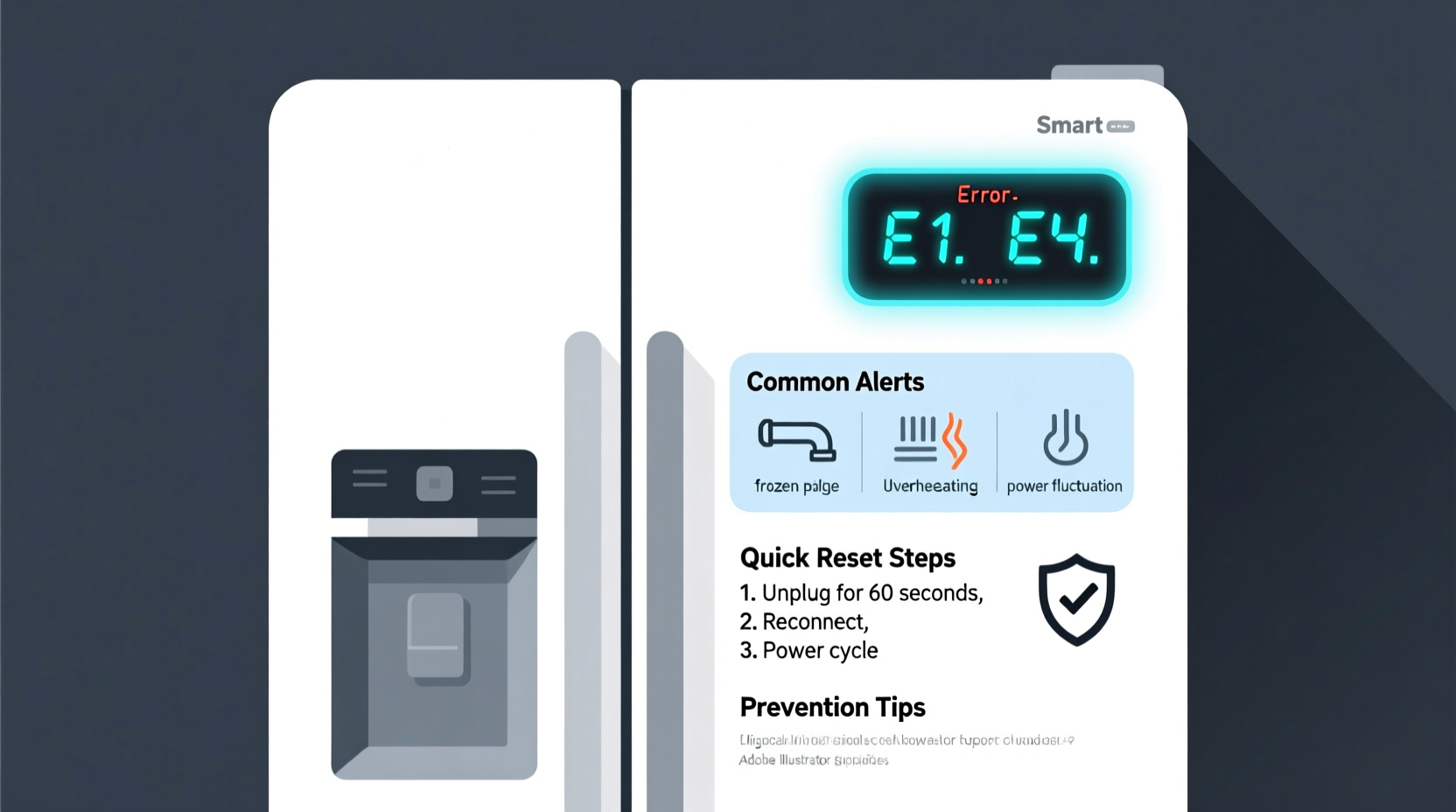
Modern refrigerators from brands like Samsung, LG, Whirlpool, GE, and Bosch use built-in sensors and microprocessors to monitor performance. When an anomaly occurs—such as a temperature fluctuation, communication breakdown between components, or power interruption—the system logs a fault and displays a corresponding error code on the control panel.
These codes serve as a first line of diagnosis. Unlike older models that might only indicate trouble with a blinking light, today’s smart fridges provide specific alphanumeric messages such as:
- Er CF – Cooling failure
- 5E – Evaporator sensor issue
- SE – Sensor error (Samsung)
- DF – Defrost failure
- F1 – Communication error (GE)
While each brand uses its own coding system, many errors stem from similar root causes: power fluctuations, blocked vents, dirty condenser coils, or temporary software glitches. Recognizing patterns in these alerts allows users to troubleshoot effectively.
Common Error Codes and What They Mean
Below is a comparison of frequently encountered error codes across major manufacturers, along with their typical meanings and immediate actions you can take.
| Error Code | Brand | Possible Cause | Quick Fix |
|---|---|---|---|
| Er FF | Samsung | Freezer fan failure or obstruction | Check for ice buildup; clean fan blades; restart unit |
| 5C | Samsung | Defrost sensor malfunction | Power cycle; inspect rear panel for frost |
| SE | Samsung | Sensor communication error | Reset control board; check wiring connections |
| DF | LG | Defrost system failure | Clean condenser coils; verify defrost heater function |
| ER | Whirlpool | Electronic control board issue | Unplug for 5 minutes; reboot system |
| F1 | GE | Main control board communication error | Check Wi-Fi connection; reset router and fridge |
| E24 | Bosch | Refrigerant pressure fault | Contact technician—do not attempt DIY repair |
Some codes point to hardware problems requiring professional attention, while others result from minor glitches easily resolved through a reset. The key is distinguishing between temporary faults and persistent mechanical failures.
Step-by-Step Guide to Resetting Your Smart Fridge
Before calling a technician, try a full system reset. This clears temporary memory errors, reboots the control board, and often resolves false alarms or communication hiccups. Follow this universal reset procedure:
- Turn off the refrigerator: Use the power button on the display or unplug it from the wall outlet. If your model has a circuit breaker, switch it off.
- Wait 5–10 minutes: This allows capacitors to discharge and the control board to fully reset. Do not skip this step—rushing reduces effectiveness.
- Press and hold the “Alarm” or “Energy Saver” button (if applicable) for 3 seconds while plugging back in. Some Samsung models require this to initiate a soft reset.
- Allow 15–30 minutes for reboot: The display may flicker or remain blank initially. Avoid opening the door during this period.
- Verify temperature settings: After startup, confirm cooling begins and error code does not reappear.
If the error returns within hours, further investigation is needed. A one-time appearance after a power outage is usually benign. Recurring codes suggest deeper issues.
“Over 60% of service calls for smart fridges involve error codes that could have been resolved with a proper reset and basic maintenance.” — Carlos Mendez, Appliance Repair Technician with 15 years of field experience
Troubleshooting by Symptom and Cause
Understanding the context behind an error improves diagnosis. Below are common symptoms paired with likely causes and corrective actions.
1. Fridge Not Cooling, Display Shows “Er CF” or “5C”
This typically indicates a problem with the evaporator fan or defrost system. Ice buildup around the fan prevents airflow, triggering a cooling failure alert.
2. Intermittent Wi-Fi Disconnections and “F1” Errors (GE Models)
Smart fridges rely on stable internet for updates and remote diagnostics. Network instability can cause communication timeouts, logged as error F1.
To fix:
- Restart your home router.
- Ensure the fridge is within range of the Wi-Fi signal.
- Forget and reconnect the fridge to your network via the mobile app.
- Update firmware through the manufacturer’s app.
3. Loud Humming or Clicking with “DF” Code (LG)
A defrost failure code combined with noise may indicate a faulty defrost heater, thermostat, or timer. These components regulate frost accumulation on cooling coils.
Check:
- Visually inspect the back panel inside the freezer for excessive frost.
- Listen for the defrost cycle (should run every 6–12 hours).
- If no heat is felt on the coils during defrost mode, the heater may be burned out.
4. Control Panel Unresponsive or Frozen
If the touchscreen doesn’t respond but cooling continues, the issue is likely software-related.
Solution:
- Perform a hard reset (unplug for 10 minutes).
- Check for pending software updates.
- On Samsung models, press and hold “Power Cool” and “Fridge” buttons simultaneously for 8 seconds to force a reboot.
Preventive Maintenance Checklist
Regular care minimizes error occurrences. Use this checklist monthly to keep your smart fridge running smoothly:
- ✅ Clean condenser coils (located at the back or bottom front) using a coil brush.
- ✅ Wipe down door seals with vinegar solution to maintain airtight closure.
- ✅ Vacuum dust from intake vents near the compressor area.
- ✅ Check drainage holes in the freezer for clogs causing water pooling.
- ✅ Ensure proper clearance (at least 2 inches) around the unit for ventilation.
- ✅ Monitor temperature consistency: fridge should stay at or below 40°F (4°C), freezer at 0°F (-18°C).
- ✅ Update firmware via the companion app when prompted.
One user in Denver reported recurring “SE” errors every few weeks. After following the checklist, they discovered pet hair had clogged the condenser coils, forcing the compressor to overwork. Cleaning the coils eliminated the alerts entirely.
Real Example: Resolving a Persistent “5C” Code
Jenna, a homeowner in Austin, noticed her Samsung Family Hub fridge flashing “5C” intermittently. Initially, she performed resets, but the code returned within a day. She observed that the freezer compartment was forming thick ice layers despite correct temperature settings.
She followed these steps:
- Unplugged the fridge and removed all contents.
- Let the freezer defrost naturally for 28 hours.
- Used a soft brush to clean the evaporator fan located behind the rear panel.
- Checked the defrost drain tube for blockages and flushed it with warm water.
- Reconnected power and monitored the system for 48 hours.
The error did not return. Later, she learned that a faulty door seal had allowed humid air inside, accelerating frost buildup. Replacing the gasket prevented future issues. Her experience highlights how combining reset procedures with physical inspection leads to lasting solutions.
When to Call a Professional
Not all errors can be fixed at home. Seek qualified service if you encounter:
- Refrigerant leaks (hissing sounds, oil residue, poor cooling)
- Repeated compressor cycling or failure to start
- Error codes like E24 (Bosch), which relate to sealed system faults
- Burn marks or melted wires near the control board
- Water leakage from internal components
Attempting repairs on refrigerant lines or electrical boards without training can be dangerous and void warranties. Certified technicians have diagnostic tools to read internal logs and replace components safely.
FAQ
Can a power surge cause error codes in smart fridges?
Yes. Power surges can corrupt the control board’s memory or damage sensitive electronics. Using a surge protector designed for appliances helps prevent this. If an outage occurs, always perform a reset once power is restored.
Why does my fridge show an error after I clean it?
Moisture entering the control panel or sensor areas during cleaning can trigger false alerts. Always use a damp cloth, not sprays, and avoid direct water contact with digital displays. Let components dry completely before restarting.
Do smart fridges need software updates?
Yes. Manufacturers release updates to improve performance, patch bugs, and enhance security. Enable automatic updates in the app settings or check monthly for new versions. Outdated firmware can lead to communication errors and erratic behavior.
Conclusion: Stay Calm, Decode, and Act
Error codes on your smart fridge aren’t a reason to panic—they’re part of the system’s intelligence. By learning to interpret common alerts and applying structured troubleshooting, most issues can be resolved quickly and inexpensively. Simple actions like cleaning coils, ensuring ventilation, and performing regular resets go a long way toward maintaining reliability.
Don’t ignore recurring warnings, but also don’t assume the worst. Start with the basics: unplug, wait, restart, and observe. Combine technical knowledge with preventive habits, and your smart refrigerator will continue serving you efficiently for years.




 浙公网安备
33010002000092号
浙公网安备
33010002000092号 浙B2-20120091-4
Comments
No comments yet. Why don't you start the discussion?