
Smart plugs have transformed the way we control household devices—offering convenience, automation, and voice integration with assistants like Alexa, Google Assistant, and Siri. But when you're in the middle of a music-synced light show or a themed ambiance setup, nothing’s more frustrating than issuing a voice command that gets ignored. The smart plug, once reliable, suddenly goes silent. You’re not imagining it—this issue is surprisingly common, especially during high-demand lighting sequences. Understanding why this happens—and how to prevent it—is essential for anyone using smart home tech for entertainment or ambient control.
The root causes are rarely due to hardware failure. Instead, they stem from network congestion, signal interference, processing delays, or configuration mismatches between devices. This article dives into the technical and environmental factors behind unresponsive smart plugs during light shows, offering actionable solutions and long-term fixes.
Understanding the Smart Plug Ecosystem
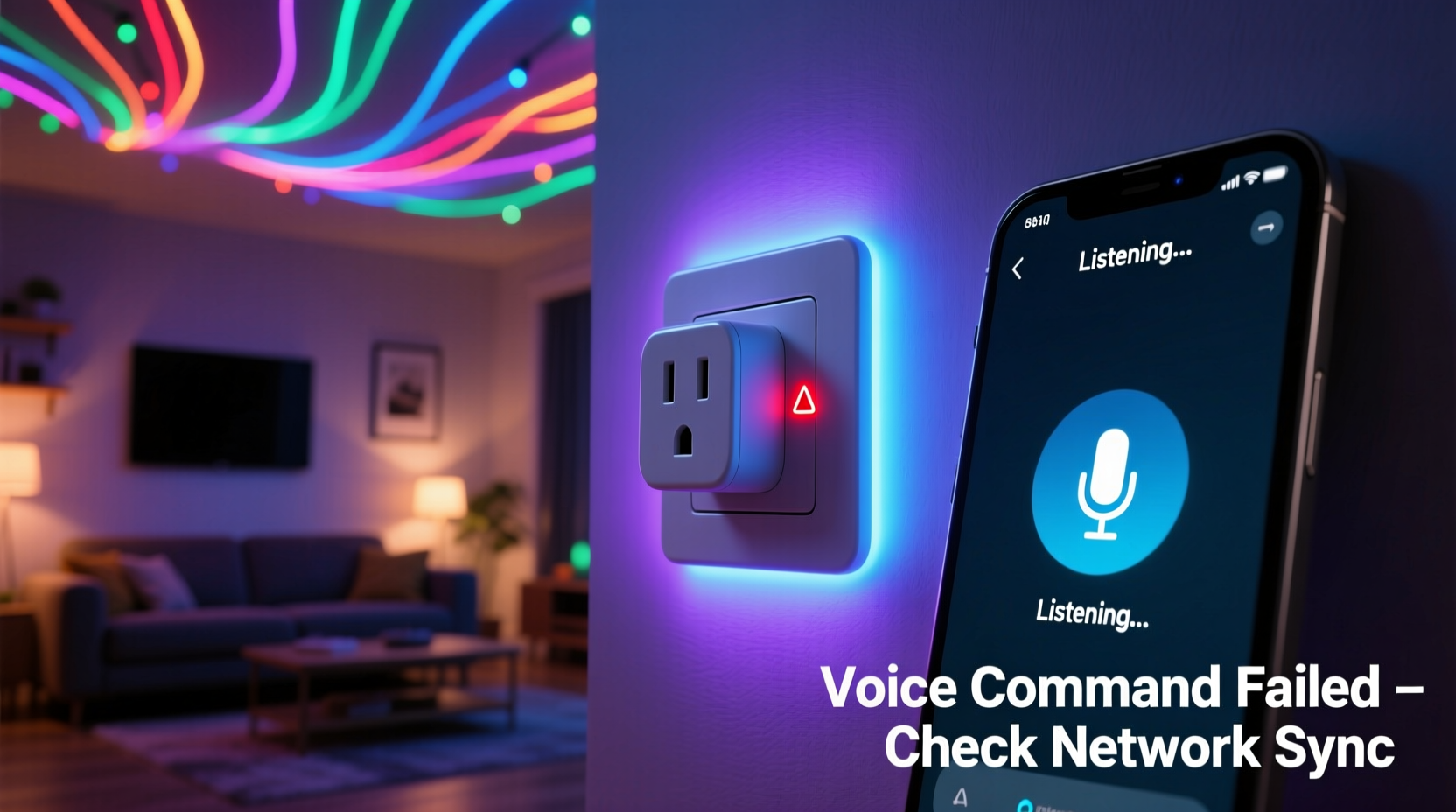
A smart plug operates as a bridge between your Wi-Fi network and a connected device—like string lights, lamps, or projectors. When you say, “Alexa, turn off the living room lights,” the command travels from your voice assistant through the cloud, to your home network, then to the smart plug, which executes the action. This process typically takes less than a second under normal conditions.
But during synchronized light shows—especially those involving multiple smart bulbs, music-reactive LEDs, or automated sequences—the demand on your network increases dramatically. Devices communicate constantly, sending status updates, syncing colors, adjusting brightness, and polling servers. This surge in data traffic can delay or block new incoming commands, including your voice requests.
Additionally, many smart plugs rely on 2.4 GHz Wi-Fi, the same band used by most IoT devices. While this frequency has better range, it’s also more prone to congestion and interference, particularly in urban homes with neighboring networks and overlapping signals.
Common Causes of Voice Command Failures During Light Shows
Several interrelated factors contribute to delayed or failed responses from smart plugs during active lighting displays. Identifying the primary culprit requires understanding each layer of the system.
1. Network Congestion
During a light show, smart bulbs and controllers send frequent data packets to maintain synchronization. For example, a music-reactive LED strip may update its color and intensity 20–30 times per second. Multiply that by five devices, and your network is handling hundreds of small transmissions every minute. This leaves little bandwidth for additional commands, especially if your router lacks Quality of Service (QoS) settings to prioritize traffic.
2. Signal Interference
Electromagnetic interference (EMI) from high-power lighting systems, dimmers, or audio amplifiers can disrupt Wi-Fi signals. Many decorative LED strips use pulse-width modulation (PWM) to control brightness, which generates radio noise. This noise can degrade the 2.4 GHz signal strength, causing packet loss between your smart plug and the router.
3. Cloud Latency
Most voice assistants rely on cloud-based processing. Your command is sent to remote servers, interpreted, and routed back to your device. Under normal load, this round-trip takes about 500–800 milliseconds. But during peak usage—such as holidays or parties—cloud services may experience delays, pushing response times beyond one second. In real-time scenarios like light shows, even a half-second lag can make the system feel unresponsive.
4. Device Processing Limits
Smart plugs are low-power devices with limited onboard memory and processing power. While they handle basic on/off commands efficiently, they may struggle when receiving instructions during periods of high background activity. Some models buffer commands, but if too many arrive at once, earlier ones may be dropped.
5. Firmware or App Bugs
Outdated firmware can introduce bugs that affect responsiveness. Some users report that after a recent app update, their smart plugs became sluggish during dynamic lighting routines. Always check for firmware updates through the manufacturer’s app.
“Voice-controlled smart devices perform best when the network is optimized for low-latency communication. During high-activity events like light shows, even minor bottlenecks become critical.” — Dr. Alan Reyes, IoT Network Engineer at HomeGrid Labs
Step-by-Step Guide to Restore Responsiveness
If your smart plug consistently fails during light shows, follow this structured troubleshooting process to identify and resolve the issue.
- Reboot all devices: Power cycle your smart plug, router, voice assistant hub, and any connected lighting controllers. This clears temporary glitches and resets network connections.
- Check Wi-Fi signal strength: Use a Wi-Fi analyzer app to measure signal quality near the smart plug. A signal below -70 dBm is considered weak and may cause dropouts.
- Reduce nearby interference: Move audio equipment, power strips, or transformers away from the smart plug and router. Avoid running power cables parallel to Ethernet or antenna lines.
- Limit concurrent devices: Temporarily disconnect non-essential smart devices during the light show to reduce network load.
- Update firmware: Open your smart plug’s companion app and check for available updates. Install them even if no obvious issues are reported.
- Test locally: Try using the app to toggle the plug during the show. If the app responds quickly but voice doesn’t, the bottleneck is likely in the voice assistant pipeline.
- Switch to local control (if supported): Some platforms like Home Assistant or Apple Home allow local execution of commands without cloud dependency. This reduces latency and improves reliability.
Tips to Prevent Future Issues
Prevention is more effective than troubleshooting after the fact. Implement these strategies to ensure consistent performance during future light shows.
- Use a mesh Wi-Fi system: Mesh networks provide stronger, more consistent coverage and can dynamically route traffic around congested nodes.
- Create a guest network for IoT devices: Isolate smart plugs and lights on a separate SSID to prevent competition with phones, laptops, and streaming devices.
- Enable QoS on your router: Prioritize traffic from your voice assistant hub and smart plug IP addresses to ensure commands get through first.
- Choose Zigbee or Z-Wave smart plugs: These protocols operate on different frequencies and are less susceptible to Wi-Fi congestion. They require a hub but offer superior reliability in dense environments.
- Minimize physical obstructions: Keep smart plugs within line of sight of the router or mesh node. Walls, mirrors, and large metal objects weaken signals.
Do’s and Don’ts: Smart Plug Performance Checklist
| Do | Don't |
|---|---|
| Place the router centrally and elevate it | Install the router in a basement or enclosed cabinet |
| Use a surge protector for all lighting circuits | Plug high-draw LED strips directly into a smart plug without checking wattage limits |
| Update firmware monthly | Ignore app notifications about updates |
| Test voice commands before starting a full show | Assume everything works because it did last week |
| Use wired backhaul for mesh nodes when possible | Rely solely on wireless mesh connections in large homes |
Real Example: The Holiday Light Show That Wouldn’t Respond
In December 2023, Mark T., a homeowner in Austin, Texas, set up an elaborate outdoor holiday display featuring 12 smart plugs controlling different sections of lights. He programmed synchronized routines using Alexa Routines and Echo speakers. However, every time he said, “Alexa, stop the show,” the command was either ignored or took over 10 seconds to execute.
After days of frustration, he used a Wi-Fi heatmap tool and discovered that his garage-mounted smart plugs were operating at -78 dBm signal strength due to interference from a nearby electric vehicle charger. He relocated the nearest mesh node, switched the smart plugs to a Zigbee hub, and created a separate IoT network. After these changes, voice commands responded instantly—even during full-display operation.
Mark’s case highlights a key truth: what seems like a voice assistant failure is often a symptom of deeper network or environmental issues.
Frequently Asked Questions
Can too many smart lights overload my Wi-Fi?
Yes. Each smart light sends periodic status updates, and reactive lighting increases transmission frequency. More than 15–20 devices on a single 2.4 GHz band can cause congestion. Use a dual-band router and assign IoT devices to a dedicated network.
Why does my smart plug work fine normally but fail during light shows?
Normal use involves infrequent commands. During light shows, constant communication between devices saturates the network. Your voice command becomes just another packet in a crowded queue, increasing the chance of delay or loss.
Are some smart plugs better for light shows than others?
Yes. Models with local control support (e.g., those compatible with Apple Home or Thread protocol) respond faster because they don’t rely on the cloud. Brands like Nanoleaf, Eve, and Aqara offer low-latency options designed for real-time control.
Conclusion: Take Control of Your Smart Home Experience
Your smart plug should be a seamless extension of your voice—not a source of frustration during moments meant for enjoyment. By understanding the underlying causes of unresponsiveness during light shows, you can move beyond guesswork and implement lasting solutions. From optimizing your Wi-Fi environment to choosing the right hardware and protocols, every step brings you closer to flawless automation.
Start by auditing your current setup: test signal strength, review device counts, and ensure firmware is current. Then apply the strategies outlined here—from network segmentation to interference reduction. Small adjustments often yield dramatic improvements.




 浙公网安备
33010002000092号
浙公网安备
33010002000092号 浙B2-20120091-4
Comments
No comments yet. Why don't you start the discussion?