
As the holiday season approaches, many homeowners turn to smart plugs to automate their Christmas light displays—scheduling twinkling patterns, syncing with music, or turning lights on at dusk. But when the plug fails to power the lights, flickers unpredictably, or disconnects from Wi-Fi, the magic quickly fades. The issue isn’t always a faulty device; more often, it’s a matter of electrical incompatibility, load mismatch, or overlooked technical details.
Understanding why your smart plug isn’t cooperating with your festive setup is the first step toward a reliable, hassle-free lighting display. From wattage limits to waveform sensitivity, several factors influence whether a smart plug can safely and effectively control your Christmas lights. This guide dives deep into common causes, offers practical solutions, and equips you with expert-backed compatibility strategies to ensure your holiday automation works as intended.
Common Reasons Smart Plugs Fail with Christmas Lights
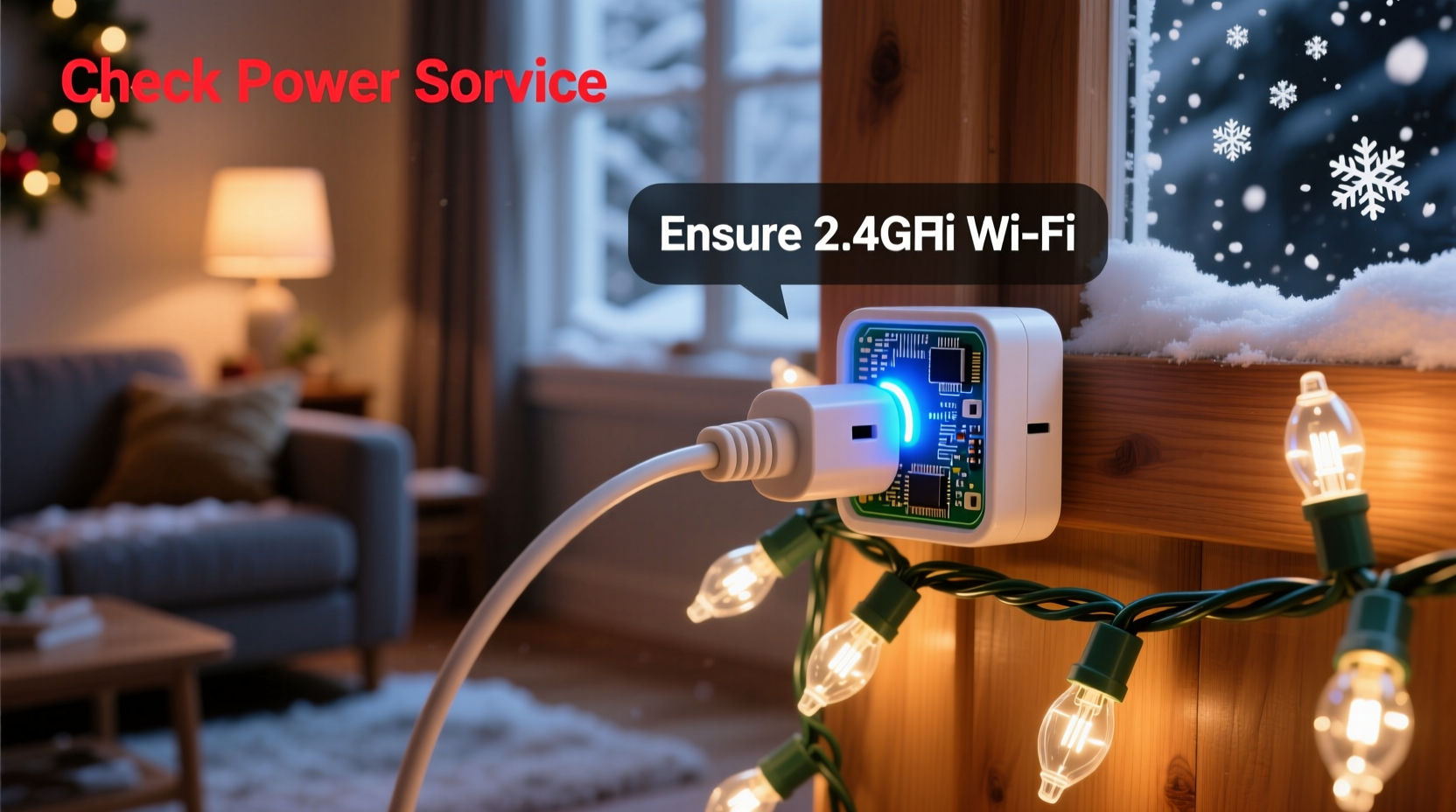
Smart plugs are designed primarily for resistive loads like lamps, fans, and small appliances. Christmas lights, however, introduce unique challenges due to their construction, power draw behavior, and control mechanisms. Here are the most frequent culprits behind malfunctioning setups:
- Exceeding wattage or amperage limits: Many smart plugs have a maximum load rating (typically 15A or 1800W). Connecting multiple strands of incandescent lights can easily surpass this limit.
- Inductive or capacitive loads: Some LED light strings include built-in transformers or dimming circuits that create reactive loads, which confuse or damage certain smart plugs.
- Poor Wi-Fi signal: Outdoor placement often puts the plug beyond reliable router range, causing disconnections and unresponsiveness.
- Incompatible dimming or pulsing behavior: Smart plugs using trailing-edge switching may struggle with low-wattage LED strings that draw less than 5W.
- Non-dimmable LEDs on dimmable circuits: Even if the smart plug doesn’t actively dim, its internal switching mechanism can mimic dimming effects, leading to flickering.
Step-by-Step Guide to Diagnose and Fix the Issue
Follow this structured troubleshooting process to identify and resolve the root cause of your smart plug failure:
- Verify physical connections: Ensure the smart plug is fully inserted into the outlet and the light strand is securely plugged in. Loose connections cause intermittent power.
- Test the smart plug independently: Plug in a known-working lamp (e.g., 60W incandescent) to confirm the smart plug responds to app commands and voice controls.
- Check the light string separately: Plug the Christmas lights directly into a wall outlet to rule out burnt bulbs, damaged wires, or blown fuses in the strand.
- Measure total power draw: Use a watt meter (like the Kill A Watt) to measure actual consumption. Compare this number to the smart plug’s rated capacity.
- Assess Wi-Fi signal strength: Use your phone or a Wi-Fi analyzer app near the plug’s location. Signal should be at least -70 dBm for stable performance.
- Reduce the load: Disconnect all but one light strand. If the plug works, gradually add more until failure occurs—this identifies the threshold.
- Update firmware: Open your smart home app (e.g., Kasa, SmartThings, Alexa) and ensure the plug has the latest firmware installed.
- Reset the plug: Hold the button for 10 seconds until the LED blinks rapidly, then re-pair it with your network.
If problems persist after these steps, the issue likely lies in deeper compatibility conflicts between the plug’s design and the light string’s electrical characteristics.
Compatibility Checklist: Ensuring Your Smart Plug Works with Christmas Lights
Use this checklist before purchasing or deploying a smart plug with holiday lighting:
- ✅ Confirm the combined wattage of all connected lights is below the plug’s maximum rating
- ✅ Use only UL-listed or ETL-certified smart plugs rated for indoor/outdoor use (if applicable)
- ✅ Choose a plug specifically labeled “LED compatible” or “works with low-wattage devices”
- ✅ Avoid daisy-chaining multiple smart plugs on the same circuit without load balancing
- ✅ Ensure your router supports 2.4 GHz Wi-Fi (most smart plugs don’t work on 5 GHz)
- ✅ Position the plug within 30 feet of your Wi-Fi router, avoiding thick walls or metal obstructions
- ✅ Opt for plugs with surge protection if using outdoors or in areas prone to voltage spikes
LED vs. Incandescent: How Bulb Type Affects Smart Plug Performance
The type of Christmas light you’re using dramatically impacts smart plug reliability. Here’s how the two main types compare:
| Feature | Incandescent Lights | LED Lights |
|---|---|---|
| Typical Wattage per 100 bulbs | 40–50W | 4–7W |
| Load Type | Resistive (plug-friendly) | Capacitive/reactive (can confuse plugs) |
| Minimum Load Requirement | Rarely an issue | Many smart plugs need ≥5W to stay powered |
| Flicker Risk | Low | High with incompatible plugs |
| Lifespan | ~1,000 hours | ~25,000 hours |
| Heat Output | High (fire risk if overloaded) | Very low |
While LED lights are energy-efficient and long-lasting, their low power draw can fall below the minimum threshold required by some smart plugs to maintain internal circuitry. This leads to erratic behavior—lights turning off unexpectedly or the plug dropping off the network.
“Many users don’t realize that a 6-watt LED string might technically be under the plug’s rated max, but still fail because it doesn’t meet the *minimum* load requirement.” — Jordan Lee, Electrical Engineer & Smart Home Consultant
To mitigate this, pair low-wattage LED strands with a “dummy load” such as a small incandescent nightlight plugged into the same smart outlet. This adds just enough resistance to keep the plug active without significantly increasing energy use.
Real-World Example: Sarah’s Frustrating Front Yard Display
Sarah purchased a popular brand of smart plug to automate her elaborate front-yard Christmas display. She connected three strands of premium LED icicle lights (totaling 18W) and scheduled them to turn on at sunset. On the first night, the lights blinked erratically and disconnected from her phone app by midnight.
After testing each component separately, she confirmed both the plug and lights worked fine on their own. Using a watt meter, she discovered the total draw was only 18W—well under the plug’s 1800W rating. However, research revealed her model required a minimum of 25W to operate reliably.
Her fix? She added a single 7.5W LED porch bulb to the same outlet, bringing the total load to 25.5W. Instantly, the system stabilized. The extra bulb was barely noticeable but solved the compatibility gap. She later upgraded to a newer plug model designed for low-load applications, eliminating the workaround entirely.
Choosing the Right Smart Plug for Holiday Lighting
Not all smart plugs are created equal. When selecting one for Christmas lights, prioritize these features:
- Low minimum load: Look for models that support loads as low as 1–3W.
- LED-specific certification: Brands like TP-Link Kasa and Wemo offer “LED Compatible” labeling.
- Zigbee or Z-Wave option: These protocols are more reliable than Wi-Fi for outdoor or distant installations.
- Relay type: Mechanical relays handle a wider range of loads than solid-state switches.
- Weather resistance: For outdoor use, ensure the plug has an IP44 rating or higher.
Consider investing in a smart plug with scheduling, geofencing, and integration with platforms like Google Assistant or Apple HomeKit. These features enhance convenience and allow dynamic control based on time, location, or ambient light levels.
Frequently Asked Questions
Can I use a smart plug with extension cords for Christmas lights?
Yes, but only with heavy-duty, outdoor-rated extension cords designed for continuous use. Never overload the cord or plug—check both the cord’s and smart plug’s amp ratings. Avoid coiling excess cord, as this can trap heat.
Why do my Christmas lights flicker when controlled by a smart plug?
Flickering usually indicates either a minimum load issue (the lights draw too little power to keep the plug stable) or incompatibility with the plug’s switching method. Try adding a small resistive load or switching to a plug designed for LEDs.
Are there smart plugs that work better with Christmas lights?
Yes. Models like the Kasa KP125, Wemo Mini Smart Plug, and Aeotec WallMote are known for handling low-wattage LED strings reliably. Look for user reviews specifically mentioning holiday light use.
Final Recommendations and Next Steps
Getting your smart plug to work seamlessly with Christmas lights requires attention to detail—not just in setup, but in understanding the electrical relationship between devices. Start by verifying compatibility through wattage checks and real-world testing. Prioritize smart plugs engineered for low-power applications, especially when using modern LED strings.
Don’t assume a plug that works with your living room lamp will behave the same with holiday lights. The difference in load type and power profile matters. When in doubt, consult the manufacturer’s specifications or reach out to customer support with your exact light model.
With the right combination of hardware and configuration, your holiday display can be both dazzling and automated—turning on with precision, responding to voice commands, and enhancing the festive atmosphere without constant manual intervention.
“The holidays should be joyful, not spent troubleshooting outlets. A few minutes of planning can prevent weeks of frustration.” — Maria Gonzalez, Smart Home Educator & Author




 浙公网安备
33010002000092号
浙公网安备
33010002000092号 浙B2-20120091-4
Comments
No comments yet. Why don't you start the discussion?