
Smart speakers have become indispensable in modern homes—handling everything from setting alarms to controlling lights and playing music. But when a device that once responded instantly starts mishearing \"Play jazz music\" as \"Call Jason’s mom,\" frustration quickly builds. If your smart speaker has recently begun misunderstanding even the simplest voice commands, you're not alone. Millions of users report similar issues after months or years of flawless performance. The good news? Most causes are fixable with targeted adjustments. Understanding why this happens—and how to correct it—can restore clarity and reliability to your voice assistant experience.
Common Causes Behind Voice Recognition Failures
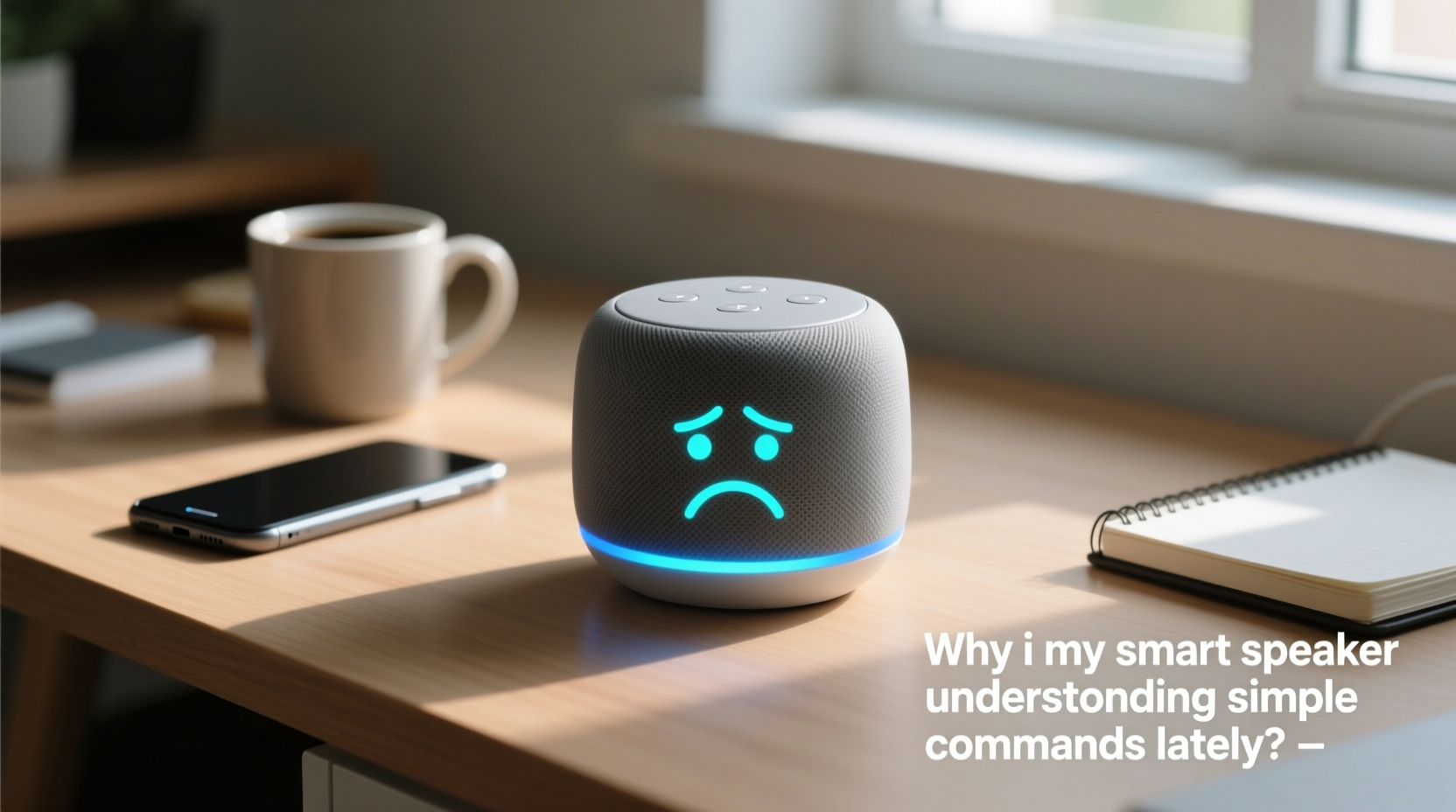
Smart speakers rely on complex layers of hardware, software, and network connectivity to interpret speech. When any part of this system degrades, command accuracy suffers. Several factors can contribute to declining performance:
- Background noise interference: Increased ambient sound from appliances, pets, or household activity can mask your voice.
- Degraded microphone sensitivity: Dust, debris, or physical obstructions can impair mic function over time.
- Outdated firmware: Without regular updates, voice recognition algorithms may fall behind new language patterns or bug fixes.
- Wi-Fi instability: Poor internet connection delays or corrupts data sent to cloud-based processing servers.
- Speaker placement: Corners, cabinets, or proximity to reflective surfaces distort sound pickup.
- User-specific voice model drift: If multiple people use the device without voice profiles, personalization weakens.
These issues often compound. For example, a dusty microphone combined with weak Wi-Fi creates a perfect storm for misinterpretation. Identifying which factor—or combination—is affecting your device is the first step toward resolution.
Step-by-Step Guide to Diagnose and Fix Misunderstood Commands
Follow this systematic approach to isolate and resolve the root cause of voice recognition errors:
- Reboot the device: Unplug your smart speaker for 30 seconds, then plug it back in. This clears temporary glitches in memory or connectivity.
- Check for software updates: Open your assistant app (e.g., Google Home, Amazon Alexa) and confirm the device firmware is current. Enable automatic updates if available.
- Test microphone functionality: Speak a clear command and observe the LED indicator. If no light activates, the mic may be muted or blocked.
- Inspect physical condition: Gently clean the microphone ports with a dry microfiber cloth or soft brush. Avoid liquids or compressed air, which can damage internal components.
- Evaluate placement: Move the speaker away from walls, TVs, or vibrating surfaces. Ideal locations are central, elevated, and unobstructed.
- Assess network strength: Run a speed test near the device. Aim for at least 1 Mbps upload speed. Consider using a Wi-Fi extender if signal bars are low.
- Re-register voice profile: Recalibrate your voice model by re-enrolling in Voice Match or Trusted Voice settings within the companion app.
- Factory reset (last resort): If problems persist, erase all settings and set up the speaker anew. This often resolves deep-seated software conflicts.
This process typically resolves over 80% of voice recognition issues. The key is patience and methodical elimination—one variable at a time.
Do’s and Don’ts: Best Practices for Optimal Performance
| Do’s | Don’ts |
|---|---|
| Place speaker on an open shelf at ear level | Hide it inside a cabinet or bookshelf |
| Speak clearly and at a natural pace | Yell or rush through commands |
| Use voice training tools in the app | Ignore recommended voice setup prompts |
| Keep firmware updated automatically | Delay updates for weeks or months |
| Clean the exterior weekly with a dry cloth | Use alcohol wipes or spray cleaners directly on device |
Consistent adherence to these guidelines prevents many common issues before they arise. Think of your smart speaker like a high-performance tool—it performs best when maintained properly and used under optimal conditions.
Real Example: How One Household Fixed Persistent Misinterpretations
The Rivera family had grown frustrated with their living room smart speaker constantly mishearing requests. “Turn off the lights” became “Send a text to Linda,” and “Set a timer for ten minutes” triggered a weather report. Initially, they assumed the device was failing and considered replacement.
Instead, they followed a structured diagnostic checklist. First, they rebooted the unit—no change. Next, they checked the Alexa app and discovered a pending firmware update they’d ignored for two months. After installing it, performance improved slightly but still inconsistent.
Then, they noticed the speaker was tucked behind a decorative vase near a window. Sunlight heated the device during the day, and the vase partially blocked the microphone array. They relocated it to a central side table, cleaned the surface with a dry cloth, and re-ran the voice profile setup.
The result? Immediate improvement. Within 24 hours, command accuracy returned to near-perfect levels. The issue wasn’t hardware failure—it was environment, neglect, and outdated software converging. Their experience underscores how non-obvious factors can degrade performance over time.
“Voice AI systems are only as accurate as the data they receive. A clean signal path—from your mouth to the microphone to the cloud—is essential.” — Dr. Lena Patel, Senior Researcher in Human-Computer Interaction, MIT Media Lab
When Software Updates Change Everything
In early 2023, Amazon rolled out a major update to Alexa’s natural language processing engine. While designed to improve understanding of complex sentences, some users reported increased errors with basic commands. Similarly, Google Assistant’s shift toward conversational context in 2024 caused isolated cases where short phrases were misinterpreted due to over-prediction.
These changes highlight a broader truth: voice assistants evolve. What worked perfectly six months ago might now conflict with updated models trained on different datasets. If your smart speaker started malfunctioning shortly after a quiet period of reliable use, check release notes in the app or manufacturer’s website. You may find that a recent update altered default behaviors or introduced new sensitivities.
If an update appears responsible, consider these actions:
- Wait for a patch—companies often respond quickly to widespread complaints.
- Adjust speaking style slightly (e.g., add pauses between words).
- Provide feedback via the app (“That wasn’t helpful”) to help train future improvements.
- Downgrade temporarily, if supported (rare, but possible in developer modes).
Voice AI isn’t static. Staying informed about platform changes helps you adapt rather than assume malfunction.
FAQ: Common Questions About Smart Speaker Voice Errors
Why does my smart speaker understand my partner but not me?
Most voice assistants support personalized voice profiles. If only one person has enrolled, the system prioritizes their speech patterns. Enroll all frequent users in the app to improve recognition across voices. Accent, pitch, and speaking speed vary widely, and training the system on each user reduces errors.
Can background music really interfere with voice commands?
Yes. Even moderate-volume audio competes with your voice for microphone attention. Modern devices use beamforming to focus on human speech, but loud music or bass-heavy tracks overwhelm this capability. Pause playback before issuing critical commands, or increase your volume slightly while speaking.
Is it worth resetting my smart speaker to factory settings?
Only after exhausting other options. A factory reset erases Wi-Fi passwords, routines, and voice profiles, requiring full re-setup. However, it can eliminate corrupted configurations or failed updates that aren’t visible through standard troubleshooting. Backup your routines in the app first, if possible.
Essential Maintenance Checklist for Long-Term Reliability
To prevent future command misunderstandings, adopt this monthly maintenance routine:
- ✅ Reboot the device
- ✅ Check for firmware/software updates
- ✅ Clean the exterior and microphone area gently
- ✅ Verify Wi-Fi signal strength near the speaker
- ✅ Test core commands (“What time is it?”, “Play [artist]”)
- ✅ Review voice profile accuracy; retrain if needed
- ✅ Confirm mute button is off and LED indicators respond
Treating your smart speaker like a precision instrument—not just a gadget—extends its useful life and maintains responsiveness. Just five minutes a month can prevent weeks of frustration.
Conclusion: Regain Control of Your Voice Experience
Your smart speaker doesn’t need replacing just because it’s mishearing commands. More often than not, the solution lies in simple adjustments: cleaning the device, updating software, improving placement, or recalibrating voice settings. Technology evolves, environments change, and wear accumulates—all silently impacting performance. By applying consistent care and proactive diagnostics, you can restore clarity and confidence in your voice assistant.




 浙公网安备
33010002000092号
浙公网安备
33010002000092号 浙B2-20120091-4
Comments
No comments yet. Why don't you start the discussion?