
Firmware updates are meant to improve your smart thermostat’s performance, enhance security, and introduce new features. But sometimes, instead of a smooth upgrade, you’re left with erratic behavior—temperature swings, unresponsive controls, Wi-Fi dropouts, or even complete system lockups. If your smart thermostat started misbehaving right after a recent firmware update, you're not alone. Thousands of users report similar issues across brands like Nest, Ecobee, Honeywell Home, and Emerson. While frustrating, most post-update problems are fixable with the right troubleshooting approach.
This guide breaks down the common causes behind post-firmware glitches, walks through practical solutions, and shares real-world examples from homeowners who’ve recovered their systems. Whether your thermostat is stuck in a reboot loop or refusing to connect to your HVAC, this article provides actionable steps to get it back on track.
Why Firmware Updates Can Cause Smart Thermostat Issues
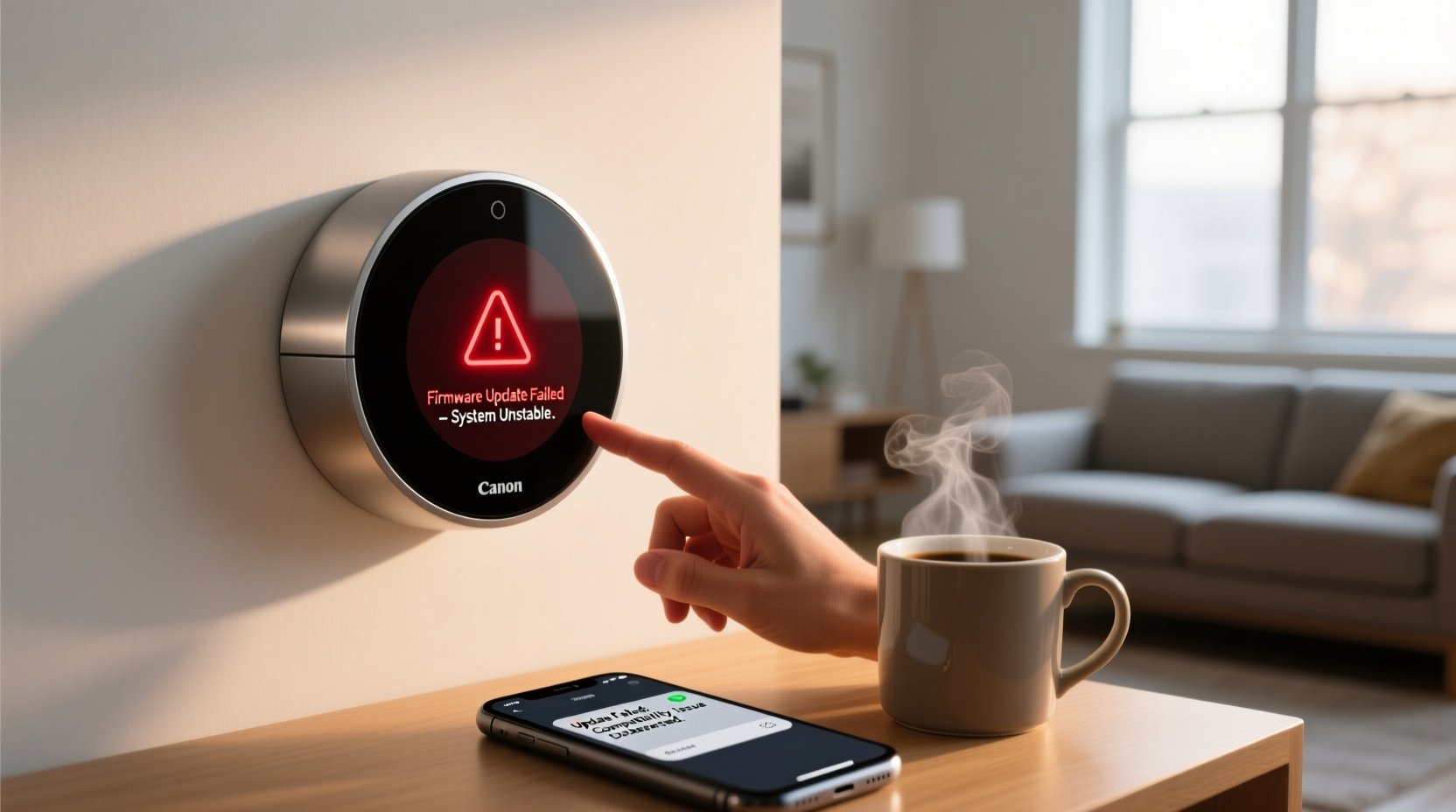
Firmware is the embedded software that governs how your smart thermostat operates—from temperature sensing and scheduling to cloud connectivity and voice assistant integration. When manufacturers release an update, they typically aim to patch bugs, improve energy efficiency algorithms, or add compatibility with new devices. However, no software rollout is flawless.
Updates can introduce unintended side effects due to:
- Incomplete installation: Power interruptions or network drops during the update process can leave the firmware partially installed or corrupted.
- Hardware-software mismatch: New firmware may assume capabilities (like faster processors or updated sensors) that older hardware units don’t fully support.
- Bug regressions: A fix for one issue might inadvertently break another—such as disrupting communication between the thermostat and HVAC system.
- Cloud service conflicts: Some updates modify how data is synced with manufacturer servers. Server-side outages or authentication errors can prevent proper operation.
“Firmware updates are essential, but they carry inherent risks—especially when rolled out broadly without extensive beta testing across all device variants.” — Dr. Alan Reyes, Embedded Systems Engineer at IoT Solutions Group
It's important to remember that while these hiccups are inconvenient, they rarely indicate permanent damage. Most issues stem from software logic errors or configuration mismatches that can be resolved without professional repair.
Step-by-Step Troubleshooting Guide
If your thermostat began acting strangely immediately after a firmware update, follow this structured recovery process before assuming hardware failure.
- Reboot the thermostat: Remove it from the wall mount (if detachable), wait 30 seconds, then reattach. This forces a fresh boot and clears temporary memory glitches.
- Check for Wi-Fi connectivity: Verify the device reconnects to your network. Look for signal strength indicators in the app or on-screen menu.
- Restart your router: Network instability often mimics thermostat malfunctions. Reboot your modem/router and wait five minutes before testing again.
- Verify HVAC power: Ensure your furnace or air handler has power. Check circuit breakers and emergency shutoff switches near the unit.
- Review error codes: Many thermostats display diagnostic codes (e.g., “Aux Heat On,” “No Power to C-Wire”). Consult your manual for interpretation.
- Force-check for another update: Sometimes, a hotfix patch is released within days of a problematic update. Open the manufacturer’s app and manually check for newer firmware.
- Perform a factory reset: As a last resort, reset the device to default settings. Note: You’ll need to reconfigure schedules, geofencing, and integrations afterward.
Common Post-Update Symptoms and Fixes
Different symptoms point to different underlying causes. Use this table to match your issue with the appropriate solution.
| Symptom | Likely Cause | Solution |
|---|---|---|
| Thermostat won’t turn on | Power disruption during update; low battery or C-wire issue | Reconnect to base, check C-wire voltage (should be ≥24V AC), try USB charging (if supported) |
| Wi-Fi keeps dropping | Firmware bug in wireless module; router incompatibility | Forget network and reconnect, switch from 5GHz to 2.4GHz band, restart router |
| HVAC runs constantly or not at all | Incorrect wiring detection or relay control bug | Run system test in app, verify wiring map, perform factory reset |
| App shows “Offline” or sync errors | Cloud authentication failure or server outage | Check manufacturer status page, log out/in of app, reinstall app |
| Temperature readings seem inaccurate | Calibration drift in sensor logic post-update | Compare with standalone thermometer, enable offset adjustment in settings |
Some users have reported that after a Nest Learning Thermostat update, the device incorrectly detected a heat pump configuration, causing auxiliary heat to engage unnecessarily. In such cases, manually correcting the system type in settings resolved the issue.
Real Example: Recovering from a Bricked Ecobee After Update
Mark T., a homeowner in Portland, OR, experienced a full system failure after his Ecobee4 automatically updated overnight. The screen went black and wouldn’t respond—even after reseating it multiple times. He checked his circuit breaker (fine), verified the C-wire was connected (secure), and confirmed his router was online.
Following Ecobee’s support forum advice, he held the thermostat button for 15 seconds while reattaching it to the base. This triggered a recovery mode, displaying a progress bar. Ten minutes later, the device rebooted successfully and resumed normal operation. Mark later discovered that a brief power flicker during the update had interrupted the installation process.
His experience underscores two key points: first, patience is critical—some recovery processes take longer than expected. Second, community forums and official knowledge bases often contain model-specific fixes not widely advertised.
When to Contact Support or Roll Back Firmware
While most issues resolve within hours or days, persistent problems may require escalation. Manufacturers occasionally issue rollback instructions if a firmware version is deemed unstable.
However, rolling back isn’t always possible. Most modern thermostats do not support downgrading firmware due to security policies. Instead, companies push corrective patches. Your best course is to:
- Contact customer support with specific details: model number, firmware version, symptom timeline.
- Ask if others are reporting similar issues—support agents often have access to internal incident reports.
- Inquire about beta programs or early access patches that might resolve the bug ahead of public release.
“We received over 700 reports of schedule resets after our March 2023 update. Within 72 hours, we deployed a fix and notified all affected users via push notification.” — Support Lead, SmartTemp Technologies
If your thermostat still fails after all troubleshooting, request a replacement under warranty. Chronic instability post-update may qualify as a defect.
Tips to Prevent Future Firmware Issues
You can’t eliminate update risks entirely, but you can reduce their impact with proactive habits.
- Enable update notifications: Get alerts before automatic installations so you can prepare.
- Maintain stable power and internet: Use a UPS for your router and ensure your thermostat has a reliable C-wire connection.
- Back up settings: Take screenshots of your current configuration (schedules, modes, integrations) before major updates.
- Join user communities: Platforms like Reddit (r/smartthermostats) or brand-specific forums often spot emerging issues before official channels do.
- Delay non-critical updates: If your thermostat works well, consider waiting a few weeks after a new release to see if widespread issues emerge.
FAQ: Common Questions After Firmware Updates
Can a firmware update permanently damage my thermostat?
No—firmware is software, not hardware. Even a failed update won’t physically harm the unit. At worst, it becomes temporarily unusable until repaired via recovery mode or reset.
Why did my thermostat lose its schedule after the update?
This usually happens if the update included changes to time zone handling or daylight saving logic. It can also occur during a partial install. Re-enter your schedule and verify the correct time and location settings.
How do I know if my thermostat is up to date?
Open the companion app, go to Settings > Device Information, and look for the firmware version. Compare it to the latest version listed on the manufacturer’s website. Most apps will notify you if an update is available.
Conclusion: Regain Control With Confidence
A smart thermostat acting up after a firmware update is more common than manufacturers admit—but it’s rarely a dead end. By understanding the root causes and following systematic troubleshooting steps, most users can restore full functionality within a single afternoon. From simple reboots to targeted resets and strategic engagement with support teams, the tools to fix the problem are within reach.
Don’t let a buggy update undermine your trust in smart home technology. These devices are designed to evolve, and occasional setbacks are part of that journey. With careful maintenance and informed responses, your thermostat can continue delivering comfort, efficiency, and convenience for years to come.




 浙公网安备
33010002000092号
浙公网安备
33010002000092号 浙B2-20120091-4
Comments
No comments yet. Why don't you start the discussion?