
Smart thermostats promise convenience, comfort, and energy savings—often delivering on all three when functioning properly. But when your device starts behaving erratically, you might notice higher utility bills, inconsistent temperatures, or unresponsive controls. Instead of saving energy, your smart thermostat could be working against you. The good news? Most issues are diagnosable and fixable without replacing the unit. Understanding the root causes—from poor placement to outdated firmware—can help you restore efficiency and reclaim control over your home’s climate.
Common Signs Your Smart Thermostat Is Misbehaving
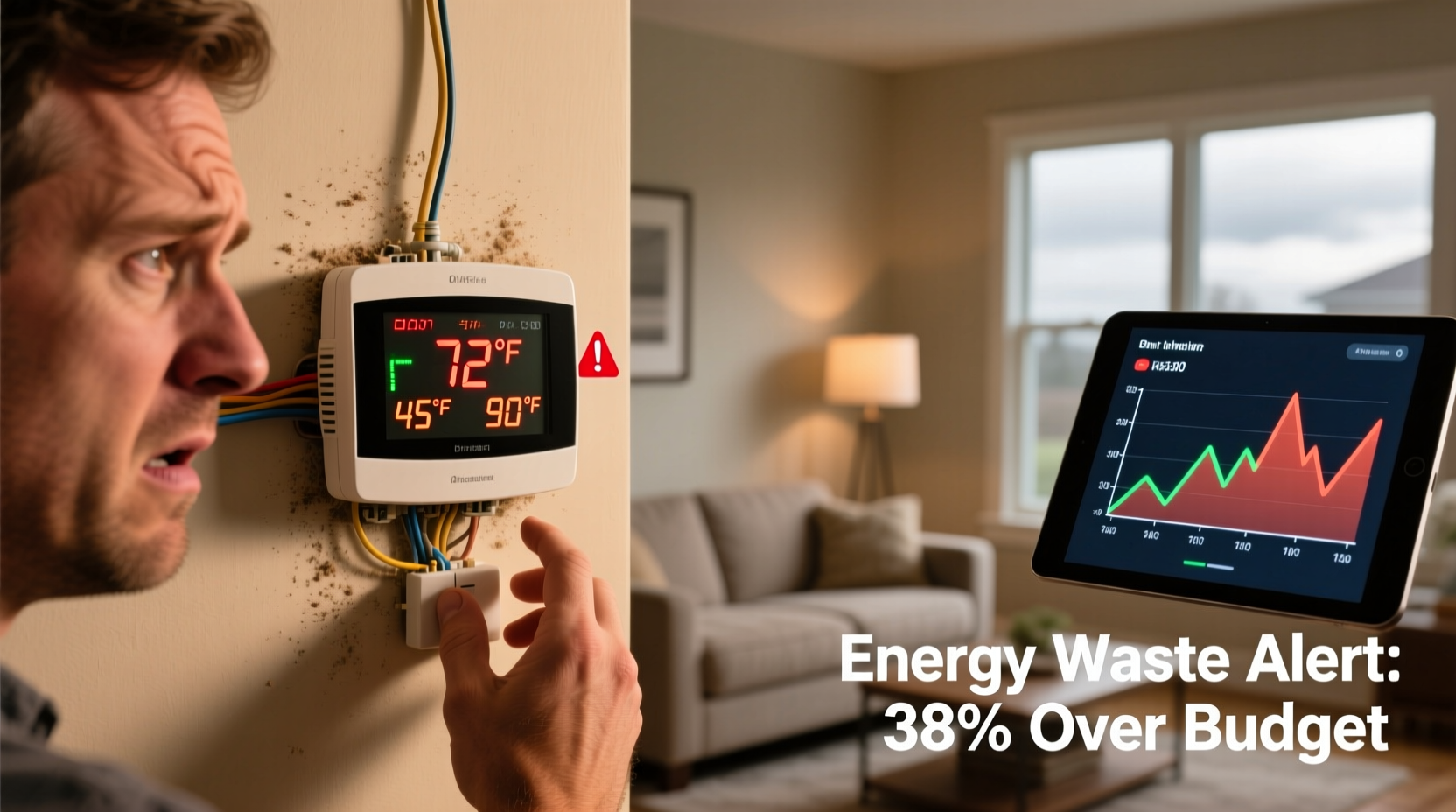
Before diving into fixes, recognize the symptoms of a malfunctioning smart thermostat. These aren’t just annoyances—they can signal deeper inefficiencies that drive up energy use:
- Inconsistent room temperatures: One room feels freezing while another overheats despite uniform settings.
- Frequent cycling: The HVAC system turns on and off too often, increasing wear and energy consumption.
- Unresponsive interface: Touchscreen delays, frozen displays, or failure to register commands.
- Wi-Fi disconnections: Loss of remote access, delayed updates, or alerts about offline status.
- Incorrect scheduling: Heating or cooling activates at wrong times, ignoring programmed routines.
- Higher-than-usual energy bills: A steady increase in usage without changes in lifestyle or weather.
These behaviors suggest your thermostat isn’t communicating effectively with your HVAC system—or it’s receiving flawed environmental data. Identifying the source is the first step toward resolution.
Why Smart Thermostats Fail: 5 Key Causes
1. Poor Installation or Placement
Even high-end thermostats perform poorly if installed incorrectly. Common placement mistakes include mounting near heat sources (like lamps, TVs, or sunny windows), which skews temperature readings. A thermostat in direct sunlight may think the room is warmer than it is, triggering unnecessary cooling.
Additionally, installing the unit on an exterior wall can expose it to drafts or insulation gaps, leading to inaccurate ambient sensing. Always place your thermostat on an interior wall, away from airflow obstructions and heat-emitting devices.
2. Outdated Firmware or Software Glitches
Like smartphones, smart thermostats rely on regular software updates to maintain performance and security. Manufacturers release patches to fix bugs, improve compatibility, and enhance learning algorithms. If your device hasn’t updated in months, it may struggle with scheduling accuracy or connectivity.
Some models automatically download updates overnight, but others require manual checks through their app. Ignoring these updates can result in degraded functionality and inefficient operation.
3. Incompatible HVAC Systems
Not all smart thermostats work with every HVAC setup. Older systems using millivolt controls, line-voltage setups, or multi-stage heating/cooling may not integrate seamlessly. Mismatches can cause short cycling, incorrect fan control, or complete system lockout.
Before purchasing a new thermostat, verify compatibility using tools like the manufacturer’s online compatibility checker. Units like the Nest or Ecobee provide detailed guides based on your system type (e.g., gas furnace, heat pump, dual-fuel).
4. Weak or Unstable Wi-Fi Connection
Remote access, geofencing, and energy reports depend on stable internet connectivity. If your thermostat frequently disconnects, it cannot receive commands or adjust based on occupancy patterns. This forces reliance on default schedules, potentially running the system when no one is home.
Thermostats located far from the router or behind thick walls may suffer signal degradation. Consider extending coverage with a mesh network or Wi-Fi extender dedicated to IoT devices.
5. Faulty Wiring or Power Issues
Many smart thermostats require a C-wire (common wire) for continuous power. Without it, they may “steal” power from other wires, causing voltage drops that disrupt HVAC communication. Symptoms include frequent reboots, blank screens, or erratic behavior.
If your system lacks a C-wire, some brands offer power extender kits (PEKs) to stabilize voltage. Alternatively, newer models like the Google Nest Thermostat come with adaptive charging features to function reliably without one—but only under certain conditions.
“Up to 30% of smart thermostat issues stem from improper installation or missing C-wires. A professional HVAC technician can diagnose wiring problems quickly.” — James Liao, HVAC Systems Engineer
Step-by-Step Troubleshooting Guide
Follow this systematic approach to identify and resolve the most common causes of thermostat inefficiency:
- Check thermostat location: Ensure it’s not near heat sources, drafty areas, or direct sunlight. Relocate if necessary.
- Verify HVAC compatibility: Confirm your system matches the thermostat’s requirements using the manufacturer’s compatibility tool.
- Inspect wiring: Turn off power at the breaker, remove the faceplate, and confirm all wires are securely connected. Look for frayed or loose connections.
- Install a C-wire or PEK: If absent, add a common wire or use a power kit to prevent intermittent shutdowns.
- Update firmware: Open the companion app and check for available updates. Install immediately if found.
- Reconnect Wi-Fi: Restart your router and re-pair the thermostat. Test connection stability over 24 hours.
- Reset and reconfigure: Perform a factory reset, then re-enter preferences and schedule from scratch.
- Test HVAC response: Manually trigger heating or cooling cycles to ensure the system responds correctly.
This process eliminates variables methodically, helping pinpoint whether the issue lies with hardware, software, or environment.
Energy-Wasting Behaviors Linked to Smart Thermostats
Even well-installed units can contribute to energy waste if misconfigured. Below are common user-driven errors that undermine efficiency:
| Behavior | Impact on Energy Use | Solution |
|---|---|---|
| Overriding schedules daily | Defeats automation; runs HVAC unnecessarily | Adjust permanent settings instead of temporary overrides |
| Setting extreme temperatures | Forces system to work harder than needed | Maintain 68°F (20°C) in winter, 78°F (26°C) in summer |
| Disabling eco modes | Loses energy-saving presets during absences | Enable occupancy sensing or geofencing |
| Ignoring error alerts | Misses early warnings of system strain | Review notifications weekly; act promptly |
| Using multiple thermostats without zoning | Creates conflicting demands across zones | Sync devices or install zoned HVAC controls |
Mini Case Study: The Overridden Schedule Dilemma
Sarah in Denver installed a smart thermostat to reduce her winter heating costs. After two months, her gas bill rose by 22%. Confused, she reviewed her usage logs via the app and discovered she had manually adjusted the temperature nearly every day—raising it to 75°F when cold and forgetting to lower it again.
The thermostat’s learning algorithm couldn’t adapt because consistent patterns were never established. Once Sarah committed to letting the system manage temps automatically and used vacation mode during trips, her next bill dropped below the previous year’s average—even during a colder-than-normal January.
This illustrates how human intervention, however well-intentioned, can sabotage automation designed for efficiency.
Essential Maintenance Checklist
To keep your smart thermostat operating efficiently, follow this quarterly maintenance checklist:
- ✅ Clean dust from sensors and casing with a soft brush or compressed air
- ✅ Verify accurate time and date settings (critical for scheduling)
- ✅ Confirm geofencing works by testing arrival/departure triggers
- ✅ Review recent energy reports for anomalies
- ✅ Check battery levels (if applicable) or C-wire voltage stability
- ✅ Ensure emergency heat mode is disabled unless actively needed
- ✅ Test manual override function to confirm responsiveness
Regular upkeep prevents minor glitches from escalating into major inefficiencies.
Frequently Asked Questions
Can a smart thermostat damage my HVAC system?
No, a properly installed and compatible smart thermostat will not damage your HVAC system. However, incompatible models or incorrect wiring can cause short cycling or relay stress over time. Always consult a professional if unsure about compatibility.
Why does my thermostat show a different temperature than my phone or another room?
Temperature varies naturally throughout a home due to airflow, sunlight, and insulation differences. Your thermostat reads only its immediate surroundings. For better whole-home accuracy, consider adding remote room sensors offered by brands like Ecobee.
How do I know if my smart thermostat is saving energy?
Most apps provide monthly energy reports comparing current usage to past periods or regional averages. Look for trends over several weeks. Consistent reductions in runtime or kWh usage indicate successful savings.
Conclusion: Regain Control and Cut Waste
A malfunctioning smart thermostat doesn’t have to mean wasted energy or discomfort. By addressing installation flaws, updating software, optimizing settings, and performing routine checks, you can transform a problematic device back into an efficient home manager. The key is vigilance—regular monitoring ensures small issues don’t evolve into costly habits. Take action today: audit your thermostat’s placement, run diagnostics, and fine-tune your schedule. With a few adjustments, you’ll enjoy smarter climate control and lower bills.




 浙公网安备
33010002000092号
浙公网安备
33010002000092号 浙B2-20120091-4
Comments
No comments yet. Why don't you start the discussion?