
Smart thermostats are designed to make home climate control seamless, efficient, and intuitive. But when your device reports a room temperature of 78°F while you're shivering at 68°F, something’s clearly off. Inaccurate temperature readings don’t just compromise comfort—they can lead to inefficient heating and cooling cycles, higher energy bills, and unnecessary wear on your HVAC system.
The good news: most smart thermostat inaccuracies stem from preventable or correctable issues. Whether it's poor placement, sensor interference, or outdated firmware, the root causes are often fixable with a few targeted steps. This guide dives into why smart thermostats give strange readings and delivers practical, tested calibration techniques to restore precision.
Why Smart Thermostats Report Inaccurate Temperatures
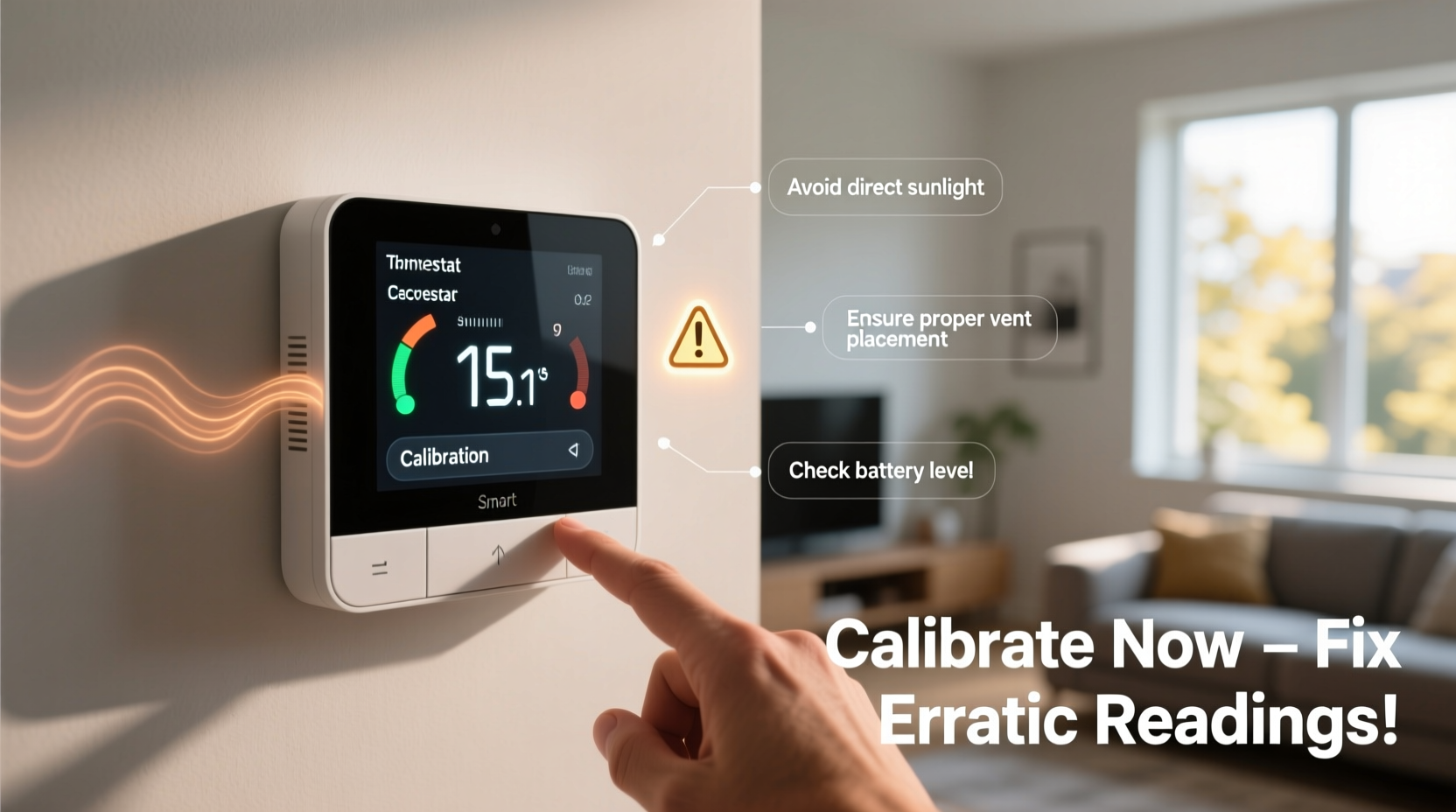
Despite their advanced design, smart thermostats rely on internal sensors that are sensitive to environmental conditions. Even minor disruptions can skew readings. Understanding the common culprits helps you diagnose and resolve problems faster.
- Improper placement: Installing a thermostat near heat sources like appliances, direct sunlight, or exterior walls distorts ambient temperature detection.
- Airflow obstructions: Furniture, curtains, or closed vents near the unit restrict airflow, creating microclimates the sensor misreads as whole-home conditions.
- Drafts and insulation gaps: Nearby windows or doors with leaks expose the thermostat to fluctuating temperatures not representative of the rest of the house.
- Faulty internal sensors: Over time, electronic components degrade, especially in high-humidity environments.
- Firmware bugs: Outdated software may cause incorrect data interpretation or delayed response to actual temperature changes.
- Calibration drift: Like any measuring instrument, thermostats can lose calibration over months or years of use.
Step-by-Step Guide to Calibrate Your Smart Thermostat
Calibrating your thermostat isn’t complicated, but it requires patience and precision. Follow this timeline to ensure accurate results:
- Choose a stable day: Pick a time when outdoor temperatures are consistent (e.g., mid-morning on a calm day). Avoid extreme weather or rapid indoor changes.
- Turn off HVAC systems: Shut down heating or cooling for at least one hour to let indoor air stabilize.
- Place a reference thermometer: Position a high-quality digital thermometer within 6 inches of the thermostat, away from direct light or drafts.
- Wait 60 minutes: Allow both devices to acclimate. Don’t open doors, run appliances, or walk near the area.
- Compare readings: Note the difference between the thermostat and the reference device.
- Adjust via settings: Access your thermostat’s calibration menu—usually under \"Settings\" > \"Temperature\" or \"Sensors.\" Enter the offset value (e.g., if the thermostat reads 5°F too high, input -5).
- Re-test after 24 hours: Run your HVAC system normally, then repeat the test to confirm consistency.
Not all models allow manual offset adjustments. Check your user manual or manufacturer’s app for “temperature calibration” or “sensor adjustment” options. Devices like the Nest Learning Thermostat and Ecobee SmartThermostat support this feature directly.
Do’s and Don’ts for Optimal Thermostat Performance
| Do’s | Don’ts |
|---|---|
| Install the thermostat on an interior wall, 5 feet above the floor | Mount near kitchens, bathrooms, or laundry rooms with fluctuating heat |
| Ensure 3 feet of clearance around the unit | Place behind furniture or inside cabinets |
| Use a calibrated digital thermometer for verification | Rely solely on smartphone weather apps for comparison |
| Update firmware monthly or enable auto-updates | Ignore software update notifications |
| Clean dust from vents and the thermostat housing quarterly | Use compressed air or wet cloths on internal components |
Real-World Example: The Sunroom Effect
Mark in Denver installed a new Ecobee thermostat in his living room, only to find his heat kicking on at night despite the house feeling cold. He noticed the thermostat was mounted on a wall adjacent to a sunroom with large south-facing windows. During the day, solar gain heated the wall surface, causing the thermostat to read 75°F even though the rest of the house was at 67°F. At night, the same wall cooled rapidly, prompting false heating demands.
After relocating the thermostat to an interior hallway and using Ecobee’s remote sensor feature to average readings from multiple rooms, Mark achieved balanced temperatures and reduced his heating runtime by 28% in one month. His energy bill dropped $43 compared to the previous winter cycle.
“Thermostat accuracy hinges more on location than technology. A $250 smart device in the wrong spot performs worse than a $30 dial thermostat in the right one.” — Dr. Lena Patel, Building Systems Engineer, ASHRAE
Advanced Calibration Tricks for Persistent Issues
If basic recalibration doesn’t resolve discrepancies, consider these advanced strategies:
Use Remote Sensors Strategically
Many smart thermostats support wireless room sensors. Place them in frequently used areas like bedrooms or home offices to provide averaged, occupancy-based readings. Avoid placing sensors near electronics, windows, or vents.
Enable Adaptive Recovery or True RMS Features
Some thermostats, such as Honeywell T9 and Nest, use adaptive learning to anticipate how long your system takes to reach target temperatures. Enable these features to reduce overshooting and improve perceived accuracy over time.
Check for Air Stratification
Heat rises, so upper floors and ceiling-level areas are naturally warmer. If your thermostat is near a staircase or open loft, it may respond to warm air sinking or rising. Use ceiling fans or zone dampers to promote even distribution.
Perform a Manual Offset Audit
Track discrepancies across seasons. For example, if your thermostat consistently reads 3°F low in winter but accurate in summer, apply seasonal offsets. Document findings in a log to identify patterns.
Essential Maintenance Checklist
Follow this checklist every three months to maintain thermostat accuracy and system efficiency:
- ✅ Verify thermostat reading against a trusted digital thermometer
- ✅ Inspect for dust buildup around the unit and gently wipe exterior with a dry microfiber cloth
- ✅ Confirm Wi-Fi connectivity and firmware version; install updates if available
- ✅ Test remote sensors (if applicable) for battery life and signal strength
- ✅ Ensure no new heat sources (lamps, electronics, blinds) have been added nearby
- ✅ Review HVAC filter condition—clogged filters reduce airflow and affect temperature distribution
- ✅ Walk through your home to check for hot/cold spots that may indicate duct leaks or insulation gaps
Frequently Asked Questions
Can I calibrate my smart thermostat without a reference thermometer?
While possible, it’s strongly discouraged. Guessing offsets leads to inconsistent results. An affordable digital thermometer ($10–$15) ensures reliable calibration. Look for models with ±0.5°F accuracy and humidity resistance.
My thermostat seems accurate during the day but off at night. Why?
This often points to radiant cooling from exterior walls or windows affecting the unit after sunset. It could also be due to HVAC short-cycling caused by oversized equipment. Consider adding a remote sensor in a centrally located bedroom to guide nighttime settings.
Will resetting my thermostat fix calibration issues?
Resetting typically restores factory settings but doesn’t repair hardware faults or sensor drift. It may help if software glitches are interfering with readings. However, always recalibrate after a reset to re-establish correct offsets.
Conclusion: Take Control of Your Home’s Climate Accuracy
Inaccurate thermostat readings undermine both comfort and efficiency. But with careful assessment, proper placement, and routine calibration, you can transform your smart thermostat into a truly intelligent climate manager. The key lies in treating it not just as a gadget, but as part of a holistic home environment shaped by airflow, insulation, and human behavior.
Start today by verifying your current temperature reading with a standalone thermometer. Then follow the calibration steps outlined here to eliminate guesswork. Small adjustments yield significant returns: improved comfort, lower energy costs, and extended HVAC lifespan. Share your experience or ask questions in the comments—your insights might help another homeowner avoid the same pitfalls.




 浙公网安备
33010002000092号
浙公网安备
33010002000092号 浙B2-20120091-4
Comments
No comments yet. Why don't you start the discussion?