
Smart thermostats promise convenience, comfort, and lower energy bills—often backed by manufacturer claims of 10–23% savings on heating and cooling. But many homeowners find themselves staring at unchanged or even higher utility bills months after installation. If your smart thermostat isn’t delivering the promised savings, you’re not alone. The issue often lies not with the device itself, but with setup, usage patterns, and environmental factors that undermine its potential.
This guide breaks down the most common reasons smart thermostats fail to reduce costs and provides actionable steps to fine-tune your system for maximum efficiency. From calibration errors to misconfigured schedules, understanding these pitfalls is the first step toward turning your smart thermostat into a true energy-saving tool.
Why Smart Thermostats Don’t Always Save Money
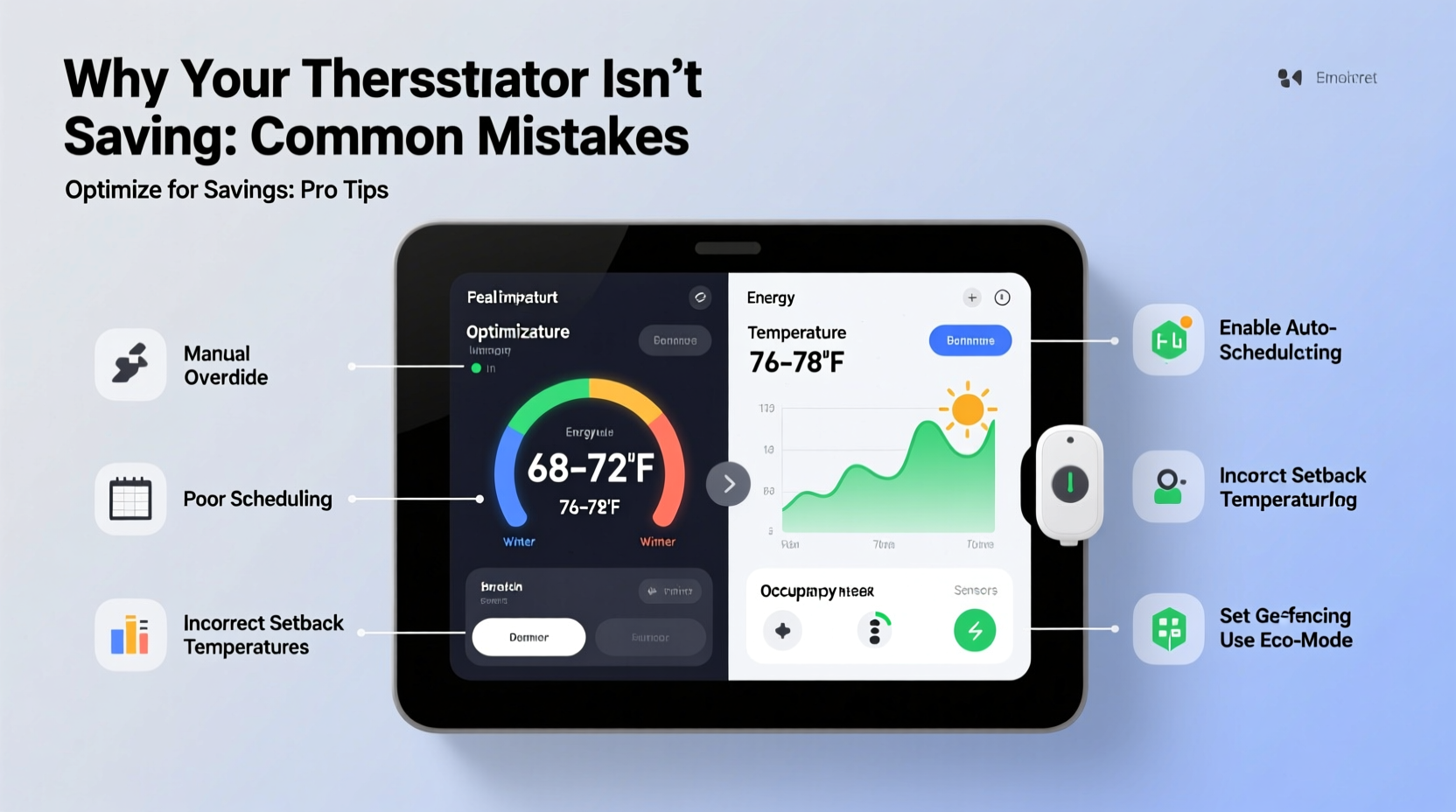
The core function of a smart thermostat is to learn your household’s routine and adjust temperatures automatically to minimize energy use when you're away or asleep. However, several factors can prevent this from happening effectively:
- Poor placement: Installing the thermostat near heat sources like sunlight, appliances, or vents can cause inaccurate temperature readings.
- Inconsistent occupancy: If your schedule changes frequently, the thermostat may struggle to adapt, leading to unnecessary heating or cooling.
- Overriding automation: Manual adjustments disrupt learning algorithms and reset adaptive schedules.
- Old HVAC systems: Even the smartest thermostat can’t compensate for inefficient furnaces, leaky ducts, or poorly insulated homes.
- Incorrect mode settings: Running in \"Auto\" instead of \"Heat Pump\" or failing to enable eco modes reduces optimization.
“Thermostats don’t save energy—the behaviors they influence do. A smart thermostat is only as effective as the habits it supports.” — Dr. Rebecca Langston, Energy Efficiency Researcher, National Institute of Building Sciences
Step-by-Step Guide to Optimizing Your Smart Thermostat Settings
To unlock real savings, follow this structured approach to reconfigure and recalibrate your smart thermostat for optimal performance.
- Verify proper installation and location
Ensure the thermostat is mounted on an interior wall, away from direct sunlight, drafts, and heat-emitting devices. If necessary, relocate it using manufacturer guidelines or consult an HVAC technician. - Calibrate the temperature sensor
Compare the thermostat reading with a standalone digital thermometer placed nearby. If there’s more than a 2°F difference, recalibrate through the device settings or contact support. - Set realistic temperature setbacks
Program your thermostat to adjust temperatures based on occupancy:- 72°F (22°C) when home
- 68°F (20°C) when awake but inactive
- 62–65°F (16–18°C) when asleep or away
- Enable geofencing or occupancy sensing
Link the thermostat to household smartphones so it detects when everyone has left and switches to “Away” mode automatically. Disable if unreliable GPS causes false triggers. - Review and refine the schedule weekly
Check the app every Sunday to adjust the upcoming week’s schedule based on known absences, guests, or weather forecasts. - Use eco modes and energy reports
Activate Eco Temperatures or Energy Saving Mode if available. Review monthly energy reports to identify high-consumption periods and adjust accordingly. - Integrate with other smart home systems
Connect to smart blinds, humidifiers, or ceiling fans to enhance climate control without overworking the HVAC system.
Common Configuration Mistakes and How to Fix Them
Even experienced users make subtle errors that compromise efficiency. Here’s a breakdown of frequent missteps and their solutions:
| Mistake | Impact | Solution |
|---|---|---|
| Leaving thermostat in “Hold” mode indefinitely | Disables learning and scheduling features | Return to “Follow Schedule” unless temporary override is needed |
| Setting too narrow a temperature range | Causes frequent HVAC cycling and wear | Allow 3–4°F swing between heating/cooling thresholds |
| Ignoring software updates | Limits access to new efficiency algorithms | Enable auto-updates or check monthly via app |
| Using manual overrides daily | Trains the system incorrectly or disables AI learning | Limit overrides; use vacation mode for extended changes |
| Failing to input correct HVAC type | Results in improper staging and timing | Confirm system type (e.g., heat pump, dual fuel) in settings |
Real-World Example: The Johnson Family’s $120 Monthly Savings
The Johnsons installed a Nest Learning Thermostat six months ago expecting lower bills. Instead, their winter heating costs rose by 8%. Frustrated, they reached out to a local energy auditor who identified three key issues:
- The thermostat was located next to a sunny south-facing window, causing overheating during midday.
- The family frequently adjusted the temperature manually, disrupting the learning algorithm.
- The HVAC system used auxiliary heat too often due to incorrect heat pump configuration.
After relocating the thermostat to a shaded hallway, correcting the HVAC settings, and committing to a consistent schedule, the Johnsons saw their next heating bill drop by 19%. Over a year, that translated to nearly $1,400 in savings. Their experience underscores that hardware alone isn’t enough—proper setup and disciplined usage are critical.
Checklist: Optimize Your Smart Thermostat in One Hour
Complete this checklist to ensure your smart thermostat operates at peak efficiency:
- ✅ Confirm thermostat is on an interior wall, away from heat sources
- ✅ Calibrate temperature reading against a trusted thermometer
- ✅ Set a weekday schedule with at least two setback periods (sleep/away)
- ✅ Enable geofencing using all household members’ phones
- ✅ Activate Eco or Energy-Saving mode
- ✅ Verify correct HVAC system type in settings (heat pump, gas furnace, etc.)
- ✅ Disable permanent “Hold” or “Manual” mode
- ✅ Review last month’s energy report in the app
- ✅ Schedule a reminder to review settings every 30 days
- ✅ Test “Away” mode by triggering it manually and confirming HVAC shutdown
When the Thermostat Isn’t the Problem: Home Efficiency Factors
No thermostat—smart or otherwise—can overcome fundamental inefficiencies in your home. Consider these hidden contributors to high energy bills:
- Air leakage: Gaps around windows, doors, and ductwork force your HVAC to work harder.
- Poor insulation: Especially in attics and basements, inadequate insulation leads to rapid heat loss.
- Outdated HVAC equipment: Systems older than 10–15 years operate at significantly lower efficiency.
- Duct blockages: Furniture, debris, or closed vents restrict airflow, reducing effectiveness.
- High solar gain: Large unshaded windows increase cooling load in summer.
If optimized thermostat settings still yield no savings, consider a professional energy audit. Many utility companies offer free or subsidized assessments that include thermal imaging, blower door tests, and personalized upgrade recommendations.
FAQ: Common Questions About Smart Thermostat Performance
Why did my bill go up after installing a smart thermostat?
This often happens when the thermostat replaces an older, underperforming unit that rarely maintained comfort. The smart thermostat keeps your home consistently at the desired temperature, which can increase usage initially. Combine accurate scheduling with home efficiency upgrades to reverse the trend.
How long does it take for a smart thermostat to learn my schedule?
Most models require 1–2 weeks of consistent behavior to build an accurate profile. Frequent manual changes delay or prevent learning. Stick to a regular routine during the initial period for best results.
Should I keep my smart thermostat running all year?
Yes. These devices optimize both heating and cooling cycles. Disabling it during mild seasons means losing data continuity and seasonal adaptation. Let it run year-round for cumulative learning and long-term savings.
Conclusion: Turn Data Into Real Savings
Your smart thermostat has the potential to reduce energy consumption and lower bills—but only if used correctly. It’s not a plug-and-play solution; it’s a dynamic tool that responds to your environment, habits, and inputs. By auditing your current setup, correcting configuration errors, and aligning usage with energy-efficient practices, you can transform your device from a digital novelty into a genuine cost-cutting asset.
Start today: spend one focused hour reviewing your settings, relocating the unit if needed, and locking in a realistic schedule. Monitor your next few utility bills closely. With consistency and attention to detail, most households see measurable improvements within 30 to 60 days.




 浙公网安备
33010002000092号
浙公网安备
33010002000092号 浙B2-20120091-4
Comments
No comments yet. Why don't you start the discussion?