
Smart thermostats are marketed as intelligent, energy-saving devices that learn your habits and optimize heating and cooling for maximum comfort and efficiency. But what happens when your smart thermostat isn’t living up to the promise? If you’ve noticed higher utility bills or inconsistent temperatures despite automation, your device might not be functioning as efficiently as it should.
The good news: most efficiency issues are fixable. Whether due to incorrect installation, poor settings, or environmental interference, a drop in performance doesn’t mean your smart thermostat is defective. This guide walks through the most common reasons behind energy inefficiency, how to diagnose them, and practical steps to restore optimal performance.
Common Causes of Energy Inefficiency
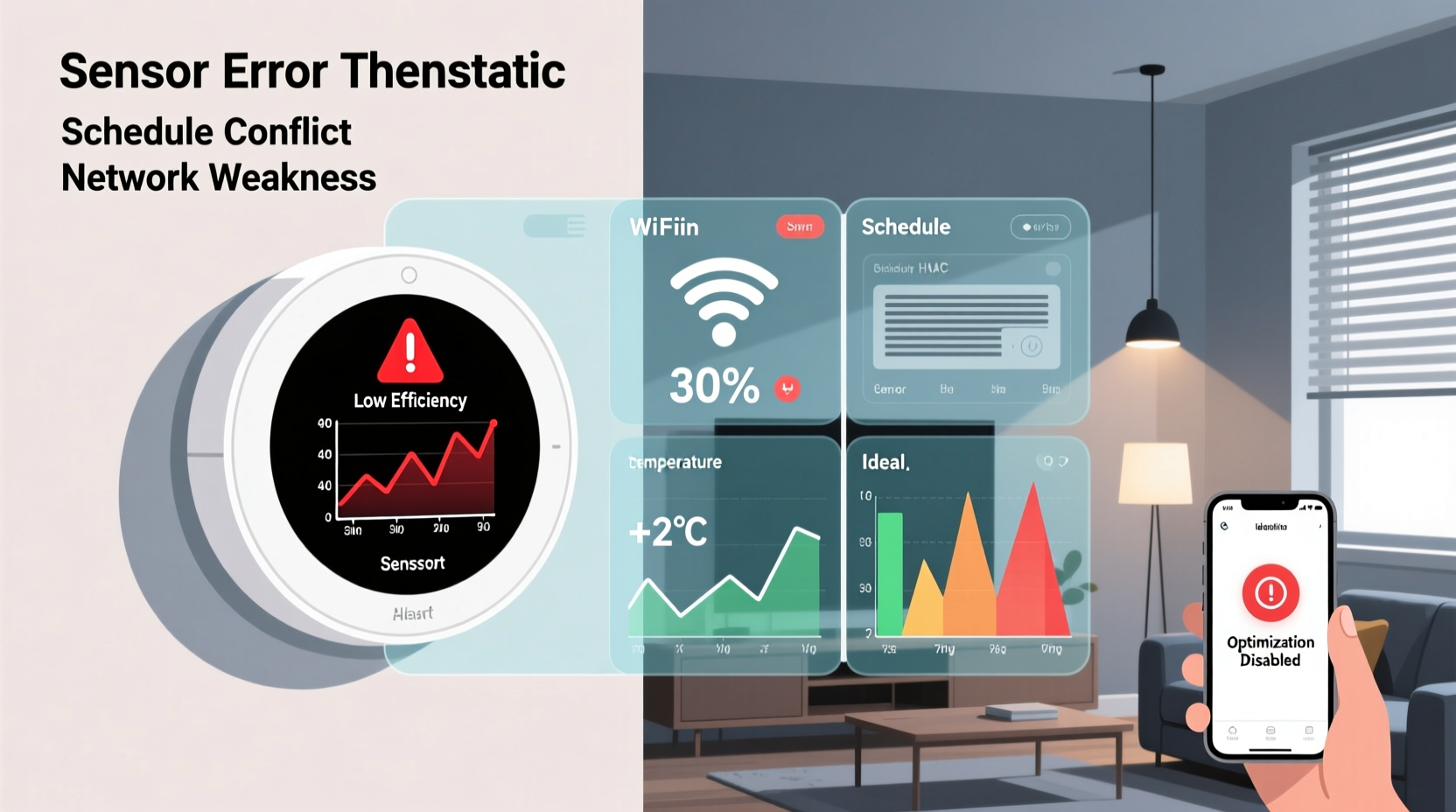
Before assuming your smart thermostat is broken, consider the underlying factors that may be sabotaging its ability to save energy. Many homeowners overlook simple configuration errors or placement issues that dramatically affect performance.
- Incorrect HVAC compatibility: Not all smart thermostats work seamlessly with every heating and cooling system. Mismatches can lead to short cycling, improper staging, or inability to engage certain modes.
- Poor placement: Installing a thermostat near heat sources (like lamps, windows, or electronics) causes inaccurate temperature readings, leading to unnecessary heating or cooling.
- Outdated firmware: Like any smart device, thermostats require updates to maintain optimal functionality, security, and algorithm accuracy.
- Misconfigured schedules: Even learning models need time to adapt. Rushing into “auto” mode without proper training can result in inefficient patterns.
- Leaky ducts or insulation gaps: No thermostat can compensate for structural inefficiencies in your home’s envelope or HVAC distribution system.
Step-by-Step Troubleshooting Guide
Follow this structured process to identify and resolve the root cause of your smart thermostat’s underperformance.
- Verify System Compatibility
Check the manufacturer’s compatibility tool (e.g., Nest, Ecobee, Honeywell) using your HVAC model number. Confirm support for multi-stage systems, heat pumps, or dual-fuel setups if applicable. - Inspect Installation Location
Ensure the thermostat is on an interior wall, away from drafts, direct sunlight, appliances, or vents. Relocate if necessary. <3>
Review Recent Changes
- Update Firmware
Navigate to the thermostat’s settings menu or companion app to check for available updates. Enable automatic updates if possible. - Confirm Sensor Accuracy
Use a standalone thermometer to compare room temperature with the thermostat reading. A discrepancy over 2°F suggests calibration issues. - Examine Scheduling Behavior
Review programmed or learned schedules. Are setpoints adjusting during unoccupied periods? If not, manually correct or retrain the learning model. - Check for Open Windows or Doors
Frequent ventilation during heating/cooling cycles forces the system to work harder, skewing perceived efficiency.
Did you change filters, replace batteries, or experience power outages? These can reset learning algorithms or disconnect Wi-Fi, disrupting automation.
Do’s and Don’ts: Smart Thermostat Best Practices
| Do’s | Don’ts |
|---|---|
| Install on an interior wall away from airflow disturbances | Place near kitchen appliances, windows, or heating vents |
| Set occupancy modes correctly (home/away/sleep) | Manually override settings too frequently |
| Replace HVAC filters every 1–3 months | Ignore error codes or connectivity alerts |
| Use remote sensors (if supported) to monitor key rooms | Block thermostat with furniture or curtains |
| Enable geofencing for automatic away detection | Assume the thermostat learns instantly—give it 1–2 weeks |
Real-World Example: The Case of the Overworked Heat Pump
Mark in Portland, OR, installed a smart thermostat to manage his heat pump system more efficiently during winter. After three months, he noticed a 22% increase in his electric bill despite keeping consistent indoor temperatures.
Upon investigation, two issues were identified: first, the thermostat was mounted next to a south-facing window, causing solar gain to falsely signal warmth; second, the system’s auxiliary heat strips were engaging too early due to an overly aggressive temperature recovery setting.
After relocating the thermostat to a shaded interior hallway and adjusting the “heat pump lockout” temperature in advanced settings, Mark restored normal operation. His next bill dropped by 17%, aligning with projected savings.
“Smart thermostats don’t eliminate the need for homeowner awareness—they enhance it. Proper setup is just as important as the technology itself.” — Dr. Lena Pruitt, Building Efficiency Researcher, National Institute of Sustainable Homes
Advanced Optimization Tips
Once basic issues are ruled out, consider deeper adjustments to squeeze maximum efficiency from your system.
Leverage Room Sensors
If your thermostat supports remote temperature sensors (e.g., Ecobee), place them in frequently used rooms rather than hallways or closets. This ensures comfort where it matters and prevents overheating unused spaces.
Adjust Swing Settings
The “swing” or differential setting determines how much temperature fluctuation triggers the HVAC system. A wider swing (e.g., ±1.5°F instead of ±0.5°F) reduces short cycling and wear on equipment, improving efficiency.
Optimize Fan Settings
Avoid “ON” fan mode unless air filtration is a priority. Continuous fan operation consumes significant electricity. Use “AUTO” to run the blower only when heating or cooling is active.
Utilize Weather Adaptation Features
Many smart thermostats adjust pre-heating or pre-cooling based on forecasted outdoor temperatures. Ensure this feature is enabled and receiving accurate location data.
Energy Savings Checklist
Use this checklist to ensure your smart thermostat operates at peak efficiency:
- ✅ Verify HVAC compatibility with thermostat model
- ✅ Install thermostat on an interior wall, away from heat sources
- ✅ Update firmware to the latest version
- ✅ Calibrate temperature reading against a trusted thermometer
- ✅ Set accurate occupancy schedule or allow full learning period
- ✅ Enable geofencing for automatic away mode
- ✅ Use remote sensors if available and place them strategically
- ✅ Adjust swing and fan settings for minimal cycling
- ✅ Replace HVAC filter monthly during peak seasons
- ✅ Inspect ductwork and insulation for leaks or gaps
- ✅ Monitor energy usage via app reports or utility meter comparisons
Frequently Asked Questions
Can a smart thermostat actually save energy?
Yes—when properly installed and configured, studies show smart thermostats can reduce HVAC energy use by 10–23%. However, savings depend heavily on user behavior, climate, home insulation, and system health. A poorly placed or misconfigured unit may waste energy instead.
Why does my thermostat keep switching to manual mode?
Frequent manual overrides disrupt automated learning. Some models revert to manual after changes, requiring re-engagement of auto-schedule mode. Check the app to ensure “Auto-Schedule” or “True Home Learning” is active. Also, disable temporary holds after adjustments.
Should I turn off my thermostat when away for long periods?
No—turning it completely off forces the system to work harder upon return. Instead, set an “Away” mode with a safe setback (e.g., 62°F in winter, 80°F in summer). Smart thermostats do this automatically using geofencing or motion detection.
Conclusion: Regain Control of Your Energy Efficiency
Your smart thermostat has the potential to be one of the most effective tools in reducing household energy consumption. But like any technology, it requires proper setup, ongoing maintenance, and informed usage. Efficiency drops are rarely due to hardware failure—they’re usually symptoms of overlooked details in installation, configuration, or home environment.
By methodically diagnosing placement issues, verifying system compatibility, optimizing settings, and maintaining supporting infrastructure like filters and ducts, you can restore—and even enhance—your thermostat’s energy-saving performance. Don’t accept high bills as inevitable. Take action today to audit your system, apply these fixes, and reclaim the savings you invested in.




 浙公网安备
33010002000092号
浙公网安备
33010002000092号 浙B2-20120091-4
Comments
No comments yet. Why don't you start the discussion?