
It’s 11:47 a.m., and your smartwatch screen fades to black—not because you’ve turned it off, but because the battery has given up for the day. You charged it fully last night. It wasn’t even particularly active this morning. So why is your smartwatch already gasping for power before lunch? You’re not alone. Millions of users face premature battery drain on devices that promise multi-day performance but deliver just half a day under real-world conditions. The good news: most of these issues are fixable. With targeted adjustments and smarter usage habits, you can reclaim hours of battery life—without sacrificing core functionality.
The Hidden Causes Behind Rapid Battery Drain
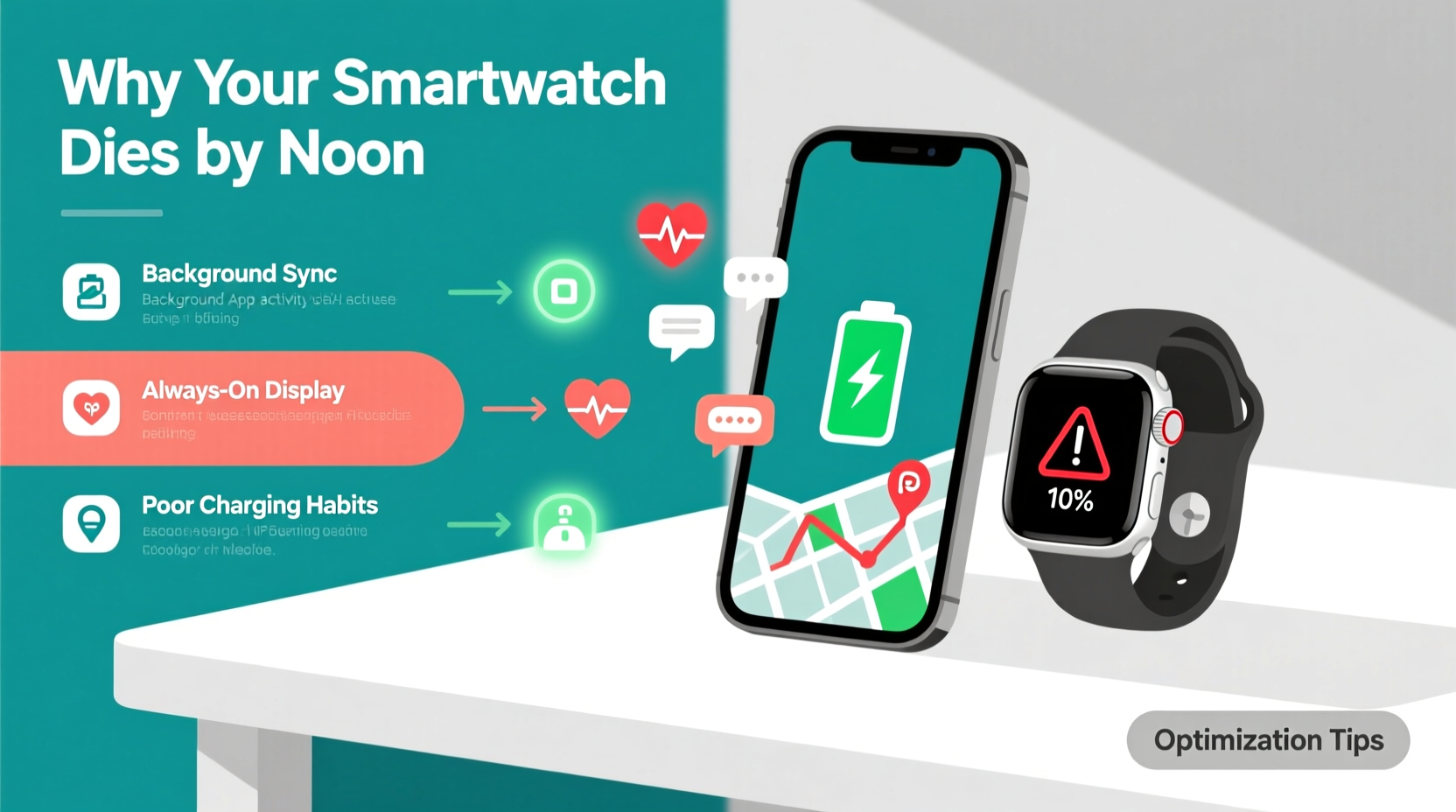
Smartwatches are marvels of miniaturization, packing sensors, processors, and wireless radios into a wrist-sized device. But that compact design comes at a cost: limited battery capacity. When multiple systems run simultaneously—GPS, heart rate monitoring, notifications, always-on display—the energy demand spikes quickly. What many users don’t realize is that certain features, while convenient, are silent battery killers.
Common culprits include:
- Always-on display (AOD): Keeps the screen lit even when your wrist is down. Can consume up to 30% more power.
- Frequent health tracking: Continuous heart rate, SpO₂, or stress monitoring runs sensors nonstop.
- Background app syncing: Third-party apps refreshing data in the background without user awareness.
- Poor Bluetooth connection: A weak link with your phone forces both devices to work harder to maintain communication.
- Bright screen settings: Maximum brightness outdoors may linger indoors, draining power unnecessarily.
Step-by-Step Guide to Smartwatch Battery Optimization
Follow this systematic approach to diagnose and resolve excessive battery consumption. These steps apply broadly across major platforms like Wear OS, Apple Watch, Samsung Galaxy Watch, and Fitbit.
- Review battery usage stats
Open your companion app (e.g., Galaxy Wearable, Apple Health, Fitbit) and examine which functions or apps are consuming the most power. Look for outliers—third-party apps using disproportionate energy should be uninstalled or restricted. - Adjust screen timeout and brightness
Set screen brightness to automatic if available. Reduce manual brightness to 50–60%. Lower screen timeout from 15 seconds to 5–7 seconds. This small change can save 10–15% daily. - Turn off always-on display
Navigate to Display settings and disable AOD. Instead, use “raise-to-wake” or tap-to-wake as needed. On Apple Watch, this can add 1.5–2 hours of usable time. - Limit background app refresh
Disable auto-syncing for non-critical apps like weather widgets, social media, or news. Allow only essential apps (messaging, calendar) to update in the background. - Optimize health sensor frequency
Switch from continuous heart rate monitoring to “on-demand” or “every 10 minutes.” Turn off overnight SpO₂ unless medically necessary. - Reduce notification overload
Go through each app on your phone and disable alerts that aren’t urgent. Vibrations and screen wake-ups add up fast—even minor pings cost energy. - Disable unnecessary connectivity features
Turn off Wi-Fi and GPS unless actively used. Use Bluetooth-only mode when your phone is nearby. LTE models should switch to connected mode to leverage the phone’s data instead. - Update software regularly
Manufacturers often release firmware updates that improve power efficiency. An outdated OS could be running inefficient code.
Do’s and Don’ts: Smartwatch Battery Best Practices
| Do | Don’t |
|---|---|
| Use adaptive brightness | Keep brightness maxed out all day |
| Enable battery saver during low-activity periods | Run GPS and music playback simultaneously for hours |
| Charge between 20% and 80% regularly | Leave the watch plugged in overnight frequently |
| Restart your watch weekly to clear memory leaks | Ignore recurring app crashes—they often cause hidden battery drain |
| Use dark watch faces (especially on AMOLED screens) | Use animated or bright white watch faces constantly |
Real-World Example: Recovering 6 Hours of Battery Life
Consider Mark, a project manager in Chicago who relies on his Galaxy Watch 6 for meetings, fitness tracking, and calls. He noticed his watch consistently died by 1:00 p.m., despite charging it nightly. After checking battery diagnostics, he discovered three main issues: an animated watch face with bright colors, continuous heart rate tracking enabled 24/7, and a third-party weather app syncing every five minutes.
He made the following changes:
- Switched to a minimalist black watch face
- Reduced heart rate sampling to every 10 minutes
- Uninstalled the rogue weather app and used the built-in widget instead
- Disabled Wi-Fi and GPS when not traveling
The result? His watch now lasts until 7:30 p.m. with moderate use—over six additional hours of functional battery life. No hardware changes, no replacement needed—just smarter configuration.
“Battery longevity isn’t just about capacity—it’s about managing energy demand. Most users over-provision features they don’t actually need.” — Dr. Lena Patel, Wearable Technology Researcher, MIT Media Lab
Checklist: Daily Smartwatch Battery Optimization Routine
Perform these quick checks weekly to maintain peak efficiency:
- ✔️ Review battery usage in companion app
- ✔️ Ensure AOD is off unless absolutely needed
- ✔️ Confirm screen brightness is not stuck at maximum
- ✔️ Delete unused or high-drain third-party apps
- ✔️ Toggle off GPS/Wi-Fi after outdoor activities
- ✔️ Restart the watch to clear cached processes
- ✔️ Update firmware if prompted
Advanced Tips for Power Users
If you're tech-savvy and want to go beyond basic settings, consider these advanced strategies:
- Use airplane mode strategically: During flights, meetings, or workouts where connectivity isn’t needed, enable airplane mode and manually turn on Bluetooth. This disables cellular, Wi-Fi, and GPS while preserving essential pairing.
- Create custom modes: On Wear OS and Samsung watches, set up a “Workday” mode that disables non-essential sensors and notifications between 9 a.m. and 5 p.m.
- Limit background location access: Some apps request constant location access even when closed. Revoke these permissions in your phone’s privacy settings.
- Monitor ambient temperature: Extreme cold or heat reduces battery efficiency. Avoid leaving your watch in a hot car or freezing gym locker.
For developers or rooted users, tools like Battery Historian (Android) can provide granular insight into wake locks and service behavior. However, most consumers will find the built-in diagnostics sufficient for meaningful improvements.
Frequently Asked Questions
How long should a smartwatch battery last under normal use?
Most modern smartwatches should last 1.5 to 2 full days with moderate use—notifications, periodic heart rate checks, sleep tracking, and occasional GPS. Heavy usage (daily workouts with GPS, constant messaging, AOD) typically reduces this to 12–18 hours. If your device dies before noon regularly, optimization is needed.
Is it bad to charge my smartwatch every night?
Not inherently, but consistently charging from 80% to 100% every night increases battery wear over time. Lithium-ion batteries degrade faster when kept at high voltage states. For long-term health, aim to keep charge levels between 20% and 80% when possible, and avoid overnight charging more than 3–4 times per week.
Does turning off vibrations save battery?
Yes. Haptic feedback uses the Taptic Engine or vibration motor, which draws measurable power—especially with frequent alerts. Disabling vibrations for non-critical apps (like social media likes) can extend battery life by 5–10%. Switch to visual-only alerts or use them selectively for important contacts.
Conclusion: Take Control of Your Smartwatch Battery Life
Your smartwatch doesn’t have to die by noon. With deliberate configuration and mindful usage, you can dramatically improve its endurance. Start by auditing your current settings—what seems convenient might be costing you hours of runtime. Implement one or two changes today, such as disabling always-on display or trimming unnecessary notifications. Monitor the difference over the next few days. Small tweaks compound into major gains.
Remember, battery optimization isn’t about deprivation—it’s about alignment. Match your settings to your actual needs. Do you really need heart rate tracking every 30 seconds, or is every 10 minutes enough? Is that flashy animated watch face worth losing two hours of battery?




 浙公网安备
33010002000092号
浙公网安备
33010002000092号 浙B2-20120091-4
Comments
No comments yet. Why don't you start the discussion?