
Many runners rely on their smartwatches to track performance, pace, and progress—especially during indoor workouts like treadmill runs. Yet, a common frustration arises when the watch reports wildly inaccurate data: 7-minute miles that feel like 9-minute efforts, inconsistent heart rate readings, or distance measurements that don’t match the treadmill display. This discrepancy isn’t random; it stems from how smartwatches gather and interpret data in environments where key signals are limited or absent.
Unlike outdoor runs, where GPS satellites provide real-time location updates, indoor treadmill sessions deprive the device of this critical input. Without GPS, the watch must fall back on secondary sensors and algorithms, which aren't always optimized for controlled, repetitive motion. Understanding the root causes—and knowing how to adjust settings and expectations—can transform your indoor training experience from frustrating to reliable.
Why Smartwatches Struggle on Treadmills
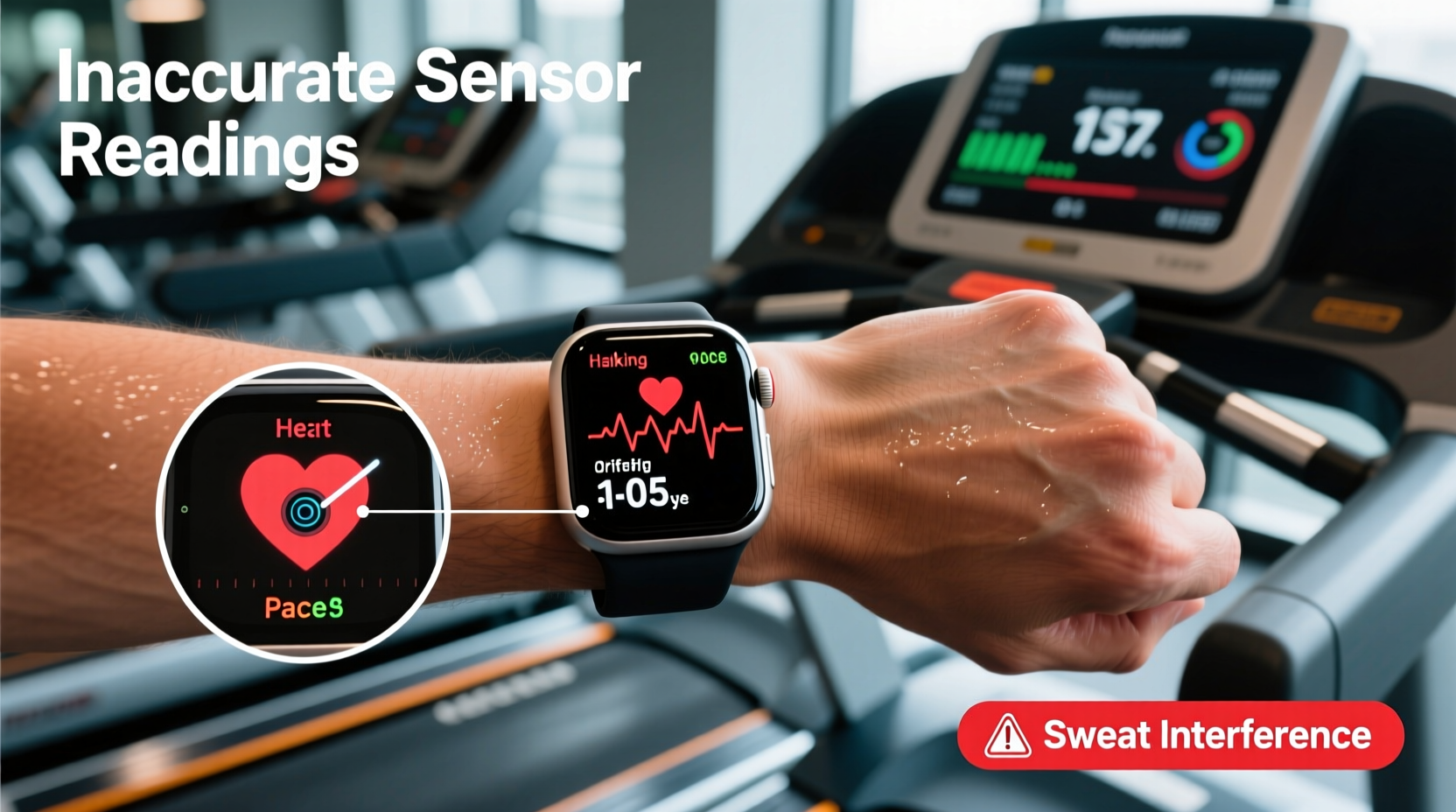
The core issue lies in signal dependency. Most smartwatches use a combination of GPS, accelerometer data, gyroscope readings, and sometimes barometric pressure sensors to estimate speed, distance, and elevation. Outdoors, GPS provides accurate positional changes over time, forming the backbone of movement tracking. Indoors, especially in basements or windowless gyms, GPS signals are either weak or nonexistent. The watch then defaults to its built-in accelerometer to detect steps and infer stride length.
However, treadmills introduce unique challenges:
- No forward progression relative to the ground: While you're moving, your body remains stationary in space. GPS sees no change in coordinates, so it can’t calculate distance.
- Artificial belt-driven motion: The treadmill belt moves beneath you, but your footfalls are more consistent and less variable than outdoor strides, confusing step-counting algorithms trained on natural terrain.
- Arm swing limitations: Many users hold onto handrails or keep arms still while running, reducing wrist-based motion that accelerometers depend on.
“Indoor running breaks the assumptions most fitness trackers are built on. They expect environmental variability—changes in terrain, cadence, and arm movement—that simply don’t exist on a treadmill.” — Dr. Lena Patel, Biomechanics Researcher at Stanford Wearable Lab
This mismatch between expected and actual movement patterns leads to undercounted steps, underestimated distances, and misleading pace calculations.
Common Tracking Errors and Their Causes
Different brands handle indoor tracking differently, but all face similar limitations. Below is a breakdown of typical inaccuracies and what drives them:
| Error Type | Possible Cause | Affected Brands |
|---|---|---|
| Distance too short (e.g., 0.5 miles instead of 1) | Accelerometer misinterpreting stride length due to lack of GPS calibration | Apple Watch, Fitbit, Garmin, Samsung Galaxy Watch |
| Pace fluctuates erratically | Inconsistent arm swing or holding handrails disrupts motion detection | All wrist-worn devices |
| Heart rate spikes or lags | Optical sensor affected by sweat, grip on rails, or poor fit during vibration | Most optical HR monitors |
| Calories overestimated | Algorithm assumes outdoor effort level without accounting for wind resistance or incline settings | Fitbit, Apple, Whoop |
| No data recorded after workout | GPS timeout or app not switching to indoor mode automatically | Garmin, Polar, Coros |
These errors compound when multiple factors overlap—such as low battery (reducing sensor sampling rate), tight straps (impeding blood flow and distorting heart rate), or outdated firmware affecting algorithm accuracy.
Step-by-Step Guide to Improve Accuracy
You can significantly improve tracking reliability with a few deliberate adjustments. Follow this sequence before each indoor session:
- Select Indoor Run Mode: Choose “Indoor Run” or “Treadmill” in your workout app. This tells the system not to rely on GPS and to prioritize accelerometer data.
- Calibrate Your Watch: If supported (e.g., Apple Watch), complete an outdoor run with GPS enabled to help the device learn your natural stride length.
- Wear the Watch Snugly: Place it one finger’s width above the wrist bone. Too loose, and motion artifacts increase; too tight, and heart rate readings suffer.
- Avoid Holding Handrails: Keep arms swinging naturally to ensure the accelerometer captures full gait cycles.
- Manually Input Treadmill Data: After your run, edit the activity to reflect actual distance and duration displayed on the treadmill console.
- Use a Foot Pod (Optional): Devices like the Stryd or Garmin Running Dynamics Pod bypass wrist limitations by measuring footstrike directly.
For Apple Watch users, enabling “Metric Display” to show pace per mile/km and using third-party apps like Nike Run Club or CoolRunning can yield better indoor results than the default Workout app.
Real Example: Fixing a Runner’s Frustrating Data Gaps
Consider Sarah, a recreational runner preparing for a half-marathon. She logs five weekly runs, three of which are on a gym treadmill during winter. Her Apple Watch consistently shows her 3-mile runs as only 2.1 miles with erratic pacing—leading her to doubt her fitness and overtrain based on flawed feedback.
After consulting a running coach, she made three changes:
- Switched to “Indoor Run” mode before every session
- Stopped gripping the handrails and focused on relaxed arm drive
- Began manually correcting distance post-run via the Health app
Within two weeks, her perceived effort aligned with recorded data. More importantly, her training load became consistent and measurable, allowing proper recovery planning. The simple act of acknowledging the tool’s limitations—and compensating for them—restored confidence in her metrics.
Do’s and Don’ts for Accurate Treadmill Tracking
| Action | Do | Don’t |
|---|---|---|
| Motion Input | Let arms swing freely; mimic outdoor form | Hold handrails or cross arms over chest |
| Watch Placement | Wear snugly on dominant hand, just below wrist bone | Wear too high or too loose |
| Workout Setup | Select “Indoor Run” mode before starting | Use Outdoor Run mode expecting accurate GPS |
| Data Verification | Note treadmill distance/time and update post-workout | Rely solely on watch-reported stats |
| Long-Term Calibration | Run outdoors monthly to recalibrate stride | Never calibrate if primarily indoor-only |
Alternative Solutions and Advanced Fixes
If manual corrections feel tedious, consider integrating external tools:
- Bluetooth Speed & Distance Sensors: Attach a foot pod or wheel-based sensor that measures actual belt movement or foot contact time.
- ANT+ Compatibility: Some treadmills (like Technogym or Life Fitness) broadcast speed and distance via ANT+. Pair compatible watches (e.g., Garmin Forerunner series) to receive live data.
- Smart Treadmill Syncing: Peloton, NordicTrack, and Sole treadmills can sync workout data directly to Strava, Apple Health, or Google Fit—bypassing the watch entirely for distance tracking.
For developers or tech-savvy users, apps like Runstatic allow manual entry of treadmill parameters and export standardized .gpx files to platforms like Garmin Connect, ensuring consistency across devices.
Frequently Asked Questions
Can I trust my smartwatch’s heart rate during treadmill runs?
Generally yes, but accuracy drops if you’re gripping metal rails (which causes electrical interference) or if the watch vibrates excessively from impact. Ensure a snug fit and clean the sensor lens regularly. For maximum precision, use a chest strap like the Polar H10 or Garmin HRM-Pro.
Why does my watch show zero distance even after selecting Indoor Run?
This usually means the accelerometer failed to detect sufficient motion or the algorithm didn’t initialize properly. Restart the workout, avoid pausing immediately, and check for software updates. Some watches require a minimum of 1–2 minutes of continuous movement before logging distance.
Is there a way to automate treadmill data correction?
Not natively on most watches, but third-party services like Synchro or Tinyclues can auto-correct indoor runs using machine learning models trained on user-submitted treadmill comparisons. These integrate with Apple Health and Google Fit to refine historical data.
Final Recommendations and Checklist
Improving treadmill tracking isn’t about finding a perfect solution—it’s about working intelligently within technological constraints. Use the following checklist to optimize every indoor session:
- ☐ Select “Indoor Run” mode before starting
- ☐ Warm up for 30 seconds to stabilize sensors
- ☐ Wear watch securely, one finger above wrist bone
- ☐ Avoid touching handrails; maintain natural arm swing
- ☐ Record treadmill-displayed distance and time
- ☐ Manually edit workout details post-session if needed
- ☐ Calibrate stride length monthly via outdoor runs
- ☐ Consider a foot pod or chest strap for competitive training
“The best fitness tracker is the one you understand—not the one with the most features.” — Marcus Lin, Senior Engineer at Fitbit Labs
Take Control of Your Data
Your smartwatch is a powerful companion, but it doesn’t replace awareness. By recognizing its limitations indoors and taking small, consistent actions to correct for them, you reclaim control over your training narrative. Don’t let faulty numbers undermine your progress. Instead, treat the device as one source among many—including how you feel, your breathing, and your own observations.
Start applying these strategies today. Calibrate your watch, refine your form, and verify your data. When technology and technique align, your treadmill runs become not just convenient, but truly meaningful.




 浙公网安备
33010002000092号
浙公网安备
33010002000092号 浙B2-20120091-4
Comments
No comments yet. Why don't you start the discussion?