
Smartwatches have become essential tools for fitness tracking, offering real-time insights into daily activity, heart rate, sleep quality, and—most notably—step count. Yet many users notice discrepancies between their actual walking or running and the numbers displayed on their wrist. If you’ve ever walked a mile only to see your smartwatch register half the expected steps, you're not alone. Step inaccuracy is a common frustration, but it’s often rooted in understandable technical and behavioral factors. Understanding these can help you optimize your device and trust its data more fully.
How Smartwatches Track Steps: The Science Behind the Sensor
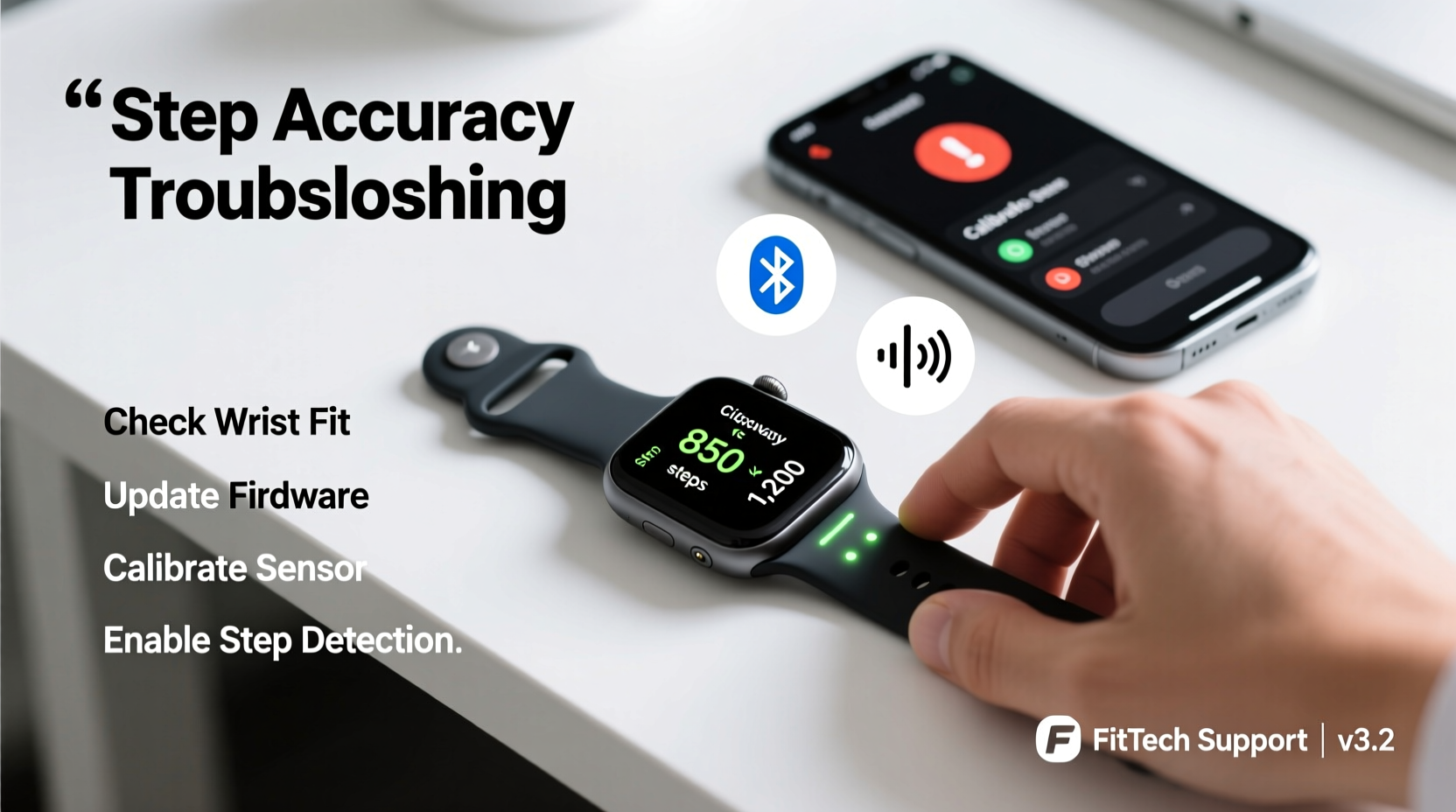
Most modern smartwatches use an internal component called a tri-axis accelerometer to detect motion across three planes: vertical, horizontal, and lateral. By analyzing movement patterns, the device's software determines whether your arm swing corresponds to walking, running, or incidental motion. Some models also integrate a gyroscope and barometer to refine detection, especially during activities like climbing stairs.
The algorithm behind step counting isn’t just about detecting motion—it filters out non-step movements such as typing, gesturing, or driving. This filtering is crucial, but it also means some legitimate steps may be excluded if they don’t match the expected cadence or rhythm.
“Step counting algorithms are trained on average gait patterns, which means individuals with atypical stride lengths or mobility differences may experience undercounting.” — Dr. Lena Torres, Biomechanics Researcher at Stanford Wearable Lab
No sensor is perfect. Even high-end watches from Apple, Samsung, Garmin, and Fitbit show variance compared to professional-grade pedometers. Studies suggest that accuracy ranges from 85% to 95% under ideal conditions, but real-world usage often falls below this benchmark due to placement, movement type, and environmental interference.
Common Reasons for Inaccurate Step Counts
Several interrelated factors can cause your smartwatch to miss steps or overcount them. Identifying which apply to your situation is the first step toward improvement.
1. Wearing Position and Movement Type
The most influential factor is where and how you wear your watch. Since accelerometers rely on arm motion, activities where your arms aren't swinging naturally—like pushing a stroller, carrying groceries, or cycling—result in fewer detected steps. Similarly, if the watch is worn too loosely or slid down the wrist, subtle movements may not register properly.
2. Algorithm Sensitivity Settings
Each brand uses proprietary algorithms to interpret motion. For example, Apple Watch uses machine learning models trained on millions of walks, while Fitbit applies dynamic sensitivity based on user profile and historical data. However, these systems assume typical adult gait patterns. Children, elderly users, or those with mobility impairments may find their steps undercounted because their movements fall outside “normal” parameters.
3. Calibration Issues
Uncalibrated devices rely on generic estimates for stride length, which directly affects distance and step calculations. If your smartwatch doesn’t know your actual stride, it can’t accurately convert motion into steps. This is especially problematic when starting out or after significant changes in fitness level.
4. Battery-Saving Modes and Background Processing Limits
To preserve battery life, some smartwatches reduce sensor sampling frequency during periods of low activity or when power-saving mode is enabled. This intermittent monitoring can lead to missed micro-movements that would otherwise count as steps.
5. Software Glitches or Sync Delays
Occasionally, step data isn’t processed immediately. A delay in syncing with the companion app—or a temporary bug in firmware—can make it appear as though steps were lost, when in fact they’re queued for upload. Restarting the device or forcing a sync often resolves this.
Do’s and Don’ts for Accurate Step Tracking
| Do’s | Don’ts |
|---|---|
| Wear the watch on your dominant hand during walking | Carry heavy bags or keep hands in pockets consistently |
| Calibrate your stride length using GPS routes | Rely solely on default settings without personalization |
| Update firmware regularly for improved algorithms | Ignore sync errors or inconsistent daily totals |
| Use outdoor GPS walks to verify step accuracy | Assume all activities should register equal steps (e.g., swimming) |
| Check sensor cleanliness (dirt blocks responsiveness) | Place the watch on a table or bag while moving |
Step-by-Step Guide to Improve Step Count Accuracy
Follow this actionable sequence to maximize your smartwatch’s tracking reliability:
- Confirm Proper Wear: Adjust the band so the watch sits firmly without sliding. Ensure the back sensors maintain skin contact.
- Enable Motion Calibration: On iOS, go to Settings > Privacy > Location & Privacy > System Services > toggle \"Motion Calibration & Distance.\" Android users should enable Google Fit with high accuracy mode.
- Walk a Known Distance: Use a measured track or map-based route (e.g., 400m lap) and walk normally while wearing the watch.
- Calculate Your Stride Length: Divide total distance by your actual step count. For example, 400 meters / 500 steps = 0.8 meters per stride.
- Input Data into Your App: In Apple Health, Fitbit, or Samsung Health, navigate to your profile and manually enter your stride length under \"Personal Metrics.\"
- Test Again After 48 Hours: Repeat the calibration walk to see if step counts align closer to reality.
- Review Weekly Trends: Look for consistency rather than single-day perfection. Algorithms adapt over time with repeated data.
Real-World Example: Sarah’s Commute Mystery
Sarah, a 34-year-old office worker, noticed her smartwatch recorded only 3,200 steps despite walking 45 minutes each way to work. She counted her steps manually over two days using a handheld tally counter and averaged 6,800 steps—more than double what her device showed.
After reviewing her habits, she realized she carried a tote bag in her right hand—the same side as her watch—limiting natural arm swing. She switched the bag to her left hand and began swinging her right arm deliberately during commutes. Within three days, her step count rose to 6,100–6,500, much closer to her manual count. She then completed a GPS-calibrated walk and updated her stride length in the Fitbit app, bringing final accuracy within 5% of her true total.
This case illustrates how simple behavioral adjustments, combined with calibration, can dramatically improve tracking fidelity—even without changing devices.
Troubleshooting Checklist
- ✅ Is the watch worn snugly on the dominant wrist?
- ✅ Have I calibrated my stride length using a known distance?
- ✅ Are motion and location services fully enabled?
- ✅ Is the latest firmware installed?
- ✅ Am I engaging in activities with limited arm movement (e.g., shopping carts, biking)?
- ✅ Has the sensor window been cleaned recently?
- ✅ Does my companion app show synced data up to the current hour?
- ✅ Have I restarted the device after noticing inconsistencies?
Frequently Asked Questions
Why does my smartwatch count steps when I’m not walking?
Incidental motion—such as shaking your arm, chopping food, or driving over bumps—can mimic step-like vibrations. Most watches attempt to filter these out, but no system is 100% immune. Overcounting tends to occur more in older models or overly sensitive settings.
Can I improve accuracy without GPS every day?
Yes. Once you’ve calibrated your stride length using GPS, the watch can estimate distance and steps more reliably using only the accelerometer. However, periodic recalibration (every few months or after major fitness changes) helps maintain long-term accuracy.
Should I trust my smartwatch for fitness goals?
For general wellness tracking—like hitting 10,000 steps daily—smartwatches are sufficiently accurate. But for clinical, competitive, or research purposes, consider supplementing with dedicated pedometers or lab-grade trackers. Treat your smartwatch as a motivational tool, not a medical instrument.
Expert Insight: The Future of Motion Tracking
“The next generation of wearables will combine AI-driven gait analysis with contextual awareness—knowing whether you’re hiking, wheeling a suitcase, or using a walker—to deliver truly personalized step counts.” — Dr. Rajiv Mehta, Lead Engineer at MIT Media Lab’s Human Dynamics Group
Emerging technologies like on-device neural networks and multi-sensor fusion promise better discrimination between activity types. Some newer watches already differentiate between walking and running automatically, adjusting algorithms in real time. As machine learning models grow more sophisticated, future devices may adapt instantly to individual biomechanics, reducing reliance on manual calibration.
Conclusion: Taking Control of Your Data
Your smartwatch is a powerful ally in maintaining an active lifestyle, but its step count isn’t infallible. Inconsistencies arise not from faulty hardware, but from the complex interplay between human movement, sensor physics, and algorithmic interpretation. By understanding the limitations and actively calibrating your device, you transform it from a passive tracker into a responsive, personalized health partner.
Accuracy improves with attention: wear it correctly, calibrate thoughtfully, and review trends over time. Don’t obsess over single-day deviations—focus on consistent upward progress. Small tweaks today can yield far more reliable data tomorrow, empowering you to set realistic goals and celebrate genuine achievements.




 浙公网安备
33010002000092号
浙公网安备
33010002000092号 浙B2-20120091-4
Comments
No comments yet. Why don't you start the discussion?