
Smartwatches have become essential tools for tracking physical activity, offering real-time insights into daily movement, heart rate, sleep, and step count. Yet, many users report discrepancies between their actual steps and the numbers recorded by their devices. If your smartwatch seems to undercount or overcount steps—or fails to sync them at all—you're not alone. Inaccurate step syncing can stem from a mix of hardware limitations, software bugs, user habits, and environmental factors. Understanding the root causes and knowing how to correct them ensures you get reliable, actionable data from your wearable.
Why Step Accuracy Matters
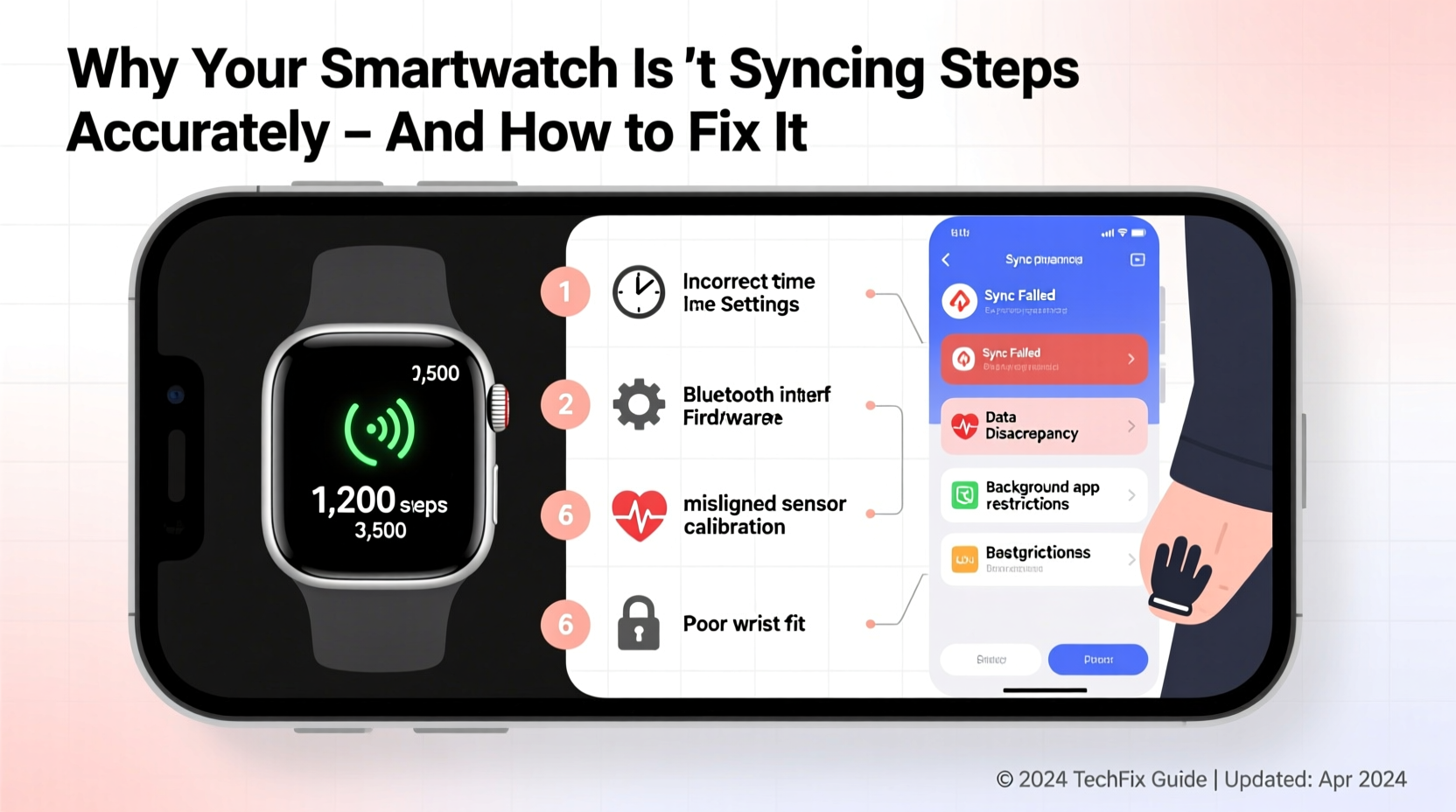
Step count is more than just a number—it’s often tied to fitness goals, motivation, and long-term health monitoring. Whether you're aiming for 10,000 steps a day or using your smartwatch to track progress in a weight loss journey, inaccurate data can mislead your efforts. Over time, inconsistent syncing may result in flawed trend analysis, reduced confidence in your device, and even diminished motivation to stay active.
Manufacturers use accelerometers and gyroscopes to detect motion patterns associated with walking or running. However, these sensors aren’t perfect. They rely on algorithms trained to distinguish human gait from other movements, such as driving, hand gestures, or swinging arms while talking. When those algorithms fail—or when external conditions interfere—step counts become unreliable.
Common Causes of Inaccurate Step Syncing
Several factors can disrupt accurate step tracking and syncing between your smartwatch and companion app. Identifying the source is the first step toward resolution.
Sensor Placement and Wear Habits
The position of your smartwatch on your wrist significantly affects sensor accuracy. Wearing it too loosely allows excessive movement, leading the accelerometer to register false positives. Conversely, wearing it too tightly may restrict blood flow and reduce sensitivity. For best results, wear the watch snugly on the non-dominant wrist, about one finger’s width above the wrist bone.
Software Glitches and Outdated Firmware
Firmware updates often include improvements to motion detection algorithms and bug fixes that enhance step tracking. An outdated operating system may cause delays in syncing or incorrect interpretation of movement data. Similarly, temporary glitches in the companion app (like Apple Health, Google Fit, or Samsung Health) can prevent new step data from appearing even if the watch records it correctly.
Bluetooth Interference or Connection Issues
Your smartwatch relies on a stable Bluetooth connection to sync data with your smartphone. Physical obstructions, electromagnetic interference, or being out of range can interrupt this process. If your phone and watch aren't communicating reliably, step data remains stranded on the device until connectivity resumes—if it ever does.
Incompatible or Conflicting Apps
Running multiple fitness apps simultaneously can create conflicts. Some third-party apps access the same motion sensors and health databases as official platforms, potentially duplicating, miscounting, or blocking step data. This is especially common when apps like Strava, MyFitnessPal, or Fitbit run alongside native health services.
User Behavior and Movement Patterns
Not all activities are created equal in the eyes of your smartwatch. Pushing a stroller, shopping cart, or wheelchair involves arm movement that mimics walking—but since your legs aren’t moving freely, the actual step count doesn’t match sensor input. Likewise, activities like cycling, rowing, or climbing stairs without forward motion may not register steps despite high exertion.
“Wearables are excellent for estimating general activity levels, but they’re not medical-grade instruments. Expect some variance—especially during non-walking motions.” — Dr. Lena Patel, Biomedical Engineer & Wearable Technology Researcher
Step-by-Step Guide to Fix Syncing Issues
If your smartwatch isn’t syncing steps properly, follow this systematic approach to diagnose and resolve the issue.
- Restart Both Devices
Power cycle your smartwatch and smartphone. This clears temporary memory glitches and resets Bluetooth connections. - Check Bluetooth Status
Ensure Bluetooth is enabled on your phone and that your watch is listed as connected in settings. - Verify App Permissions
Open your phone’s settings and confirm that the companion app has permission to access location (required for some health features), motion sensors, and background data. - Force Sync Manually
In most companion apps (e.g., Galaxy Wearable, Wear OS, Apple Health), there’s an option to manually trigger a sync. Look for a refresh icon or “Sync Now” button. - Update Software
Check for firmware updates on your smartwatch and app updates on your phone via the respective app stores. - Re-pair Your Watch
If problems persist, unpair and re-pair your watch. This often resolves deep-seated communication errors. - Reset Fitness Calibration Data
Some watches store stride length and motion baselines. Resetting this data forces the device to recalibrate based on fresh inputs.
Tips to Improve Long-Term Step Accuracy
Beyond fixing immediate syncing issues, adopting consistent habits improves overall tracking reliability.
- Wear your watch consistently throughout the day, especially during walks or runs.
- Avoid placing your watch near strong magnetic fields or metal surfaces that could interfere with sensors.
- Use the built-in calibration feature (if available) by walking a known distance and adjusting stride length in settings.
- Carry your phone with you during outdoor activities to allow GPS-assisted calibration.
- Disable unnecessary third-party fitness apps that duplicate tracking functions.
Do’s and Don’ts of Smartwatch Step Tracking
| Do’s | Don’ts |
|---|---|
| Wear the watch snugly on your wrist | Wear it loosely or upside down |
| Keep software up to date | Ignore firmware update notifications |
| Manually sync data regularly | Assume syncing happens automatically without checking |
| Calibrate using GPS walks | Rely solely on indoor treadmill data for calibration |
| Review step trends over time instead of single-day counts | Panic over one-off inaccuracies |
Real Example: Sarah’s Syncing Struggles
Sarah, a 34-year-old teacher from Portland, noticed her Samsung Galaxy Watch was showing only 3,000 steps per day despite teaching six classes and walking extensively between classrooms. She compared notes with a pedometer clipped to her belt and found she was actually averaging over 7,500 steps. Frustrated, she assumed the watch was defective.
After reviewing online forums, she realized she had been wearing the watch too loosely and had disabled background app refresh for Samsung Health to save battery. She tightened the band, re-enabled permissions, and performed a manual sync. Her step count immediately jumped to reflect prior days’ missing data. She also completed a calibrated outdoor walk, allowing the watch to adjust its stride algorithm. Within a week, her daily counts aligned closely with her previous pedometer readings.
Sarah’s experience highlights how simple oversights—not hardware failure—can undermine trust in wearable tech.
FAQ: Common Questions About Step Syncing
Why does my smartwatch record steps when I’m not walking?
This usually happens due to repetitive arm movements, such as stirring, cooking, or driving on bumpy roads. The accelerometer detects motion similar to walking. While newer models use AI to filter out false positives, no system is 100% immune to noise.
Can I sync steps after turning my phone back on?
Yes, most smartwatches store step data locally and will attempt to sync once Bluetooth reconnects. However, prolonged disconnection (more than 24–48 hours) may lead to data loss or incomplete transfers, depending on the model and storage capacity.
Does airplane mode affect step recording?
No. Step counting relies on onboard sensors, not connectivity. Your watch will continue tracking steps in airplane mode. However, syncing won’t occur until normal mode is restored and connection resumes.
When to Consider Hardware Limitations
Despite best efforts, some smartwatches simply lack the sensor quality or processing power for precise step tracking. Entry-level models often use lower-sensitivity accelerometers or outdated algorithms. For example, basic fitness bands may struggle to differentiate between slow shuffling and standing still, while premium models leverage machine learning to adapt to individual gait patterns.
If you’ve followed all troubleshooting steps and still see significant discrepancies—especially across different environments—it may be worth upgrading to a higher-tier device known for superior motion tracking, such as the Apple Watch Series 9, Garmin Forerunner series, or Fitbit Sense 2.
Conclusion: Take Control of Your Fitness Data
Inaccurate step syncing doesn’t mean your smartwatch is broken—it means it needs attention. From proper wear techniques to software maintenance and mindful usage, small adjustments yield big improvements in data reliability. Accurate step tracking empowers better decisions, fuels motivation, and supports long-term wellness goals.
Don’t let inconsistent numbers discourage you. Use the strategies outlined here to audit your setup, refine your habits, and reclaim confidence in your wearable. Your health journey deserves trustworthy data.




 浙公网安备
33010002000092号
浙公网安备
33010002000092号 浙B2-20120091-4
Comments
No comments yet. Why don't you start the discussion?