
Smartwatches have become essential companions for fitness enthusiasts, offering real-time heart rate tracking, GPS navigation, and workout summaries. But if your device starts getting uncomfortably hot during or after exercise, it’s not just a minor annoyance—it could signal deeper issues affecting performance and longevity. Overheating can disrupt sensor accuracy, drain the battery faster, and in extreme cases, lead to hardware damage. Understanding why this happens and how to respond is crucial for anyone relying on their wearable during intense physical activity.
Common Causes of Smartwatch Overheating During Workouts
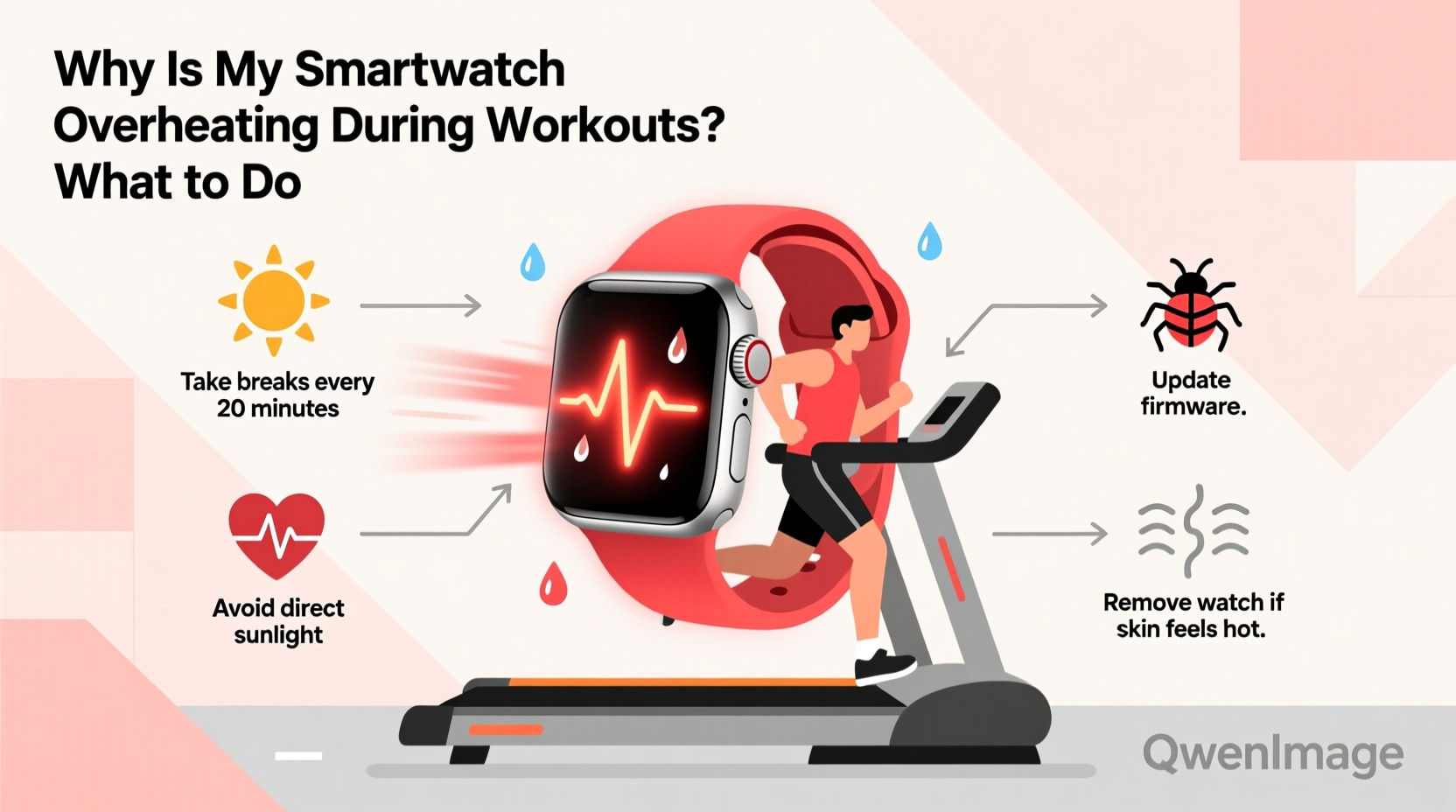
Several factors contribute to a smartwatch heating up during exercise. While some warmth is normal due to increased processor activity and skin contact, excessive heat often stems from specific technical and environmental triggers.
- High-performance sensors running continuously: During workouts, your smartwatch activates GPS, optical heart rate monitoring, accelerometers, and sometimes even blood oxygen sensors—all at once. This sustained load increases internal power consumption and generates heat.
- Bright screen settings: If your display brightness is set to maximum or auto-brightness is overly aggressive, the screen becomes a significant heat source, especially under direct sunlight.
- Direct sun exposure: Exercising outdoors in hot weather, particularly midday, exposes the watch face to solar radiation. Dark-colored bands and metal casings absorb more heat, raising surface temperature rapidly.
- Poor ventilation under tight bands: Wearing the watch too tightly traps body heat against the skin and limits airflow around the device, preventing natural cooling.
- Background apps and notifications: Receiving constant alerts, syncing data in real time, or running third-party fitness apps in the background adds processing strain.
- Firmware bugs or software glitches: Occasionally, poorly optimized updates or app conflicts cause the CPU to run inefficiently, leading to unnecessary thermal output.
How Heat Affects Your Smartwatch’s Performance
Excessive heat doesn’t just make your wrist uncomfortable—it actively degrades both short-term functionality and long-term reliability.
When internal temperatures rise beyond safe thresholds (typically above 35–40°C), manufacturers program devices to throttle performance or disable certain features. For example, Apple Watch displays a warning when it detects overheating and may stop recording heart rate or GPS data. Similarly, Samsung Galaxy Watches automatically pause tracking to protect components.
Repeated exposure to high temperatures can accelerate battery degradation. Lithium-ion batteries lose capacity faster when operated or charged above 35°C. Over months, this leads to shorter usage times between charges and reduced overall lifespan.
“Thermal stress is one of the top contributors to premature wearable failure. Even brief spikes above 45°C during daily use can shorten battery life by up to 20% over a year.” — Dr. Lena Torres, Senior Hardware Engineer at WearTech Labs
Step-by-Step Guide: What to Do When Your Smartwatch Overheats
If you notice your smartwatch becoming unusually hot during or after a workout, follow these steps to cool it down safely and prevent future occurrences.
- Pause or end your workout session immediately. Continuing use risks inaccurate readings and further heat buildup.
- Remove the watch from your wrist. Place it in a shaded, well-ventilated area. Avoid placing it on surfaces that retain heat like car dashboards or near electronics.
- Turn off non-essential features. Disable GPS, Bluetooth audio streaming, and background sync until the device cools.
- Power down if necessary. If the device feels extremely hot or shows warnings, shut it off completely. Wait 10–15 minutes before restarting.
- Check for active apps. Swipe through recent apps and close any fitness or location-heavy ones running unnecessarily.
- Update software. Go to your phone’s companion app and ensure both the watch OS and all installed apps are current. Manufacturers often release patches for thermal management issues.
- Monitor recovery. Once cooled, restart and test basic functions. If overheating recurs quickly, proceed to diagnostic checks.
Prevention Checklist: Keep Your Smartwatch Cool During Exercise
Proactive habits make a major difference in managing heat. Use this checklist before and during your next workout:
- ✅ Loosen the band slightly for better air circulation
- ✅ Lower screen brightness manually before starting
- ✅ Disable unused sensors (e.g., SpO2, always-on display)
- ✅ Turn off Wi-Fi and Bluetooth audio if not needed
- ✅ Avoid charging right before or after intense workouts
- ✅ Limit third-party app usage during exercise
- ✅ Wear light-colored, breathable bands (silicone or nylon)
- ✅ Exercise in shaded areas when possible
Do’s and Don’ts: Managing Heat in Fitness Mode
| Do | Don't |
|---|---|
| Wear the watch one finger-width loose for airflow | Tighten it like a compression band |
| Use airplane mode if GPS-only tracking is sufficient | Keep all radios (LTE, Wi-Fi, Bluetooth) active unnecessarily |
| Take breaks in shaded areas during long runs | Leave the watch in direct sun for extended periods |
| Enable power-saving modes during endurance activities | Run multiple tracking apps simultaneously |
| Clean the back sensors weekly to maintain efficiency | Ignore grime buildup that forces sensors to work harder |
Real Example: Marathon Runner Faces Tracking Interruptions
Jamal, an amateur marathoner using a premium smartwatch, began experiencing frequent pauses in his training logs. During long runs in summer, his device would display “Temperature Too High” after about 45 minutes, halting heart rate monitoring. Frustrated, he reached out to customer support and discovered that his combination of high screen brightness, continuous GPS + music streaming, and a black leather strap was creating a thermal trap.
After switching to a perforated silicone band, lowering brightness, and disabling music playback, Jamal completed his next half-marathon without a single interruption. His average skin-side temperature dropped from 43°C to 37.5°C, well within safe operating range.
This case illustrates how seemingly small choices compound into significant thermal effects—especially under prolonged physical stress.
When to Suspect a Hardware or Software Issue
Occasional warmth is expected, but persistent overheating—even during light activity—may indicate an underlying problem.
Signs of potential malfunction include:
- The watch heats up while idle or charging overnight
- Overheating occurs without GPS or heart rate monitoring active
- The battery drains abnormally fast alongside heat generation
- You receive repeated overheating warnings despite preventive measures
In such cases, perform a factory reset (after backing up data) to rule out software corruption. If the issue persists, contact the manufacturer—there may be a defective battery, failing sensor module, or poor internal insulation.
Some brands, including Garmin and Fitbit, offer diagnostic tools via their mobile apps that log internal temperature trends over time. These reports can help technicians identify abnormal thermal behavior.
Frequently Asked Questions
Is it dangerous if my smartwatch gets hot during a workout?
Minor warmth is normal, but if the device exceeds comfortable touch temperature (above 40°C), it can affect accuracy and safety. Most watches have built-in safeguards that halt function before reaching hazardous levels. However, prolonged exposure to heat can damage the battery and reduce device lifespan.
Can I still track my workout if the watch overheats?
Once a smartwatch detects unsafe temperatures, it typically disables key sensors like heart rate and GPS. While basic motion tracking might continue, reliable data collection stops until the device cools. It’s best to pause and let it recover.
Does using LTE instead of Bluetooth make overheating worse?
Yes. LTE-connected smartwatches generate more heat because the cellular radio consumes significantly more power than Bluetooth, especially in areas with weak signal. For outdoor workouts, consider downloading maps ahead of time and using GPS-only mode to reduce strain.
Final Recommendations for Safe, Efficient Workouts
Managing smartwatch temperature isn’t about limiting functionality—it’s about optimizing how you use the technology. By adjusting settings based on environment and activity type, you maintain accurate tracking without pushing the device beyond its limits.
Think of your smartwatch like an athlete: both perform best within a narrow thermal window. Just as you hydrate and pace yourself during a run, your wearable needs balanced workloads and cooldown periods too. Simple adjustments—like wearing a lighter band, dimming the screen, or closing unused apps—can keep your device running smoothly mile after mile.
Remember, consistent care extends far beyond aesthetics. Protecting your smartwatch from excessive heat ensures reliable health insights, accurate fitness metrics, and years of dependable service.




 浙公网安备
33010002000092号
浙公网安备
33010002000092号 浙B2-20120091-4
Comments
No comments yet. Why don't you start the discussion?