
Sitting in front of a screen for hours—whether for work, study, or entertainment—has become an unavoidable part of modern life. But if you've noticed that your vision starts to blur, your eyes feel dry, or you develop headaches after extended screen time, you're not alone. This phenomenon, often dismissed as mere tiredness, is a recognized condition with real physiological causes. Understanding why this happens and what you can do about it isn't just about comfort—it's essential for long-term eye health and daily productivity.
The human eye wasn't designed for the kind of sustained near-focus demands that digital screens place on us. Unlike reading a physical book or engaging in outdoor activities, staring at glowing screens alters natural blinking patterns, strains focusing muscles, and exposes our eyes to high-energy visible (HEV) light. Over time, these factors contribute to temporary blurriness and discomfort. The good news: most cases are reversible with proper habits and environmental adjustments.
What Causes Blurry Vision After Prolonged Screen Use?
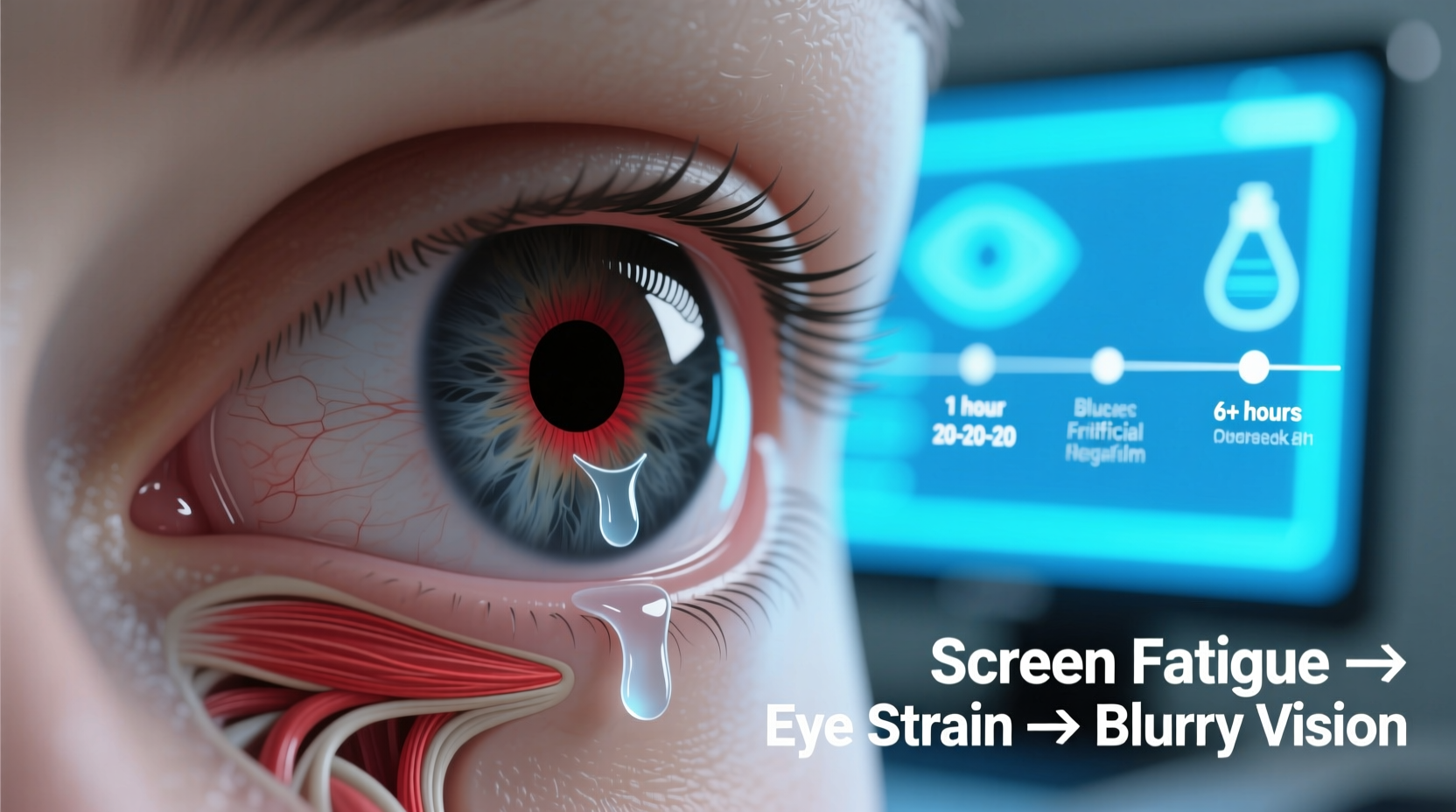
Blurry vision after screen exposure is typically a symptom of **digital eye strain**, also known as computer vision syndrome. It affects up to 90% of people who spend more than two hours daily in front of digital devices. Several interrelated factors contribute to this condition:
- Reduced Blink Rate: People blink about half as often when using screens—around 5–7 times per minute instead of the normal 15–20. This leads to dry, irritated eyes and fluctuating vision clarity.
- Ciliary Muscle Fatigue: The ciliary muscle inside the eye constantly adjusts focus when viewing close objects. Extended near work without breaks causes this muscle to spasm or lock into position, temporarily impairing distance focus.
- Blue Light Exposure: Screens emit blue light, which scatters more easily than other visible light, creating visual \"noise\" that reduces contrast and increases strain.
- Poor Ergonomics: Incorrect screen height, glare, or improper lighting forces the eyes to work harder, accelerating fatigue.
- Uncorrected Vision Issues: Minor refractive errors like astigmatism or presbyopia may go unnoticed until screen use exacerbates them.
This combination of stressors disrupts the eye’s ability to maintain clear, stable vision over time. While symptoms usually resolve within minutes or hours of stopping screen use, repeated episodes can lead to chronic discomfort and reduced visual performance.
Effective Ways to Prevent and Reduce Screen-Induced Blurry Vision
Preventing blurry vision doesn’t require drastic lifestyle changes. Small, consistent adjustments can significantly reduce eye strain and preserve visual clarity throughout the day. Here are proven strategies backed by optometry research:
Follow the 20-20-20 Rule
Every 20 minutes, look at something 20 feet away for at least 20 seconds. This simple habit allows the ciliary muscle to relax and refocus, reducing the risk of accommodative spasm—a common cause of temporary blurriness.
Optimize Your Workspace Lighting
Ambient lighting should match screen brightness. Avoid working in a dark room with a bright screen, as this increases pupil constriction and glare sensitivity. Use indirect lighting and consider an anti-glare screen filter if overhead lights reflect off your monitor.
Blink Consciously
Make a habit of full, deliberate blinks every few minutes. A complete blink moistens the entire corneal surface, preventing dry spots that cause hazy vision. You can set periodic reminders until it becomes automatic.
Adjust Screen Settings
Modify brightness, contrast, and text size to minimize effort. Set color temperature to warmer tones (less blue light) in the evening. Many operating systems now include “night mode” features that automatically shift hues based on time of day.
“Digital eye strain is one of the fastest-growing yet most preventable vision issues today. The key is consistency in protective habits.” — Dr. Lena Patel, Optometrist and Vision Health Researcher
Step-by-Step Guide to a Screen-Friendly Daily Routine
Integrating eye protection into your routine doesn’t have to be complicated. Follow this practical timeline to safeguard your vision during a typical workday:
- Before Starting Work (8:00 AM): Position your screen so the top is at or slightly below eye level, about an arm’s length away. Ensure your chair supports proper posture.
- 8:15 AM – Begin Work: Open only necessary tabs and applications. Cluttered screens increase cognitive load and visual scanning effort.
- Every 20 Minutes: Pause briefly to follow the 20-20-20 rule. Stand up, stretch, or walk to the window to view distant objects.
- 10:00 AM: Take a 5-minute break. Step outside or look out a window. Natural daylight helps regulate circadian rhythms and supports eye health.
- Lunch Break (12:30 PM): Spend at least 10 minutes away from all screens. Eat outdoors if possible—distance viewing relaxes eye muscles.
- 3:00 PM: Reassess screen brightness. Adjust if ambient light has changed. Apply lubricating eye drops if eyes feel dry.
- End of Day (5:00 PM): Perform a quick eye massage: gently press fingertips to closed eyelids for 10 seconds, then roll eyes clockwise and counterclockwise.
This structured approach ensures regular relief and builds sustainable habits that protect both short- and long-term vision.
Do’s and Don’ts: Screen Use Best Practices
| Do’s | Don’ts |
|---|---|
| Position screen 20–28 inches from eyes | Hold phones too close (<16 inches) |
| Use artificial tears for dryness (preservative-free) | Overuse medicated eye drops containing vasoconstrictors |
| Take a 15-minute break every 2 hours | Work through eye discomfort or double vision |
| Enable dark mode or reduce screen brightness at night | Watch screens in complete darkness before bed |
| Get annual eye exams, even if no symptoms | Ignore persistent blurriness or light sensitivity |
Real-Life Example: Recovering From Chronic Eye Strain
Mark, a 34-year-old software developer, began experiencing daily blurriness and headaches after transitioning to remote work. He routinely worked 10-hour days with minimal breaks, often using his laptop in bed. After three months, he found himself squinting even when not on screens, and his night driving became difficult due to halos around lights.
He visited an optometrist, who diagnosed him with significant digital eye strain and mild dry eye syndrome. Mark wasn’t farsighted or nearsighted, but his focusing system was fatigued. The doctor recommended ergonomic adjustments, the 20-20-20 rule, and prescription computer glasses.
Within four weeks of implementing changes—including using a desk setup, setting hourly alarms for breaks, and switching to warm-toned lighting—Mark reported a 70% reduction in symptoms. By week six, his vision had stabilized, and he no longer needed corrective lenses for screen work.
His case illustrates how seemingly minor habits can compound into serious discomfort—and how targeted interventions yield fast, lasting results.
When to See a Doctor
While occasional blurriness after screen use is common, certain red flags warrant professional evaluation:
- Blurred vision persists for hours after stopping screen use
- You experience double vision, flashing lights, or blind spots
- Eye pain, severe headaches, or nausea accompany visual changes
- There’s a sudden decline in night vision or color perception
These symptoms could indicate underlying conditions such as glaucoma, optic neuritis, or uncorrected refractive error. An eye exam can detect subtle issues before they progress. Adults should have comprehensive eye checkups every one to two years, especially if they spend significant time on digital devices.
FAQ
Can blue light glasses really help with blurry vision?
Yes, for some users. Blue light-blocking lenses reduce glare and improve contrast, which may ease eye strain and support better sleep. However, they don’t eliminate the need for breaks or proper ergonomics. Studies show modest benefits, particularly in low-light screen use.
Is blurry vision from screens permanent?
No, in most cases it’s temporary and fully reversible. However, chronic, untreated eye strain may contribute to long-term discomfort or accelerate age-related focusing issues. Prevention is key.
Why does my vision blur only in the afternoon?
This pattern often reflects cumulative strain. As the day progresses, blinking decreases, tear film deteriorates, and focusing muscles fatigue. Implementing midday resets—like closing your eyes for 5 minutes or stepping outside—can restore clarity.
Final Thoughts and Action Plan
Blurry vision after screen use is not something you should simply endure. It’s your body’s signal that your eyes are under stress. Ignoring it risks prolonged discomfort, reduced productivity, and potentially avoidable complications down the line. The solutions aren’t complicated—they’re rooted in awareness, consistency, and small behavioral shifts.
Start today. Adjust your screen position. Set a timer for the 20-20-20 rule. Replace harsh lighting. Schedule your next eye exam. These steps cost nothing but pay dividends in comfort and clarity. Your eyes are your primary tools for navigating the digital world—treat them with the care they deserve.




 浙公网安备
33010002000092号
浙公网安备
33010002000092号 浙B2-20120091-4
Comments
No comments yet. Why don't you start the discussion?