
If you've noticed your internet feels snappier after 9 PM—faster downloads, smoother streaming, fewer video call freezes—you're not imagining it. Many users experience improved Wi-Fi performance during late evening or nighttime hours. The reason lies in network congestion patterns that shift throughout the day based on usage behavior. Understanding these dynamics helps explain why your connection seems better at night and how you can leverage this knowledge to improve your daily browsing experience.
How Network Congestion Affects Your Internet Speed
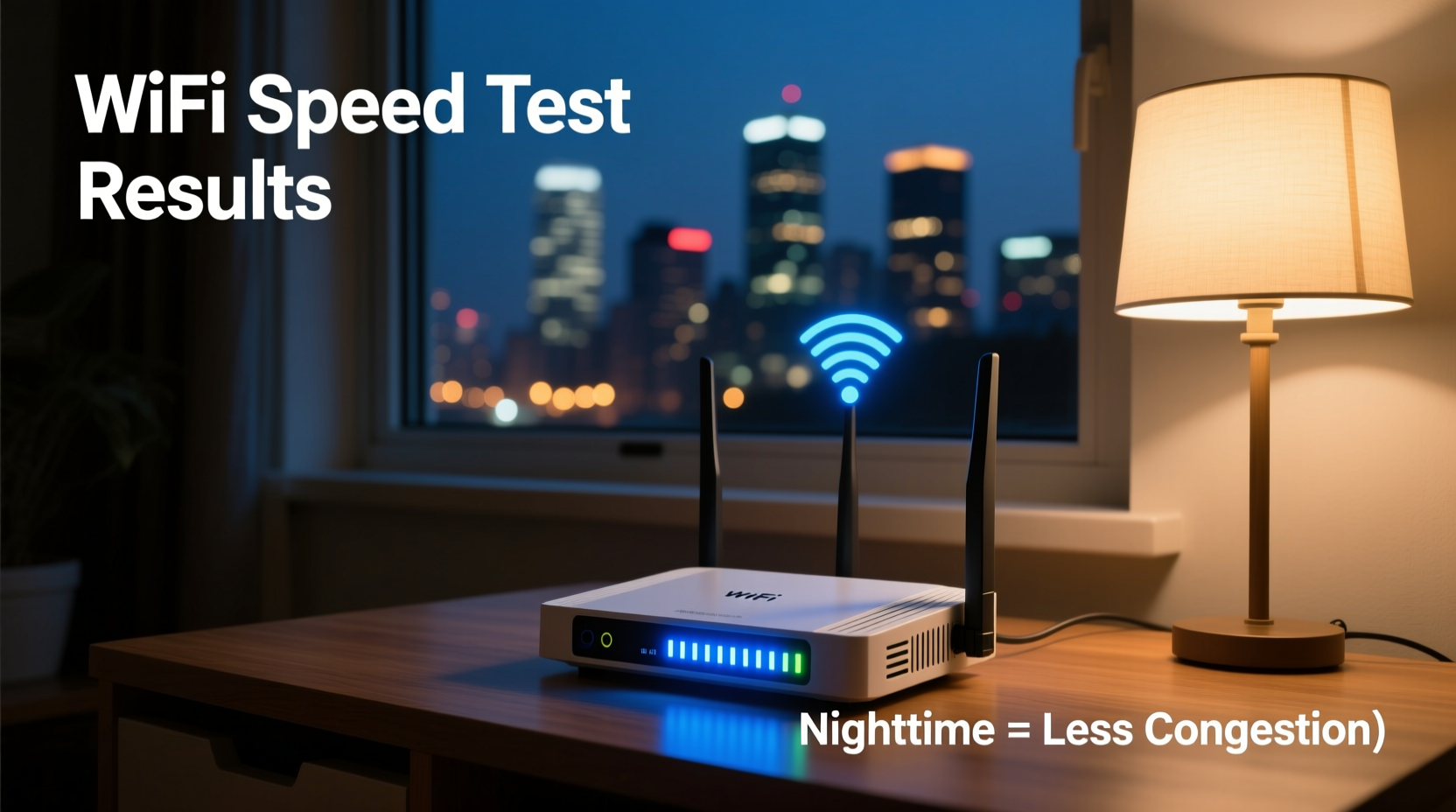
Internet speed isn’t just about your plan’s advertised bandwidth. It's also influenced by how many devices are using the same network resources at once. This includes both your home network and your Internet Service Provider’s (ISP) local infrastructure. During peak daytime and early evening hours, multiple users in your household—and thousands more in your neighborhood—are simultaneously streaming, gaming, video conferencing, and downloading. This collective demand creates network congestion.
Think of your broadband connection like a highway. During rush hour, too many cars cause slowdowns regardless of the road’s maximum capacity. Similarly, when dozens of homes in a neighborhood stream 4K videos or download large files at the same time, data packets back up, increasing latency and reducing throughput—even if your individual plan allows for high speeds.
At night, especially past 10 PM, activity drops significantly. Kids go to bed, streaming winds down, and smart home devices enter idle mode. With fewer demands on both your router and your ISP’s shared infrastructure, available bandwidth increases, leading to faster perceived speeds.
Peak vs. Off-Peak Internet Usage Patterns
Daily internet usage follows predictable cycles. These patterns vary slightly by region and demographic but generally follow a consistent trend across urban and suburban areas.
| Time of Day | Average Network Load | Common Activities | Impact on Wi-Fi Speed |
|---|---|---|---|
| 6 AM – 9 AM | Moderate | Email, news, schoolwork setup | Minimal slowdowns |
| 9 AM – 5 PM | Low (residential), High (business) | Remote work, cloud backups | Mixed; residential areas less congested |
| 5 PM – 9 PM | Very High | Streaming, gaming, social media | Noticeable slowdowns |
| 9 PM – 12 AM | Decreasing | Night browsing, background syncs | Speeds begin improving |
| 12 AM – 6 AM | Lowest | Maintenance tasks, automatic updates | Optimal performance |
The most significant slowdowns occur between 6 PM and 9 PM—a period often referred to as the “internet rush hour.” According to data from the Federal Communications Commission (FCC) and broadband analytics firms like Ookla, average U.S. broadband speeds can drop by 20–30% during this window compared to off-peak times.
Home Network Factors That Amplify Congestion
While external ISP-level congestion plays a major role, internal network conditions can make peak-hour slowdowns worse. In modern households, it's common to have 15–20 connected devices—from smartphones and laptops to smart thermostats and security cameras. Each device consumes bandwidth, even in standby mode.
When multiple high-bandwidth activities happen simultaneously—such as one person gaming, another streaming in 4K, and a third on a Zoom call—the router struggles to manage traffic efficiently. Older routers, especially those provided by ISPs, may lack Quality of Service (QoS) features or sufficient processing power to prioritize critical data, resulting in lag and buffering.
Additionally, Wi-Fi interference from neighboring networks becomes more pronounced during peak hours. Most home routers operate on the 2.4 GHz band, which supports longer range but has limited non-overlapping channels (only three in most regions). When dozens of nearby networks use the same channel, interference increases, further degrading performance.
“Network performance isn't just about raw speed—it's about consistency under load. Congestion reveals the true limits of both infrastructure and equipment.” — Dr. Alan Reyes, Network Engineer at Broadband Insights Group
Real-World Example: The Martinez Family’s Streaming Struggles
The Martinez family in Austin, Texas, subscribed to a 200 Mbps fiber plan, expecting seamless performance for their four-member household. But every evening between 7 and 9 PM, their Netflix streams would buffer, video calls froze, and online games lagged despite no changes to their setup.
They tested their speed during the day and saw consistent results near 190 Mbps. At 8 PM, however, speed tests dropped to 65 Mbps with ping times spiking above 100 ms. After consulting their ISP and running diagnostics, they learned their neighborhood node was oversubscribed during peak hours. While their individual plan wasn’t being throttled, the shared segment of the network couldn’t handle the volume of concurrent users.
By switching their router to the less crowded 5 GHz band, enabling QoS settings to prioritize video calls and streaming, and scheduling large downloads for after midnight, the Martinezes restored smooth performance—even during dinner hours. Their case illustrates how understanding congestion patterns leads to practical solutions.
Strategies to Minimize Congestion Impact
You can't control when your neighbors go offline, but you can optimize your network to perform better under pressure. Implementing a few key strategies reduces the effects of peak-time congestion and makes your Wi-Fi more reliable around the clock.
1. Upgrade to a Dual-Band or Tri-Band Router
Modern dual-band routers offer both 2.4 GHz (better range) and 5 GHz (faster, less interference) frequencies. Use the 5 GHz band for high-demand devices like streaming boxes and gaming consoles. Tri-band routers add a second 5 GHz channel, further reducing device competition.
2. Enable Quality of Service (QoS)
QoS allows you to assign priority to specific devices or applications. For example, you can ensure your work laptop gets higher bandwidth during a video conference than a smart fridge performing a software update.
3. Use Ethernet Where Possible
Wired connections bypass Wi-Fi congestion entirely. Connecting desktops, TVs, and game consoles via Ethernet provides more stable speeds and frees up wireless bandwidth for mobile devices.
4. Update Firmware Regularly
Router manufacturers release firmware updates that improve stability, security, and traffic management. Check your router’s admin panel monthly or enable automatic updates if available.
5. Change Your Wi-Fi Channel
Use tools like Wi-Fi Analyzer (on Android) or built-in diagnostics to see which channels nearby networks are using. Switching to a less crowded channel—especially on the 2.4 GHz band—can reduce interference.
Action Checklist: Optimize Your Nighttime and Peak-Time Performance
- ✅ Run a speed test at different times to identify congestion windows
- ✅ Switch high-bandwidth devices to the 5 GHz Wi-Fi band
- ✅ Enable QoS and prioritize essential devices (e.g., work laptop, smart TV)
- ✅ Schedule large downloads and cloud backups for overnight hours
- ✅ Connect stationary devices via Ethernet cables
- ✅ Update router firmware and consider upgrading hardware if over 3 years old
- ✅ Use a Wi-Fi scanner app to select the least congested channel
FAQ: Common Questions About Wi-Fi Congestion
Does my ISP throttle my internet at night?
No—most ISPs don’t throttle based on time of day. What you’re experiencing is likely network congestion, not intentional throttling. However, some providers may enforce data caps or deprioritize traffic during congestion after a certain data threshold is reached (common in unlimited plans).
Can I get faster speeds without upgrading my plan?
Yes. Even without changing your subscription, optimizing your router settings, reducing interference, and managing device load can yield noticeable improvements. Many users report 30–50% better performance through configuration alone.
Is fiber immune to congestion?
Fiber optic lines themselves have enormous capacity and aren’t prone to electromagnetic interference. However, the last-mile infrastructure—like neighborhood nodes and shared splitters—can still become congested during peak usage. True \"fiber-to-the-home\" (FTTH) services tend to handle congestion better than hybrid systems.
Step-by-Step Guide to Analyzing and Improving Your Network
- Measure baseline speeds: Use a trusted speed test tool (e.g., Speedtest.net or Fast.com) at 7 PM, 10 PM, and 7 AM. Record download, upload, and ping values.
- Identify high-usage devices: Log into your router’s admin interface and review connected devices. Note which ones consume the most bandwidth.
- Switch to 5 GHz: Assign high-performance devices to the 5 GHz network. Rename SSIDs to distinguish bands (e.g., “Home-WiFi-5G”).
- Enable QoS: Access your router settings and set priorities for work, learning, or entertainment devices.
- Change Wi-Fi channels: On the 2.4 GHz band, choose channel 1, 6, or 11—whichever has the least overlap with neighbors.
- Schedule off-peak tasks: Configure NAS devices, cloud backups, and OS updates to run between 11 PM and 6 AM.
- Monitor results: Repeat speed tests after one week and compare performance across times.
This process typically takes less than two hours and can dramatically improve responsiveness—even during traditionally slow periods.
Conclusion: Take Control of Your Connection
The truth is, your Wi-Fi isn’t magically faster at night—your network environment simply becomes less crowded. Recognizing the rhythm of digital life helps you anticipate slowdowns and respond proactively. By combining technical adjustments with behavioral shifts, you can enjoy consistently strong performance regardless of the clock.




 浙公网安备
33010002000092号
浙公网安备
33010002000092号 浙B2-20120091-4
Comments
No comments yet. Why don't you start the discussion?