
If your business relies on local customers, a missing Google Business Profile (GBP) can be more than frustrating—it can cost you sales. When potential clients search for services like yours and your listing doesn’t appear, visibility drops, calls decrease, and revenue suffers. The good news? Most issues preventing your GBP from showing are fixable. This guide breaks down the most common causes, offers actionable solutions, and provides a clear path to restore—or boost—your online presence.
Common Reasons Your Google Business Profile Isn’t Showing
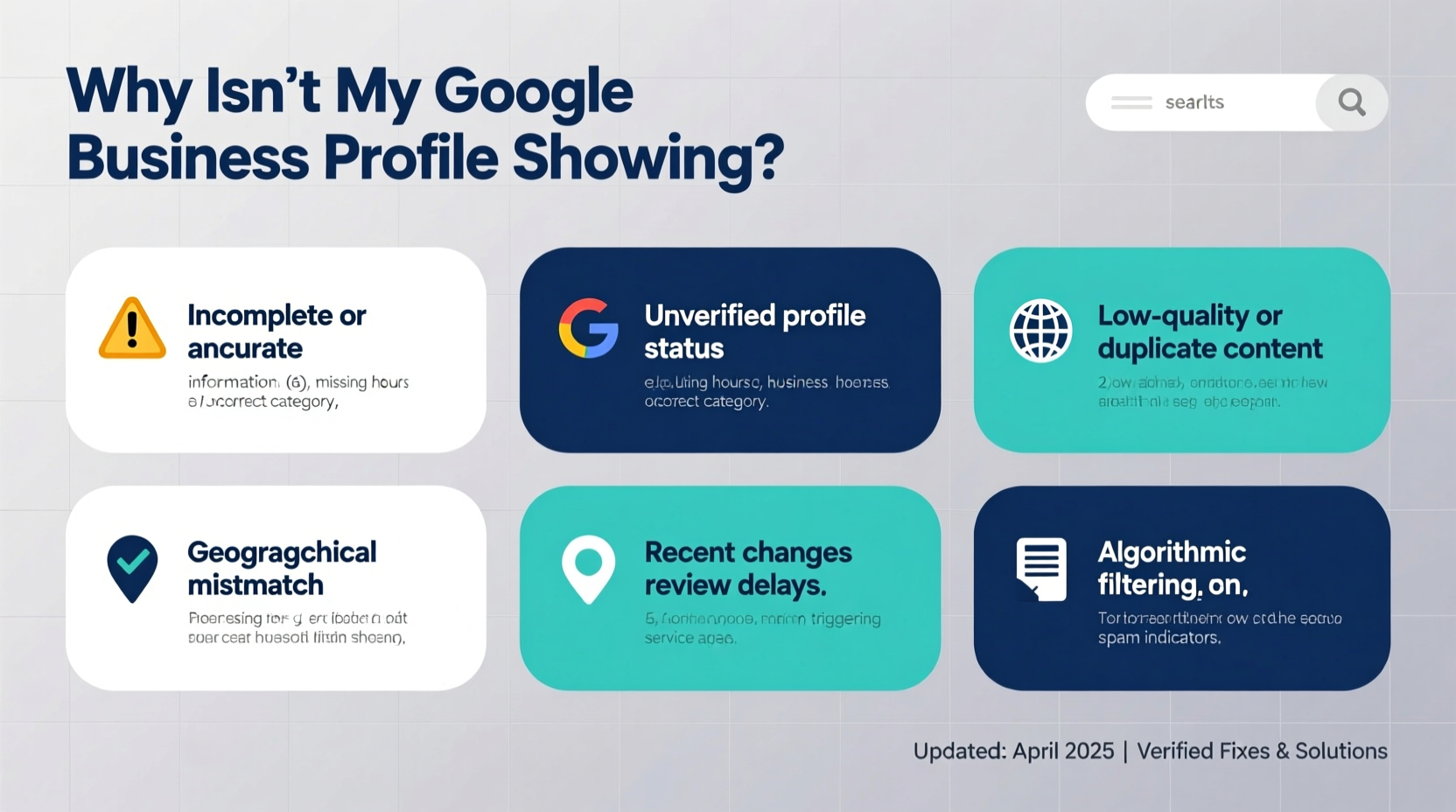
Google’s algorithm determines when and where to display your business based on multiple factors. If your profile is missing from search results or Maps, one or more of these underlying issues may be at play:
- Unverified listing: Google requires verification before fully publishing your profile.
- Incomplete or inaccurate information: Missing hours, incorrect categories, or vague descriptions reduce eligibility.
- Suspicious activity or policy violations: Duplicate listings, keyword stuffing, or prohibited content can trigger suppression.
- Geographic mismatch: Your service area or location pin doesn’t align with actual operations.
- Recent edits under review: Major changes may require manual review, delaying visibility.
- Poor domain or website authority: If your associated website lacks credibility, Google may deprioritize your listing.
Step-by-Step Guide to Fix a Missing Google Business Profile
Follow this structured process to identify and resolve the root cause of your invisible listing.
- Check your profile status in Google Business Profile Manager. Log in and look for warnings, suspension notices, or “Pending Verification” tags.
- Confirm your business category is accurate. Use the primary category that best describes your core service (e.g., “Plumber,” not “Home Repair Services” if plumbing is your main offering).
- Ensure all required fields are complete: address, phone, hours, website, and attributes (like wheelchair access or appointment options).
- Review recent edits. If you changed your business name, address, or category within the last 7 days, Google may still be reviewing the update.
- Search for your business using incognito mode. Clear cache and cookies or use a different device to test visibility without personalized results skewing the view.
- Run a branded search query. Type “[Your Business Name] + [City]” into Google. If it appears here but not in generic searches, your local ranking needs optimization.
- Check for duplicates. Search your business name and address across Google. Multiple entries can confuse the algorithm and lead to suppression.
When to Request a Review from Google
If your profile shows a “Suspended” or “Permanently Closed” notice despite being active, submit an appeal through the GBP dashboard. Include proof of operation such as a recent utility bill, lease agreement, or tax document. Response times vary but typically take 3–7 business days.
Do’s and Don’ts for Google Business Profile Optimization
| Do’s | Don’ts |
|---|---|
| Use a real street address (not a P.O. box) | Don’t create multiple listings for the same location |
| Update holiday hours in advance | Don’t stuff keywords in your business name (e.g., “Best Plumber in Dallas TX”) |
| Add high-quality photos monthly | Don’t use stock images or misleading visuals |
| Respond to customer reviews promptly | Don’t mark temporary closures as permanent |
| Verify ownership of your website in Search Console | Don’t link to unrelated or spammy domains |
“Google prioritizes trust, relevance, and completeness. A well-maintained profile with consistent NAP (Name, Address, Phone) data ranks higher and stays visible.” — Sarah Lin, Local SEO Strategist at BrightLocal
Real Example: How a Bakery Regained Its Visibility
A small bakery in Portland noticed its GBP vanished from Maps after relocating. Despite updating the address, the listing remained hidden for two weeks. Upon audit, the owner discovered they had accidentally created a second profile for the new location while the original was still live. Google flagged both as duplicates and suppressed them. After merging the listings, verifying the new address via postcard, and submitting a reinstatement request, the profile reappeared within 72 hours. Customer foot traffic returned to pre-move levels within ten days.
This case highlights the importance of managing transitions carefully. Moving locations, changing names, or launching new branches should be handled through Google’s official tools—not by creating fresh listings.
Essential Checklist to Restore Your Listing
Use this checklist to systematically troubleshoot and reactivate your Google Business Profile:
- ✅ Confirm your account is verified
- ✅ Ensure no suspension or warning messages exist
- ✅ Verify business name matches legal documents
- ✅ Confirm physical address is correct and not a virtual office
- ✅ Set accurate service areas (if applicable)
- ✅ Add a functioning phone number and website URL
- ✅ Upload at least five original photos (interior, exterior, team, products)
- ✅ Publish regular posts (offers, events, updates) to signal activity
- ✅ Encourage genuine customer reviews
- ✅ Monitor insights weekly for engagement trends
Frequently Asked Questions
Why does my profile show in some cities but not others?
Your visibility depends on proximity to the searcher and whether your service area includes that location. If you serve multiple regions, ensure your service radius or zip codes are correctly set in your profile settings.
Can I speed up the verification process?
Yes. Opt for instant verification if eligible (requires a linked Google Workspace email or domain verification). Otherwise, phone or email verification may be available depending on your business type. Postcard remains the default method and takes 5–14 days.
What if my business is home-based?
You can list a home-based business, but you must choose “I deliver goods and services to my customers” during setup to hide your full address. Google allows this for privacy while maintaining eligibility for local results.
Final Steps to Maintain Long-Term Visibility
Restoring your profile is only half the battle. To stay visible, treat your Google Business Profile as a dynamic marketing asset. Update it regularly with fresh content, respond to feedback, and monitor performance metrics like search queries, call volume, and direction requests. Businesses that engage consistently see up to 70% more interaction than static listings.
Also, ensure consistency across the web. Your business name, address, and phone number (NAP) should match exactly on your website, directories, and social media. Inconsistencies confuse Google’s indexing system and weaken local rankings.
Conclusion: Take Action Today
A missing Google Business Profile shouldn’t go unaddressed. Whether suppressed, unverified, or buried due to incomplete data, the fix often lies in careful auditing and disciplined maintenance. Start by logging into your GBP dashboard, run through the checklist, and eliminate each barrier to visibility. Once restored, commit to monthly upkeep—because in the world of local search, visibility isn’t a one-time achievement, it’s an ongoing effort.




 浙公网安备
33010002000092号
浙公网安备
33010002000092号 浙B2-20120091-4
Comments
No comments yet. Why don't you start the discussion?