
As smart homes grow more connected and bandwidth demands soar, wireless technology evolves rapidly. WiFi 6 brought major improvements over older standards—higher speeds, better efficiency, and improved handling of multiple devices. Now, WiFi 6E enters the scene with a bold promise: faster performance by unlocking a whole new spectrum. But for most homeowners, the real question isn’t what it does—it’s whether upgrading is actually worth it.
The answer depends on your household's usage, current setup, and future plans. While WiFi 6E offers tangible technical advantages, not every home will benefit enough to justify the cost. Let’s explore the differences, practical implications, and real-world scenarios to determine if this upgrade makes sense for you.
Understanding WiFi 6 and WiFi 6E: What’s the Difference?
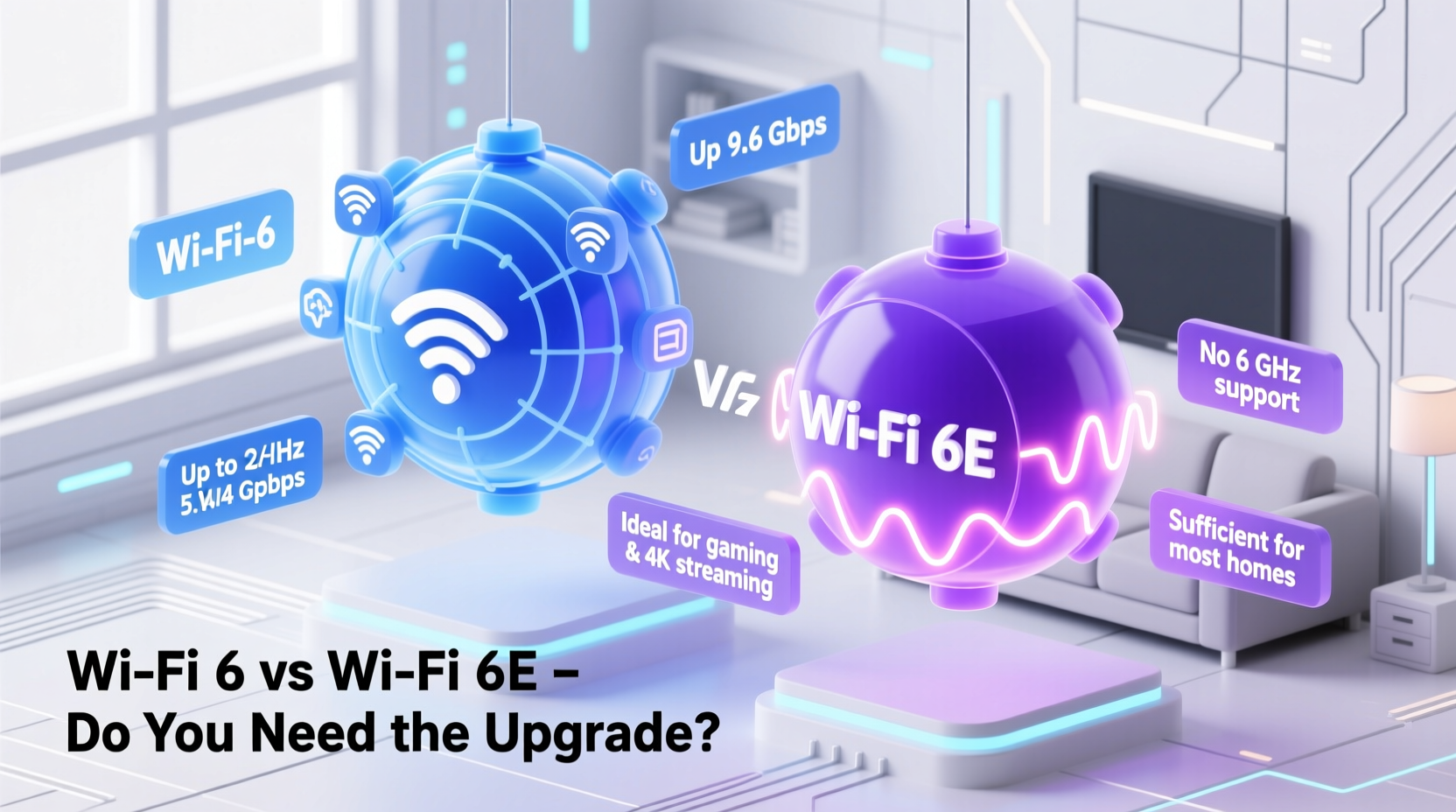
At their core, both WiFi 6 (802.11ax) and WiFi 6E are built on the same underlying technology. They deliver faster speeds, lower latency, and better performance in congested environments compared to WiFi 5 (802.11ac). However, the key distinction lies in spectrum access.
WiFi 6 operates on the traditional 2.4 GHz and 5 GHz frequency bands—bands that have become increasingly crowded as more devices connect to home networks. In contrast, WiFi 6E extends into the 6 GHz band, a newly opened, license-free spectrum that dramatically reduces interference and congestion.
This additional band provides up to 1,200 MHz of clean airwaves—more than double the combined capacity of 2.4 GHz and 5 GHz. That means wider channels (up to 160 MHz), less competition from neighboring networks, and fewer dropped signals during peak usage times.
“WiFi 6E isn’t just an incremental upgrade—it’s like adding a new highway when all the old roads are stuck in traffic.” — Dr. Lisa Park, Senior Wireless Engineer at the IEEE Communications Society
Performance Comparison: Speed, Latency, and Range
To understand whether WiFi 6E is worth it, we need to compare real-world performance across three critical areas: speed, latency, and signal range.
| Feature | WiFi 6 | WiFi 6E |
|---|---|---|
| Frequencies | 2.4 GHz, 5 GHz | 2.4 GHz, 5 GHz, 6 GHz |
| Max Channel Width | 160 MHz | 160 MHz (on 6 GHz) |
| Theoretical Max Speed | ~9.6 Gbps (shared) | ~9.6 Gbps (shared) |
| Real-World Throughput (Single Device) | 800–1,200 Mbps | 1,300–2,000+ Mbps |
| Latency | Low (~10–20ms) | Very low (~5–10ms) |
| Range (6 GHz only) | N/A | Shorter than 5 GHz; struggles through walls |
| Interference Resistance | Moderate (crowded bands) | High (clean 6 GHz band) |
While both standards share the same theoretical maximum speeds, actual performance differs significantly due to network conditions. The 6 GHz band used by WiFi 6E avoids interference from Bluetooth devices, microwaves, baby monitors, and nearby routers—all common sources of disruption on 2.4 GHz and even 5 GHz.
However, there’s a trade-off: higher frequencies don’t travel as far or penetrate walls as well. The 6 GHz signal is more line-of-sight dependent, meaning its effective range is shorter. This becomes important in larger homes or those with thick drywall or concrete walls.
Do You Really Need WiFi 6E? Assessing Your Home Network Needs
Not every household requires WiFi 6E. For many users, WiFi 6 already delivers excellent performance. To determine if you should upgrade, consider these factors:
- Number of Connected Devices: Homes with more than 15–20 active devices (phones, tablets, laptops, smart TVs, security cameras, IoT gadgets) benefit from reduced congestion on 6 GHz.
- Internet Plan Speed: If your plan is under 500 Mbps, the difference between WiFi 6 and 6E may be negligible. But if you have gigabit or multi-gigabit fiber, WiFi 6E helps fully utilize that speed wirelessly.
- Usage Patterns: Gamers, streamers, and remote workers who demand low latency and consistent throughput gain more from 6 GHz’s clean spectrum.
- Home Size and Layout: Smaller apartments often see strong 6 GHz performance. Larger homes may require mesh systems with multiple nodes to maintain coverage.
- Future-Proofing: As more devices adopt WiFi 6E (like newer iPhones, MacBooks, and VR headsets), early adoption ensures compatibility and longevity.
When WiFi 6E Makes Sense
You’ll likely benefit from WiFi 6E if:
- You work from home and rely on video conferencing without interruptions.
- Your family streams 4K/8K content simultaneously on multiple devices.
- You play online games competitively and notice lag spikes during peak hours.
- You’ve invested in high-end networking gear or plan to use Wi-Fi 7 in the near future (which builds on 6E capabilities).
When WiFi 6 Is Still Sufficient
If your needs are more modest, WiFi 6 remains a powerful and cost-effective solution. It’s ideal for:
- Households with fewer than 10–15 devices.
- Users with internet plans below 300 Mbps.
- Renters or those unwilling to invest in new routers and compatible client devices.
- Older homes where 6 GHz signals struggle to reach distant rooms.
Mini Case Study: Two Households, Two Decisions
The Chen Family – Urban Condo (Upgraded to WiFi 6E)
The Chens live in a 1,200 sq ft downtown condo with dual-gigabit fiber internet. Both parents work remotely, their teenage son streams YouTube and plays cloud games, and they have 20+ smart devices. After experiencing buffering during Zoom calls and slow downloads despite fast internet, they upgraded to a tri-band WiFi 6E mesh system. The result? Seamless multitasking, stable connections, and no more “interference dropouts” from neighboring networks. The 6 GHz band handles heavy traffic while 2.4 GHz manages smart lights and sensors.
The Thompsons – Suburban Home (Stuck with WiFi 6)
The Thompsons have a four-bedroom house with standard cable internet (200 Mbps). They own eight devices total and mostly browse, stream Netflix, and check email. Their two-year-old WiFi 6 router still performs well. They tested a WiFi 6E router but saw no noticeable improvement—just higher power consumption and slightly reduced range. They decided to keep their current setup and save $250.
These examples show that context matters. Technology upgrades aren’t one-size-fits-all.
Checklist: Should You Upgrade to WiFi 6E?
Before investing in new hardware, go through this checklist:
- ✅ Do you have a gigabit or near-gigabit internet plan?
- ✅ Are you frequently frustrated by slow WiFi despite good wired speeds?
- ✅ Do you experience lag during gaming or video calls when others are using the network?
- ✅ Do you own or plan to buy WiFi 6E-compatible devices (e.g., iPhone 15+, Samsung Galaxy S23 Ultra, latest MacBooks)?
- ✅ Is your current router more than three years old?
- ✅ Can you place the router centrally and minimize physical obstructions?
- ✅ Are you comfortable replacing multiple devices (like extenders or older laptops) to fully leverage 6 GHz?
If you answered “yes” to four or more, WiFi 6E could be a worthwhile investment. Otherwise, stick with WiFi 6 and focus on optimizing your existing setup.
Step-by-Step Guide to Evaluating Your Current Setup
Before deciding, assess your network objectively:
- Test Your Internet Speed Wired: Connect a laptop directly to your modem/router via Ethernet. Run a speed test (use fast.com or speedtest.net). Note your download, upload, and ping.
- Test WiFi Performance: Move to the same location and run the test wirelessly. Compare results. A drop of more than 30% indicates potential WiFi bottlenecks.
- Identify Connected Devices: Log into your router dashboard and count how many devices are actively using the network.
- Check Router Age and Specs: Look up your model. Does it support WiFi 6? Is it dual-band or tri-band? Older models may limit your performance regardless of internet speed.
- Survey Interference: Use a WiFi analyzer app (like NetSpot or WiFi Analyzer) to see how crowded your 2.4 GHz and 5 GHz channels are.
- Determine Upgrade Cost: Research prices for WiFi 6E routers and compatible devices. Factor in whether you’ll need a full mesh system.
- Make a Decision: Based on data—not marketing—decide whether upgrading improves performance meaningfully for your situation.
FAQ: Common Questions About WiFi 6 vs WiFi 6E
Can my old devices use WiFi 6E?
No. Only devices with WiFi 6E-compatible radios can connect to the 6 GHz band. Older devices will continue using 2.4 GHz or 5 GHz on a WiFi 6E router, which still supports backward compatibility.
Is WiFi 6E safe?
Yes. The 6 GHz band uses non-ionizing radiation, just like previous WiFi standards. It poses no known health risks at typical exposure levels. Regulatory bodies like the FCC and WHO confirm its safety.
Will WiFi 6E replace WiFi 6?
Not anytime soon. WiFi 6 will remain dominant for years due to device compatibility and cost. Think of WiFi 6E as a premium tier—available for those who need it, but not required for everyone.
Conclusion: Make the Right Choice for Your Home
WiFi 6E represents a meaningful leap in wireless technology, especially for high-demand households with fast internet and modern devices. Its access to the uncrowded 6 GHz band eliminates many frustrations caused by interference and congestion. However, it’s not a universal necessity.
For average users, WiFi 6 continues to deliver excellent performance at a lower price point. Upgrading solely because “newer is better” rarely pays off in networking. Instead, base your decision on measurable needs: speed tests, device load, and real-world pain points.
If you’re building a smart home, working remotely, or planning long-term tech investments, WiFi 6E offers compelling advantages. But if your current WiFi keeps up with daily tasks, there’s no urgent reason to rush. Technology should serve your lifestyle—not dictate it.




 浙公网安备
33010002000092号
浙公网安备
33010002000092号 浙B2-20120091-4
Comments
No comments yet. Why don't you start the discussion?