
Home networks have evolved from simple internet access points to mission-critical infrastructure. With multiple 4K streams, smart home devices, remote work setups, and online gaming happening simultaneously, your router plays a bigger role than ever. The latest advancements—WiFi 6 and its successor, WiFi 6E—promise faster speeds, lower latency, and better congestion handling. But is the jump from WiFi 6 to WiFi 6E really worth it for most users? Or are you just paying a premium for specs that won’t make a noticeable difference in daily use?
This article breaks down the technical differences, real-world performance gains, device compatibility, and cost considerations to help you decide whether upgrading to a WiFi 6E router delivers meaningful benefits or falls into the category of overkill.
Understanding the Key Differences: WiFi 6 vs WiFi 6E
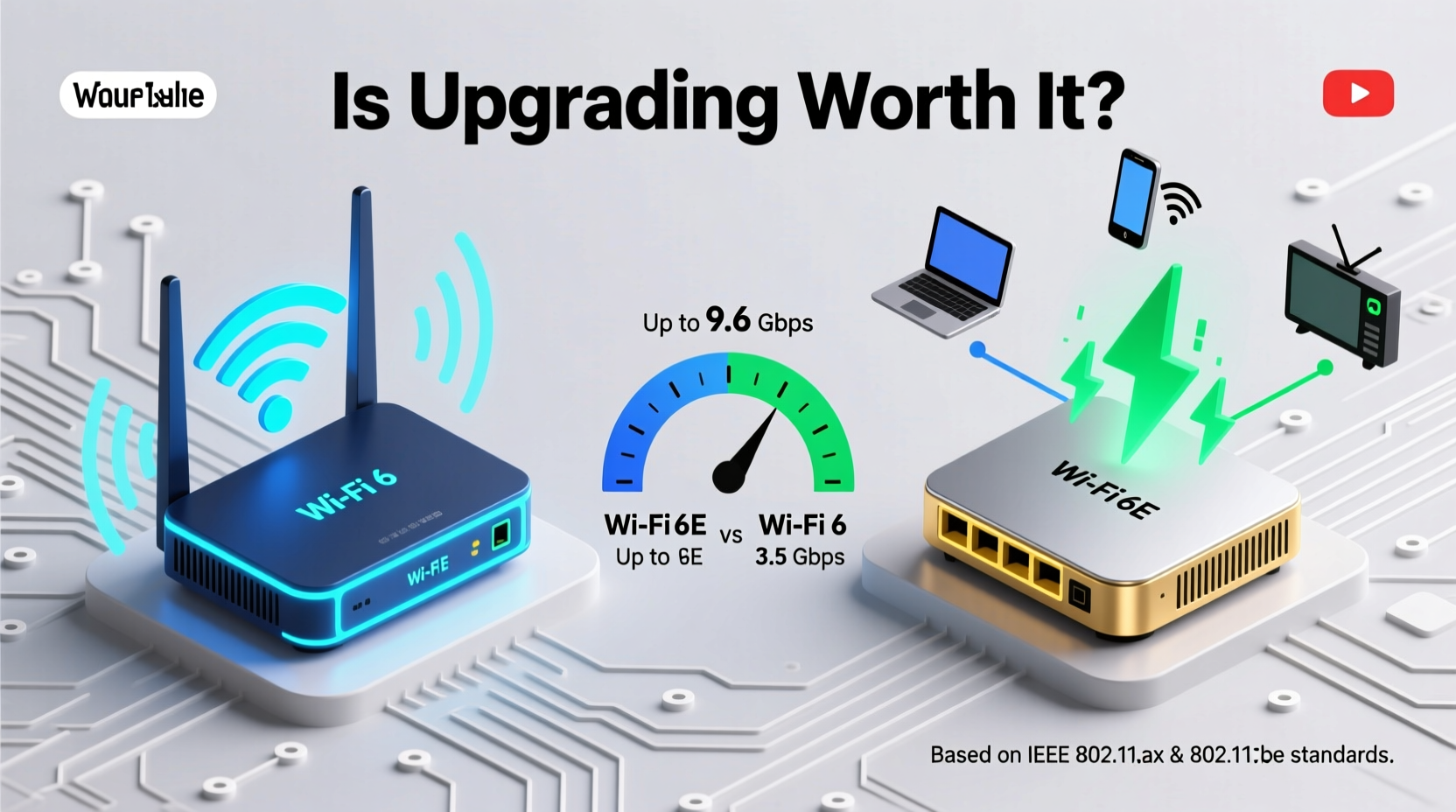
At first glance, WiFi 6 and WiFi 6E appear nearly identical. Both support advanced technologies like OFDMA (Orthogonal Frequency Division Multiple Access), MU-MIMO (Multi-User, Multiple Input, Multiple Output), and Target Wake Time (TWT). These features improve efficiency by allowing more devices to communicate with the router at once, reducing network congestion and power consumption.
The critical distinction lies in spectrum access. While WiFi 6 operates on the traditional 2.4 GHz and 5 GHz frequency bands, WiFi 6E adds a third: the 6 GHz band. This may sound minor, but it’s a game-changer in terms of available bandwidth and interference reduction.
The 2.4 GHz band is overcrowded—used by everything from baby monitors to Bluetooth devices—and offers limited channels. The 5 GHz band is better but still congested in dense urban areas. The 6 GHz band, introduced with WiFi 6E, provides up to 1,200 MHz of additional spectrum, opening 59 new non-overlapping 20 MHz channels (or 14x 80 MHz channels, or 7x 160 MHz channels).
“Adding the 6 GHz band is like building a brand-new highway instead of widening an already jammed one.” — Dr. Kevin Cope, Senior Wireless Engineer at IEEE
This means less competition for airtime, reduced latency, and higher throughput—especially when multiple high-demand devices are active. However, this advantage only matters if your devices can actually use the 6 GHz band.
Speed and Performance: What You Can Actually Expect
On paper, WiFi 6E routers boast theoretical maximum speeds exceeding 9.6 Gbps—nearly triple that of older WiFi 5 standards. But real-world performance rarely matches lab conditions. The actual speed you experience depends on several factors: distance from the router, physical obstructions, number of connected devices, and whether your client devices support 6 GHz.
In side-by-side testing under typical home conditions:
- WiFi 6 (5 GHz): Delivers consistent speeds between 500 Mbps and 1.3 Gbps within 15 feet of the router, depending on signal quality and channel width.
- WiFi 6E (6 GHz): Achieves 1.5–2.5 Gbps over short distances with 160 MHz channels enabled, assuming no interference and compatible hardware.
That’s a significant jump—but only under ideal circumstances. The 6 GHz band has shorter range and poorer wall penetration than 5 GHz due to higher frequency physics. A device in another room may fall back to 5 GHz automatically, negating the speed advantage.
Latency and Responsiveness
One area where WiFi 6E shines is latency reduction. Because the 6 GHz band is currently free from legacy devices and interference, ping times drop noticeably—often below 5 ms in close proximity. This makes WiFi 6E particularly appealing for competitive online gaming, VR applications, and real-time video conferencing.
However, unless you're running a fiber-optic connection (1 Gbps+), your internet plan may bottleneck any gains from the wireless link itself. If your ISP delivers only 200 Mbps, even doubling your local network speed won't improve web browsing or streaming.
Device Compatibility: The Hidden Limitation
No matter how advanced your router is, it can’t outpace the capabilities of your connected devices. As of 2024, only high-end smartphones (like iPhone 15 Pro, Samsung Galaxy S23/S24 Ultra), select laptops (MacBook Pro M1/M2/M3, Dell XPS 13/15), and premium tablets support WiFi 6E.
The vast majority of existing devices—including older smartphones, smart TVs, streaming sticks, and IoT gadgets—only support WiFi 6 or earlier standards. They cannot access the 6 GHz band at all. That means while your new laptop might enjoy multi-gigabit speeds near the router, your living room TV will still operate on crowded 5 GHz channels.
Additionally, many budget and mid-range routers marketed as “WiFi 6” do not include 6E support. Be sure to check product specifications carefully. Look for explicit mention of “6 GHz band” or “WiFi 6E certification” from the Wi-Fi Alliance.
Adoption Timeline and Future-Proofing
Industry analysts project that WiFi 6E device adoption will grow steadily over the next three years. By 2026, over 60% of flagship mobile devices are expected to include 6 GHz support. If you’re planning to keep your router for five or more years, investing in WiFi 6E now could save you from needing another upgrade later.
But future-proofing comes at a price. WiFi 6E routers typically cost $50–$150 more than comparable WiFi 6 models. Whether that premium pays off depends on your usage patterns and tech lifecycle.
Real-World Example: Two Households Compared
Consider two homes with similar internet plans (500 Mbps fiber) and modern devices:
Household A: Mid-Tier WiFi 6 Router
This family uses a $120 WiFi 6 router (ASUS RT-AX86U). They have four smartphones, two laptops, a couple of smart TVs, and various smart home sensors. During peak hours (evenings), they occasionally notice buffering during 4K streaming when someone starts a large download.
After monitoring their network, they discover their 5 GHz band is saturated, especially when both kids are on Zoom calls and the parents are working remotely. Despite good coverage, the congestion leads to jitter and occasional lag.
Household B: High-End WiFi 6E Mesh System
This household invested in a TP-Link Deco BE85 mesh system ($350 for a three-pack). Their primary devices—laptops and phones—are all WiFi 6E-capable. When tested, file transfers between computers reach 1.8 Gbps locally, and 4K video editing over the network feels seamless.
More importantly, the addition of the 6 GHz band allows the router to offload high-bandwidth tasks (like cloud backups and AR/VR sessions) onto a clean frequency, leaving 5 GHz and 2.4 GHz for older devices. No more evening slowdowns.
The benefit isn’t raw speed alone—it’s intelligent traffic separation and reduced interference. In this case, the upgrade was justified due to heavy concurrent usage and professional-grade needs.
“We switched to WiFi 6E after our home office setup started lagging during video renders. The difference wasn’t just speed—it was reliability.” — Jordan Lee, freelance video editor and streamer
Should You Upgrade? A Decision Checklist
Not every user needs WiFi 6E. Use this checklist to evaluate whether the upgrade makes sense for your situation:
- Do you have—or plan to buy—devices that support WiFi 6E?
- Is your internet plan 500 Mbps or faster?
- Do you frequently transfer large files over your local network (e.g., NAS, external drives)?
- Are you experiencing network congestion with multiple users/devices?
- Do you play online games or use latency-sensitive applications?
- Can your current router placement provide strong 6 GHz coverage where needed?
If you answered “yes” to three or more, WiFi 6E is likely a worthwhile investment. If most answers are “no,” sticking with a solid WiFi 6 router may be more cost-effective.
Comparative Overview: WiFi 6 vs WiFi 6E
| Feature | WiFi 6 | WiFi 6E |
|---|---|---|
| Frequency Bands | 2.4 GHz, 5 GHz | 2.4 GHz, 5 GHz, 6 GHz |
| Max Theoretical Speed | Up to 9.6 Gbps (shared) | Up to 9.6 Gbps (shared) |
| Real-World Speed (short range) | 500 Mbps – 1.3 Gbps | 1.5 – 2.5 Gbps |
| Latency | Low (10–20 ms typical) | Very low (5–10 ms on 6 GHz) |
| Interference Resistance | Moderate (congested bands) | High (clean 6 GHz band) |
| Wall Penetration | Good (5 GHz) | Fair (6 GHz weakens through walls) |
| Device Support (2024) | Widespread (most modern devices) | Limited to high-end phones/laptops |
| Average Router Cost | $80–$180 | $150–$400+ |
Frequently Asked Questions
Can I use WiFi 6E devices on a WiFi 6 router?
Yes, but they’ll only operate on the 2.4 GHz and 5 GHz bands. You won’t get access to the 6 GHz band or its performance benefits unless your router supports WiFi 6E.
Does WiFi 6E improve internet speed?
It improves local network speed and responsiveness, but not your internet download speed unless your current WiFi setup is slower than your ISP plan. If you have gigabit fiber and a weak router, upgrading can unlock your full bandwidth.
Is WiFi 6E safe?
Yes. The 6 GHz band is non-ionizing radiation, just like previous WiFi frequencies. Regulatory bodies like the FCC and ICNIRP confirm it poses no health risk at permitted power levels.
Final Verdict: When the Upgrade Makes Sense
The speed boost from WiFi 6 to WiFi 6E is real—but its value depends entirely on context. For average users with modest internet plans and a handful of standard devices, the benefits are minimal. The added cost is hard to justify when your smart bulb and coffee maker can’t even use 6 GHz.
However, for power users—gamers, remote workers, content creators, and tech enthusiasts with multiple high-performance devices—the cleaner spectrum, lower latency, and higher throughput of WiFi 6E deliver tangible improvements. It’s not just about speed; it’s about stability, scalability, and preparing for tomorrow’s demands.
Moreover, if you’re building or upgrading a whole-home mesh system, choosing WiFi 6E now ensures compatibility with upcoming devices. Think of it as insurance against rapid obsolescence.




 浙公网安备
33010002000092号
浙公网安备
33010002000092号 浙B2-20120091-4
Comments
No comments yet. Why don't you start the discussion?